Product swap
Puts your real product into a chosen frame, under that frame's light. Add the frame first and the product second.
Use this skill
Suits
Placing a real product or outfit into a key image
Not for
Changing the person, the pose or the room
How it writes the prompt
The style first, your words in the middle, the constraints last. What goes to the model is in English.
- Style, set by the skill
Edit the base image, Image 1, into one seamless photograph. Replace only the item named below with the product in Image 2, matching its exact shape, proportions, material, construction and markings. Image 1 controls the person, pose, framing, place, light and color treatment; Image 2 controls only the product. Rebuild the product under the light of Image 1, with matching exposure, color temperature, reflections and contact shadows. The change - Your words: who is in it and what they doe.g. Several women in period robes, seen from behind, standing on a jade terrace as the wind lifts their veils
- Constraints, written last
Everything outside the product and its contact shadows stays exactly as it is in Image 1; no extra text, logos, grain or sharpening.
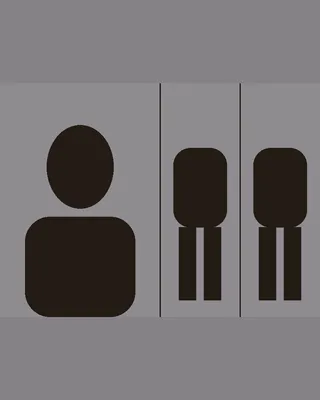 Character sheet
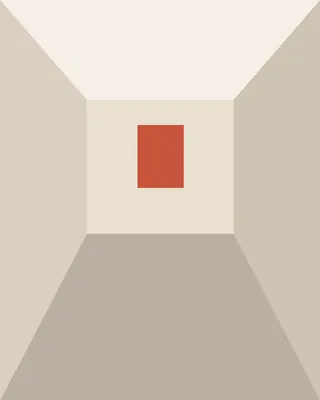 Environment
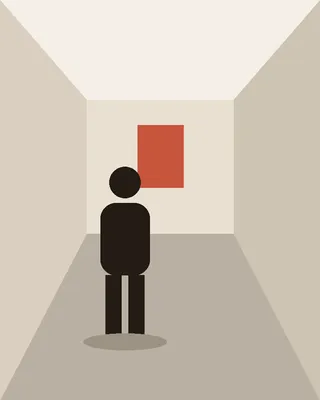 Character in the place
 Product sheet