



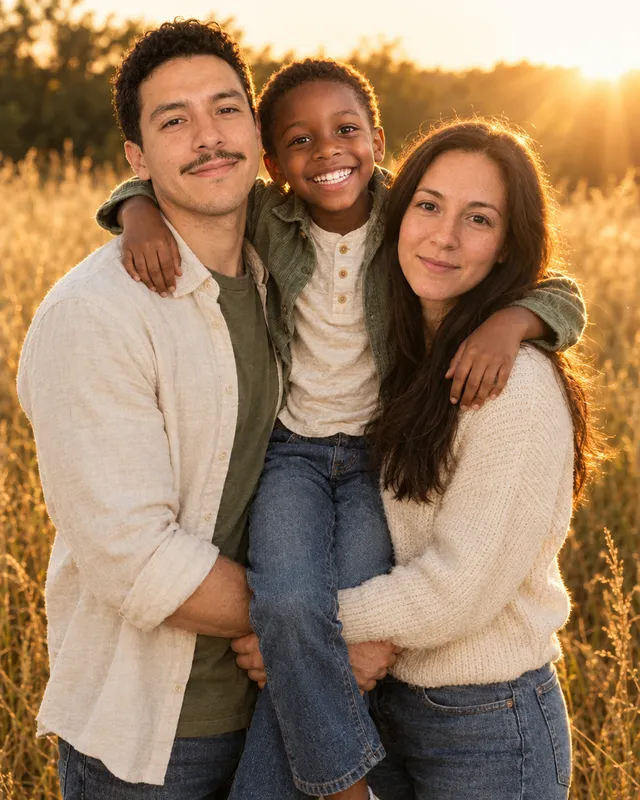
AI Image & Video GeneratorYour photos,any scene you want.
Headshots, couple and family photos, pets, products, holiday cards and short videos. Pick a look or say it in your own words, then choose your model.
Checking model access…
Checking model access…
Free credits to start. No card needed.Your photos stay private
Add a photo and fix it in one step
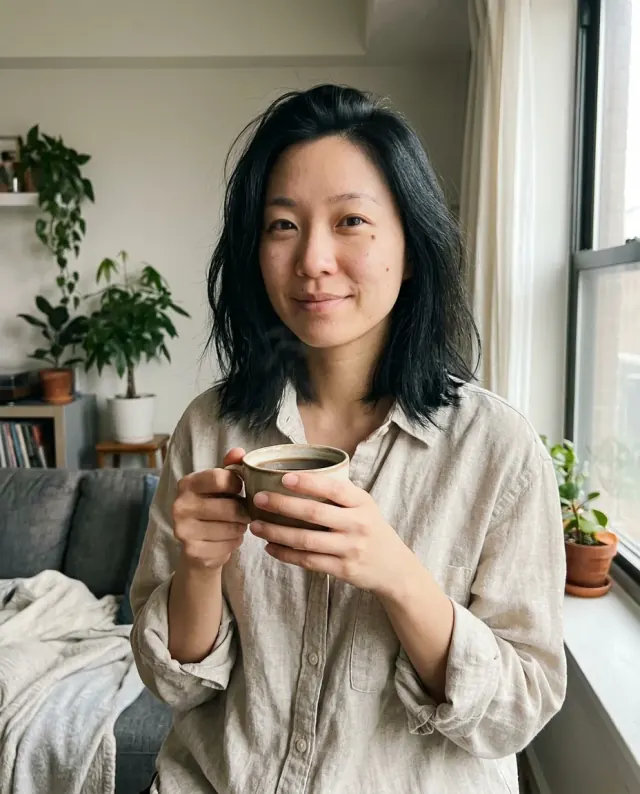
Pick a skill and add your photo
No prompt needed: pick what you want and add a photo
Start with free credits
- Top AI models in one account
- Not right? Make it again, free
- Need help? Send feedback
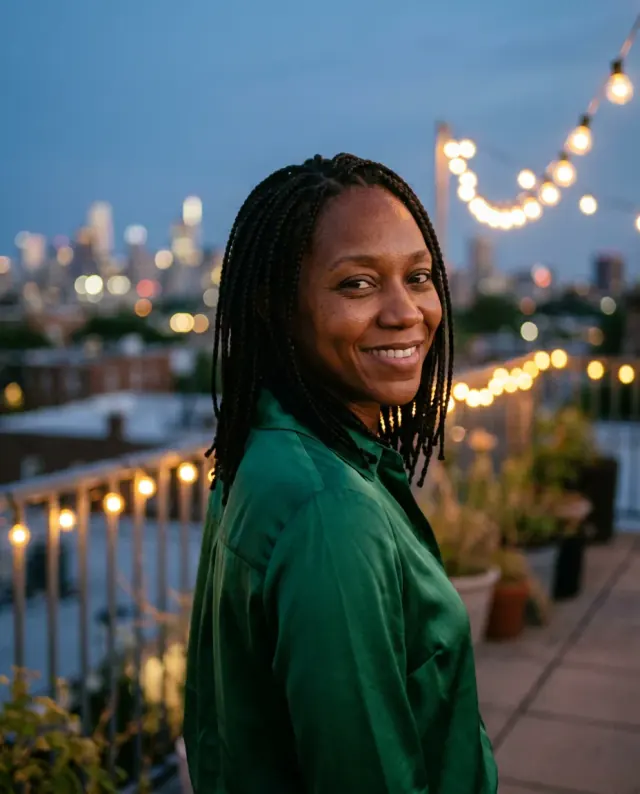
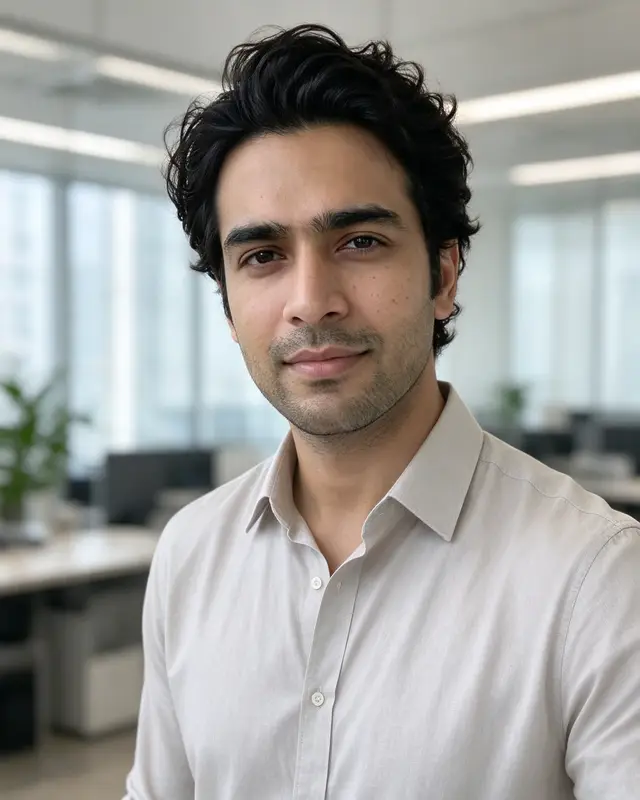
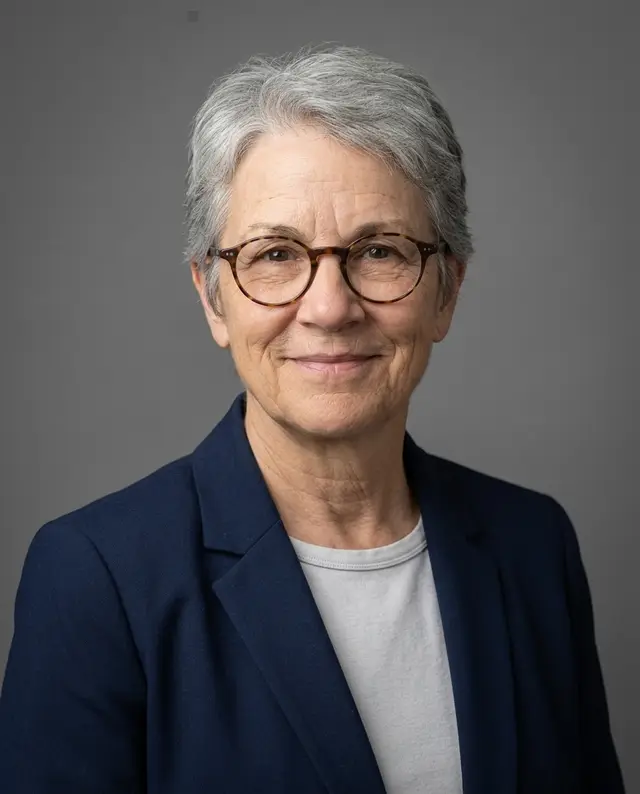 HeadshotsProfessional headshots for work and LinkedIn
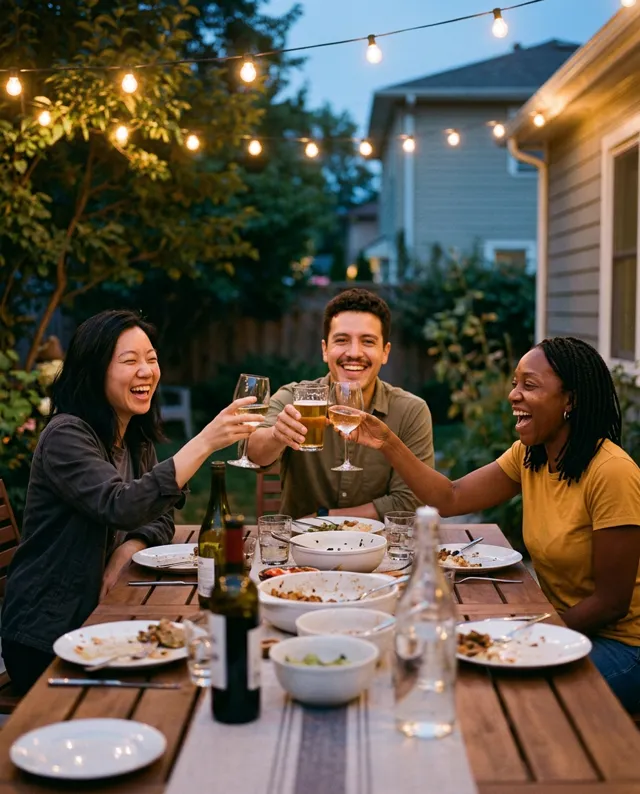
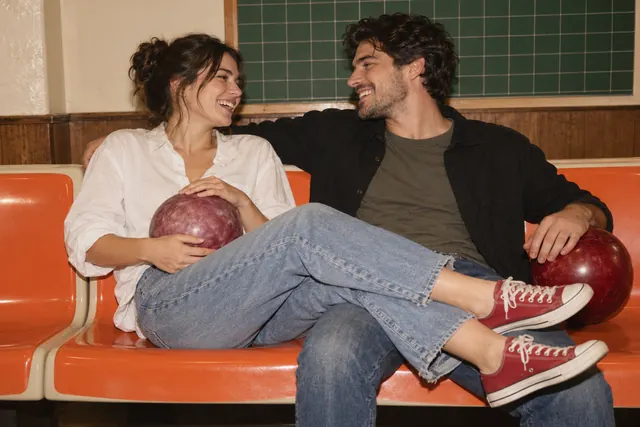 CouplePhotos of the two of you together
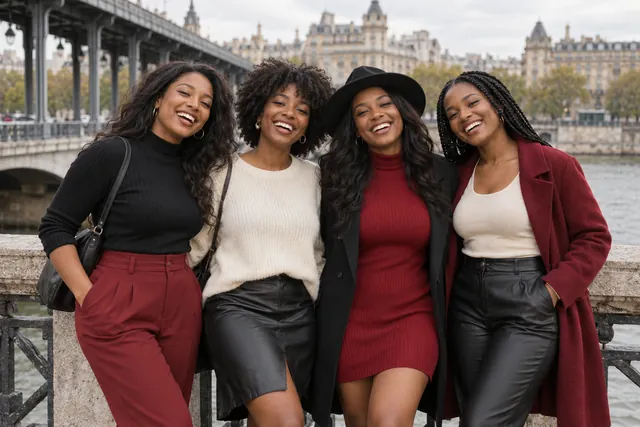 GroupOne photo of everyone, from separate photos
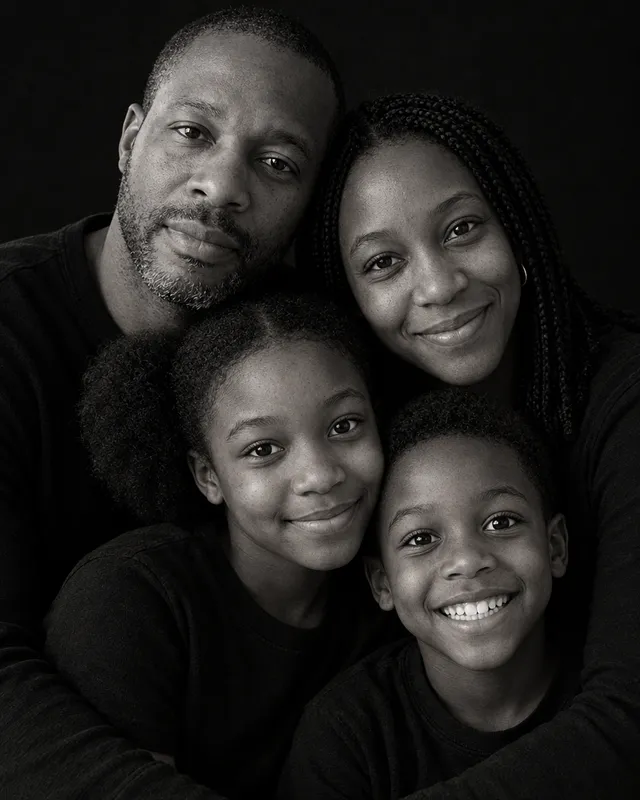 FamilyA family portrait from separate photos
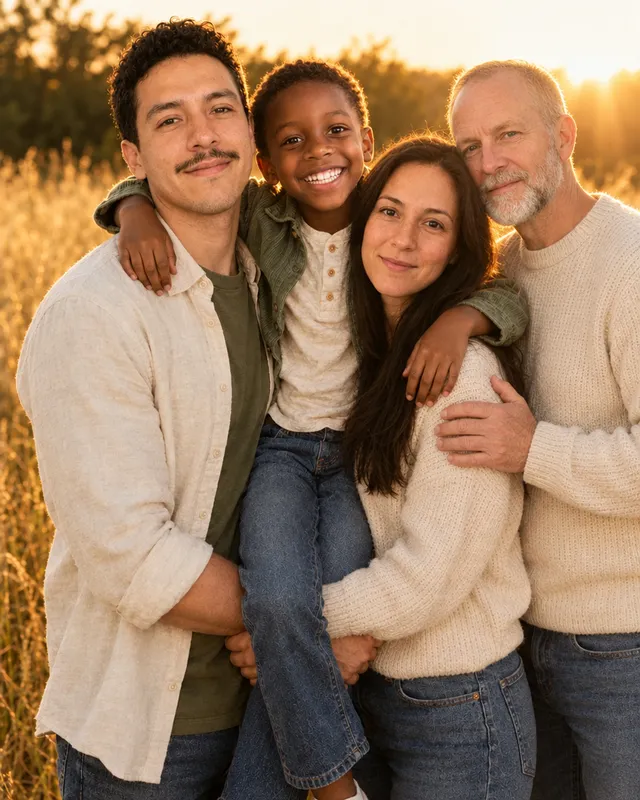 Add a personBring someone into a photo you have
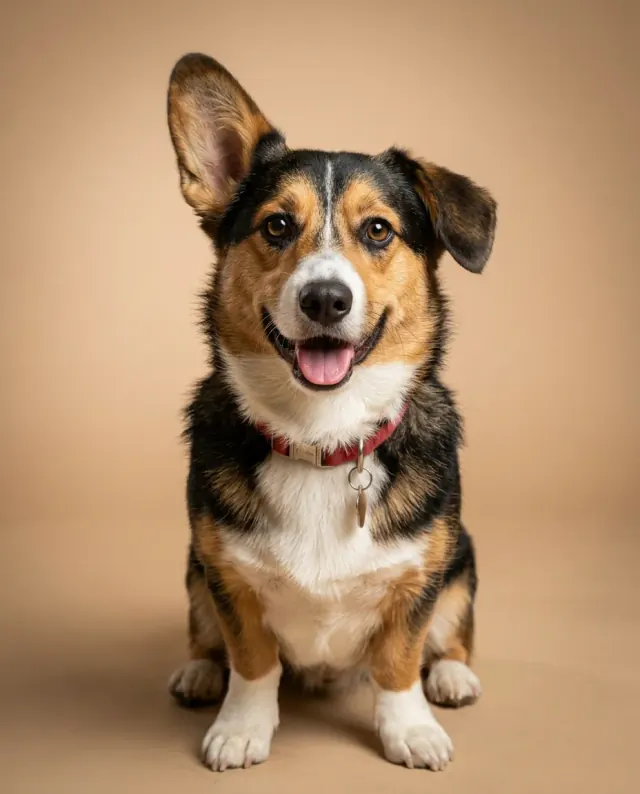 PetsPortraits of your dog or cat
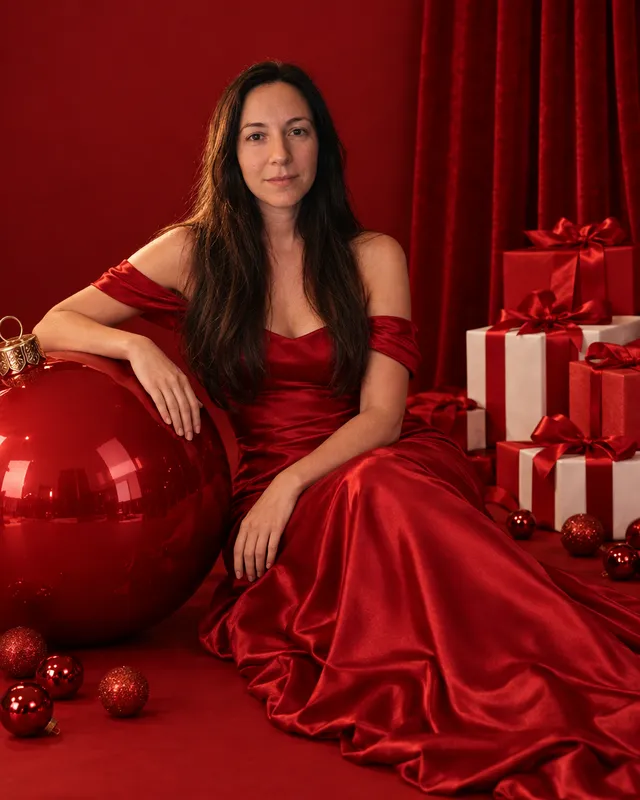 ChristmasChristmas photos of you and your family
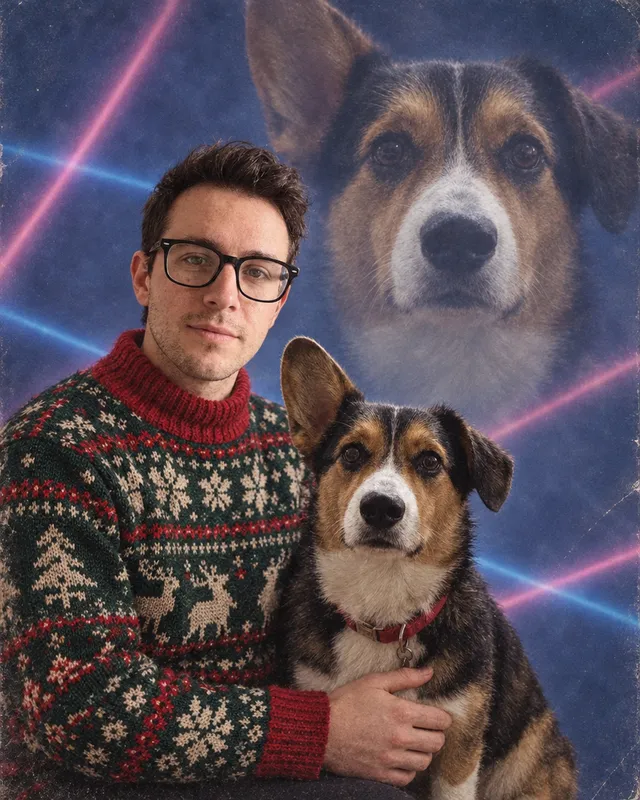 CardsA Christmas card from your photo
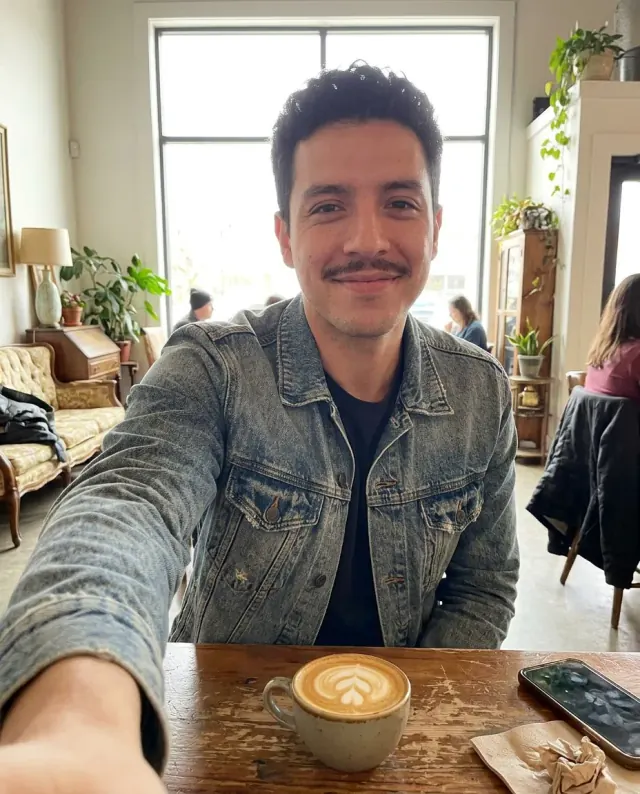 SelfiesNew selfies from a photo of you
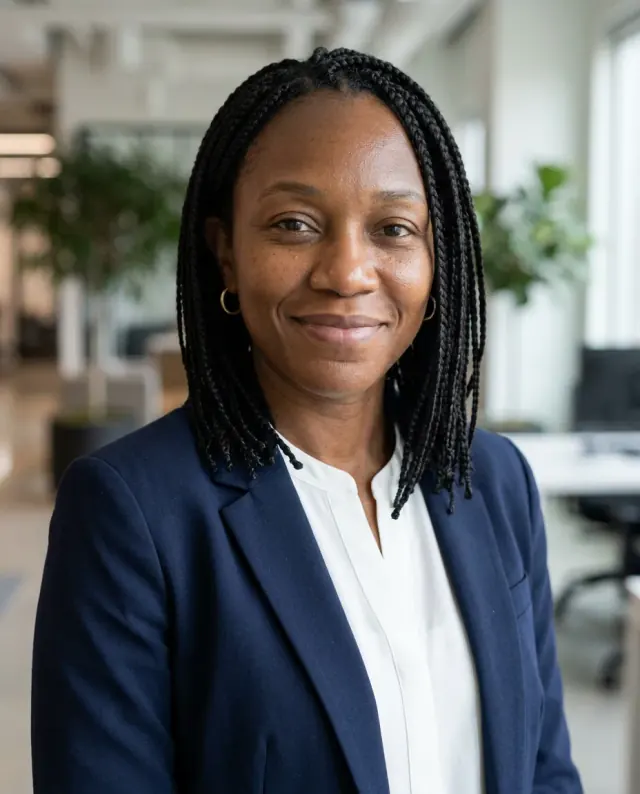 ProfileProfile pictures for any account
 Santa hatA Santa hat on any photo
One selfie in, a full set of headshots out
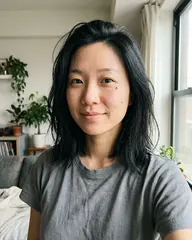
Only this phone selfie went in. Eight outfits and backgrounds came out, and it is still the same face.
- Made in one go, from one photo
- Nothing retouched afterwards
- Not right? Make it again, free








205 ready-made looks, one tap to use
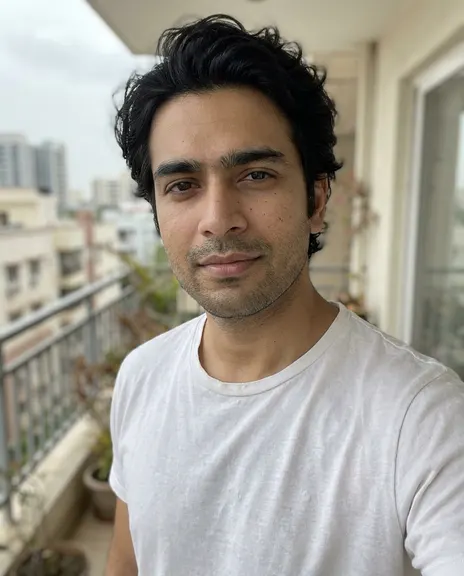
Each one works on your own photo. The small picture is the photo it was made from.
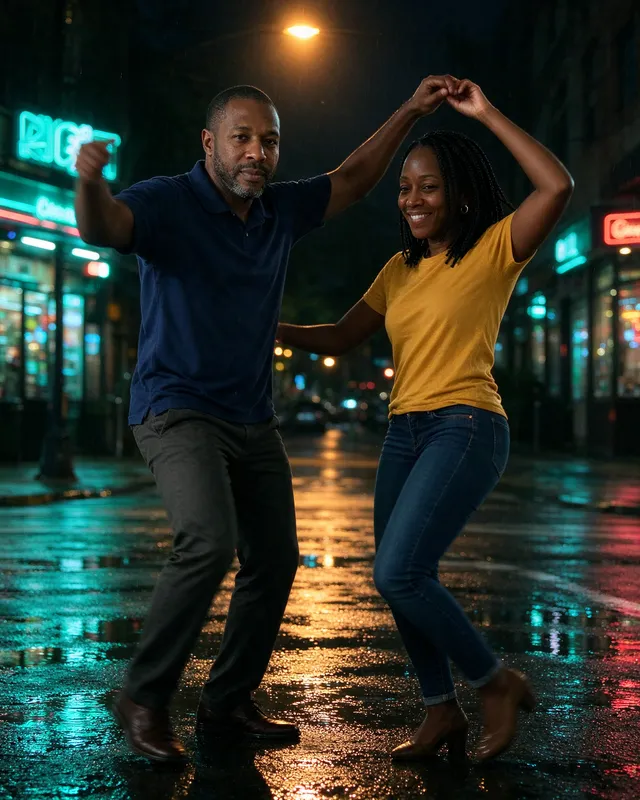
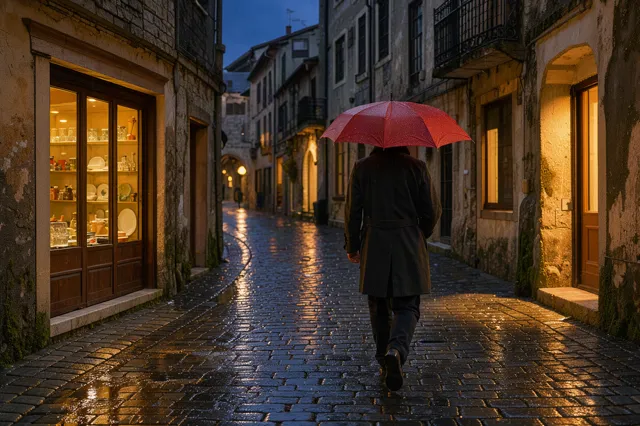
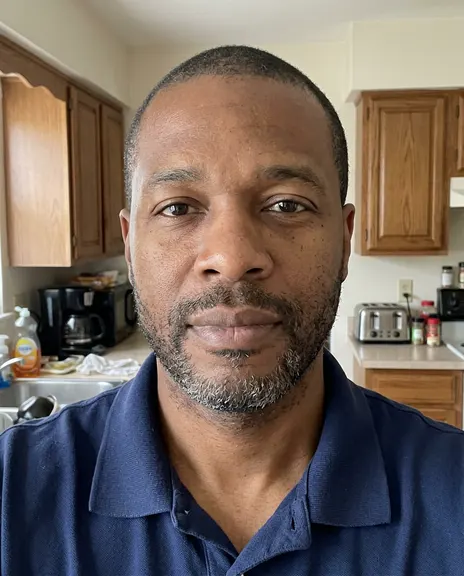 Rainy night in the cityUse this look
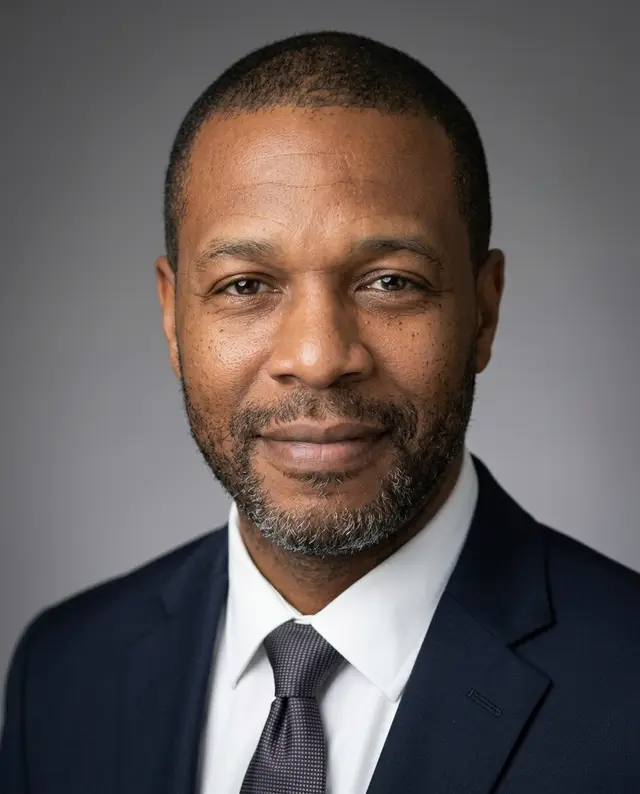 Job photo, dark suitUse this look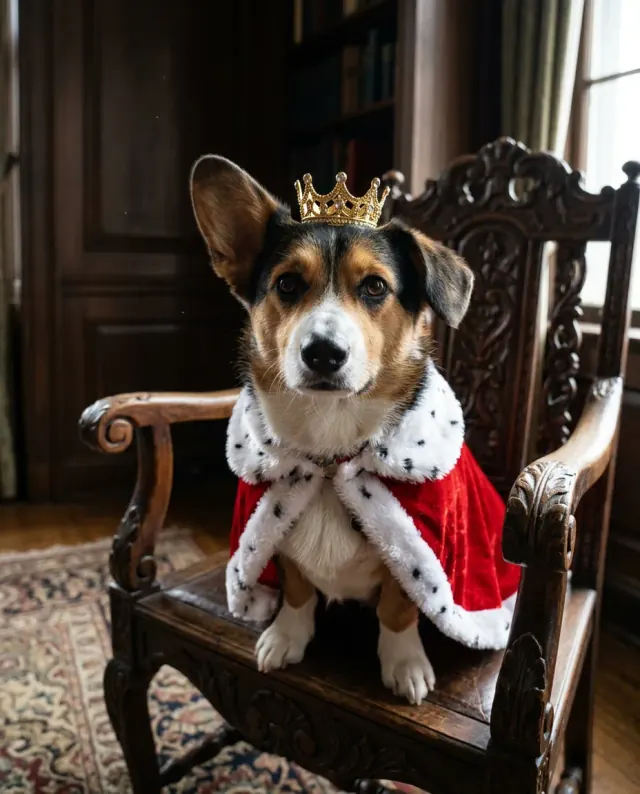
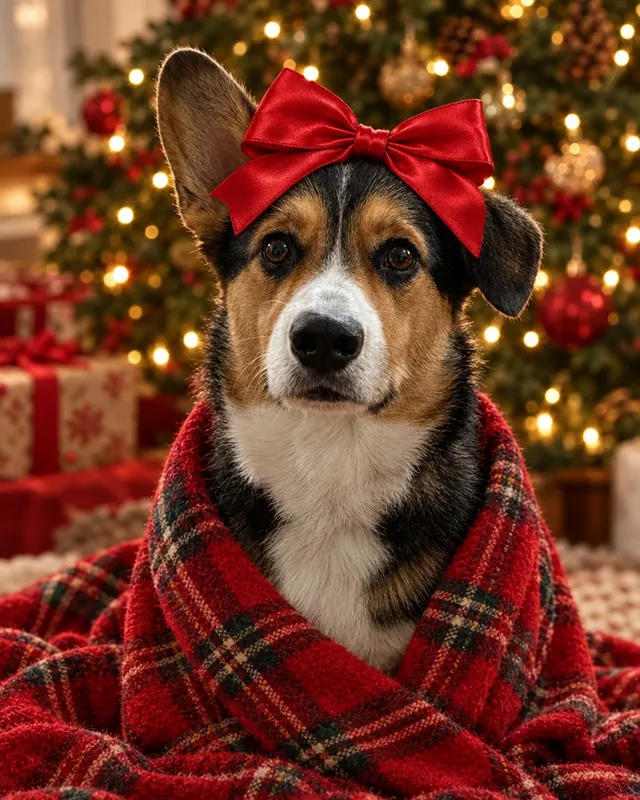
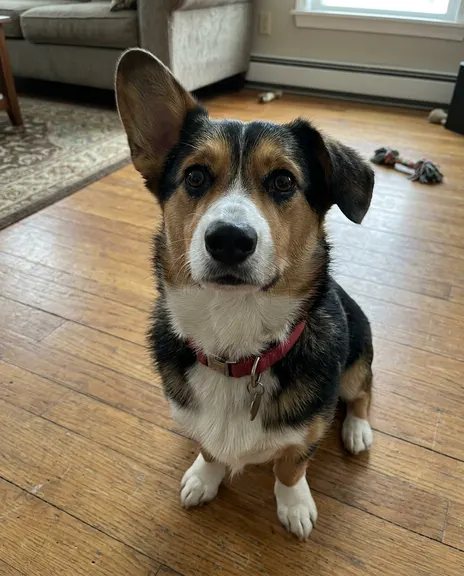 Royal dogUse this look
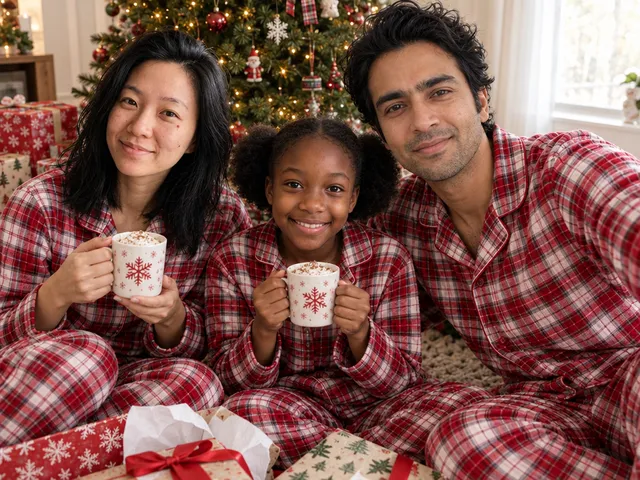
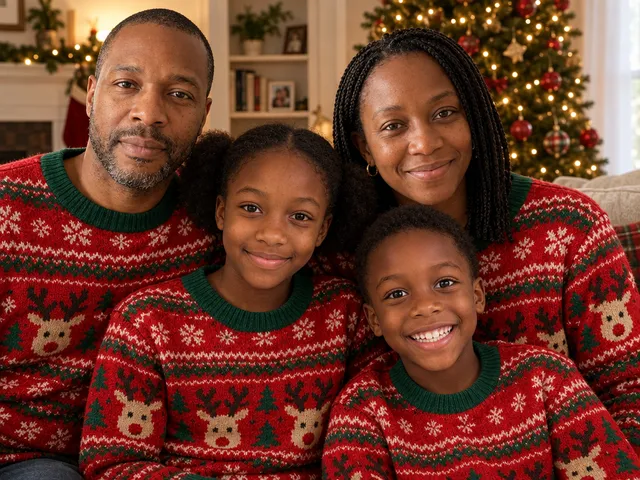 Family in matching sweatersUse this look
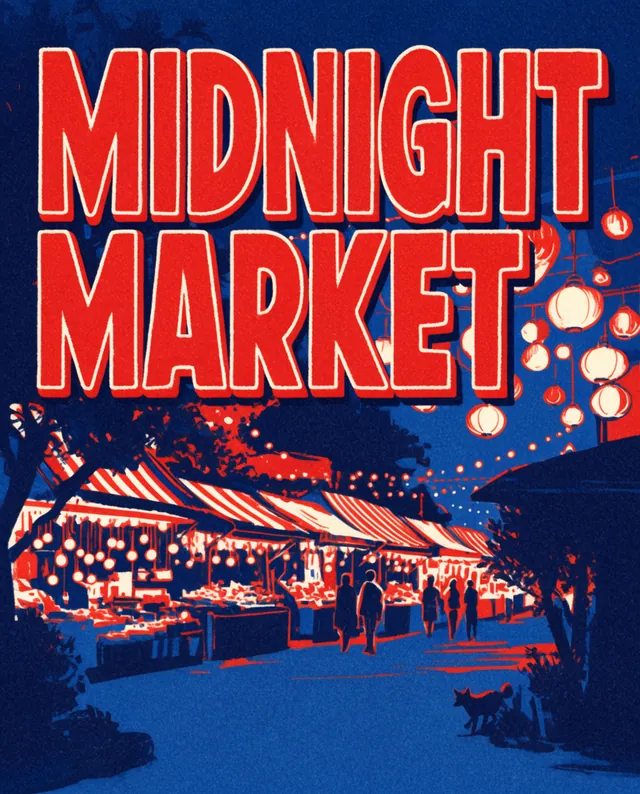 Midnight Market poster (Krea 2 Large)Use this look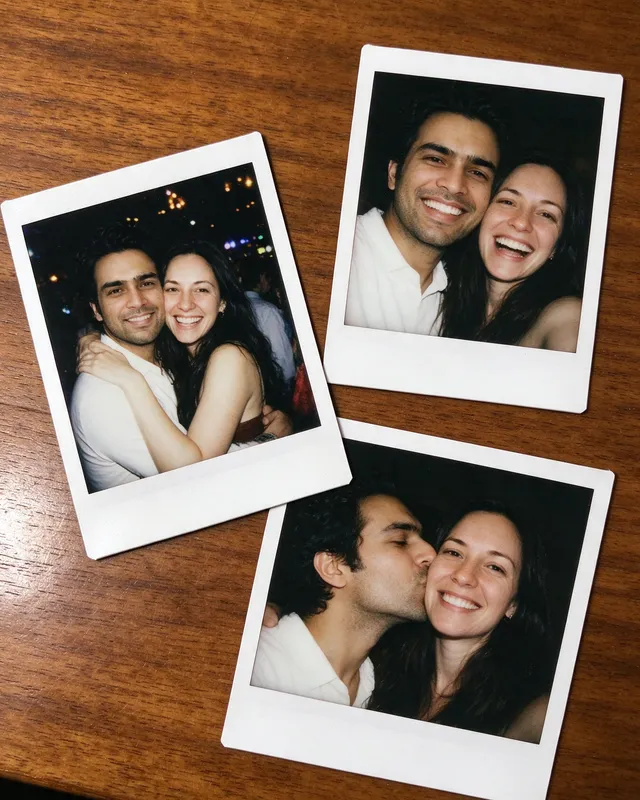
 A stack of polaroidsUse this look
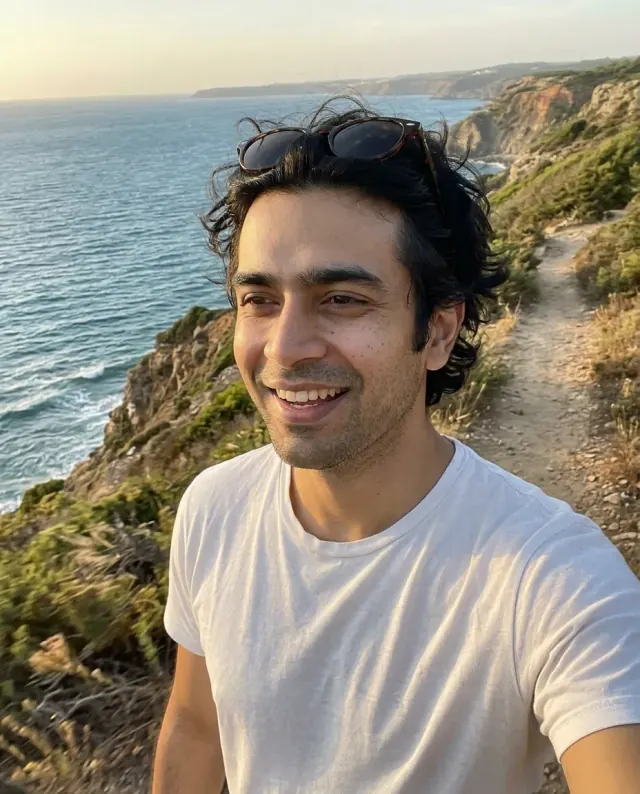 Coast tripUse this look
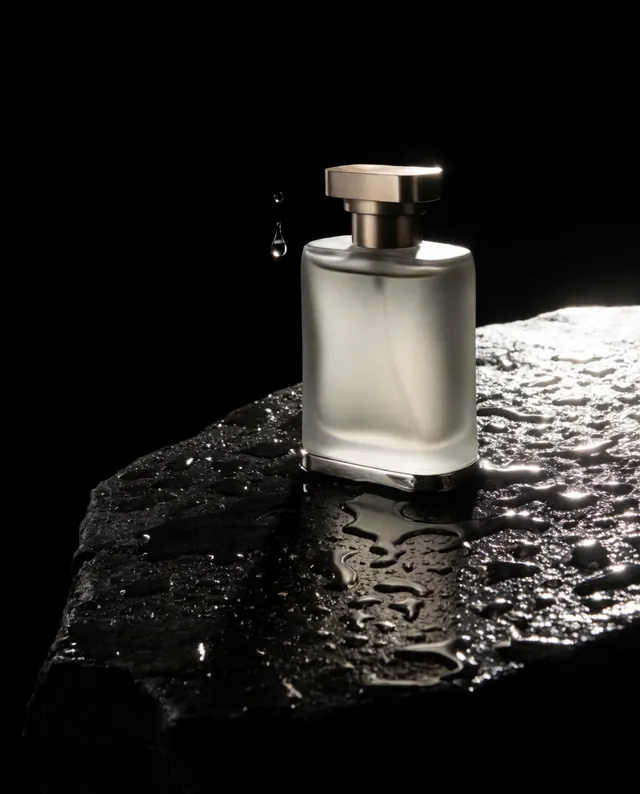
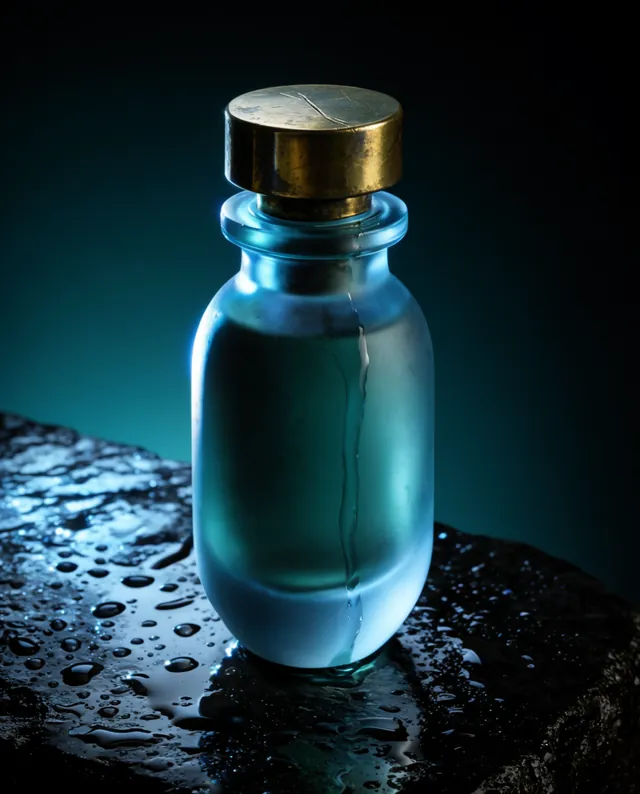 Perfume bottle on wet stone (Krea 2 Large)Use this look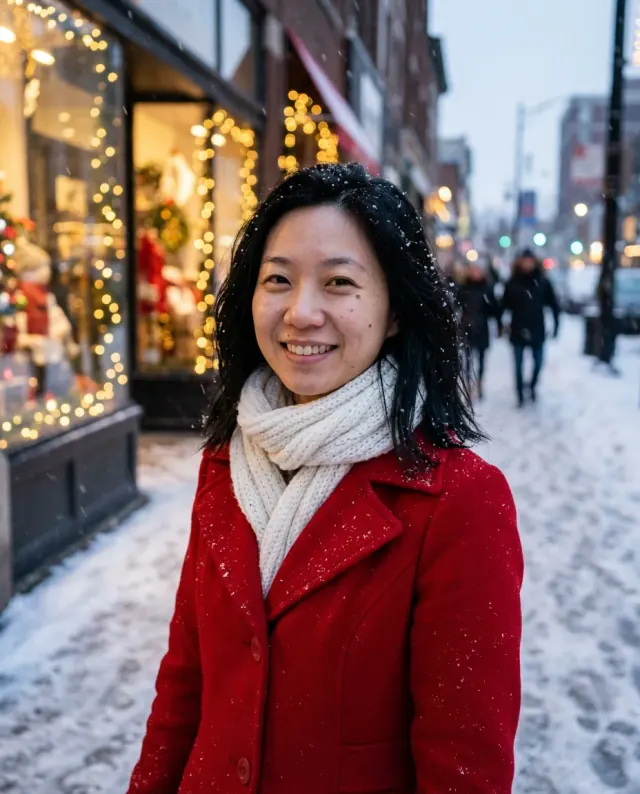
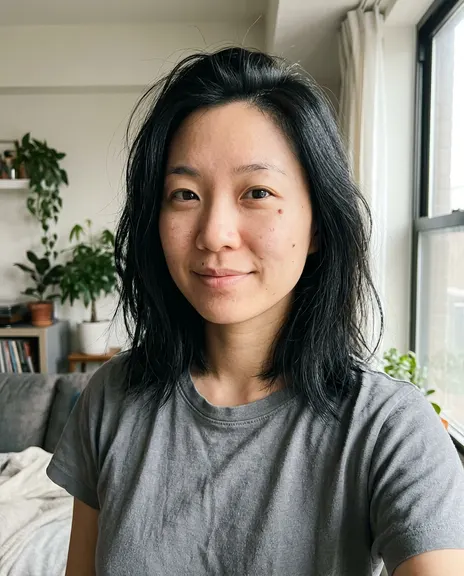 Snowy streetUse this look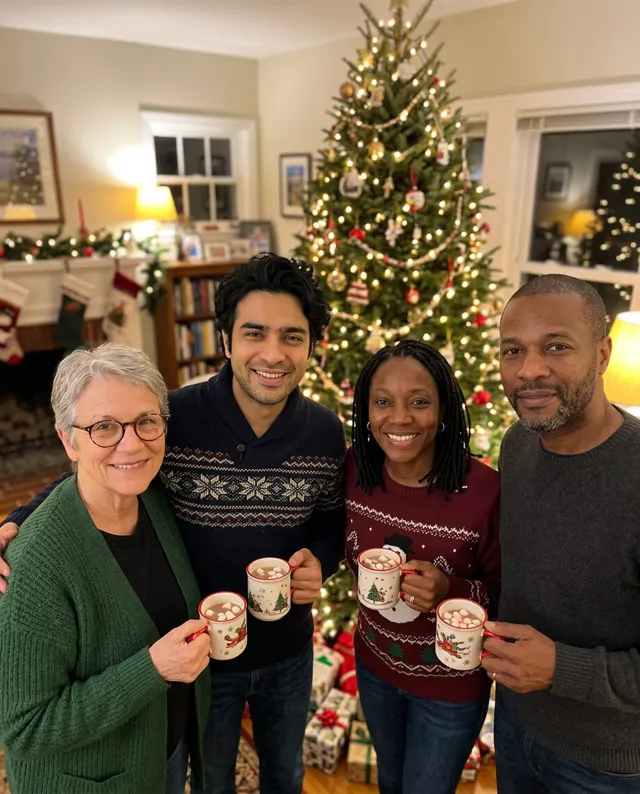
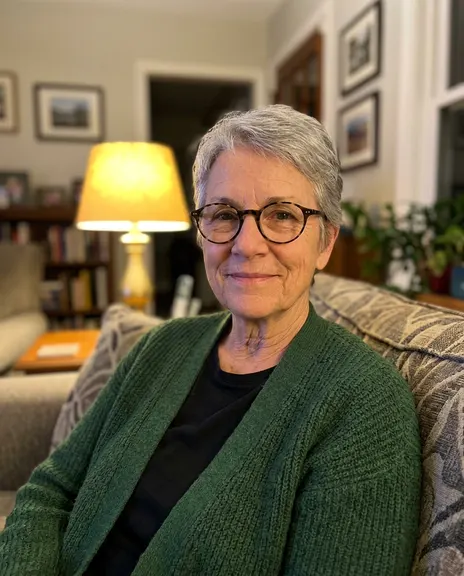 Holiday partyUse this look
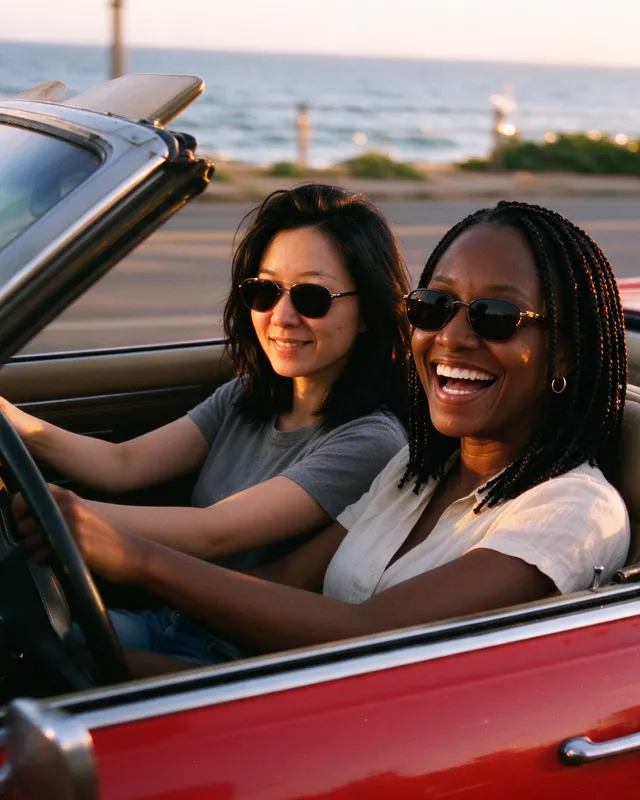 Vintage convertibleUse this look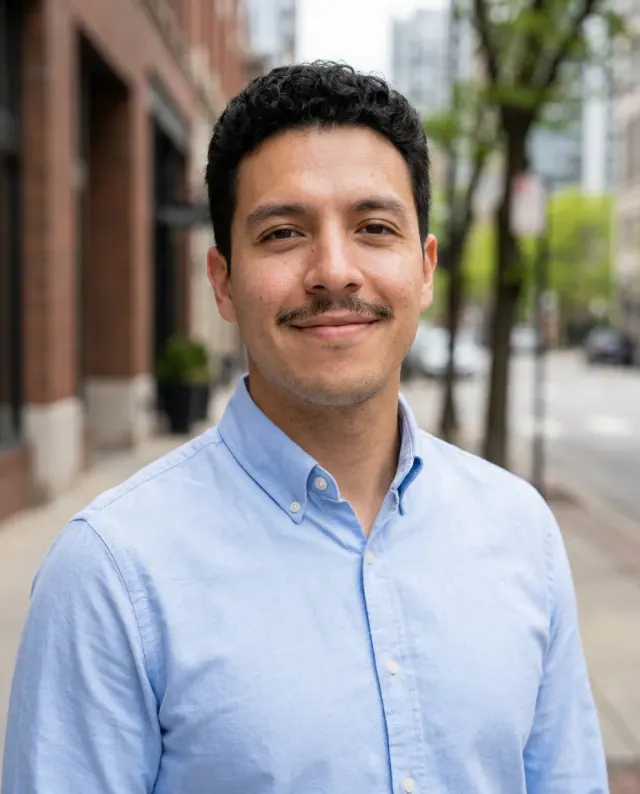
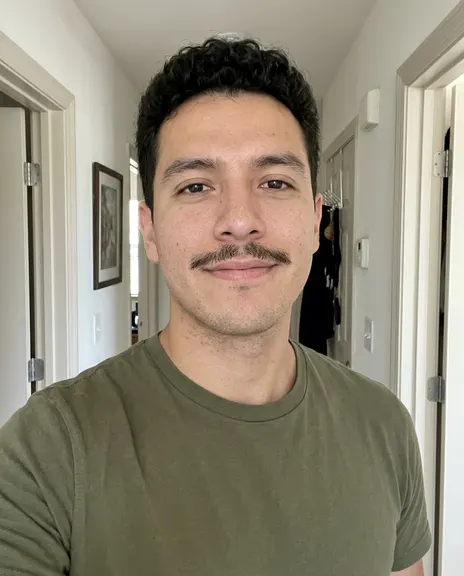 Outdoor headshotUse this look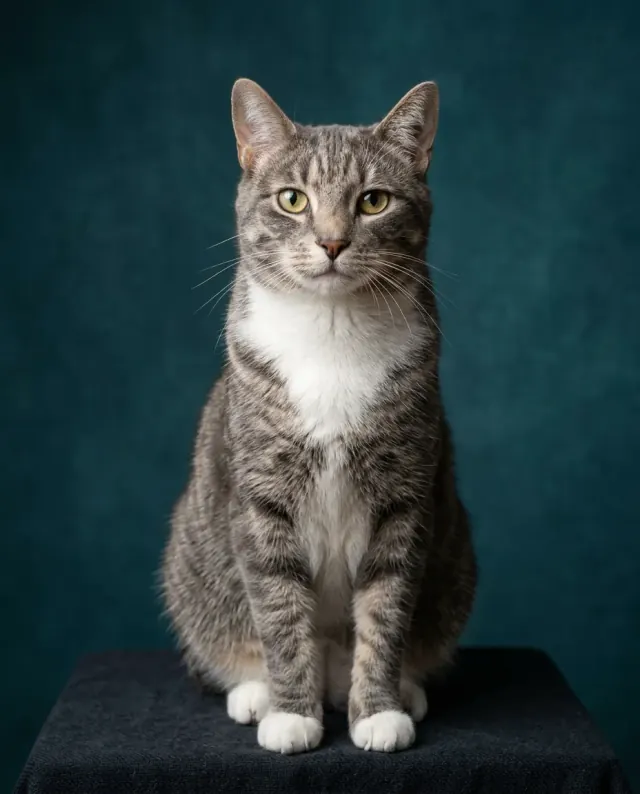
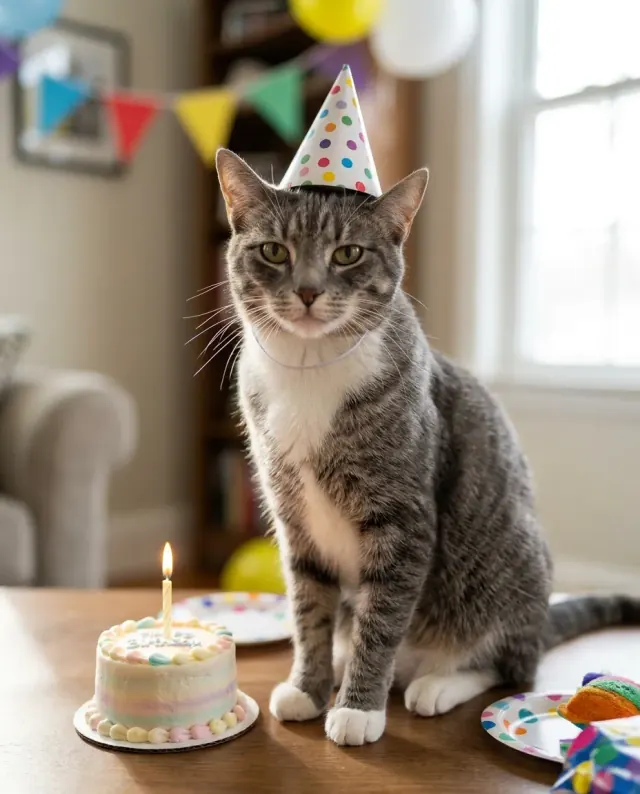
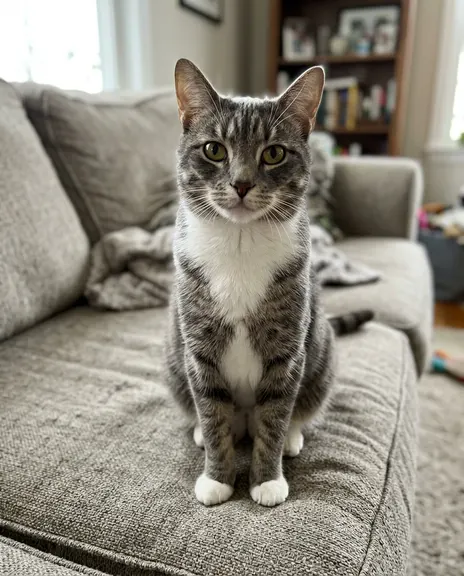 Cat studio portraitUse this look
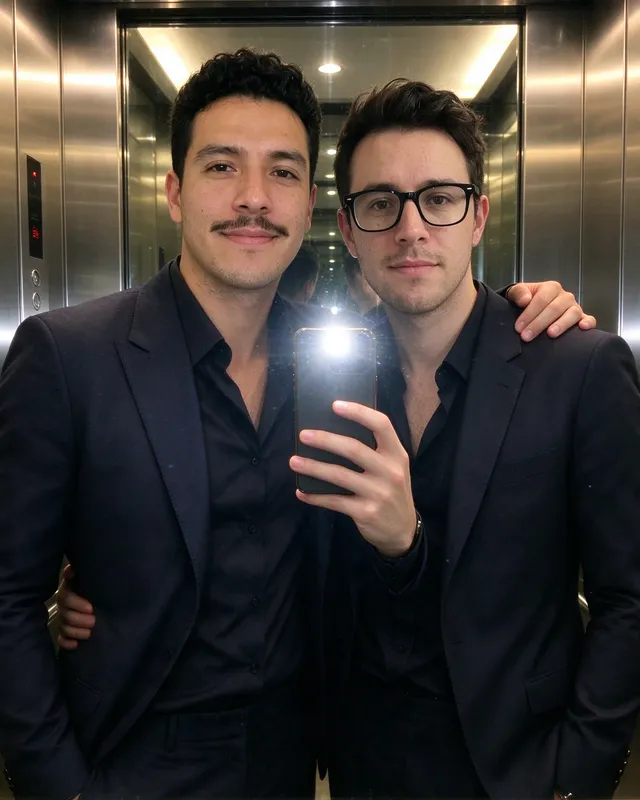
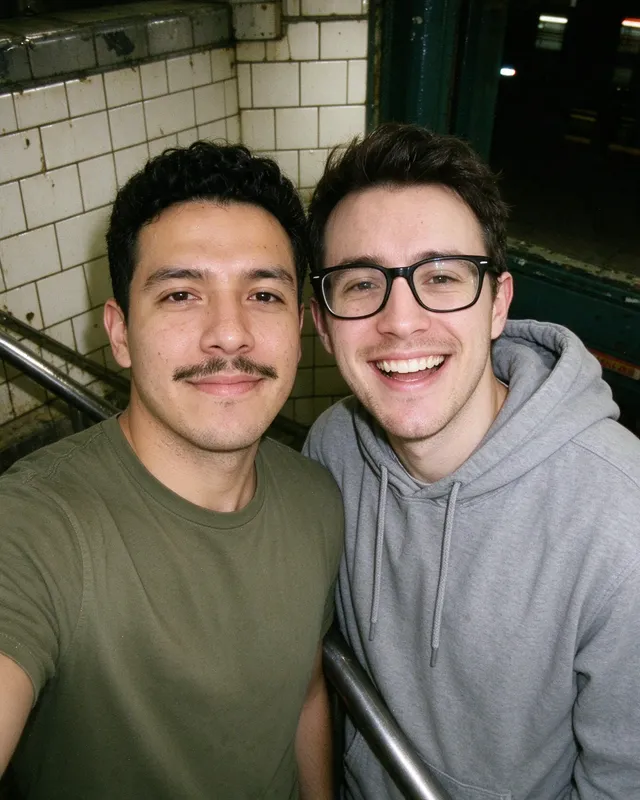 Subway stairs with flashUse this look
 Fireside ChristmasUse this look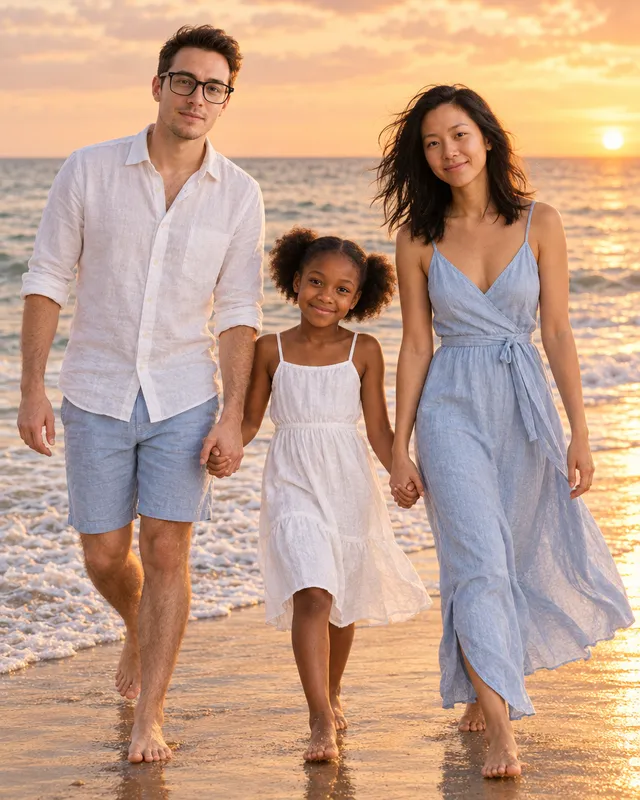
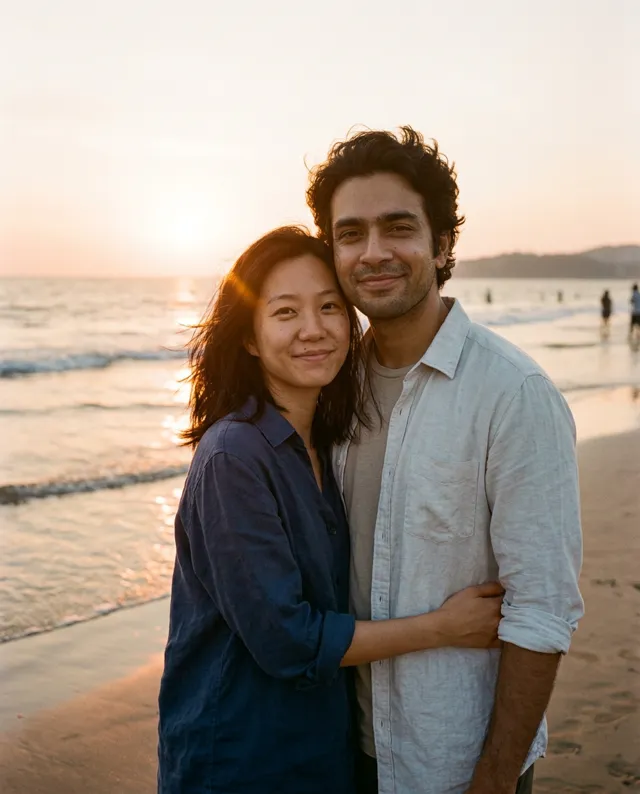
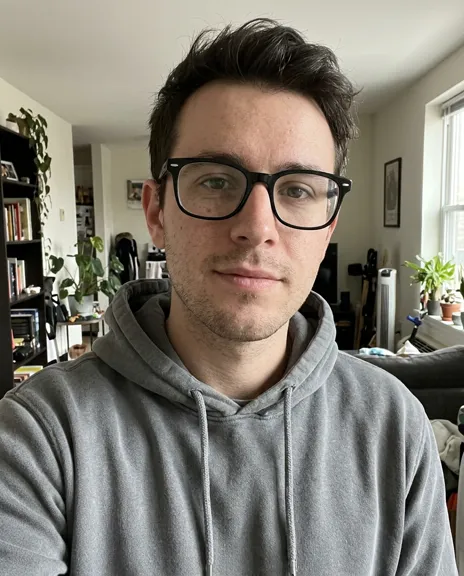 Beach at sunsetUse this look
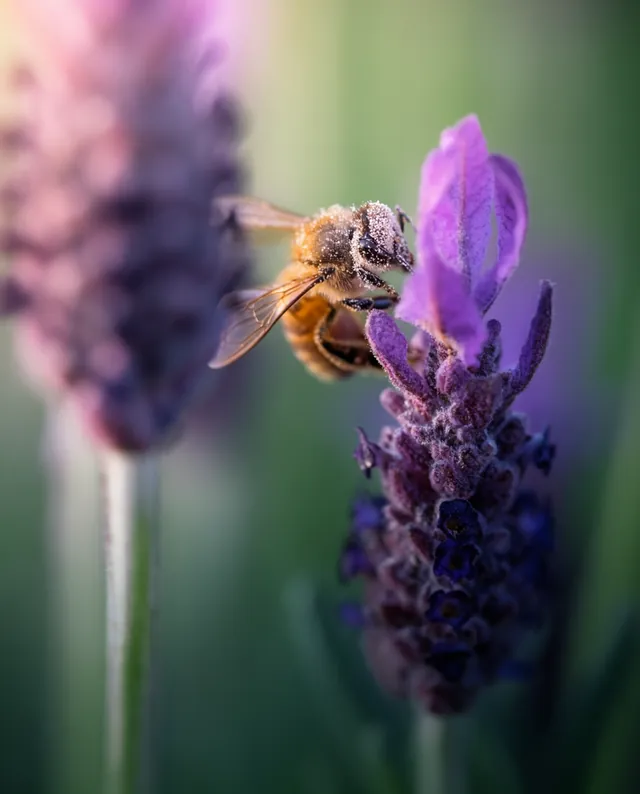 Bee on lavender, macro (Krea 2 Large)Use this look
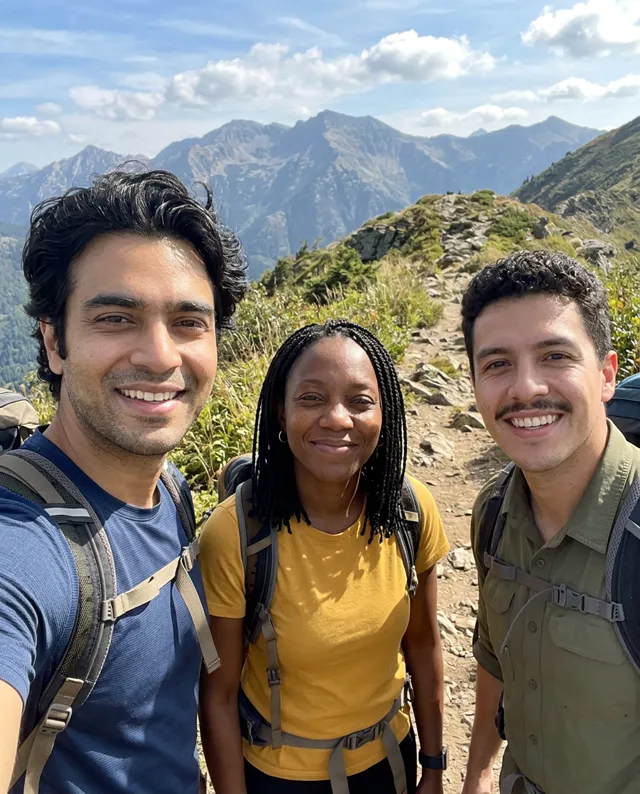
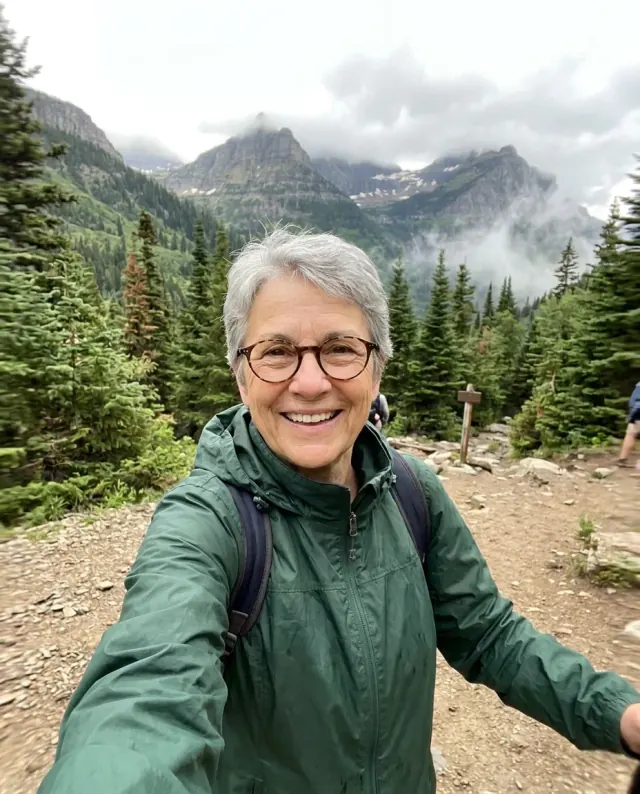 Trail selfieUse this look
What people are making now
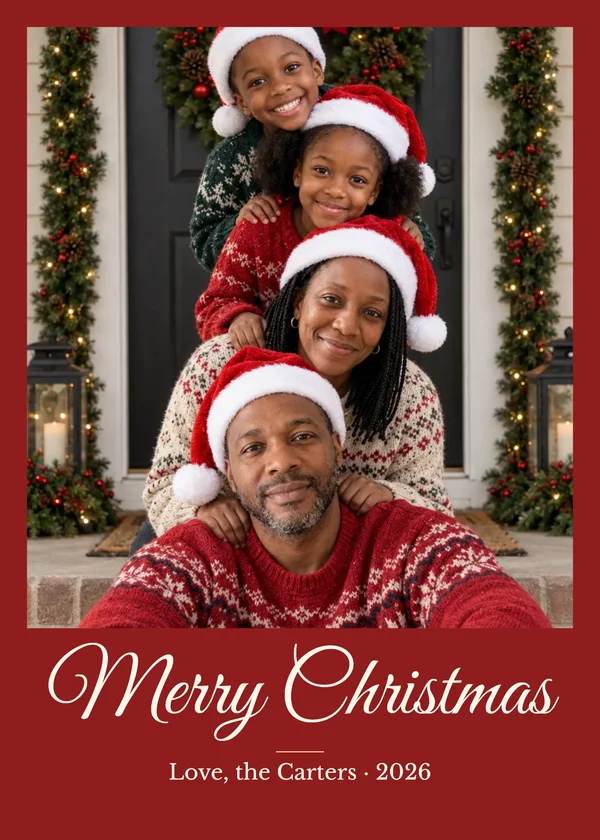
Make your photos move
Add a photo and a five-second clip is made from it. On a photo of two people, pick a hug, a kiss, a cheek kiss or foreheads together.
- Hug5s
- Kiss5s
- Cheek kiss5s
- Foreheads together5s
Top models, one account
Each model is good at something different. Choose your model, or select Auto to let PicYep pick one for your photos and your request.
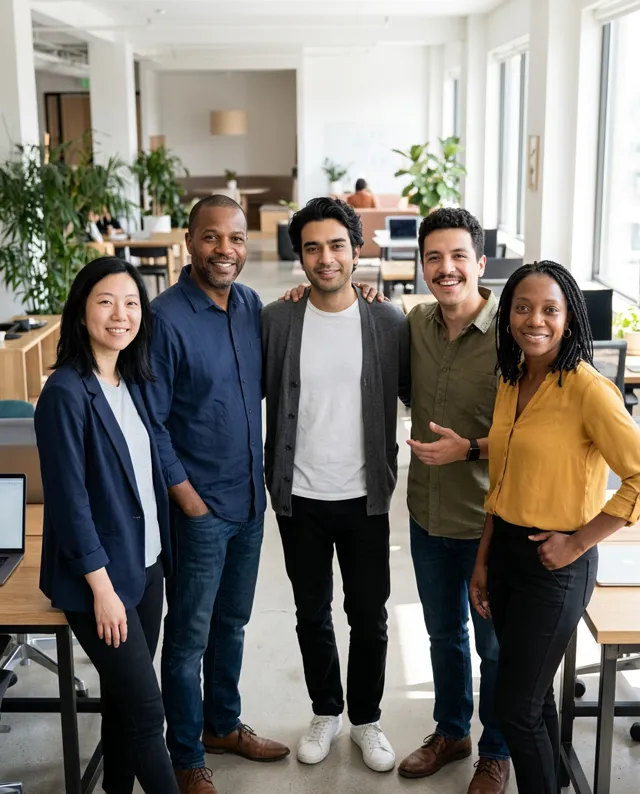 GPT Image 2.5Big groups, text and fine detail
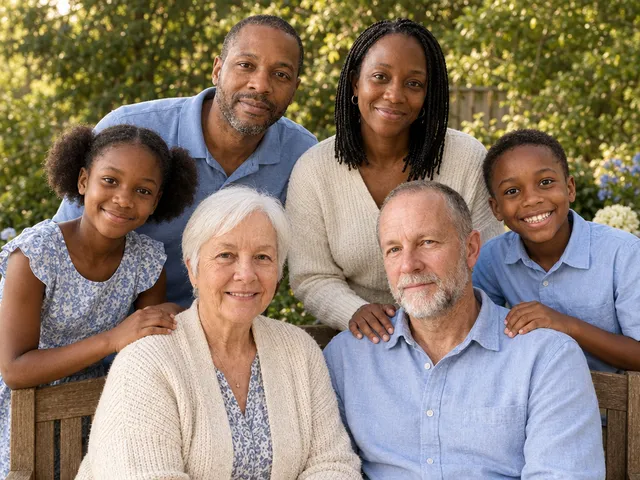 Nano Banana 2.1Families and natural light
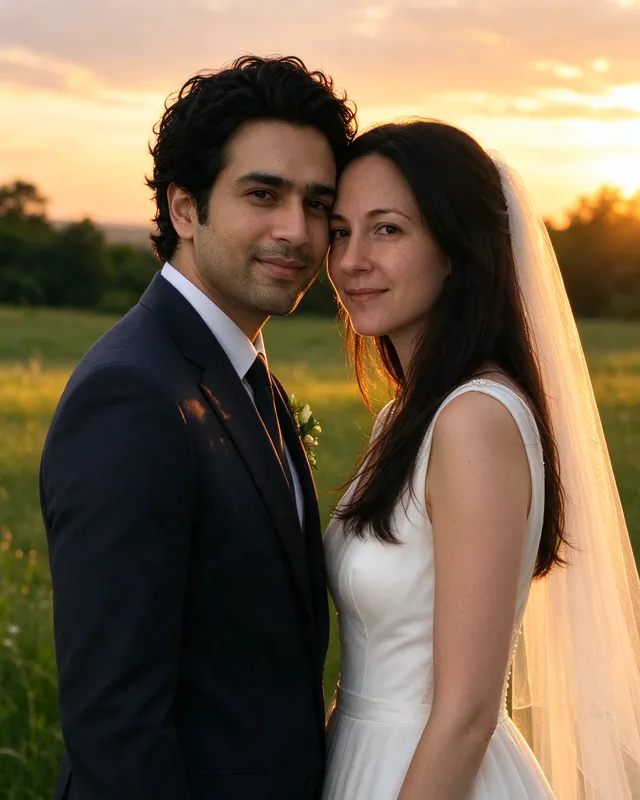 Seedream 5.0Couples and romantic scenes
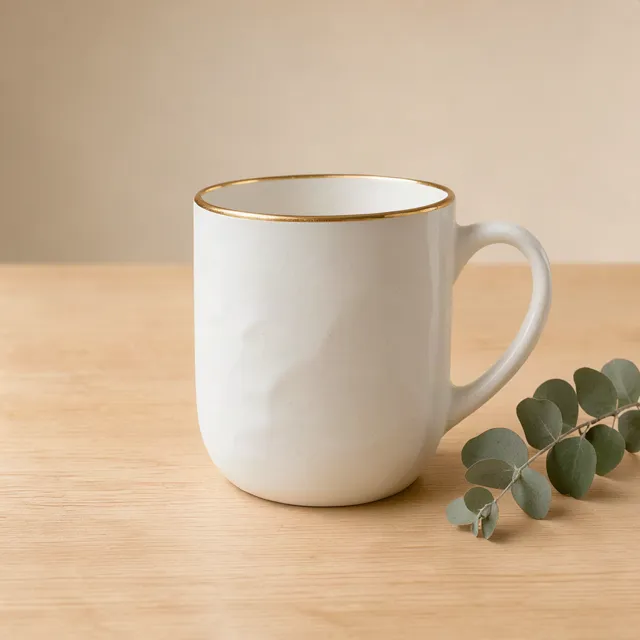 FLUX 3 KleinBlack Forest Labs' open model, on PicYep
 MOSS ImagePosters and menus with long text, on PicYep
 Krea 2Krea's image model, Large and Medium, on PicYep
Pay once. We'll get your photo right.
- Price
See the price first
Every photo shows what it costs before anything is made.
- Free
Not right? Make it again, free
Mark a photo as not right and it is made again at no cost, once a day.
- Feedback
Need help? Send feedback
If you run into a problem, use Feedback on the site to tell us what happened.
Everyone has a photo to make
Free to try, priced per photo
Start with free credits. Every photo shows its cost before you make it; choose a plan when you want more.
View pricingAI photo generator FAQ
What is an AI photo generator?
An AI photo generator creates a new photo from a text description, a reference image, or both. In PicYep you describe the shot — subject, outfit, light and mood — and the model renders a realistic image you can save or download.
Is there a free AI photo generator?
Yes, PicYep is free to try. New accounts start with free credits. The cost of every photo is shown before you generate, and a request that ends without a photo gets its credits back automatically. No card is needed to sign up.
Can I generate an AI photo of myself?
Yes. Add a clear photo of yourself and describe the photo you want: the place, the outfit, the light. Your photo guides the face, the hair and the build of the new one. Use only photos of yourself, or of people who have agreed.
What is the difference between an AI photo generator and an AI image generator?
They are the same kind of tool: both make a picture from a description, from a picture you give, or from both. An AI image generator covers every style, from illustration to 3D. An AI photo generator, like PicYep, is built for pictures that look like photographs: real skin, real light and the depth a lens gives.
Is there an AI photo generator app?
PicYep runs in the browser on a phone, a tablet or a computer, so there is nothing to install. Open the site and sign in, and your photos are in your library on every device.
Can I use my own photo?
Yes. Add up to 16 JPG, PNG or WebP photos, each up to 10 MB, and describe the photo to make from them. How many a request takes depends on the model you pick, and so do the results.
How many credits does a photo cost?
The live cost appears beside Generate. It depends on the model and settings, and is checked again before a generation starts.
Where do my saved photos go?
Your photos holds your generated images. Yep, save this marks a favorite and keeps its prompt and settings with it.
What happens if a generation fails?
Your description stays in the editor. If the request ends without a photo, its credits are returned automatically: the model failing, no result after 10 minutes, or a photo that could not be saved. A photo that was delivered is not refunded. Your credit history shows every return, and the refund policy lists each case.
What if a photo doesn’t look right?
Mark it as not right and choose Make it again, free: PicYep makes the same request again, one photo, without taking any credits. You get one free redo a day, and each photo can be made again this way once. A request that ends without a photo returns its credits automatically.
Your next photo starts here
Add a photo and say one sentence. PicYep does the rest.
Start creating