AI Christmas Card GeneratorA Christmas card with your own photo on it.
Make the photo with AI from one photo of each person, then add your greeting and download a card ready to print or share.
Your photo
One clear photo of each face. JPG, PNG, WebP or iPhone photos.
Free credits to start. No card needed.Your photos stay private
Plan and price first
Not right? Free redo
Or say it in your own words
Red studio glam
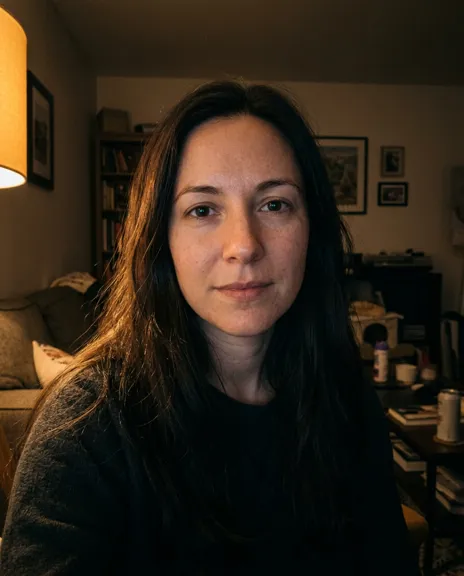
Made from this photo
Pick a style. Or three.
Each style makes one photo. Pick a few and you see the whole plan, and the price, before anything is made.
Every example was made on PicYep
Red studio glam
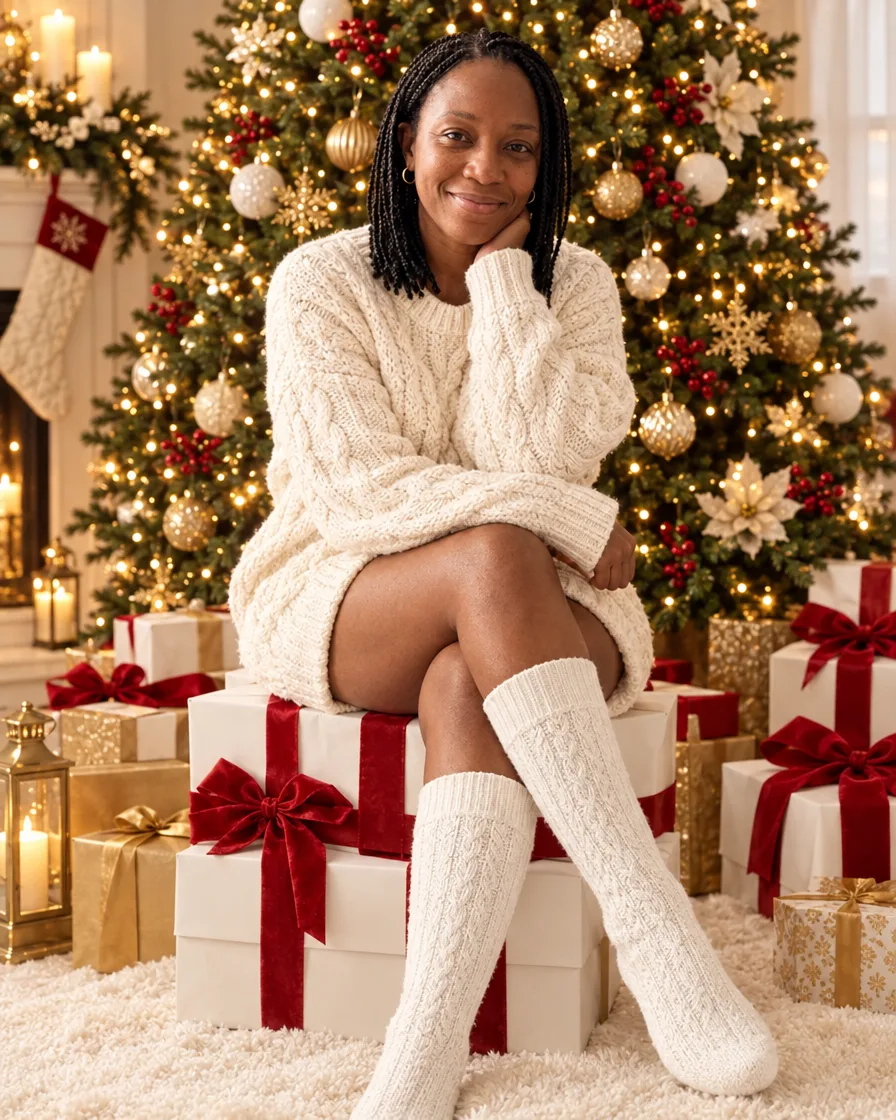
Cream sweater on gift boxes
Candy cane heart
Nordic sweater on red
Candy cane studio
Christmas morning pajamas
Fireside Christmas
Snowy street
Velvet blazer at the fireplace
Santa hat
Ugly Christmas sweater
Tangled in Christmas lights
Christmas cards made here
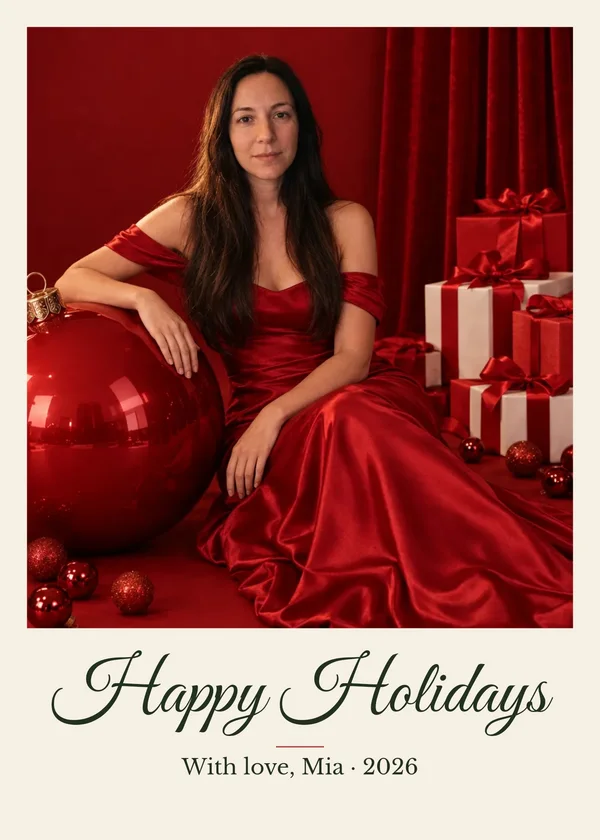
Each photo was made on this site from the styles above, then set as a card with the card maker below: the greeting and names are real type, ready to print at 5 × 7.
Free Christmas card maker
Turn your photo into a Christmas card
Add your greeting and names, pick a layout and download a card sized for printing or sharing. It is free and happens in your browser: the photo you add here is not uploaded.
This is an example photo. Add yours to make your card.
In short
PicYep's AI Christmas card generator makes a card in two steps. First the photo: add one photo of each person, up to 16, or of your pet, and pick a Christmas style, from a fireside portrait to the whole family in matching sweaters. Then the card: choose a layout, type your greeting and names, and download a 5 × 7 or 4 × 6 card at 300 dpi as a JPG or a PDF, or a square or story for sharing.
New accounts start with free credits, and no card is needed to sign up. The cost of each photo is shown before you generate, and a request that ends without a photo gets its credits back. Your photos stay private to your account, carry no watermark and are yours to use for personal and commercial work.
Christmas card photo ideas
Photos made for cards on PicYep, each with the words it was made from. Pick one, add your own photo, then turn it into a card above.
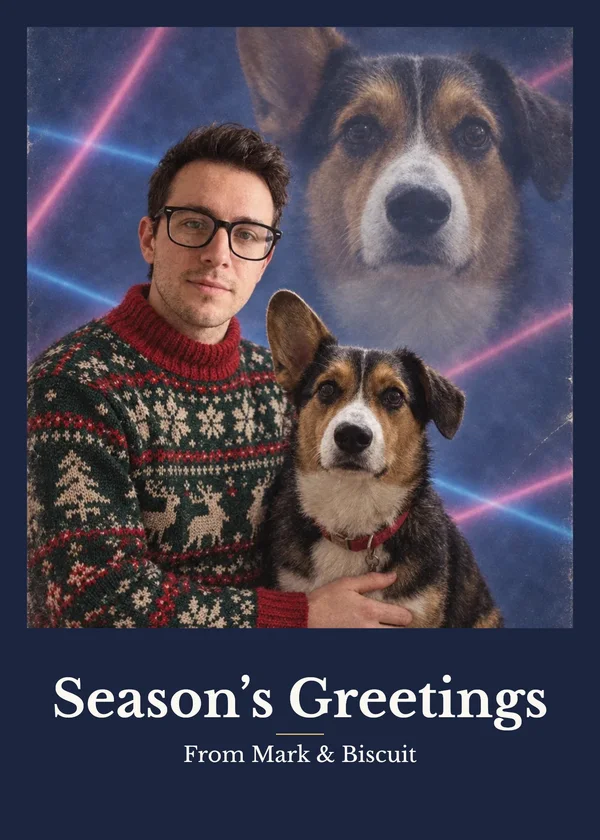
Tacky 80s Christmas card
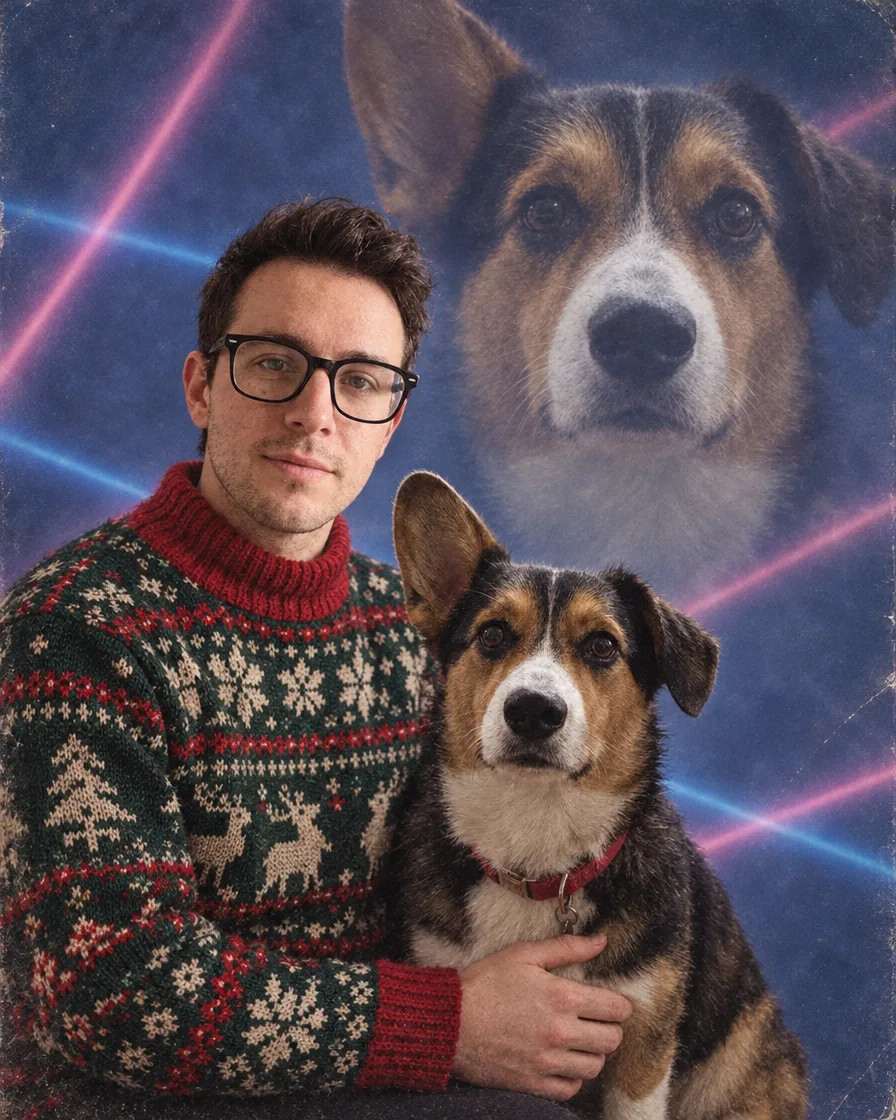
“A tacky 1980s Christmas card portrait of exactly the person from the first photo and the dog from the second photo. Keep the person's face, features, skin tone, hair, glasses and build exactly as in their photo, the same person, and keep the dog's breed, colors and markings. A soft-focus studio glamour shot with a mottled blue laser backdrop: the person in an ugly knitted holiday sweater in a stiff, awkward pose, and the dog's giant head faded in large in the background like a double exposure. Film grain, faded colors, the cheesy portrait-studio look of the era, photorealistic.”
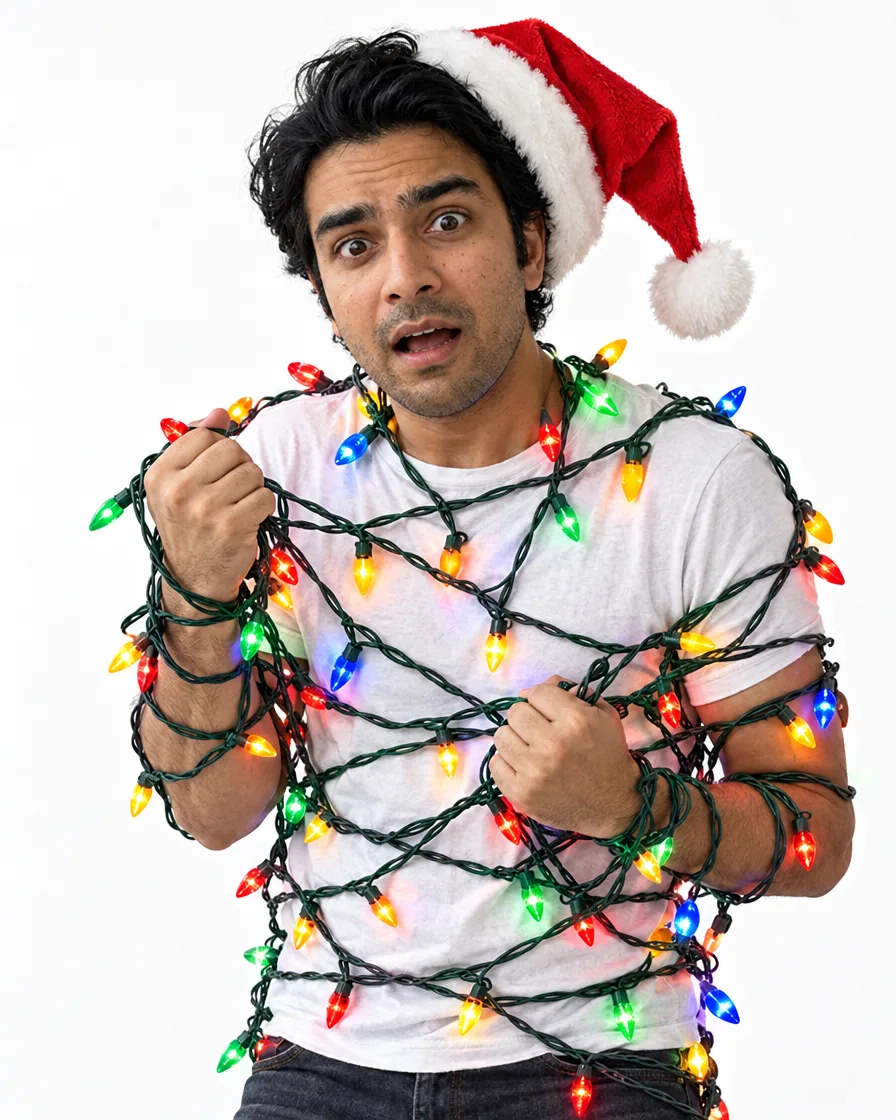
“The person in this photo: keep their face, features, skin tone, hair and build exactly as they are, the same person, not a lookalike. A funny Christmas card photo: they are tangled up in colorful Christmas string lights wrapped all around their body and arms, a mock-shocked expression, a Santa hat askew, plain white studio backdrop, bright even studio light, three-quarter length, realistic skin texture, photorealistic.”
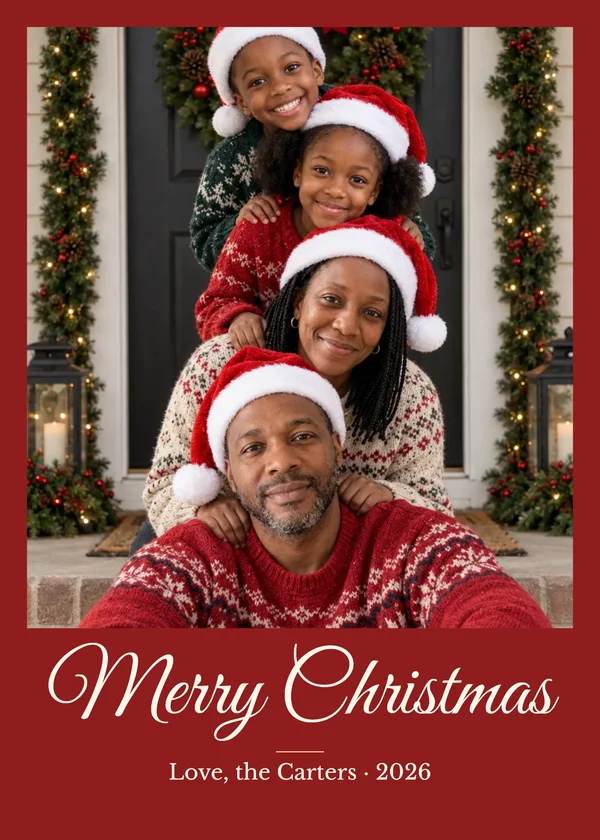
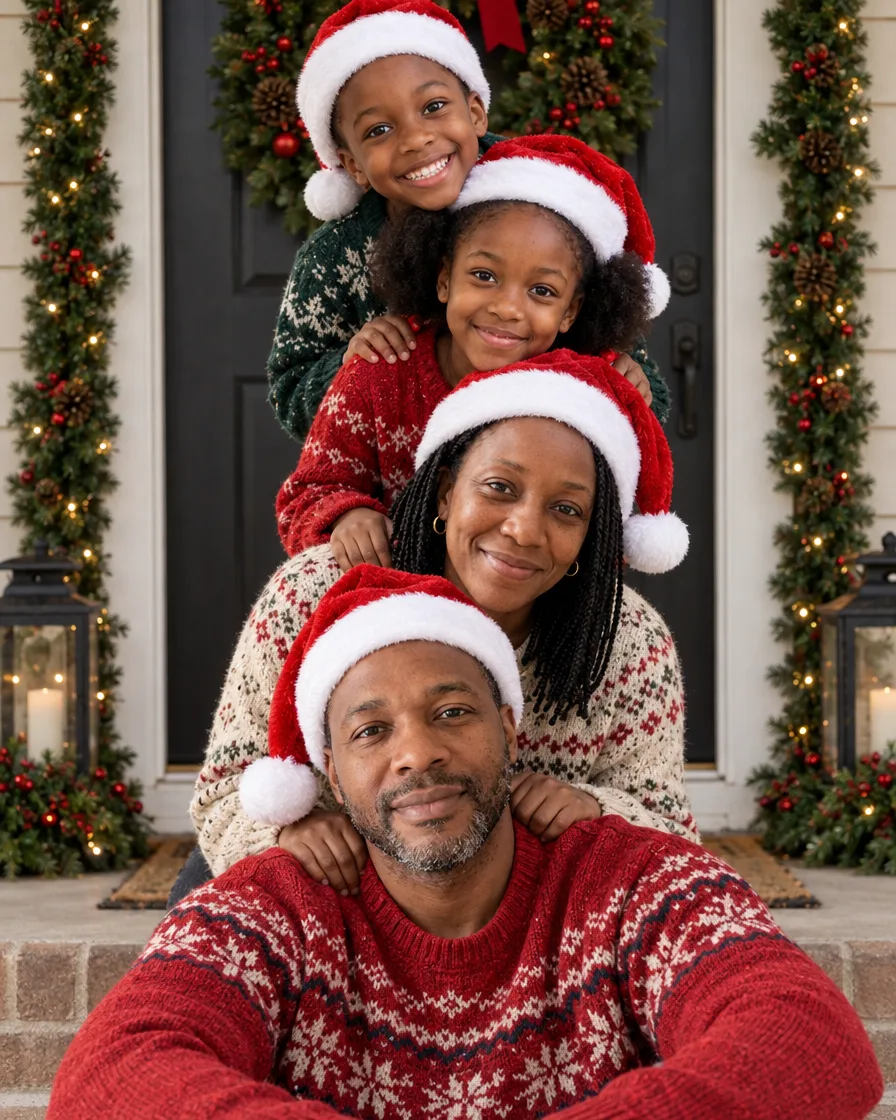
“A family Christmas photo of exactly the people in the reference photos: one person from each photo, no one added and no one left out. Keep each person's face, features, skin tone, hair, build and age exactly as in their own photo, the same people, not lookalikes. A playful family Christmas card photo at a front door decorated with a big wreath and garlands: the family is stacked in a column, the father sitting on the doorstep, the mother kneeling behind him, the children stacked above leaning in, every head one above the last, everyone in Santa hats and cozy knit sweaters, laughing at the camera, soft daylight, realistic skin texture, photorealistic.”
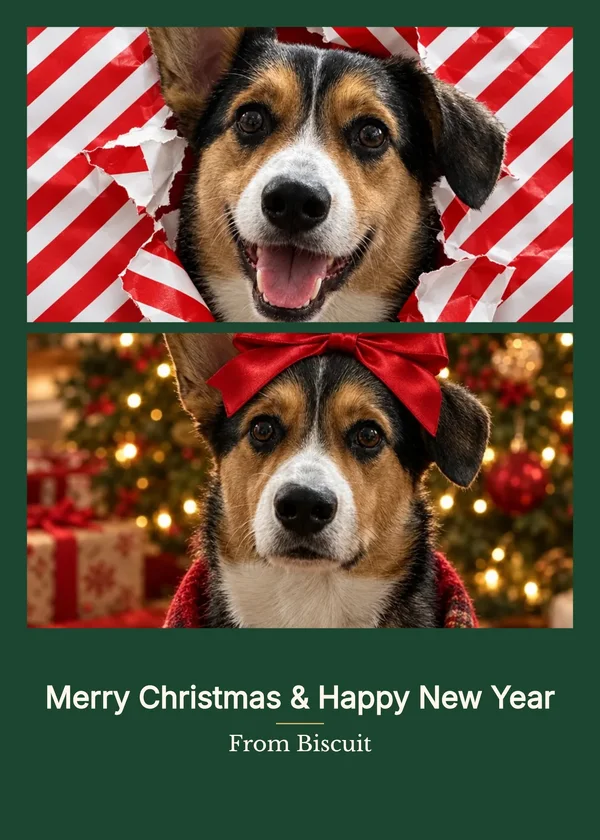
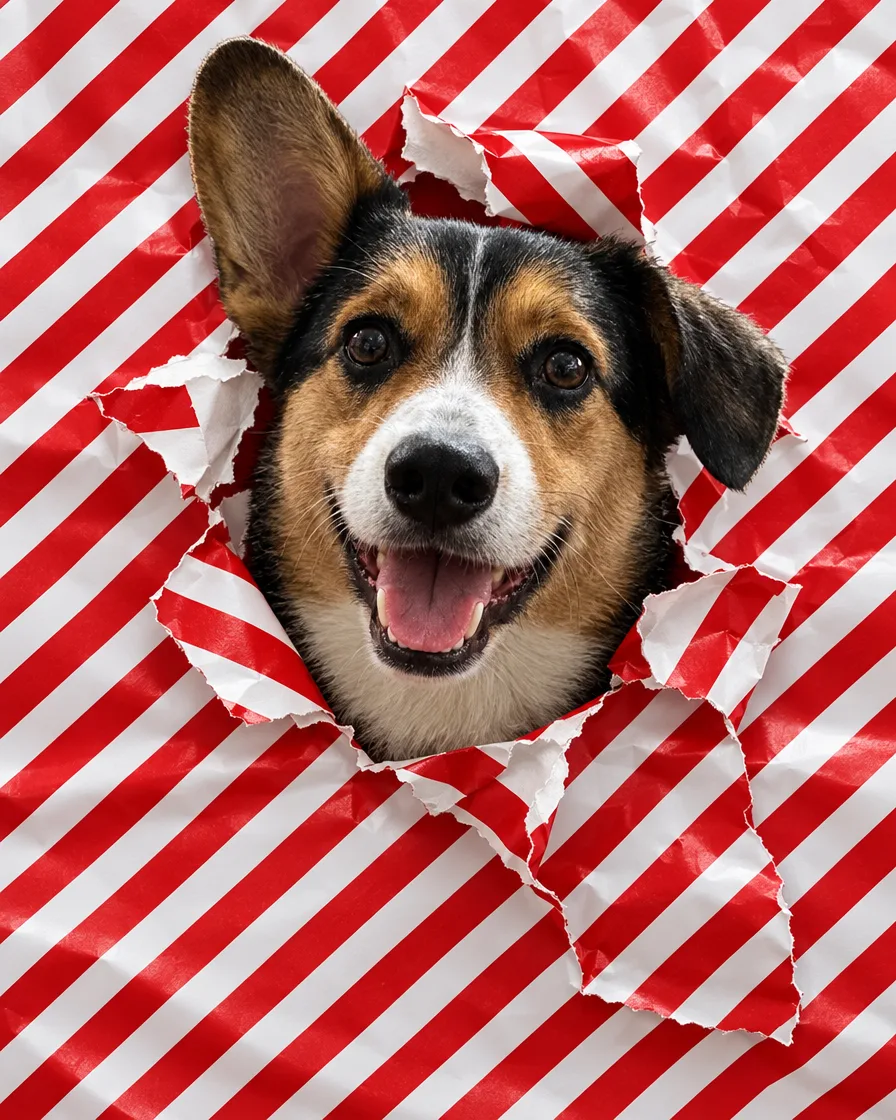
“The dog in this photo: keep its breed, coat colors, markings, ears and face exactly as they are, the same dog. A funny Christmas photo of the dog poking its head through a torn hole in red-and-white striped wrapping paper that covers the whole frame like a wall, happy open-mouth expression, bits of torn paper around the hole, bright even light, sharp detail in the fur, photorealistic.”
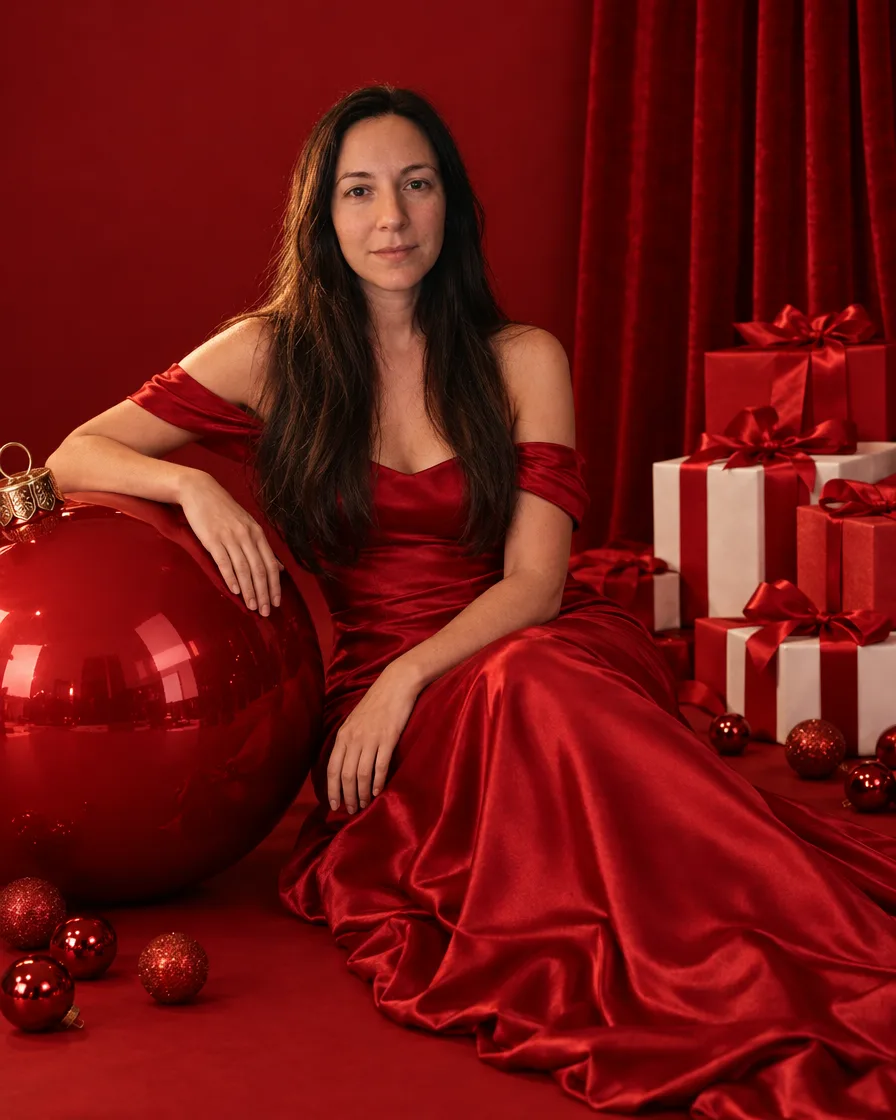
“The person in this photo: keep their face, features, skin tone, hair and build exactly as they are, the same person, not a lookalike. A glamorous Christmas studio portrait on an all-red set: a seamless deep red backdrop and a red velvet curtain, a giant glossy red Christmas ornament, stacked red and white gift boxes tied with red satin bows, small red baubles scattered on the floor. She wears an elegant red off-the-shoulder satin gown and sits beside the giant ornament with one hand resting on it, looking at the camera with a soft confident smile. Soft even studio light, editorial holiday photoshoot, full length, realistic skin texture, shot on an 85mm lens, photorealistic.”
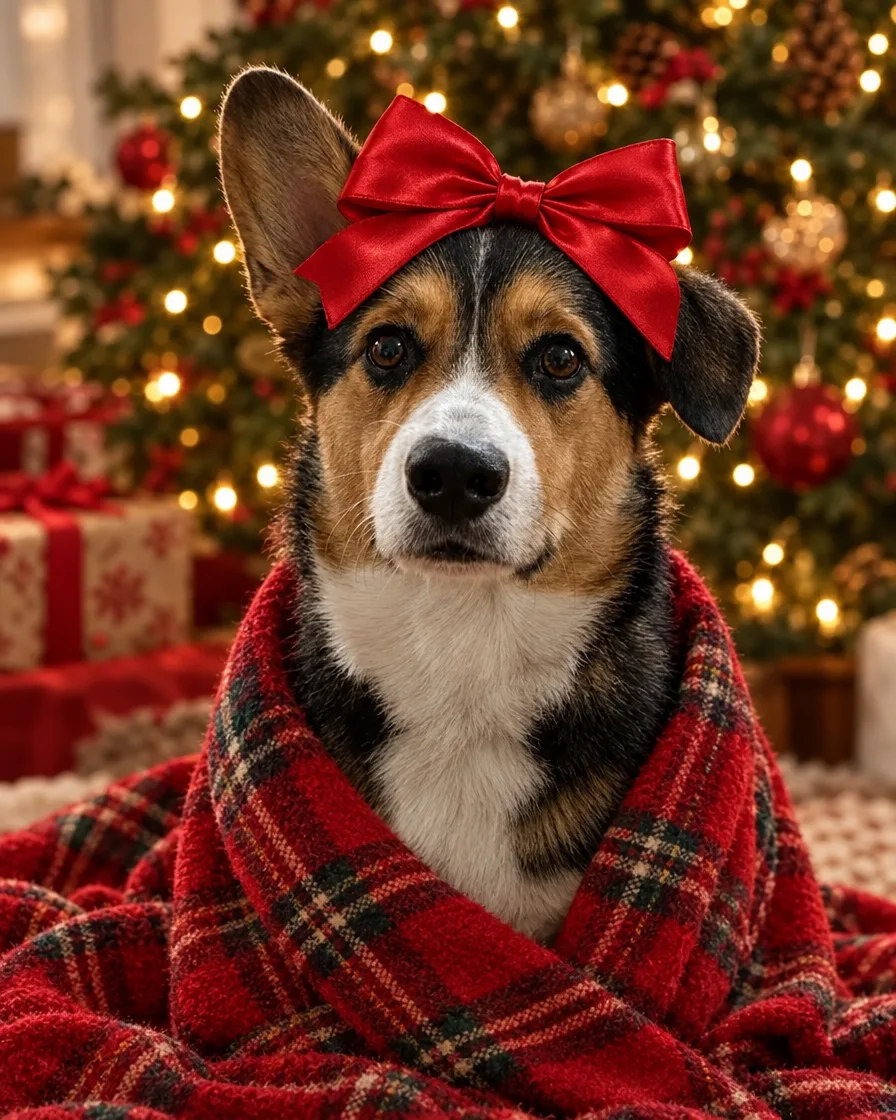
“The dog in this photo: keep its breed, coat colors, markings, ears and face exactly as they are, the same dog. A Christmas portrait of the dog with a big red satin bow on its head, wrapped in a red plaid blanket, sitting in front of a Christmas tree and looking at the camera, warm tree lights softly blurred behind, sharp detail in the fur, photorealistic.”
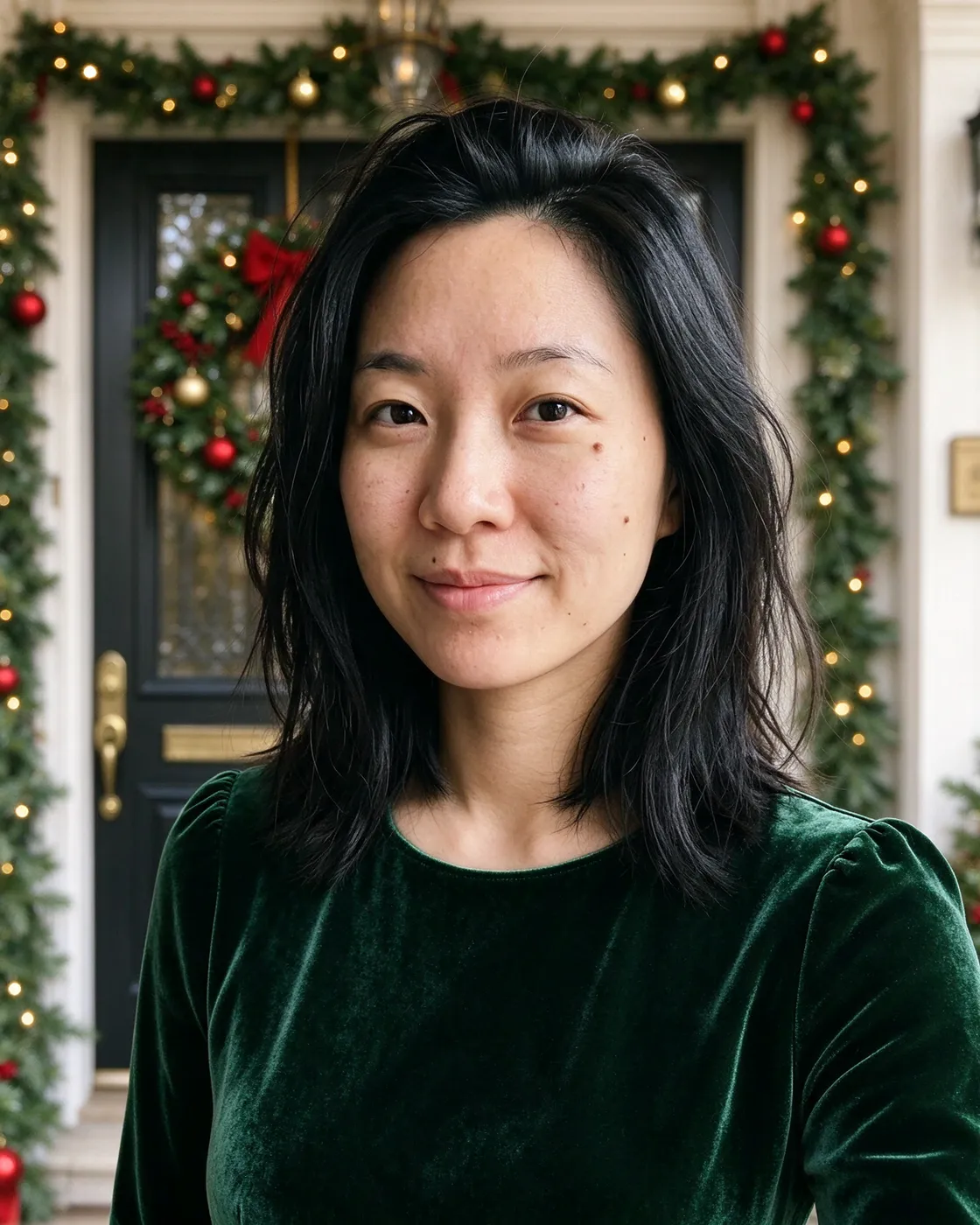
“A classic Christmas card portrait, deep green velvet top, standing in front of a front door with a wreath and garlands, soft daylight, warm smile, head and shoulders, realistic skin texture.”
“The person in this photo: keep their face, features, skin tone, hair and build exactly as they are, the same person, not a lookalike. A cozy Christmas portrait: they wear an oversized chunky cream cable-knit sweater and white knit knee socks and sit on a stack of white gift boxes tied with big red bows, in front of a tall Christmas tree with gold and white ornaments and warm white lights. Cream, gold and red palette, soft warm light, gentle smile at the camera, full length, realistic skin texture, photorealistic.”
Every example was made on this site and is shown as it came out, with nothing retouched. The people and pets in the photos they were made from are AI-generated, not real.
How to make an AI Christmas card
01
Make the photo
Say who is in it, add one photo of each person and pick a style. The cost in credits is on the button before you send.
02
Add your greeting
In the card maker, pick a layout, type a greeting and who it is from, and choose the lettering and paper color.
03
Print or send it
Download a 5 × 7 or 4 × 6 card as a PDF of the exact size for printing, or a square or story to post and send.
Christmas card ideas
Card photos that work well, each with a style to start from.
The tacky 80s Christmas card
Soft focus, a laser backdrop, an ugly sweater, a stiff pose and your dog's giant head floating behind you. Made from a photo of you and one of your dog.
5 × 7 inches is the usual Christmas card size, upright or wide; 4 × 6 suits a flat photo card. The card maker saves each at 300 dpi, and the PDF is the exact card size, so a print shop or your own printer prints it as it is.
For a sharp print, start from a large photo: enlarge it with Upscale before you make the card. The card maker says when a photo is too small for the size you chose.
A family Christmas card when you can't all be together
Pick “Family, one photo each” above and add a photo of each person, up to 16: everyone appears together in one picture. Then use the collage layout for up to 4 photos on one card, or a single family photo with your greeting under it.
The Christmas photo page has more styles for families, couples and pets.
Making the card is free and uses no credits. Making a new photo with AI uses credits: a new account starts with free credits. No card is needed to sign up.
Can I use my own photo?
Yes, in two ways. Add a photo of each person and PicYep makes a new Christmas photo of them, or put a photo you already have straight into the card maker.
Will the people on the card look like us?
Each person's own photo guides how they look: face, hair, glasses, build. PicYep makes photos of people with GPT Image 2.5, one of the models that kept faces closest when we tested eight. A sharp, front-facing photo gives the closest match, and if one isn't right you can mark it and make it again for free, once a day.
Can I write my own greeting?
Yes. Pick one of the greetings or type your own, add who it is from, and choose the lettering and paper color. The words are set as real text, not drawn by the AI, so they come out exactly as you typed them.
What size is the card?
5 × 7 inches upright or wide, or a 4 × 6 photo card, at 300 dpi, as a JPG or a PDF of the exact size. For sharing, there is a square for Instagram and a 9:16 story.
Is my photo uploaded when I make the card?
No. The card maker works in your browser: a photo you add to it stays on your device, and so does the card. Making a new photo with AI is what sends your photos to PicYep, where they are kept in private storage and never used to train AI models.
Can I put several photos on one card?
Yes. The collage layout takes 2 to 4 photos. Or make one photo of everyone together from a photo of each person, and use the layout with the photo and the greeting.
Your photos are not used to train AI models. Originals are kept in private storage, and you can delete them at any time. Privacy policy