Each style makes one photo. Pick a few and you see the whole plan, and the price, before anything is made.
Style inspiration · preview imagery
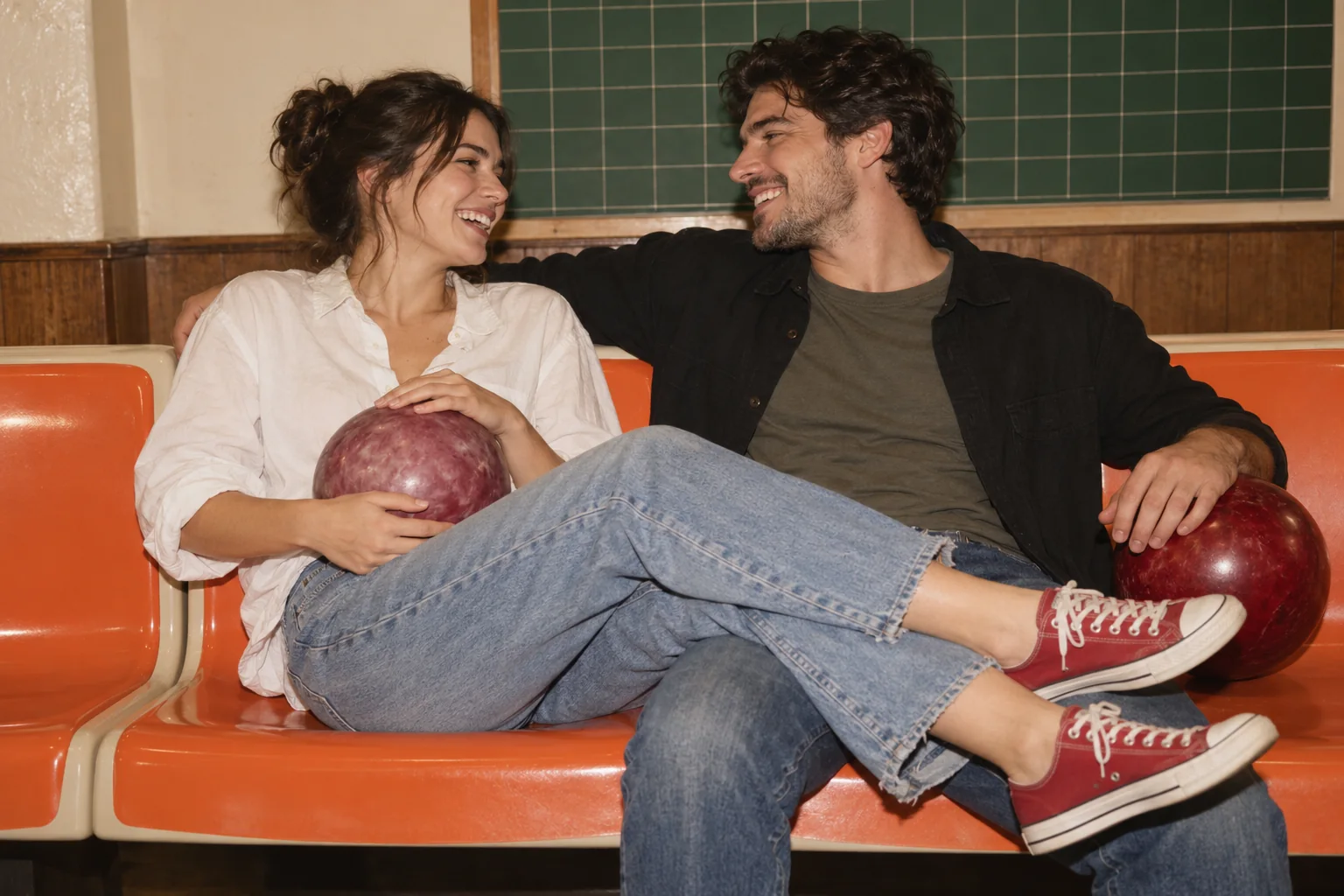
Retro bowling date
Grocery-cart date
Pinball-date cuddle
Arcade basketball date
A playful dance dip
Laughter in the rain
Three-frame photo booth strip
Piazza slow dance
An ocean-side reunion
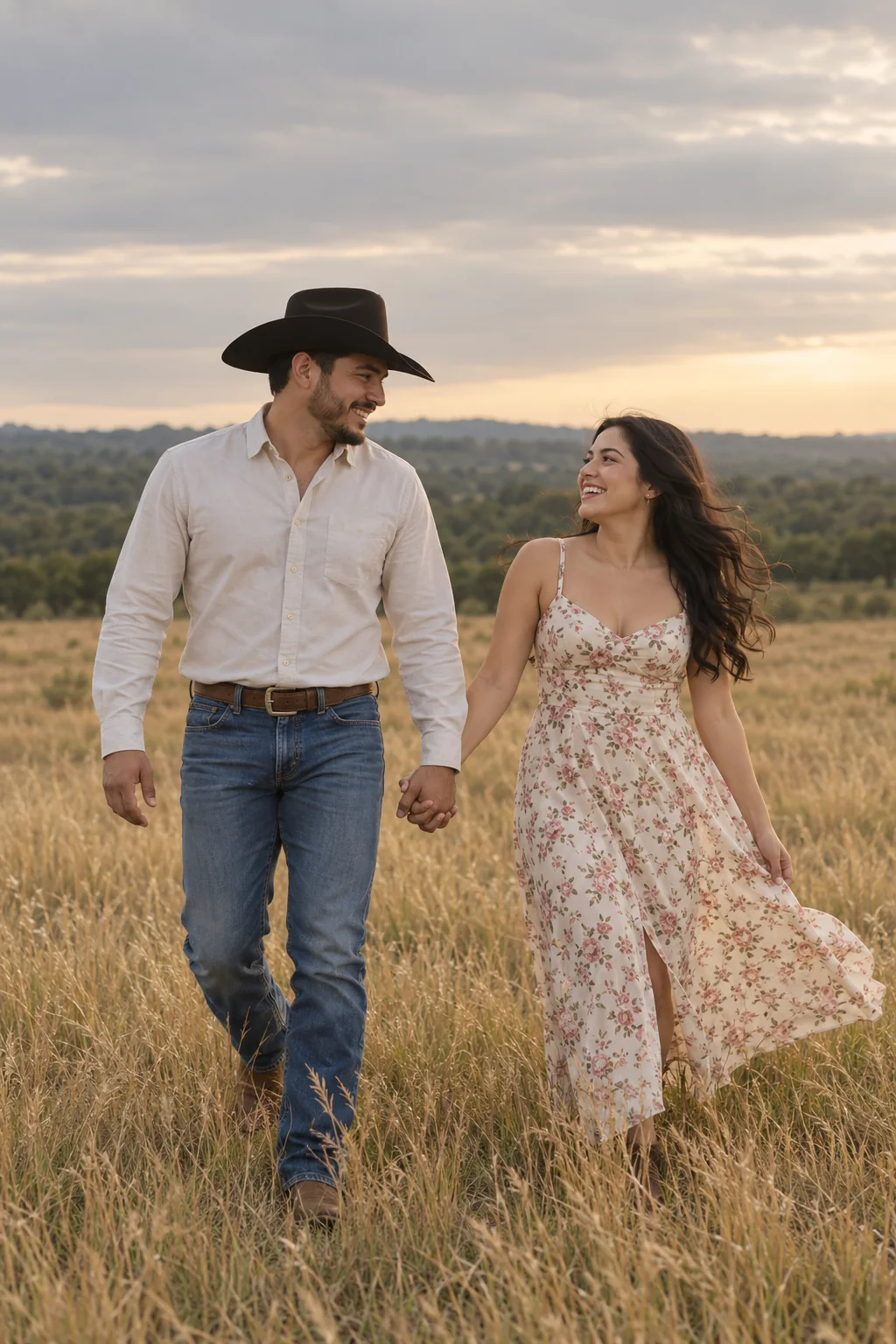
Country-field hand-in-hand
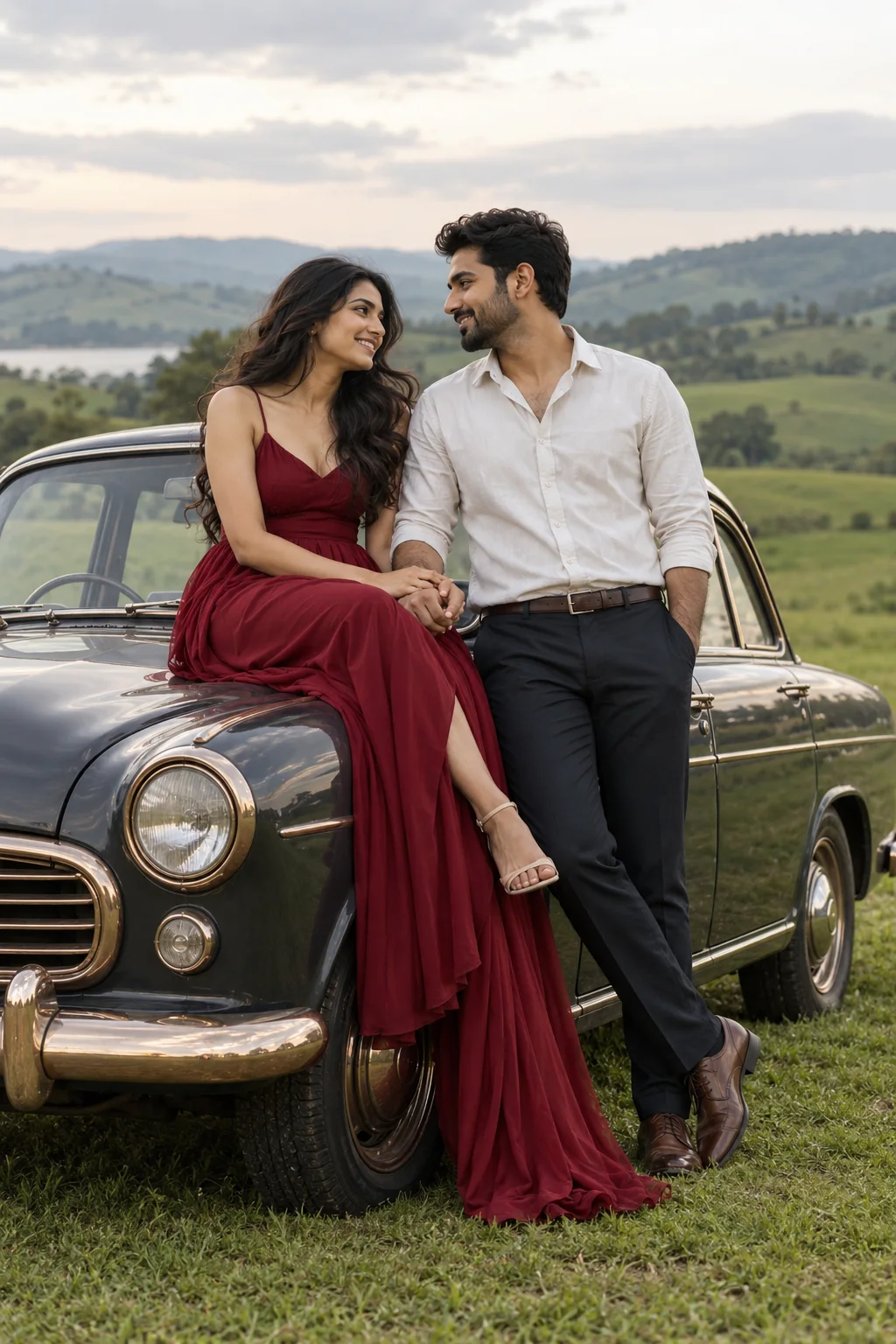
A countryside embrace
Red studio embrace
New · video
Then make it move.
Turn any photo of the two of you into a five-second clip. Both faces stay as they are; only the moment moves.
A kiss
A hug
Foreheads together
A kiss on the cheek
5 seconds · 720p · made from one of your photos
A kissA hugForeheads togetherA kiss on the cheek
In short
PicYep's AI couple photo generator puts two people in one realistic photo, each from a photo of their own. Add one photo of each person, say who is who by the order you add them, and describe the place, the outfits and the light. Each person's photo guides how they look in the new one.
New accounts start with free credits, and no card is needed to sign up. The cost of each photo is shown before you generate, and a request that ends without a photo gets its credits back. Your photos stay private to your account, carry no watermark and are yours to use for personal and commercial work.
AI-generated style previews. Choose a look to create a photo with your own images.
Retro bowling date
“Create a horizontal 3:2 candid couple photograph using the two people from the two photos, preserving each person's own face. They sit close together on connected orange bowling-alley seats and laugh while looking at each other. The person on the left wears a loose white shirt, faded blue jeans and red canvas shoes, holds a dusty mauve bowling ball on their lap and rests their lower legs casually across their partner's lap. The person on the right wears a black overshirt, olive-gray T-shirt and blue jeans, with a deep red bowling ball beside their thigh. Frame both faces, upper bodies, the two bowling balls and the relaxed crossed-leg pose. A simple green grid board, cream walls and brown wood form the retro background. Warm direct-flash photography, natural skin texture and gentle film grain. Exactly the supplied people, separate natural hands, no duplicated limbs, visible brand names, readable signs or watermark.”
“Create a 2:3 realistic couple photograph using the two people from the two photos, preserving each person's own face. Walk hand in hand through golden knee-high grass. The left partner wears a pale long-sleeved shirt, blue jeans and a plain dark cowboy hat; the right wears a light floral summer dress. Turn toward each other and laugh as a gentle breeze moves the hair and dress. Both figures full length with natural hands and clear faces. Vertical composition with generous gray sky above a distant green tree line, warm muted earth tones, soft evening daylight, realistic candid countryside portrait. Include exactly two people with no duplicated limbs, text or watermark.”
“Create a 2:3 realistic couple photograph using the two people from the two photos, preserving each person's own face and apparent age. Pose beside a generic charcoal vintage sedan parked on a green country field. The left partner sits casually on the front fender in a flowing burgundy-red evening dress; the right partner stands leaning close in a pale shirt and dark trousers, their hands meeting naturally. They smile toward each other with both eyes visible and no sunglasses. Include the car's rounded headlights and warm bronze trim without recognizable branding. Vertical full-body editorial photograph, soft cloudy light, rolling green hills and pale sky, rich restrained colors, natural skin. No text, logos, captions or watermark. Include exactly the supplied people without adding, omitting, duplicating or blending anyone.”
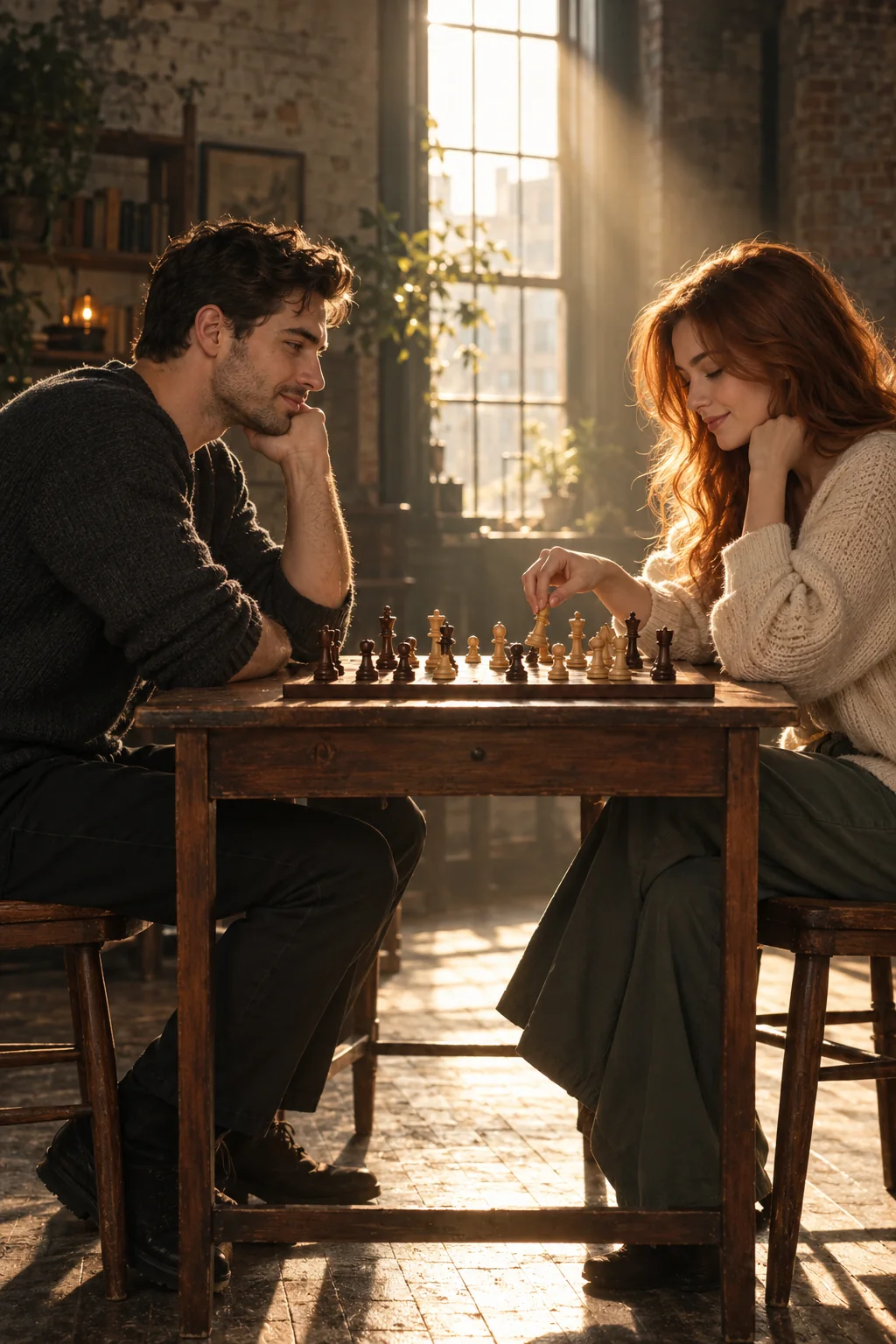
“Create a vertical 2:3 cinematic couple photograph using the two people from the two photos, preserving their own distinct faces. They sit opposite each other at a small ordinary wooden chess table in an airy old loft, leaning thoughtfully toward the game with relaxed faint smiles. Keep both facial profiles clearly lit and visible, one hand naturally moving a single chess piece. A tall plain window behind them casts a narrow warm shaft of afternoon sunlight through a little atmospheric haze. Use simple charcoal and cream casual knitwear, muted green-gray shadows, warm highlights, natural skin texture and believable chess pieces. Redesign the scene as a quiet shared date: a normal chessboard on the table, no projected checkerboard pattern, no huge floor chess pieces, no camera or photographer in view. Exactly two people, no cloned faces, fused hands, text, logo or watermark.”
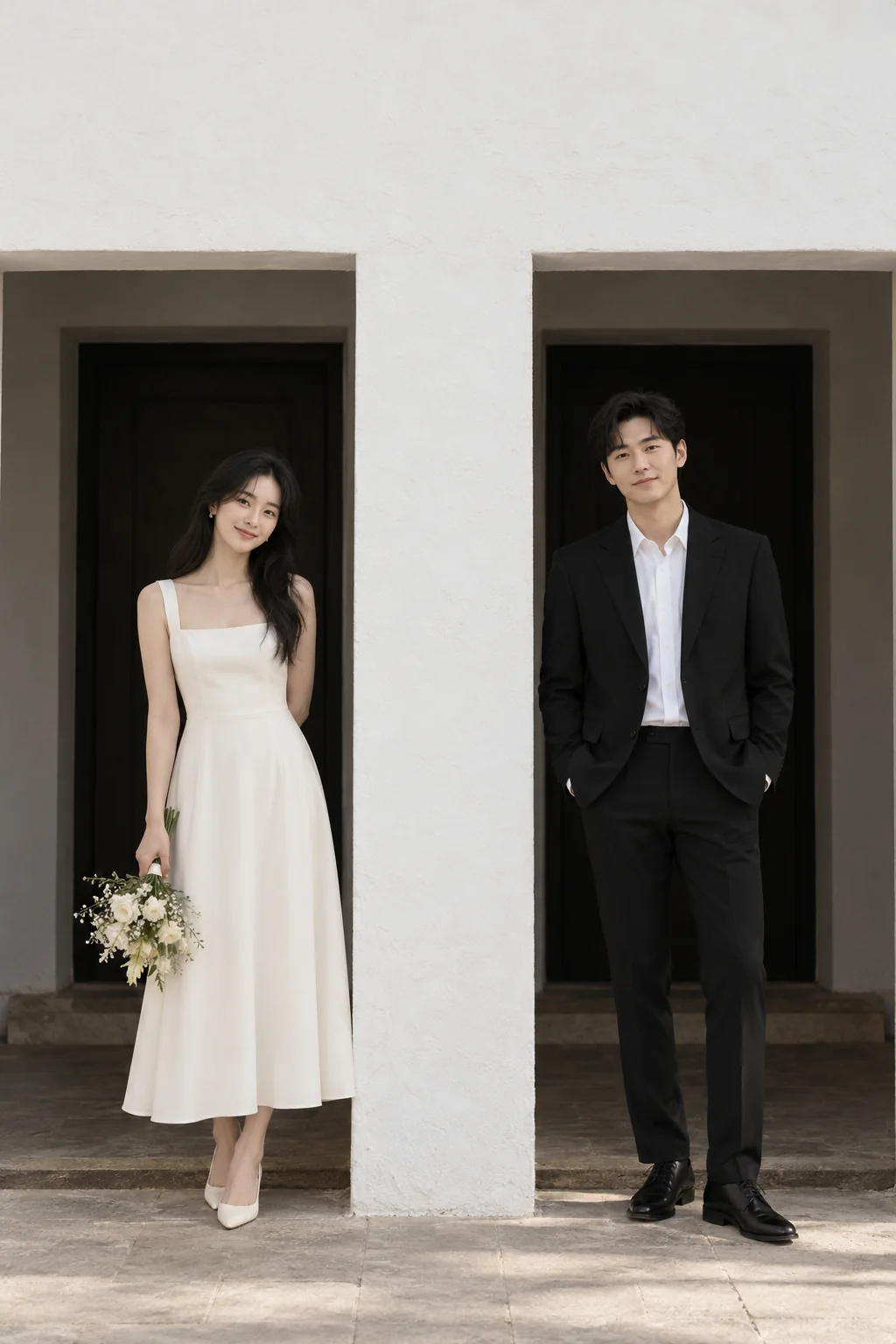
“Create a 2:3 realistic couple photograph using the two people from the two photos, preserving each person's own face. Create a calm architectural couple portrait outside a simple white stucco building. A broad white pillar divides two dark rectangular entrances: one partner in an ivory calf-length dress stands fully visible in the left opening holding a small bouquet low at the side, and the other in a plain black suit and white shirt stands fully visible in the right opening with hands in pockets. Both faces look slightly toward the camera with relaxed expressions. Vertical full-length composition with generous white wall space above, geometric lines, softly shaded light, muted black, white and warm neutral color, realistic skin. No signs, logos, readable text or watermark. Include exactly the supplied two people without duplicated limbs or blended faces.”
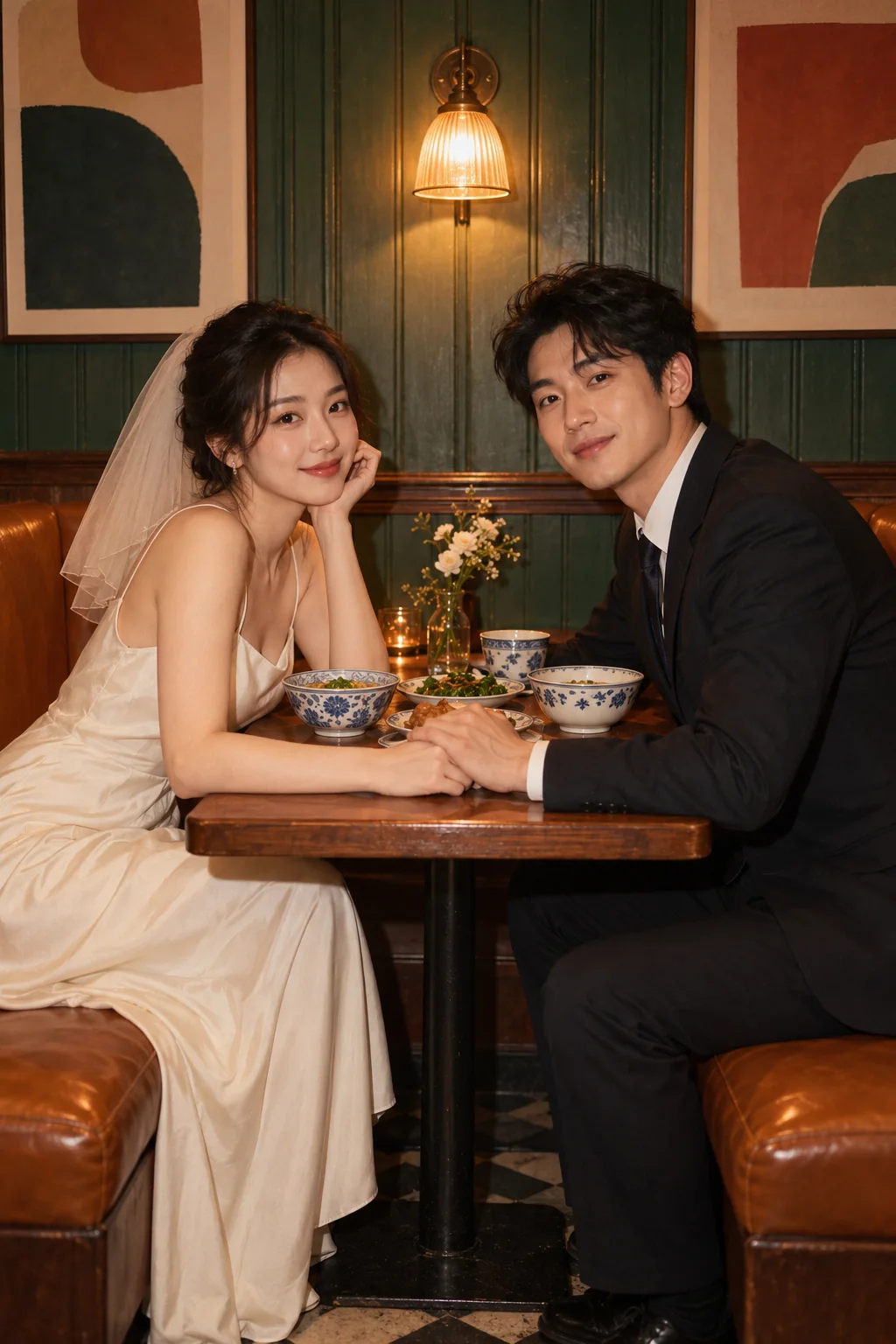
“Create a 2:3 realistic couple photograph using the two people from the two photos, preserving each person's own face. Sit opposite each other in a cozy retro restaurant booth, holding hands gently across the front edge of a small table and turning both faces toward the camera. The person on the left wears an elegant ivory dress with a simple short veil, the person on the right a dark suit. Green wood paneling, amber leather seats and a small warm wall lamp create the background. Include a modest meal with plain blue-and-white bowls and a little flower vase. Vertical seated portrait, warm direct flash, slightly moody film colors, clear natural faces. Replace all wall posters with simple unlettered abstract color blocks; no branded bottles or signs. Include exactly two people with no duplicated limbs, text or watermark.”
AI-generated style previews. Choose a look to create a photo with your own images.
How to make an AI couple photo
01
Add a photo of each of you
One clear photo of each person, facing the camera, with nothing across the face. JPG, PNG or WebP, up to 10 MB each.
02
Say who is who, and where
Name each person by the order of the photos, “the woman from the first photo”, then describe the place, the outfits and the light.
03
Generate and download
The cost in credits is on the button before you send. Every attempt is a new take: download the original file of the one you like.
Couple photo ideas
Six scenes for two. Change a few words to make them yours.
Walk in the park
Hand in hand on a path through an autumn park, golden leaves on the ground, soft afternoon light.
Coffee date
Across a small cafe table with two cups of coffee, laughing, warm light from the window.
Beach at sunset
Close together on the sand, the sea and an orange sky behind, relaxed smiles.
Christmas at home
Matching sweaters on the sofa in front of a decorated tree, fairy lights glowing.
Rooftop selfie
An arm stretched toward the camera, city lights behind at dusk, an unedited phone look.
Anniversary portrait
Evening clothes against a plain studio backdrop, soft light, a head resting on a shoulder.
Two photos, one picture
A photo editor cuts two people out and leaves you to match the light. Here the photo is made new: both of you are drawn into the same place, under the same light, standing the way people stand when they were really there together.
Living apart, never got the shot, or want a new one for an anniversary: one photo of each of you is enough. For three people or more, use the group photo generator.
Two photos with similar light and a similar distance from the camera give the most even result.
02
Say who is who
Refer to each person by the order of the photos: “the woman from the first photo”, “the man from the second photo”.
03
Describe how you stand
Hand in hand, arm in arm, a head on a shoulder: say how you are together, not only where.
04
Make a few takes
Every attempt is different. Make two or three and keep the one that feels like the two of you.
AI couple photo questions
Is the AI couple photo generator free?
It is free to try. A new account starts with free credits. No card is needed to sign up. After that, credits come with a plan or a credit pack.
Can I make a couple photo from two separate photos?
Yes. Add one photo of each person and describe the scene. The two of you are drawn together in one new photo, each from your own photo.
Will we both look like ourselves?
Each person's photo guides how they look: the face, the hair, the build. Sharp photos that face the camera give the closest match. Every attempt is a new take, so if one is not right, try again or switch model.
Can I choose the place and the outfits?
Yes. Describe them in a sentence: a beach at sunset, a snowy street, matching sweaters, evening clothes. Start from one of the examples and change a few words.
Are our photos private?
Yes. Your photos and the pictures made from them stay in your own library, and nobody else can open them unless you share a link. We do not use them to train AI models. A phone photo has its location and other camera details removed before it is sent.