AI Headshot GeneratorA professional headshot from one selfie.
Add one photo of yourself and make a professional headshot: a blazer or a shirt, a calm background, head and shoulders in the frame.
Your photo
One clear photo of each face. JPG, PNG, WebP or iPhone photos.
Free credits to start. No card needed.Your photos stay private
Plan and price first
Not right? Free redo
Or say it in your own words
Job photo, white backdrop
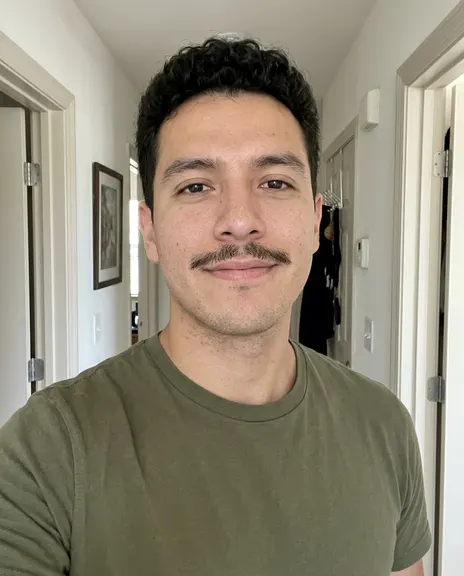
Made from this photo
Pick a style. Or three.
Each style makes one photo. Pick a few and you see the whole plan, and the price, before anything is made.
Every example was made on PicYep
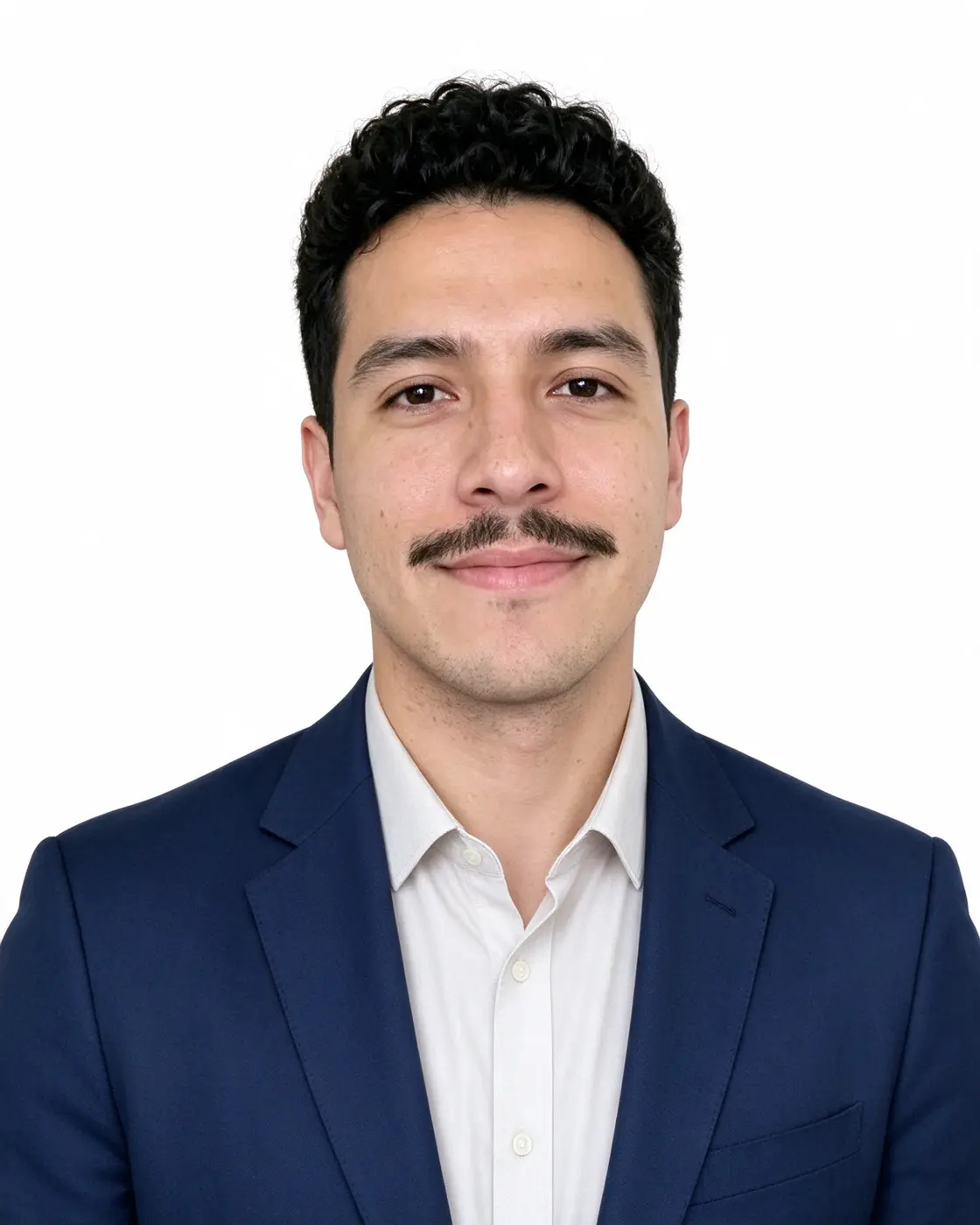
Job photo, white backdrop
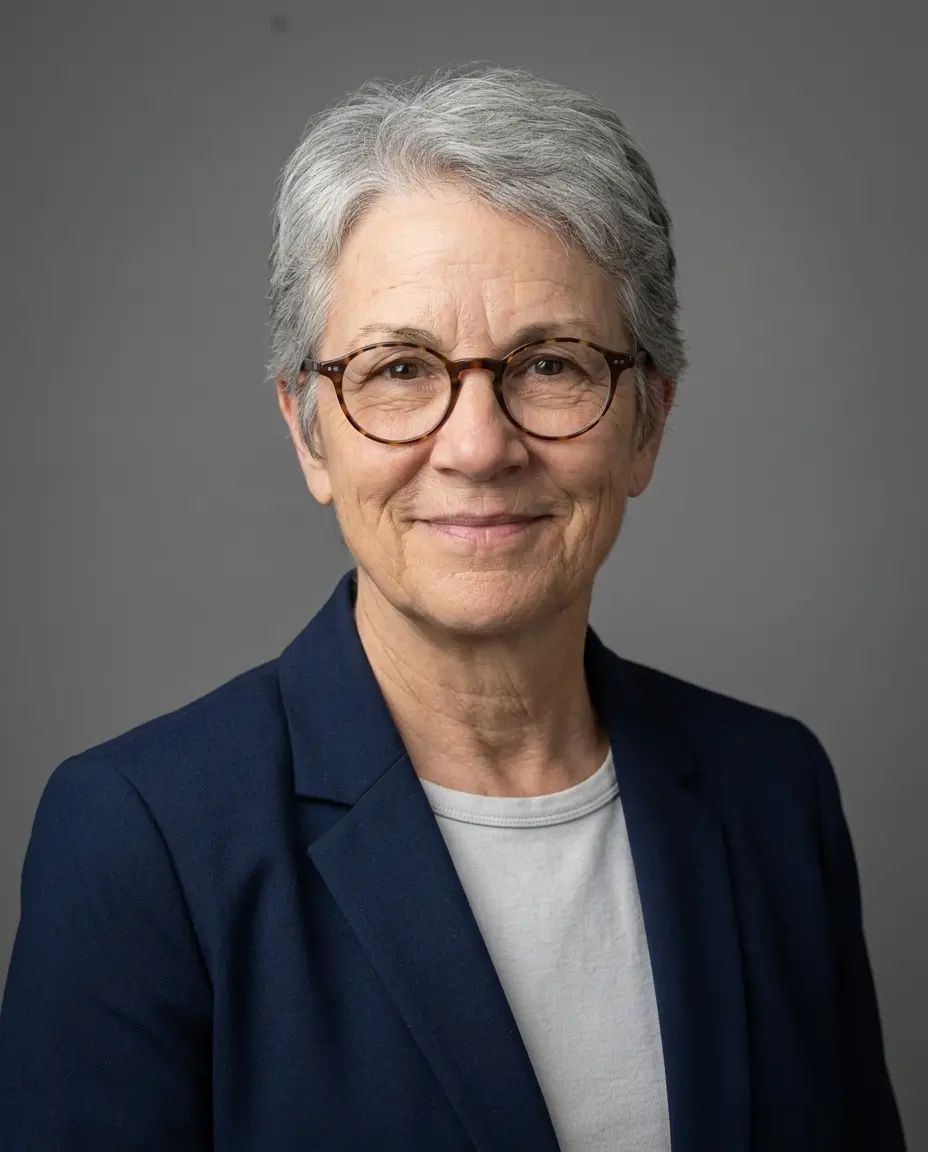
Job photo, grey studio
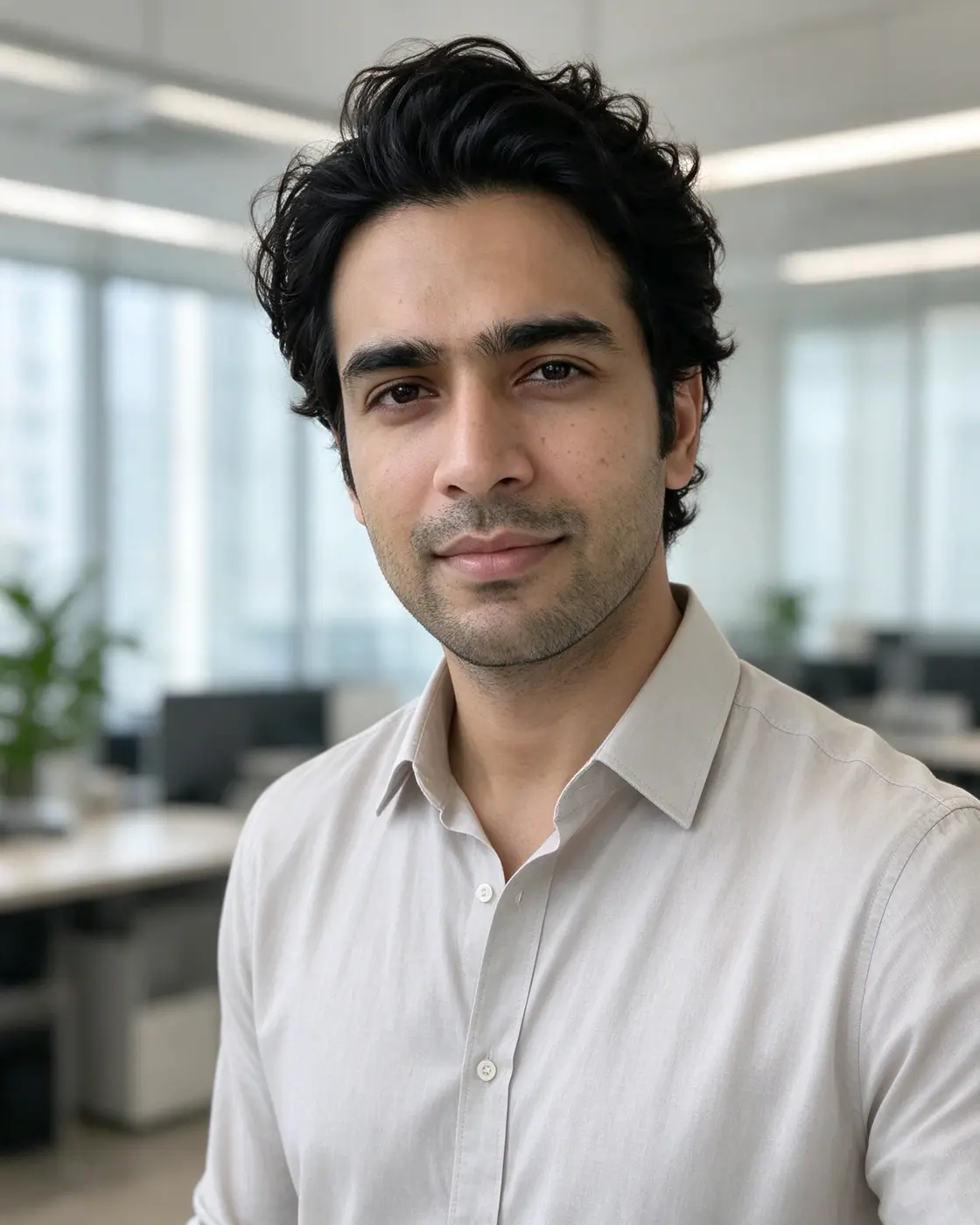
Job photo, modern office
Job photo outdoors
Job photo, knit sweater
Job photo, dark suit
LinkedIn headshot
Studio headshot
In short
PicYep's AI headshot generator makes a professional headshot from a photo of you: up to 16 JPG, PNG or WebP photos, each up to 10 MB. Pick what it is for, what you wear and the background — a grey or white studio, an office or outdoors — or describe them in your own words. Your photo guides the face, the hair and the build. Headshots are 4:5 portrait unless you pick another aspect ratio.
New accounts start with free credits, and no card is needed to sign up. The cost of each photo is shown before you generate, and a request that ends without a photo gets its credits back. Your photos stay private to your account, carry no watermark and are yours to use for personal and commercial work.
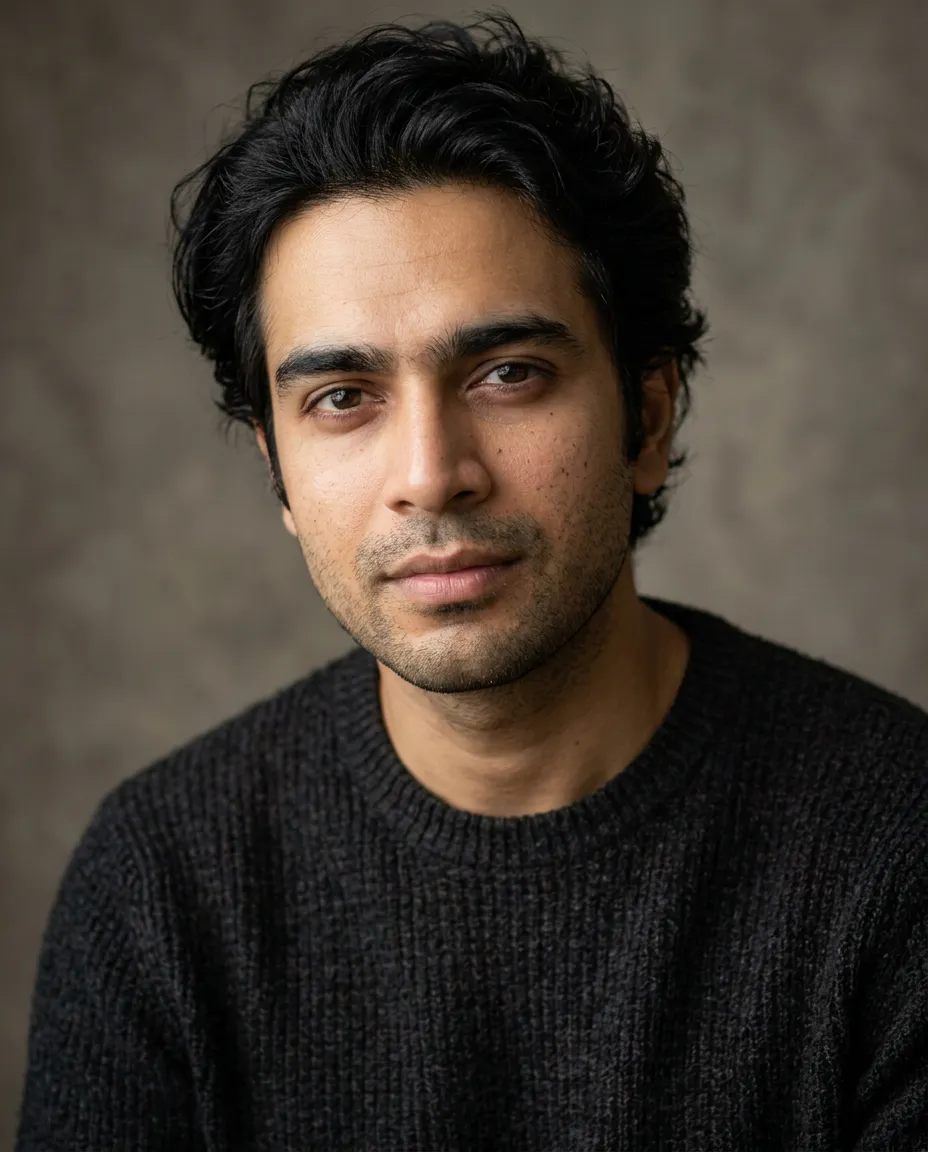
Photographs, not illustrations: skin, eyes and light as a camera sees them. Each is shown with the words it was made from.
Job photo, grey studio
“A professional headshot of me for a job application, wearing a navy blazer over a plain shirt, against a plain mid-grey studio backdrop, head and shoulders, soft flattering light, a confident, approachable expression, with no other people in the background, realistic skin texture.”
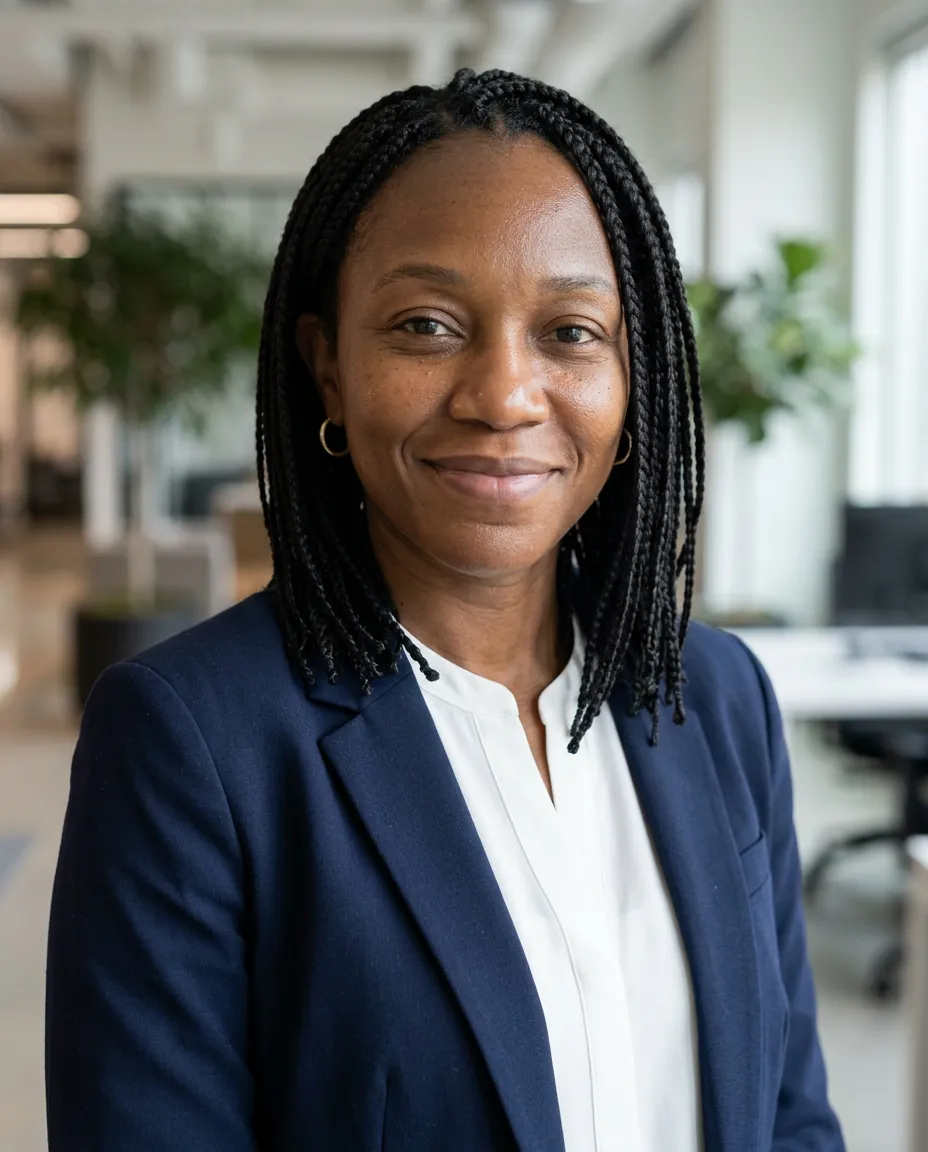
“A professional headshot of me for a job application, in smart-casual clothes, in a bright modern office, softly out of focus, head and shoulders, soft flattering light, a confident, approachable expression, with no other people in the background, realistic skin texture.”
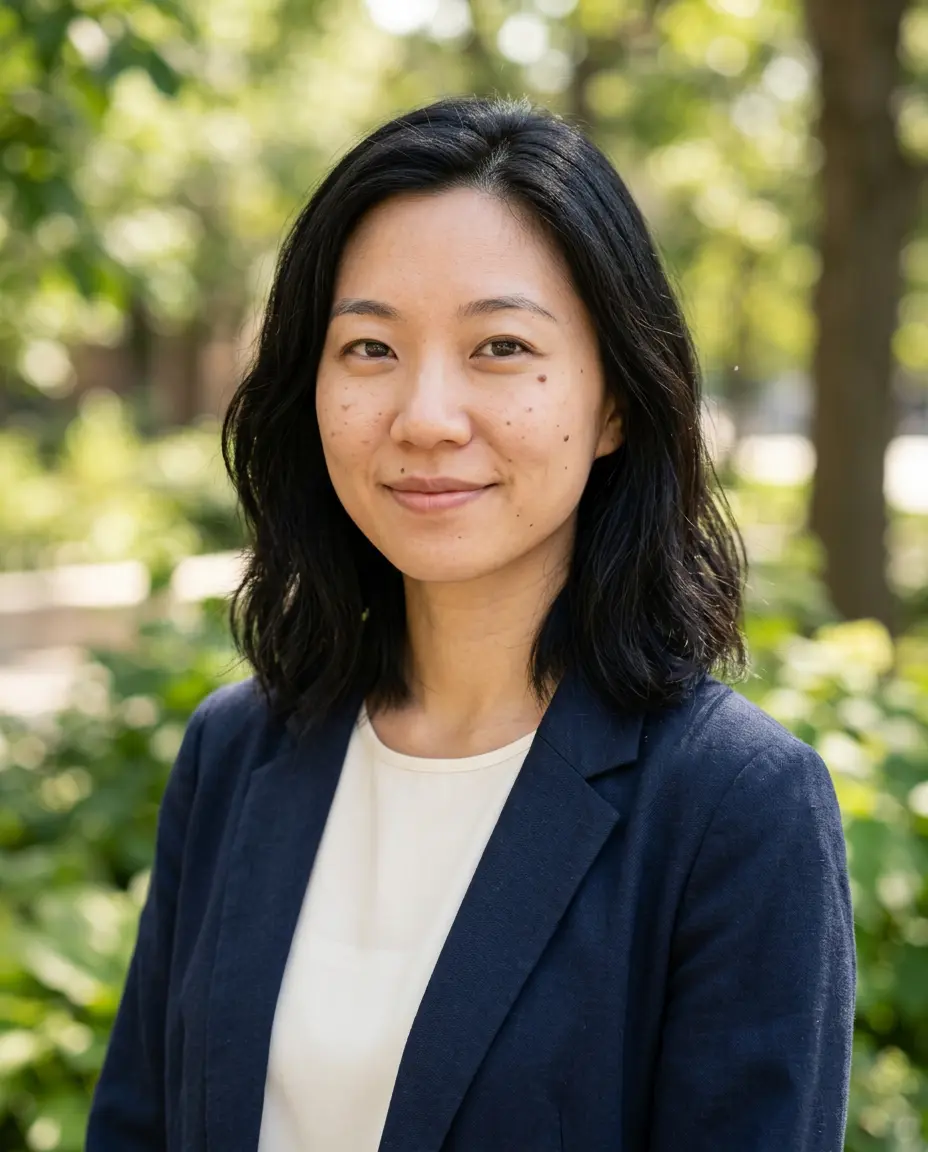
“A professional headshot of me for a job application, in smart-casual clothes, outdoors with soft greenery behind, out of focus, head and shoulders, soft flattering light, a confident, approachable expression, with no other people in the background, realistic skin texture.”
“A professional headshot of me for a job application, wearing a navy blazer over a plain shirt, against a clean white backdrop, head and shoulders, soft flattering light, a confident, approachable expression, with no other people in the background, realistic skin texture.”
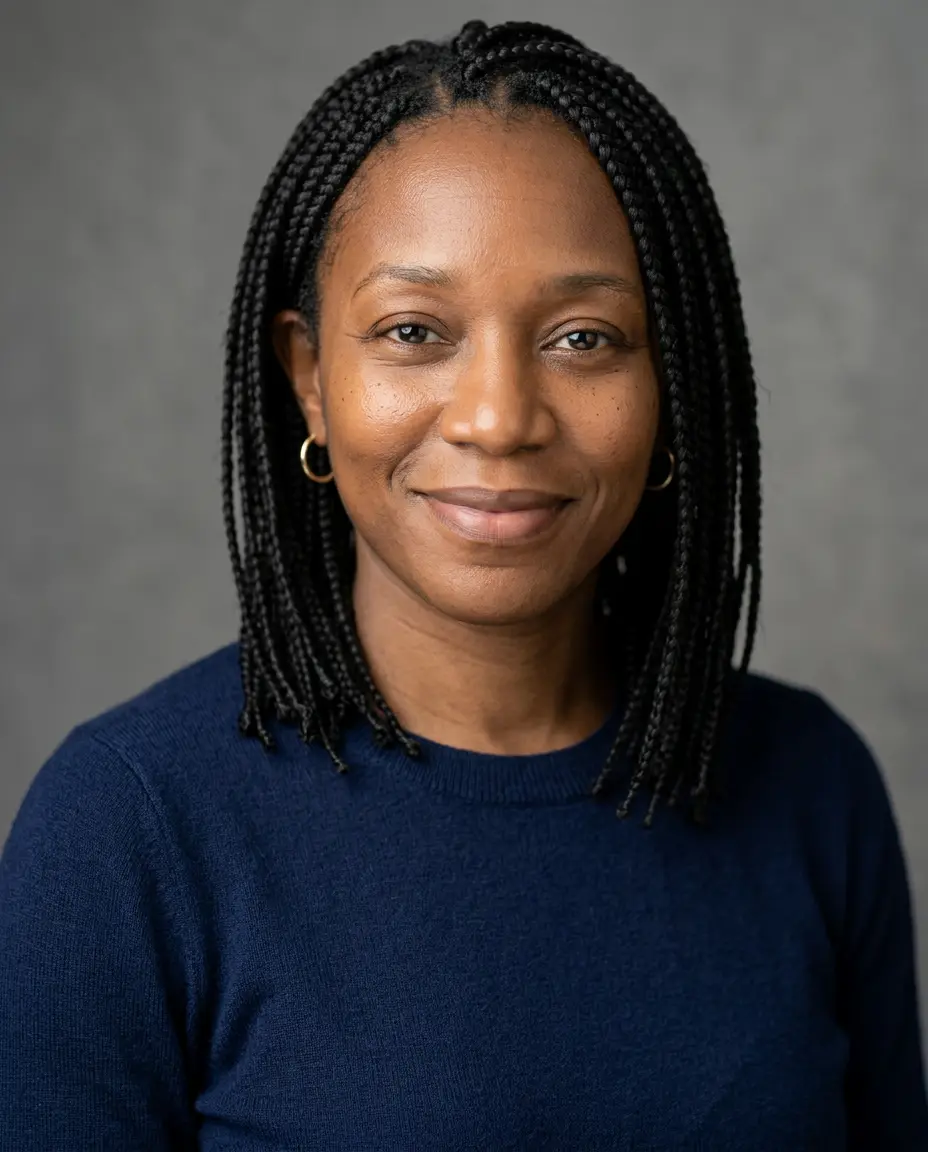
“A professional headshot of me for a job application, in a fine-knit sweater, against a plain mid-grey studio backdrop, head and shoulders, soft flattering light, a confident, approachable expression, with no other people in the background, realistic skin texture.”
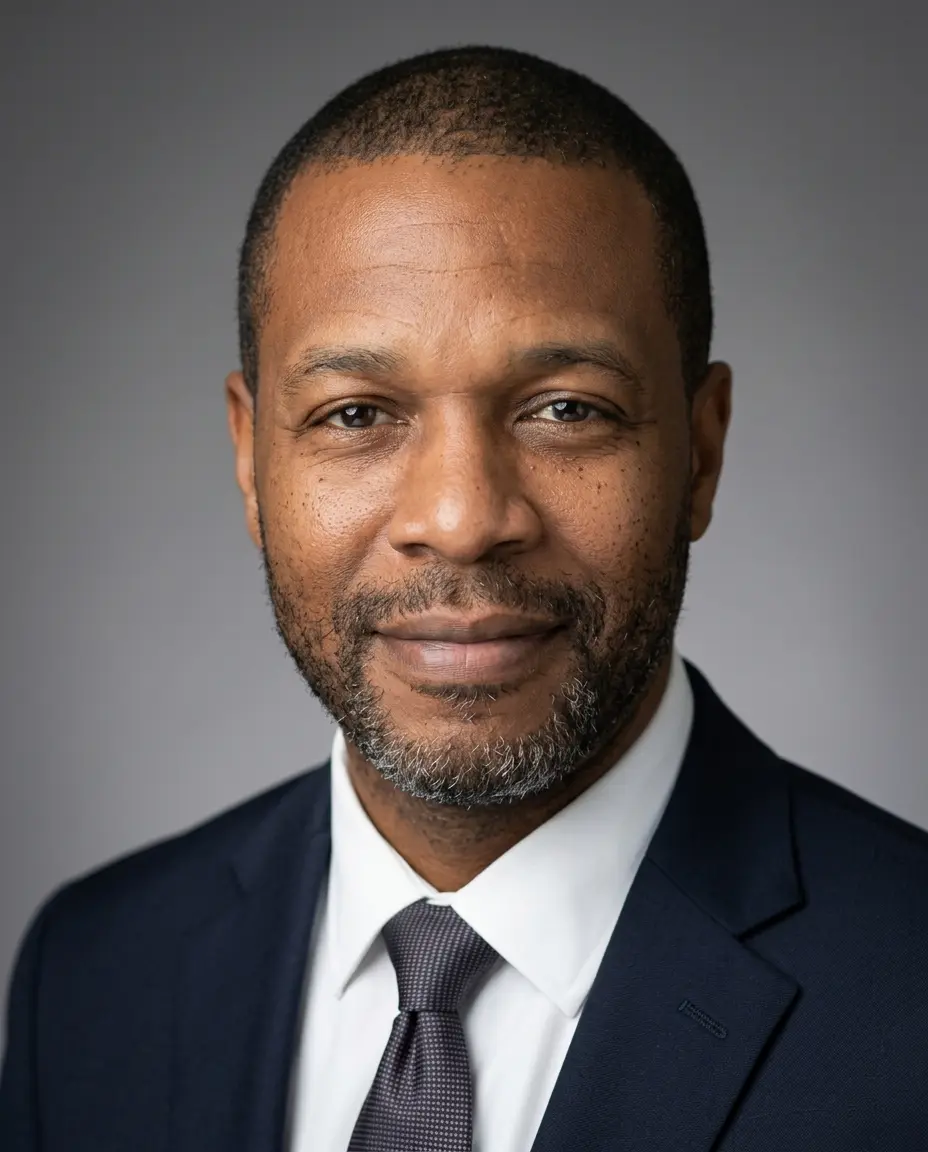
“A professional headshot of me for a job application, wearing a tailored dark suit, against a plain mid-grey studio backdrop, head and shoulders, soft flattering light, a confident, approachable expression, with no other people in the background, realistic skin texture.”
“A LinkedIn profile headshot, navy blazer over a white shirt, softly blurred modern office behind, even daylight from the side, friendly closed-mouth smile, head and shoulders, realistic skin texture.”
Every example was made on this site and is shown as it came out, with nothing retouched. The people and pets in the photos they were made from are AI-generated, not real.
How the AI headshot generator works
01
Add a photo of yourself
One sharp photo is enough. A selfie taken in daylight, with your face in clear view, works well.
02
Pick the outfit and the background
Under "For", choose LinkedIn, a job application, a company website, a portfolio or a speaker bio, then what you wear and the background. Or describe them yourself.
03
Generate and download
The cost in credits is on the button before you generate. When you like a headshot, download the original.
Headshot ideas
Six headshots, all made from one photo of you.
Classic studio
A navy blazer, a plain grey backdrop and soft light from the front: the headshot for a resume, a LinkedIn profile or a team page.
Modern office
A bright modern office softly out of focus behind you, in a shirt or blouse without a jacket.
Outdoors
Greenery out of focus behind you and open daylight: relaxed, and still professional.
White background
A clean white backdrop for a company directory or a simple resume template.
Smart casual
A fine-knit sweater or an open-collar shirt, for start-ups, tech and creative work.
Dark suit
A dark suit against a calm grey backdrop, for finance, consulting or law.
Professional headshots for business, resumes and team pages
A headshot shows your head and shoulders against a calm background, in clothes you would wear to work. One photo of you can give a LinkedIn profile picture, a resume photo, a picture for your company's team page and a portrait for a speaker or author bio.
For a team page, everyone adds their own photo and picks the same outfit and background. For a more relaxed picture for Instagram, TikTok or a dating profile, there is a page of its own.
PicYep is free to try. A new account starts with free credits, and no card is needed to sign up.
What a headshot costs depends on the model, and the cost is on the button before you generate. A request that ends without a photo gets its credits back. After the free credits, credits come with a plan or a credit pack.
AI headshot vs a photographer
An AI headshot starts from a photo you already have, with no appointment to book. You can try a suit and then a sweater, a studio and then an office, and keep only the pictures you like. That helps when you need a headshot this week, or want to see what suits you before a shoot.
A photographer works with you in person: they direct your pose and expression and retouch the result, which is worth it for a portrait you will use for years. You can also do both — an AI headshot now, and a shoot when there is time.
Tips for a good starting photo
01
Daylight from the front
Face a window. Even light shows your skin and eyes best.
02
Face clear, camera at eye level
No sunglasses, no hat, nothing across your face. Hold the camera at eye level.
03
Only you in the photo
A photo with only you in it makes clear whose face the headshot is of.
04
A recent photo
Use a photo from the last few months, so your headshot shows how you look today.
Headshots for a whole team
Teams that need headshots for many people, and photographers who make them for clients, can get extra credits on top of the ones they buy: tell us roughly how many.
It is free to try. A new account starts with free credits. No card is needed to sign up. After that, credits come with a plan or a credit pack.
Will the headshot look like me?
Your photo guides the face, the hair and the build. Every attempt is a new take: if one is not right, try again or switch model, and keep the headshot you recognize yourself in.
What photo should I upload?
A recent, sharp photo with your face in clear view; a selfie in daylight is enough. You can add up to 16 photos as JPG, PNG or WebP, each up to 10 MB.
Can I change the outfit and the background?
Yes. Under "Wearing", choose a dark suit, a navy blazer, smart casual or a knit sweater; under "Background", a grey studio, a white studio, an office or outdoors. You can also describe what you want to wear and where the photo is taken.
What size is the headshot?
4:5 portrait by default, which suits a resume and LinkedIn. You can pick another aspect ratio, such as 1:1, before you generate, and download the original at full resolution.
Can I use my AI headshot on LinkedIn and on my company's website?
Yes. The headshots you make are yours, for LinkedIn, a resume, your company's website or your own, for personal and commercial use, with no watermark.