AI Family Photo GeneratorEveryone in one photo, even when you are apart.
One photo of each person, up to 16, and everyone is together in one portrait. No need to get the whole family in one place.
Person 1
Person 2
Person 3
One clear photo of each face. JPG, PNG, WebP or iPhone photos.
Free credits to start. No card needed.Your photos stay private
Plan and price first
Not right? Free redo
Or say it in your own words
Three generations
+++
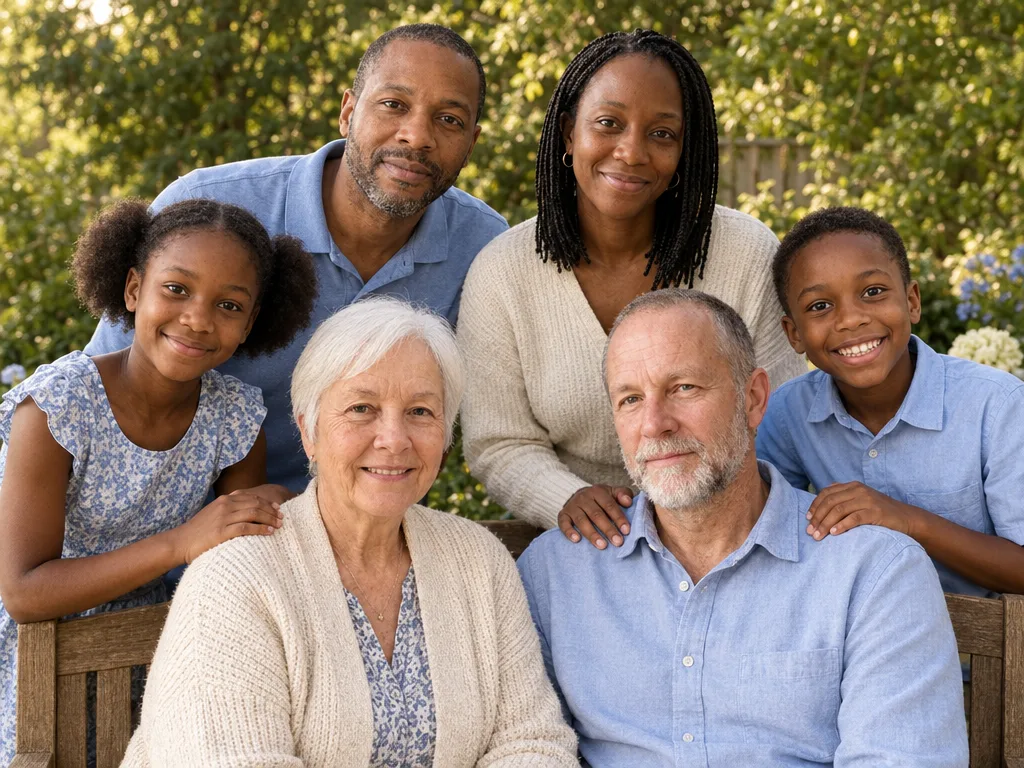
Made from these 6 photos
Pick a style. Or three.
Each style makes one photo. Pick a few and you see the whole plan, and the price, before anything is made.
Every example was made on PicYep
Black and white, close together
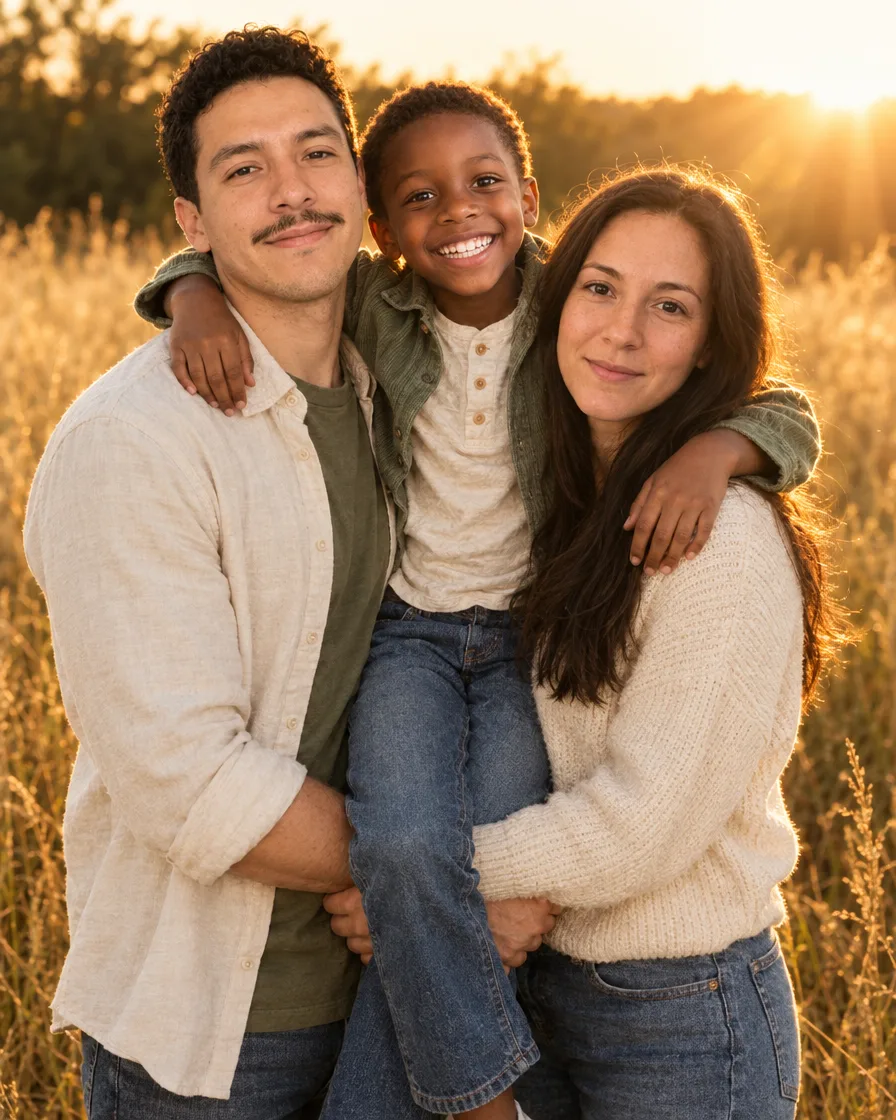
Golden hour in the field
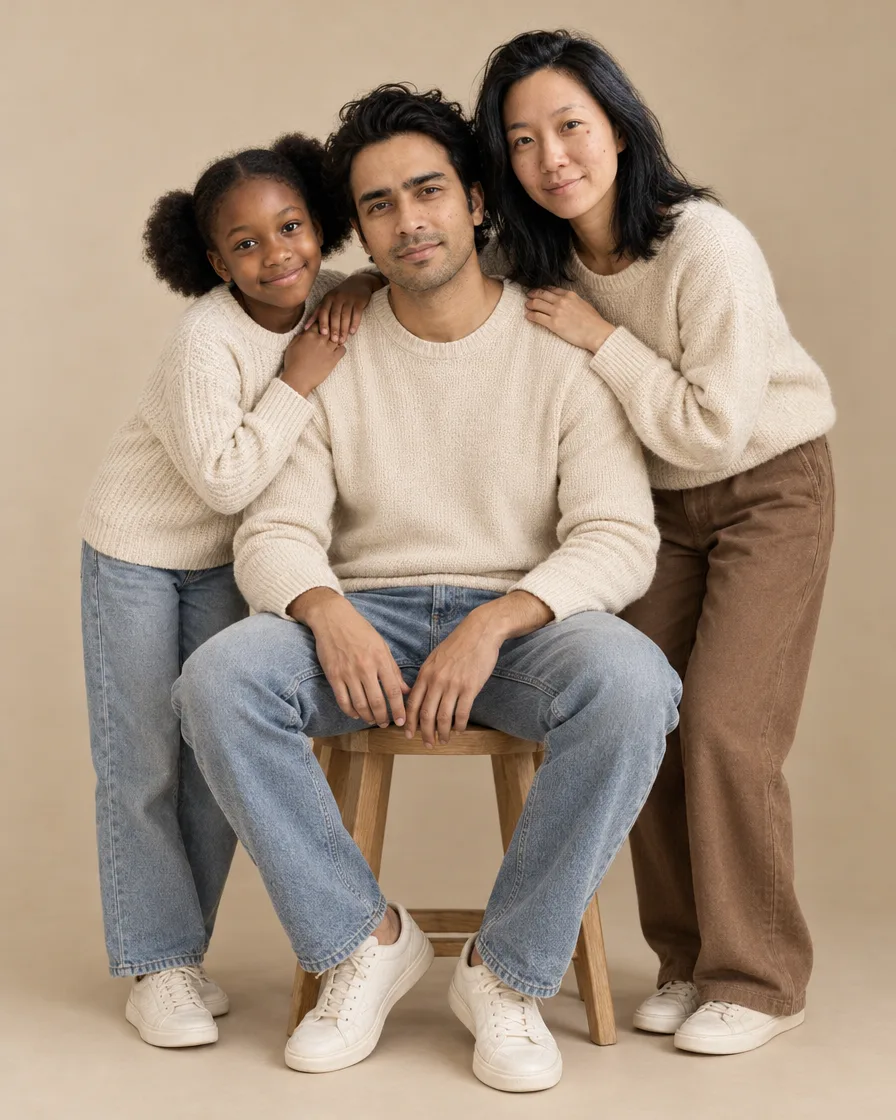
Neutral studio
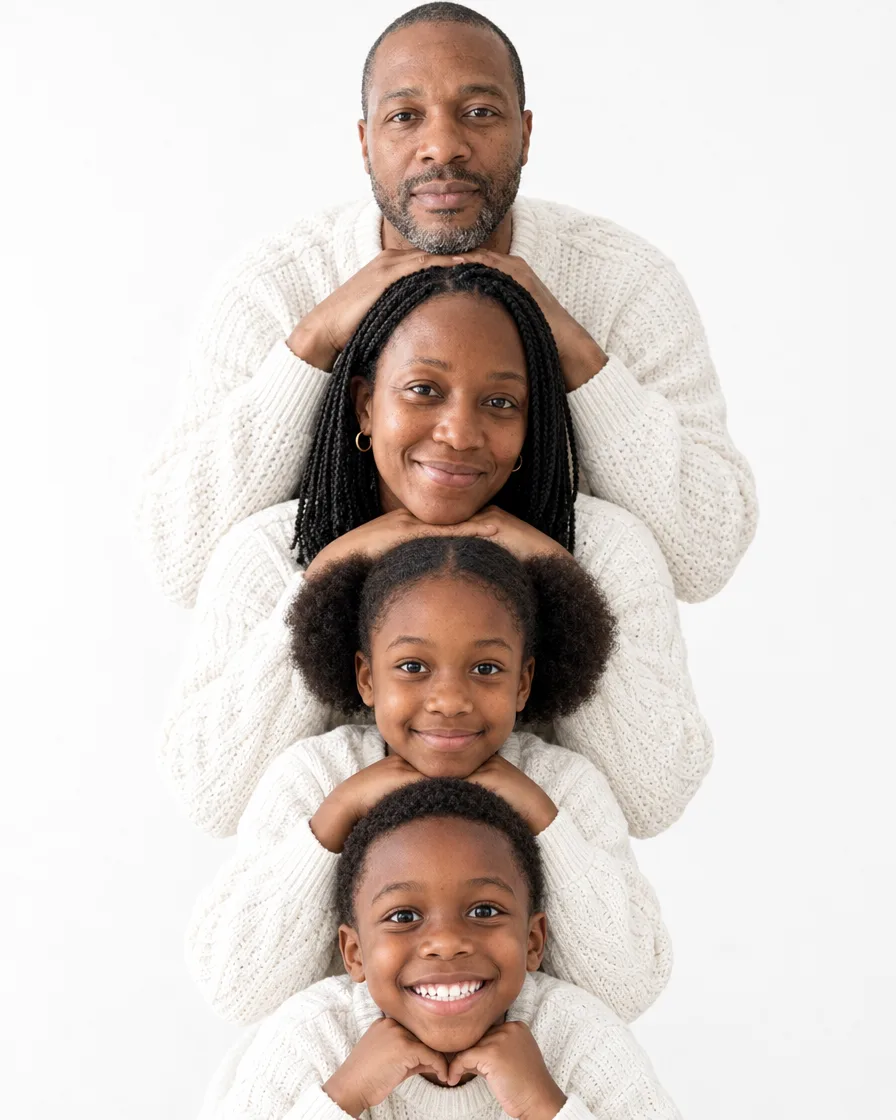
Stacked faces in white
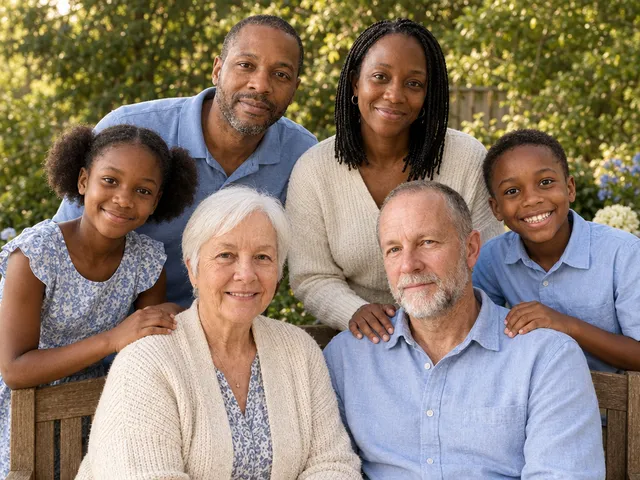
Three generations
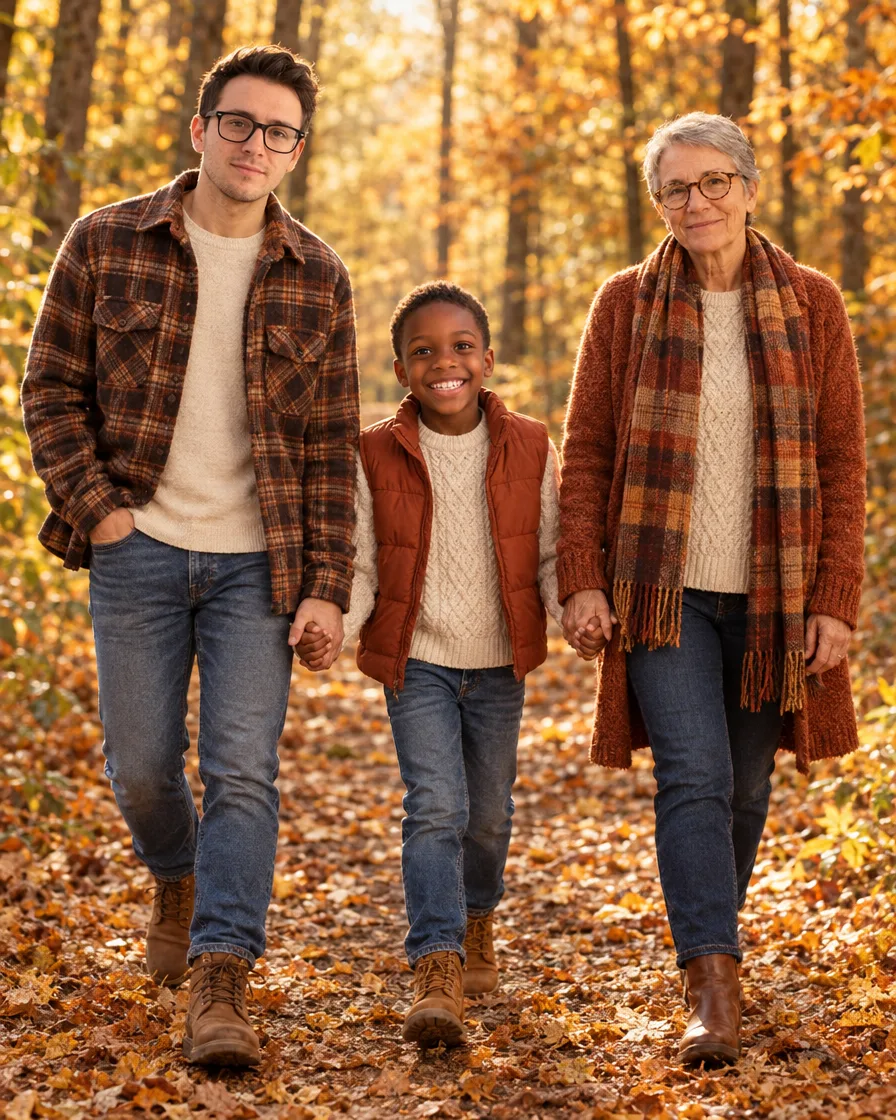
Autumn walk
Beach at sunset
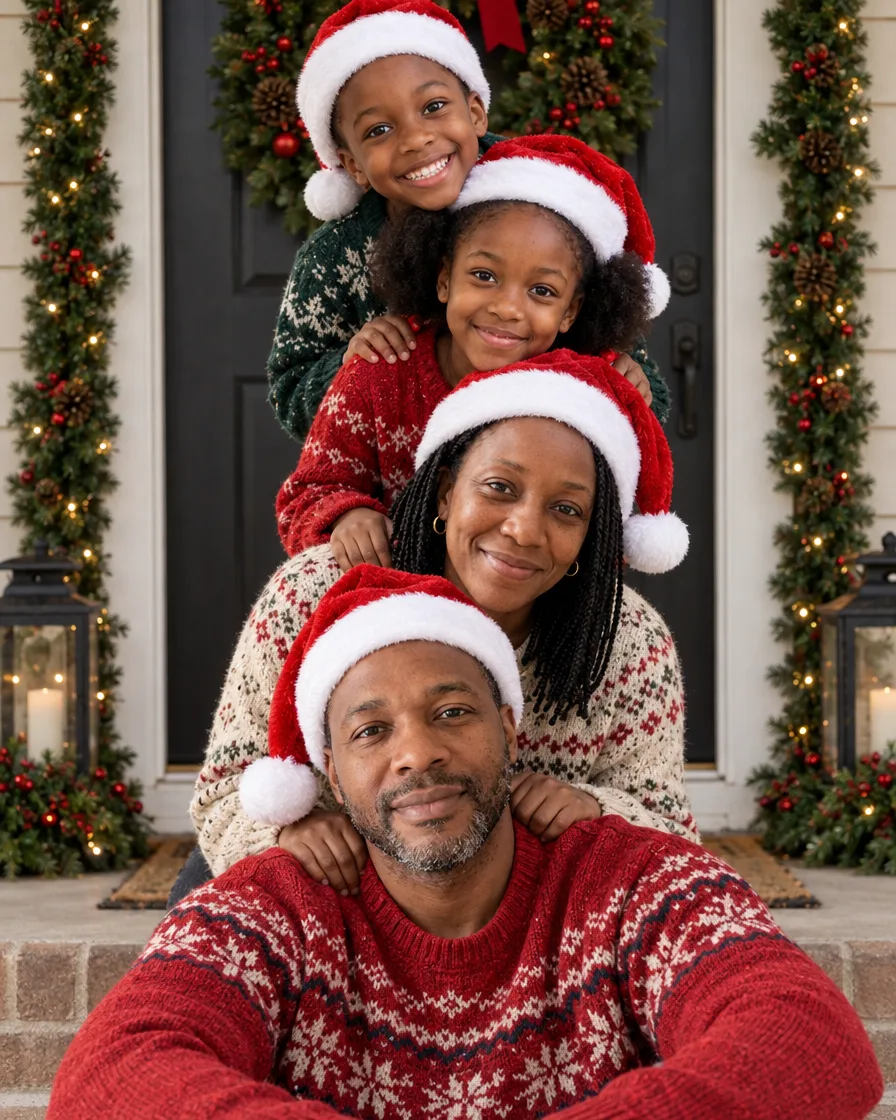
Family stacked at the door
Family Christmas pajamas
Family in emerald green
In short
PicYep's AI family photo generator makes one family portrait from separate photos: add a photo of each person, up to 16, taken anywhere and at any time, and pick a style, a black-and-white studio, a golden-hour field, three generations in the garden or a family Christmas card. Everyone appears together in one picture, each person from their own photo.
New accounts start with free credits, and no card is needed to sign up. The cost of each photo is shown before you generate, and a request that ends without a photo gets its credits back. Your photos stay private to your account, carry no watermark and are yours to use for personal and commercial work.
Everyone looks like themselves
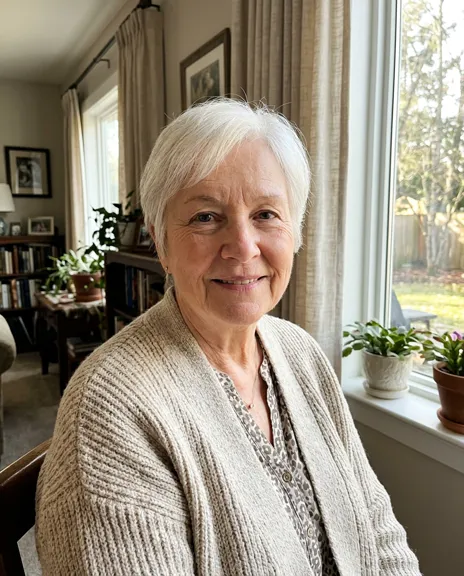
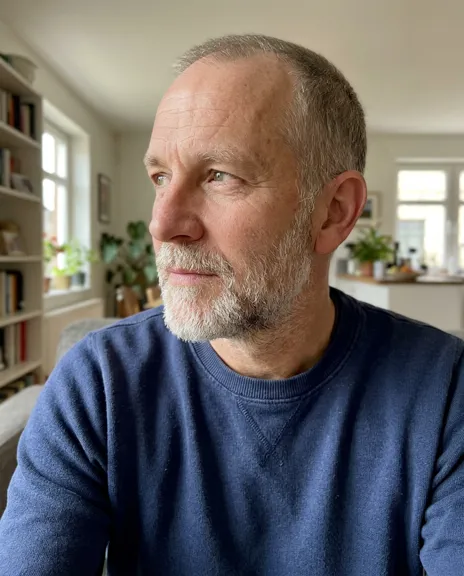
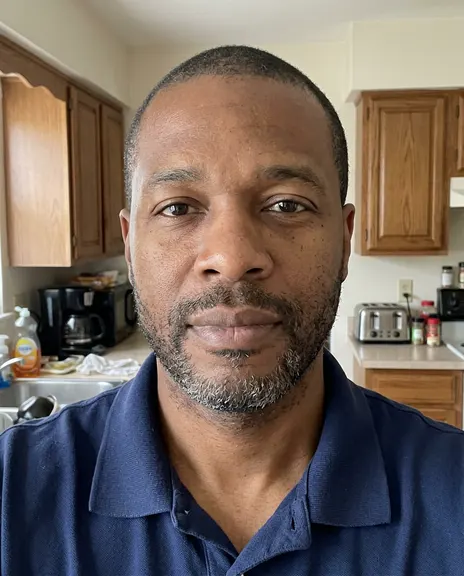
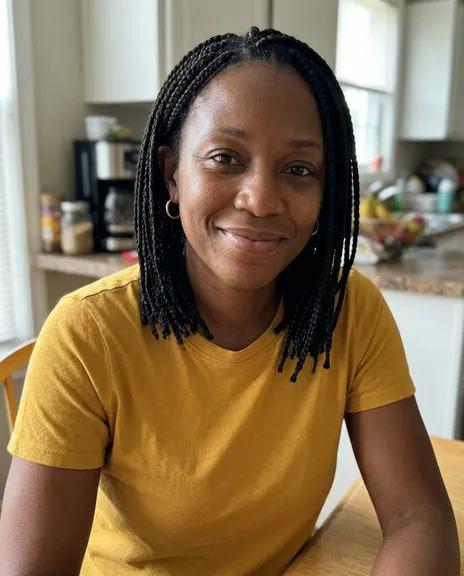
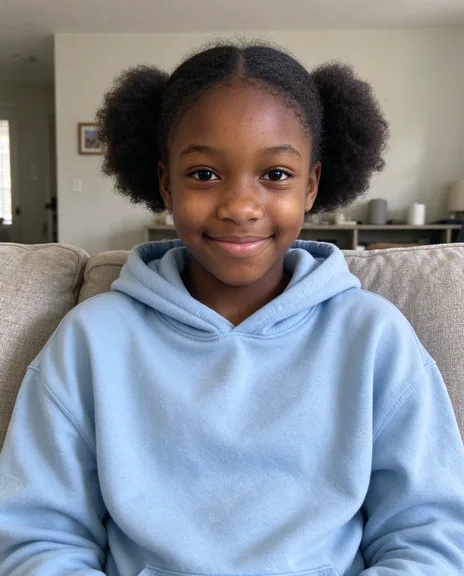
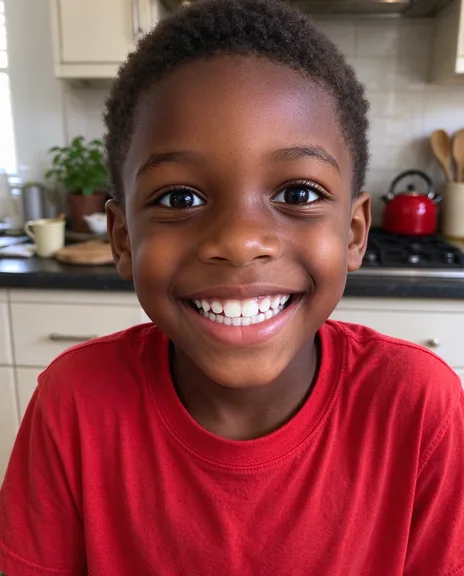
Each family portrait starts from the photos you add, one of each person. These were made on this page from the photos beside them, with nothing retouched afterwards.
Six photos, three generations in one portrait
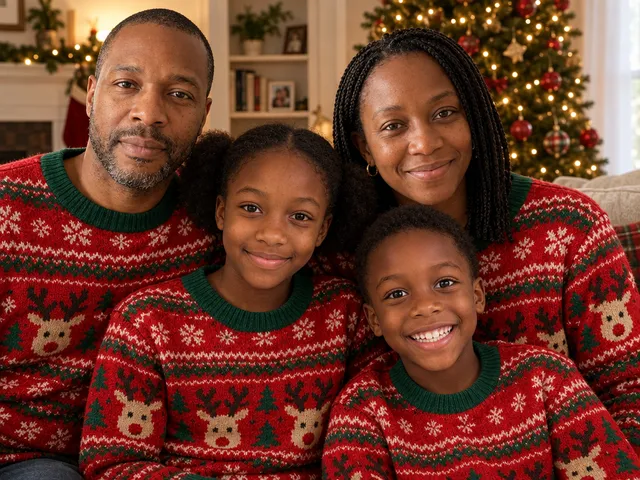
Four photos, one family in matching sweaters
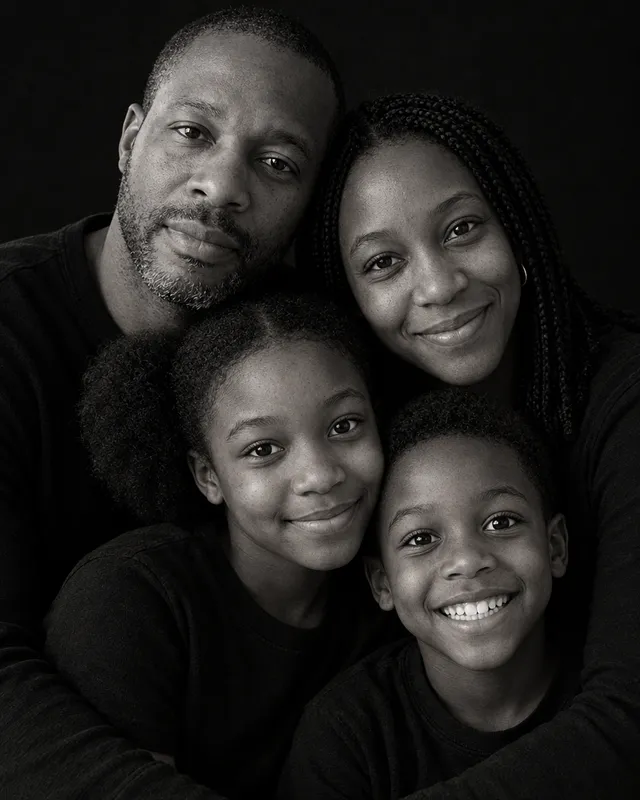
The same four photos, in a black-and-white studio
One photo of each person is enough; no one needs to be in the same place.
One photo for each person, up to 16. With six or more, a numbered list to check first, and the finished portrait checked against it.
Photos of people are made with GPT Image 2.5, one of the models that kept faces closest when we tested eight.
Not right? Mark it and make it again for free, once a day. No watermark, yours to use.
AI family photo examples
Each one was made on this page from separate photos, one of each person, with the words shown under it.
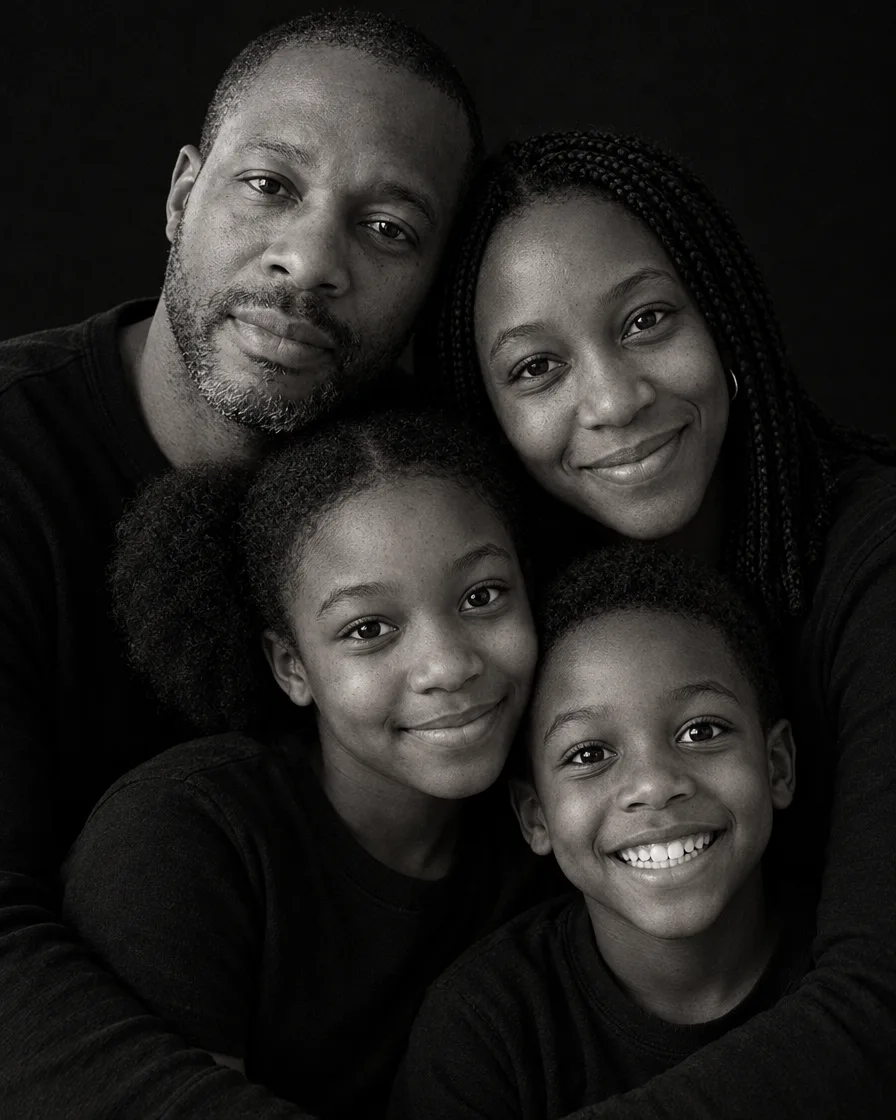
Black and white, close together
“A family portrait of exactly the people in the reference photos: one person from each photo, no one added and no one left out. Keep each person's face, features, skin tone, hair, build and age exactly as in their own photo, the same people, not lookalikes. A black and white studio portrait on a plain black backdrop: everyone wears simple black tops, and their heads and faces are close together in one tight, affectionate cluster, the adults behind with their arms around the children in front, cheeks touching, soft directional light from one side, deep shadows, fine film grain, intimate fine-art family photography, photorealistic.”
“A family portrait of exactly the people in the reference photos: one person from each photo, no one added and no one left out. Keep each person's face, features, skin tone, hair, build and age exactly as in their own photo, the same people, not lookalikes. An outdoor family photo in a field of tall golden grass at sunset: backlit golden-hour light and warm sun flare, everyone in soft cream, sage green and denim, hugging close and laughing together, the child lifted up between the adults, candid lifestyle family photography, three-quarter length, photorealistic.”
“A family portrait of exactly the people in the reference photos: one person from each photo, no one added and no one left out. Keep each person's face, features, skin tone, hair, build and age exactly as in their own photo, the same people, not lookalikes. A minimal studio family portrait on a seamless warm beige backdrop: everyone in coordinated neutral clothes, cream knits, soft brown and light denim, relaxed and close, one adult seated on a simple wooden stool and the others leaning in around them, natural candid smiles, soft window-like light, clean modern family photography, full length, photorealistic.”
“A family portrait of exactly the people in the reference photos: one person from each photo, no one added and no one left out. Keep each person's face, features, skin tone, hair, build and age exactly as in their own photo, the same people, not lookalikes. A playful family portrait on a plain white backdrop: everyone in white knit sweaters, stacked in a vertical column of faces, one head above the other, each resting their chin on their hands, the tallest at the top, all smiling at the camera, bright soft studio light, clean and joyful, photorealistic.”
“A family portrait of exactly the people in the reference photos: one person from each photo, no one added and no one left out. Keep each person's face, features, skin tone, hair, build and age exactly as in their own photo, the same people, not lookalikes. An autumn family photo on a forest path covered in orange and golden leaves: everyone walking toward the camera holding hands, in cozy fall layers, cream knit, rust, plaid flannel and denim, warm sunlight through the trees, candid laughter, lifestyle family photography, full length, photorealistic.”
“A family Christmas photo of exactly the people in the reference photos: one person from each photo, no one added and no one left out. Keep each person's face, features, skin tone, hair, build and age exactly as in their own photo, the same people, not lookalikes. A playful family Christmas card photo at a front door decorated with a big wreath and garlands: the family is stacked in a column, the father sitting on the doorstep, the mother kneeling behind him, the children stacked above leaning in, every head one above the last, everyone in Santa hats and cozy knit sweaters, laughing at the camera, soft daylight, realistic skin texture, photorealistic.”
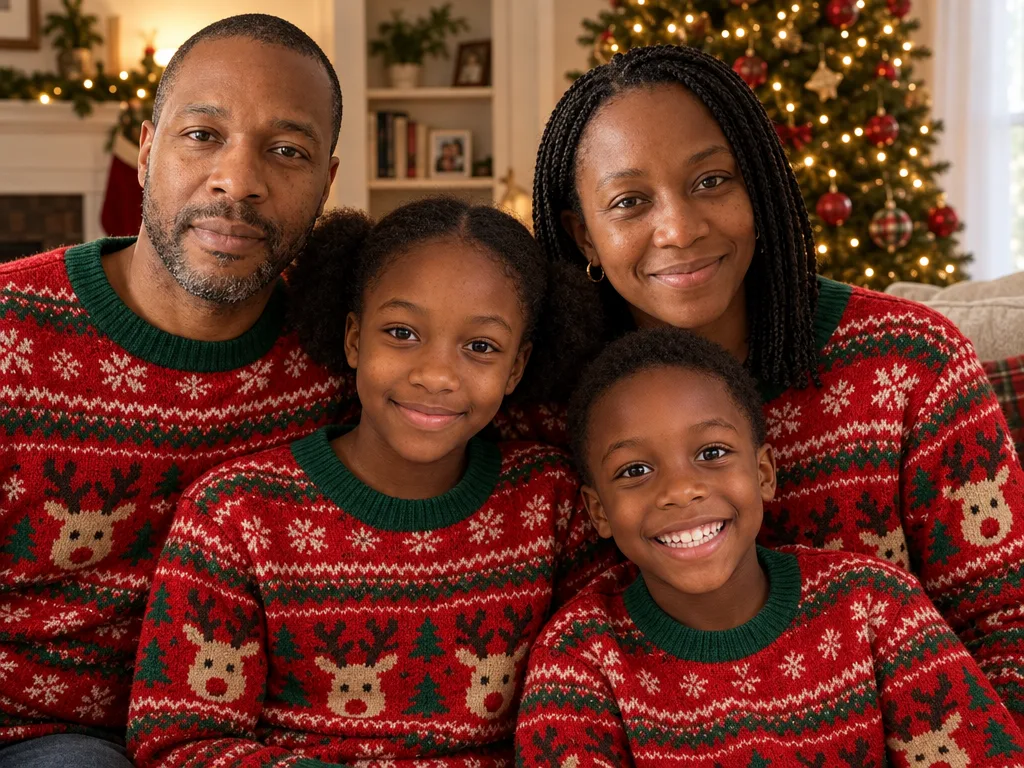
“A family Christmas portrait of exactly the people in the reference photos: one person from each photo, no one added and no one left out. Keep each person's face, features, skin tone, hair, build and age exactly as in their own photo, the same people, not lookalikes. Everyone wears matching red-and-green knit Christmas sweaters with a reindeer pattern and sits close together on a sofa in a cozy living room, a decorated Christmas tree with warm white lights behind them, everyone smiling at the camera, soft warm light, natural candid family photo, realistic skin texture, photorealistic.”
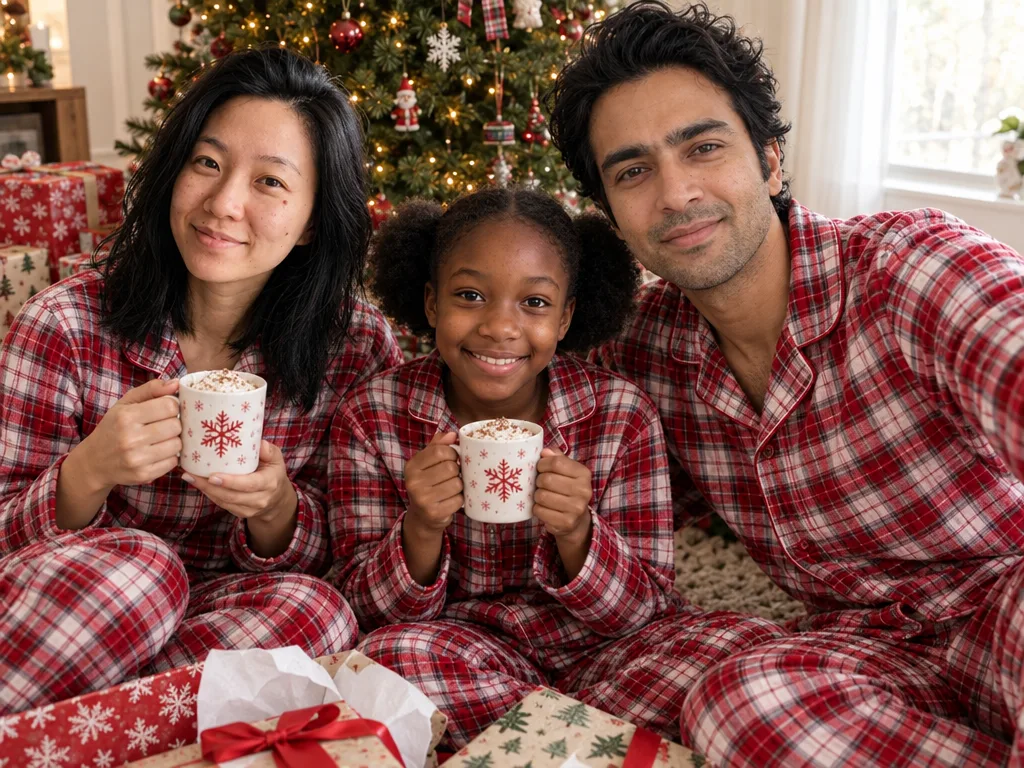
“A family Christmas morning photo of exactly the people in the reference photos: one person from each photo, no one added and no one left out. Keep each person's face, features, skin tone, hair, build and age exactly as in their own photo, the same people, not lookalikes. Everyone wears matching red-and-white plaid flannel Christmas pajamas and sits together on the floor beside a decorated Christmas tree, opening wrapped presents, mugs of cocoa, soft morning light through the window, everyone laughing and looking at the camera, natural candid family photo, realistic skin texture, photorealistic.”
Every example was made on this site and is shown as it came out, with nothing retouched. The people and pets in the photos they were made from are AI-generated, not real.
How to make a family photo from separate photos
01
Add a photo of each person
A clear photo of each person, up to 16, from any time and place. A phone photo is turned the right way up and its location is removed before it is sent.
02
Pick a style
Each style is a tested description, so there is no prompt to write. Pick several and get one portrait in each, or say what you want in your own words.
03
Check the price and download
The cost in credits is on the button before you send. Download the original file, or make it into a card.
Family photo ideas
The family portraits people save most, each with a style to start from.
Black and white, close together
Everyone in black on a black backdrop, faces pressed close in one cluster, soft light from the side: the fine-art studio look.
Families live in different cities and countries, work different shifts, serve far from home. Add a photo of each person, from any time and place, and everyone is together in one portrait, each from their own photo. Photos with similar light and a clear view of the face give the most even result.
For friends, teams and other groups, the group photo generator works the same way.
For the holidays, pick a family Christmas style: stacked at the front door in Santa hats, matching pajamas by the tree, emerald green formalwear. Then make it into a Christmas card with your greeting.
The Christmas photo page has every Christmas style and the card maker.
Each photo should show one person clearly, facing the camera, with nothing across the face.
02
A recent photo of each person
A recent photo keeps everyone's age as it is now. For a child, use a photo from this year.
03
Room for a big family
For five or more people, the wide styles give everyone space.
04
Make a few takes
Every attempt is different. Pick two or three styles and keep the best one.
AI family photo questions
Is the AI family photo generator free?
It is free to try. A new account starts with free credits. No card is needed to sign up. It works in your browser on a phone or a computer, with no app to download.
Can I make a family portrait from separate photos?
Yes. Add one photo of each person, taken anywhere and at any time, and pick a style. Everyone appears together in one portrait, each from their own photo, and no one needs a photo of the whole family.
How many people can be in one family photo?
Up to 16 photos, one of each person. For five or more, a wide style gives everyone room; with six or more, the portrait is checked against your list of who is in it.
Will everyone look like themselves?
Each person's own photo guides how they look: face, hair, glasses, build and age. PicYep makes photos of people with GPT Image 2.5, one of the models that kept faces closest when we tested eight. A sharp, front-facing photo gives the closest match, and if one isn't right you can mark it and make it again for free, once a day. In our check of eight people of different ages and skin tones, and of families of four and six, every face matched its own photo and every skin tone stayed as it was.
Can I add someone who has passed away to a family photo?
Yes. Add a photo of each person you want in the picture, including an older photo of the person you miss, and describe the scene: everyone in the garden, at the table, on the sofa. Each person's photo guides how they look. A clear, front-facing photo works best; an old print photographed in daylight is fine.
Can we all wear matching outfits?
Yes. Each style dresses everyone to match, in black, neutrals, white sweaters or fall layers, whatever each person wears in their own photo. To choose the colors yourself, say them in your own words.
Can I use a family photo I already have?
Yes. Add it on its own and describe what to change, the place, the clothes or the light, and the people in it stay as they are.
What happens to our photos?
PicYep does not train AI models on your photos and does not sell them. Full-size photos and the photos you upload are kept in private storage with no public address, and you can delete them at any time.
Your photos are not used to train AI models. Originals are kept in private storage, and you can delete them at any time. Privacy policy