AI Profile Picture GeneratorA profile picture that looks like you, only better lit.
Add a selfie and make a profile picture with AI: polished for LinkedIn, relaxed for Instagram, eye-catching for TikTok.
Your photo
One clear photo of each face. JPG, PNG, WebP or iPhone photos.
Free credits to start. No card needed.Your photos stay private
Plan and price first
Not right? Free redo
Or say it in your own words
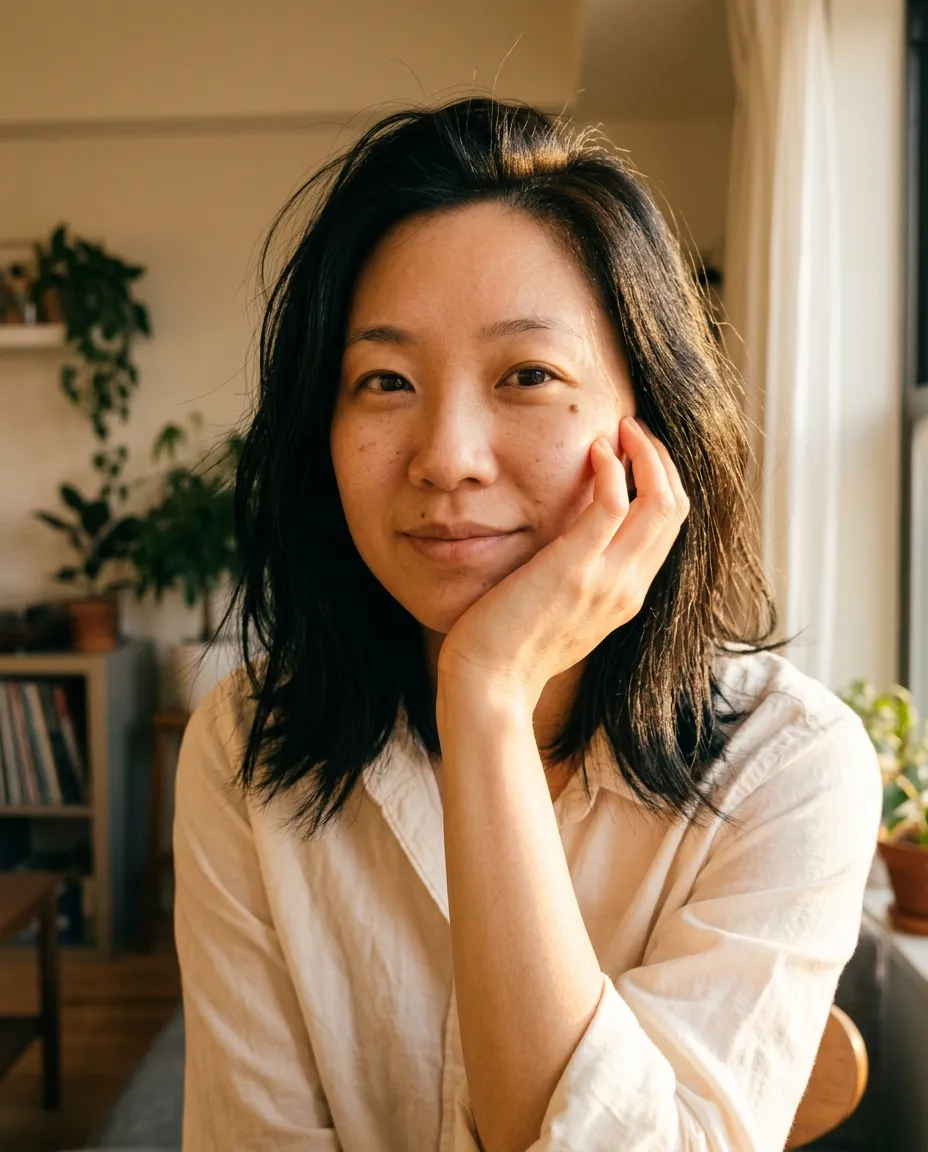
Golden hour
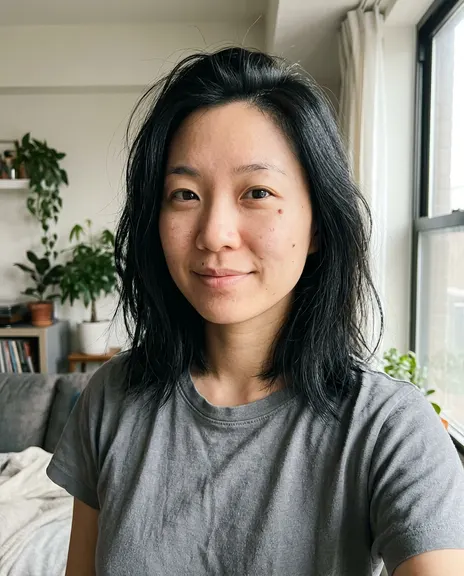
Made from this photo
Pick a style. Or three.
Each style makes one photo. Pick a few and you see the whole plan, and the price, before anything is made.
Every example was made on PicYep
Golden hour
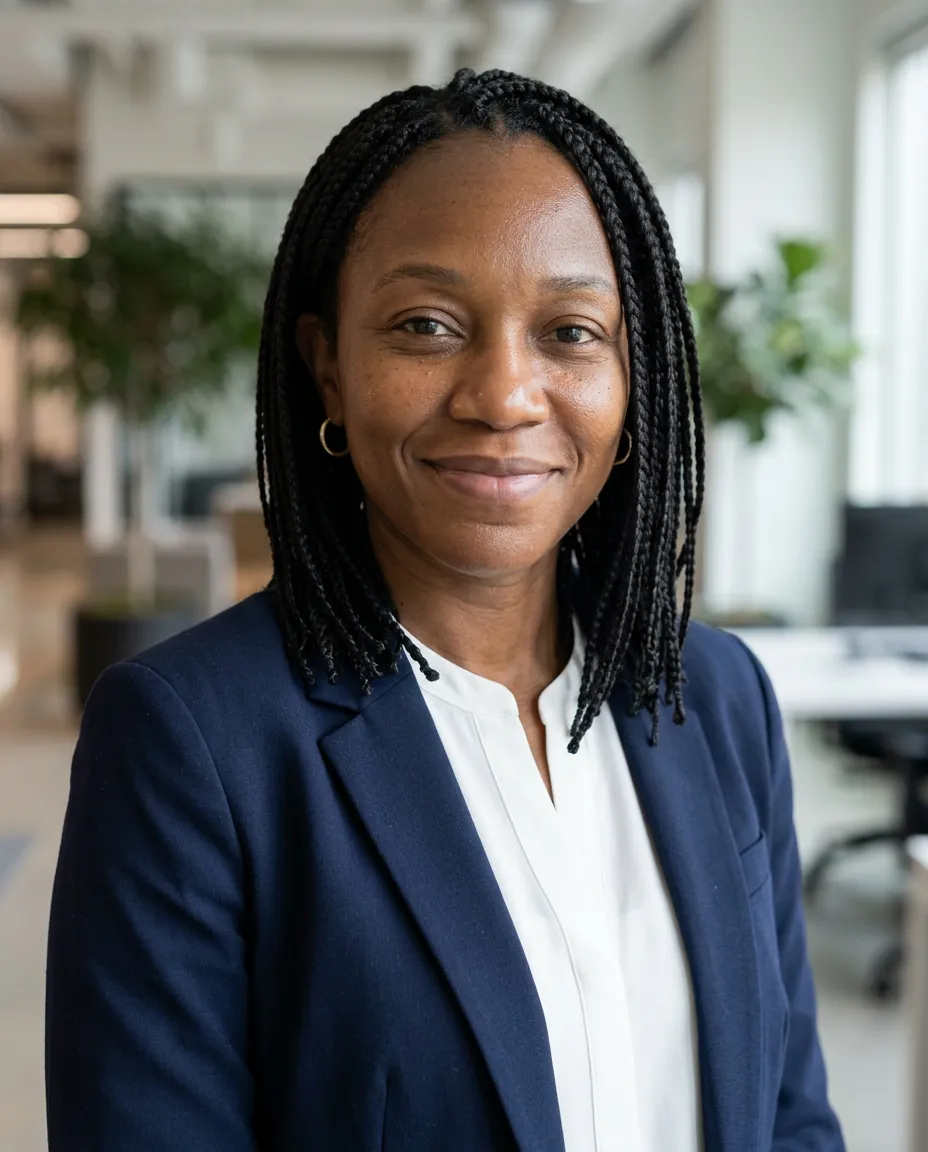
LinkedIn headshot
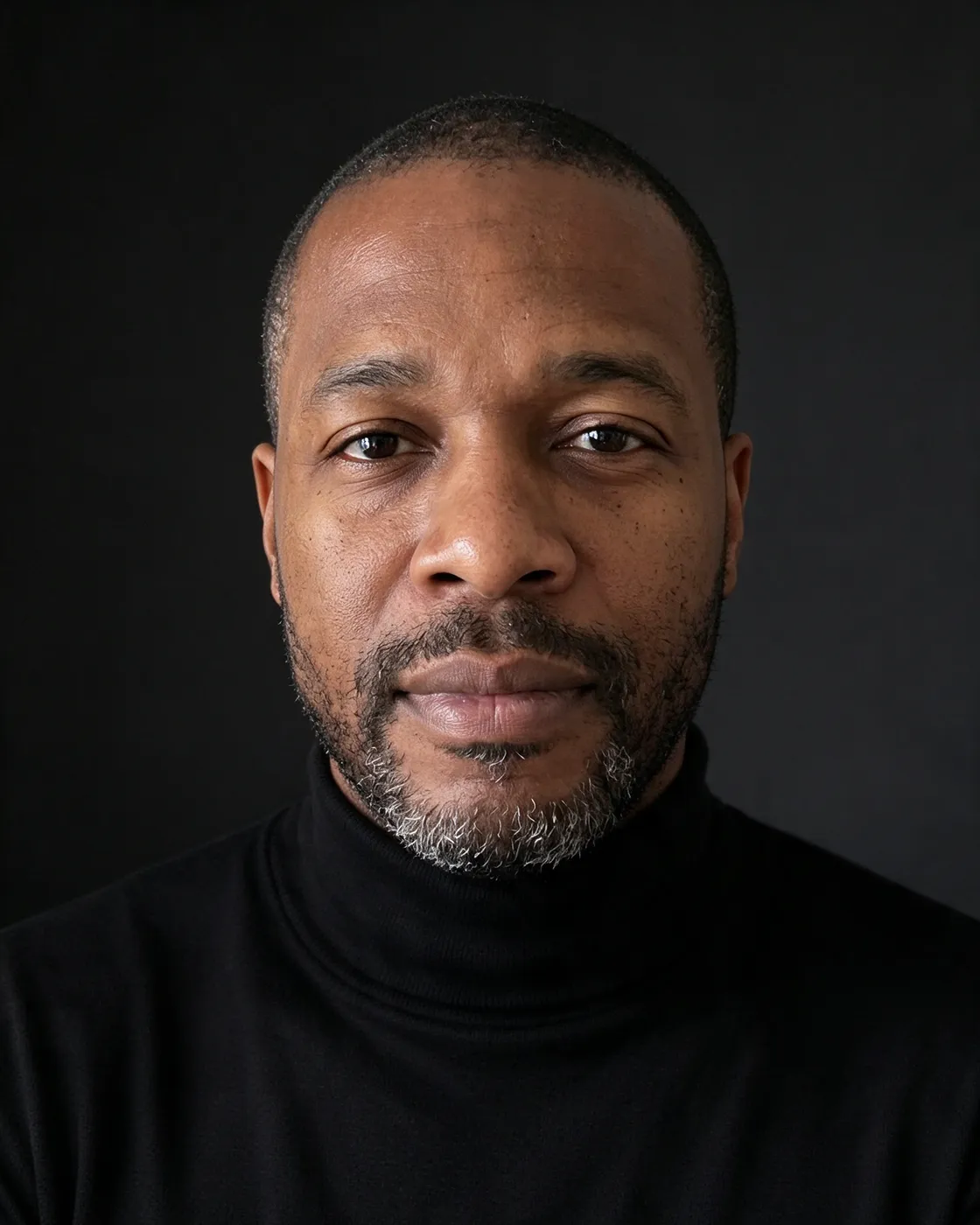
Dark studio portrait
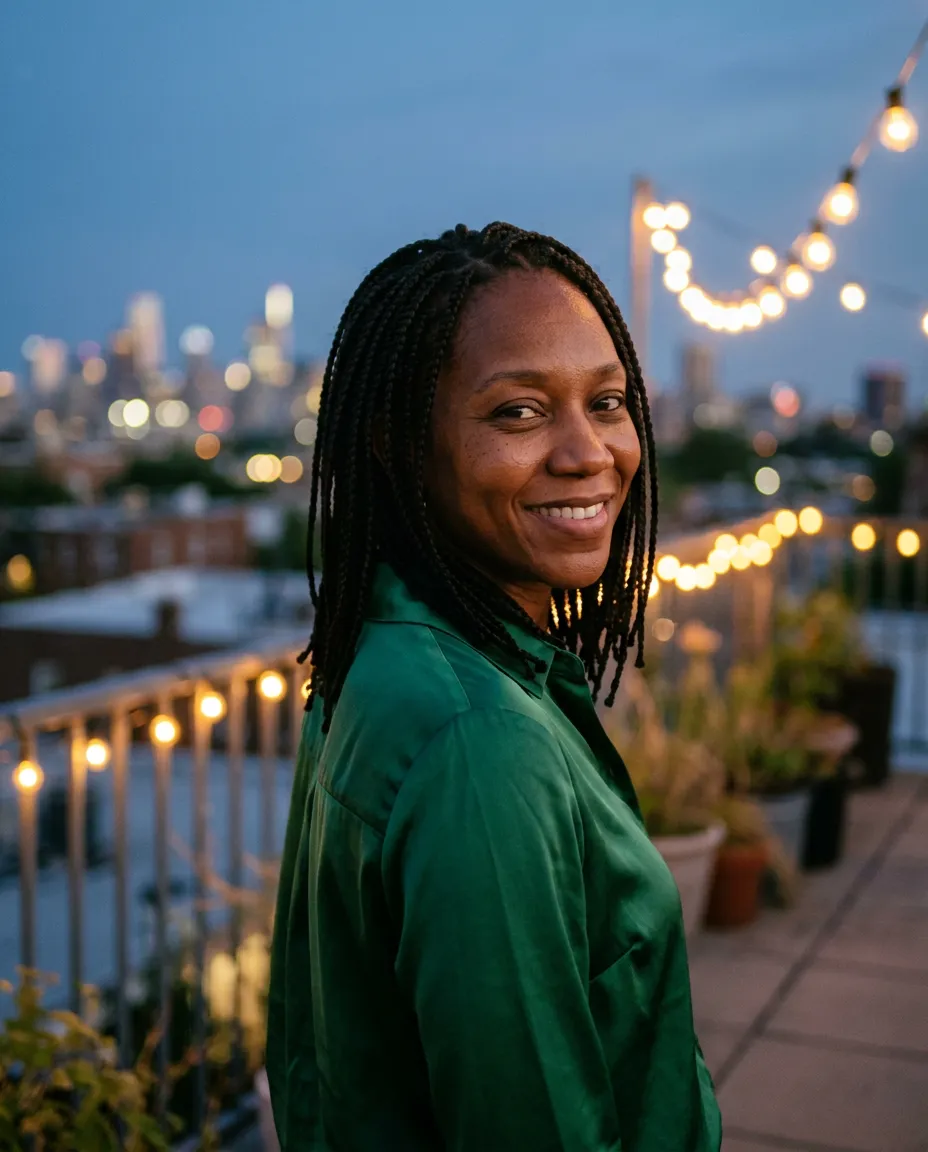
Rooftop evening
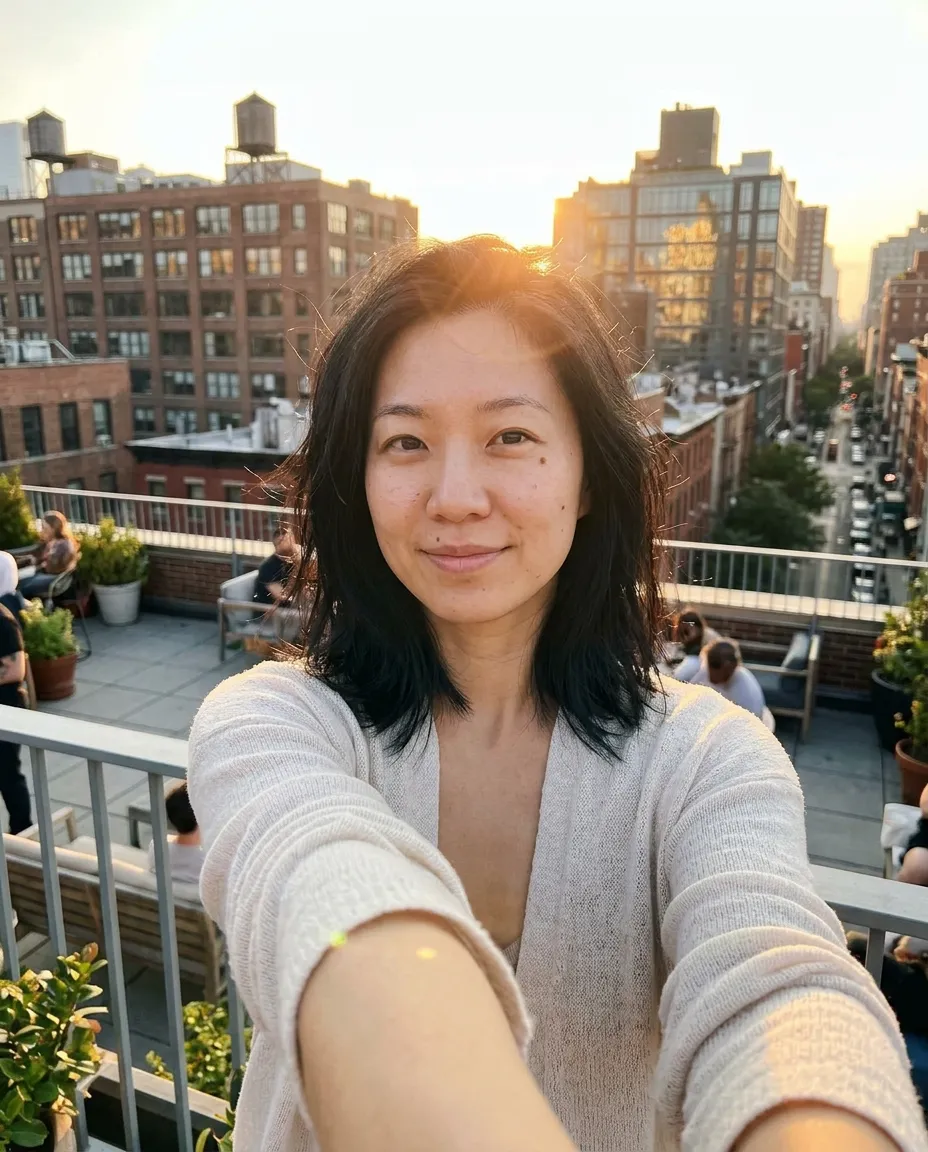
Golden hour selfie
Cafe selfie
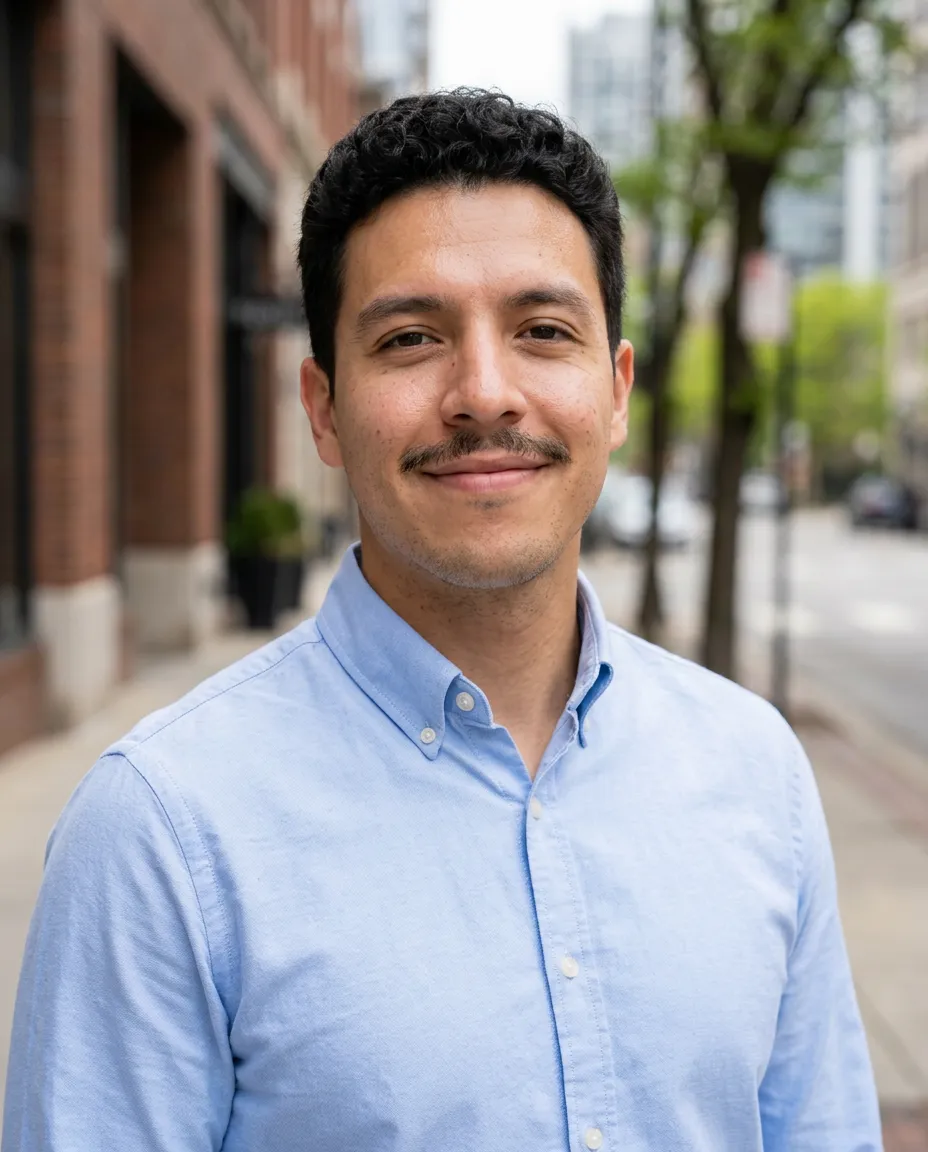
Outdoor headshot
In short
PicYep's AI profile picture generator turns a selfie into a realistic profile picture: up to 16 JPG, PNG or WebP photos, each up to 10 MB. Pick what it is for, where you are and what you wear, or start from any example on this page. Your photo guides the face, the hair and the build. Choose 1:1 before you generate for a square picture.
New accounts start with free credits, and no card is needed to sign up. The cost of each photo is shown before you generate, and a request that ends without a photo gets its credits back. Your photos stay private to your account, carry no watermark and are yours to use for personal and commercial work.
Every picture is a photograph, not an illustration — from a business portrait to evening light on a rooftop.
LinkedIn headshot
“A LinkedIn profile headshot, navy blazer over a white shirt, softly blurred modern office behind, even daylight from the side, friendly closed-mouth smile, head and shoulders, realistic skin texture.”
“An evening portrait on a rooftop, emerald satin shirt, city lights softly blurred behind, warm string lights, looking over one shoulder with a smile, natural skin texture.”
“A creative studio portrait, black turtleneck, deep charcoal backdrop, a single soft light from the left, calm direct gaze, realistic skin texture, fine-art portrait photography.”
“A golden hour selfie on a city rooftop, arm stretched toward the camera, light knit cardigan, low sun behind with a warm flare, soft smile, unedited smartphone look.”
“A casual selfie at a cafe table, arm stretched toward the camera, denim jacket, a flat white on the table, bright window behind, easy smile, unedited smartphone look.”
“An outdoor professional headshot, light blue oxford shirt, city street softly out of focus, open shade, relaxed confident look, head and shoulders, realistic skin texture, 85mm portrait.”
Every example was made on this site and is shown as it came out, with nothing retouched. The people and pets in the photos they were made from are AI-generated, not real.
How to make an AI profile picture
01
Add a selfie
One sharp photo of yourself is enough, ideally taken in daylight.
02
Pick a style
Start from a look on this page, or say where you are, what you wear and what the light is like.
03
Generate and download
The cost in credits is on the button before you generate. When you like a picture, download the original.
Profile picture ideas
Six profile pictures for different accounts, all from one selfie.
LinkedIn
A blazer, an office out of focus behind you, a friendly smile — professional and still approachable.
Instagram
Warm golden-hour light, a calm look, plenty of atmosphere.
TikTok
A casual selfie in a cafe or on a rooftop, with life in the background.
Dark studio
A black turtleneck, a dark backdrop and a single soft light — for creative work.
Out in the city
A light shirt, the street out of focus behind you, open daylight.
Dating profile
A natural smile, warm colors and a place that says something about you.
Professional profile pictures
For LinkedIn, Slack, Teams or a work email, a professional profile picture shows your face clearly against a calm background, head and shoulders in the frame, in clothes you would wear to work.
For a resume, a company website or a speaker bio, a classic headshot fits better, and it has a page of its own.
Profile pictures are shown small and often cropped to a circle, so your face should fill the middle of the frame. Choose 1:1 before you generate for a square picture to upload to Instagram, TikTok, X, WhatsApp or any other account.
One selfie can give a different picture for each account: polished for work, warmer for Instagram, more playful for TikTok. Every picture is yours to use, with no watermark.
Tips for a good profile picture
01
Your face at the center
Profile pictures are small. Your face should fill the picture and be easy to make out.
02
A recent selfie
Use a photo from the last few months, so people recognize you from your profile picture.
03
Only you in the photo
A starting photo with only you in it makes clear whose face the picture is of.
04
One picture everywhere
Using the same picture across your accounts makes you easy to recognize wherever people find you.
AI profile picture questions
Is the AI profile picture generator free?
It is free to try. A new account starts with free credits. No card is needed to sign up. After that, credits come with a plan or a credit pack.
Which accounts can I use the profile picture on?
Any account that takes a photo as its profile picture — LinkedIn, Instagram, TikTok, X, WhatsApp or your own website. The pictures are yours, with no watermark.
Will the profile picture look like me?
Your photo guides the face, the hair and the build. Every attempt is a new take: if one is not right, try again or switch model, and keep the picture you recognize yourself in.
Can I make a square profile picture?
Yes. Choose the 1:1 aspect ratio before you generate, then download the original at full resolution.
Can I try several styles?
Yes. Use the same photo for different looks and keep only the pictures you like. Each picture costs credits, and you see the cost before you generate.