
Santa hat on a selfie
“Add a red Santa hat to the person in this photo. Keep everything else exactly the same.”
made from a photoUse this recipeAdd a picture and a Santa hat is put on. With the model the page starts on, the face, the background and the light stay as they were.
One clear photo of each face. JPG, PNG, WebP or iPhone photos.
Each style makes one photo. Pick a few and you see the whole plan, and the price, before anything is made.
PicYep adds a Santa hat to a photo you already have. The hat is drawn onto the head and takes the light of the photo; with the model the page starts on, the face, the clothes and the background stay as they were. It works on people, dogs and cats, and on every person in a group photo.
New accounts start with free credits, and no card is needed to sign up. The cost of each photo is shown before you generate, and a request that ends without a photo gets its credits back. Your photos stay private to your account, carry no watermark and are yours to use for personal and commercial work.
Which model works best for this? See our side-by-side test of every model, with all results
Each one began as an ordinary photo. One sentence added the hat, and nothing else was asked for.
“Add a red Santa hat to the person in this photo. Keep everything else exactly the same.”
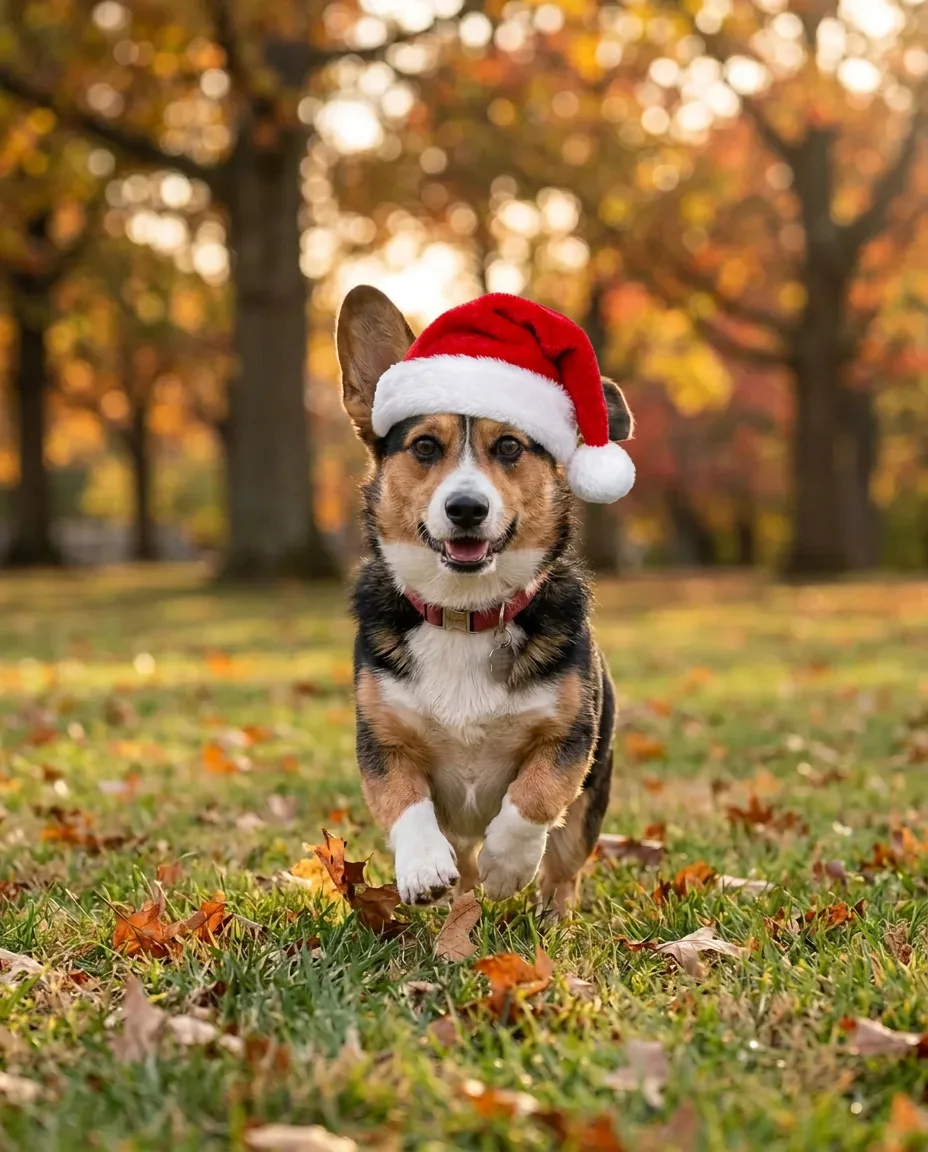
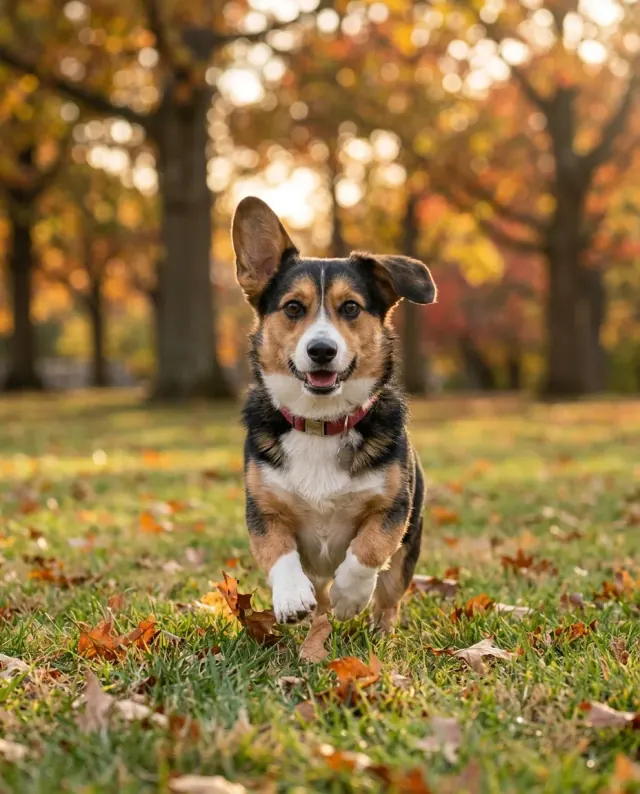
made from a photoUse this recipe“Add a red Santa hat to the dog in this photo. Keep everything else exactly the same.”
made from a photoUse this recipe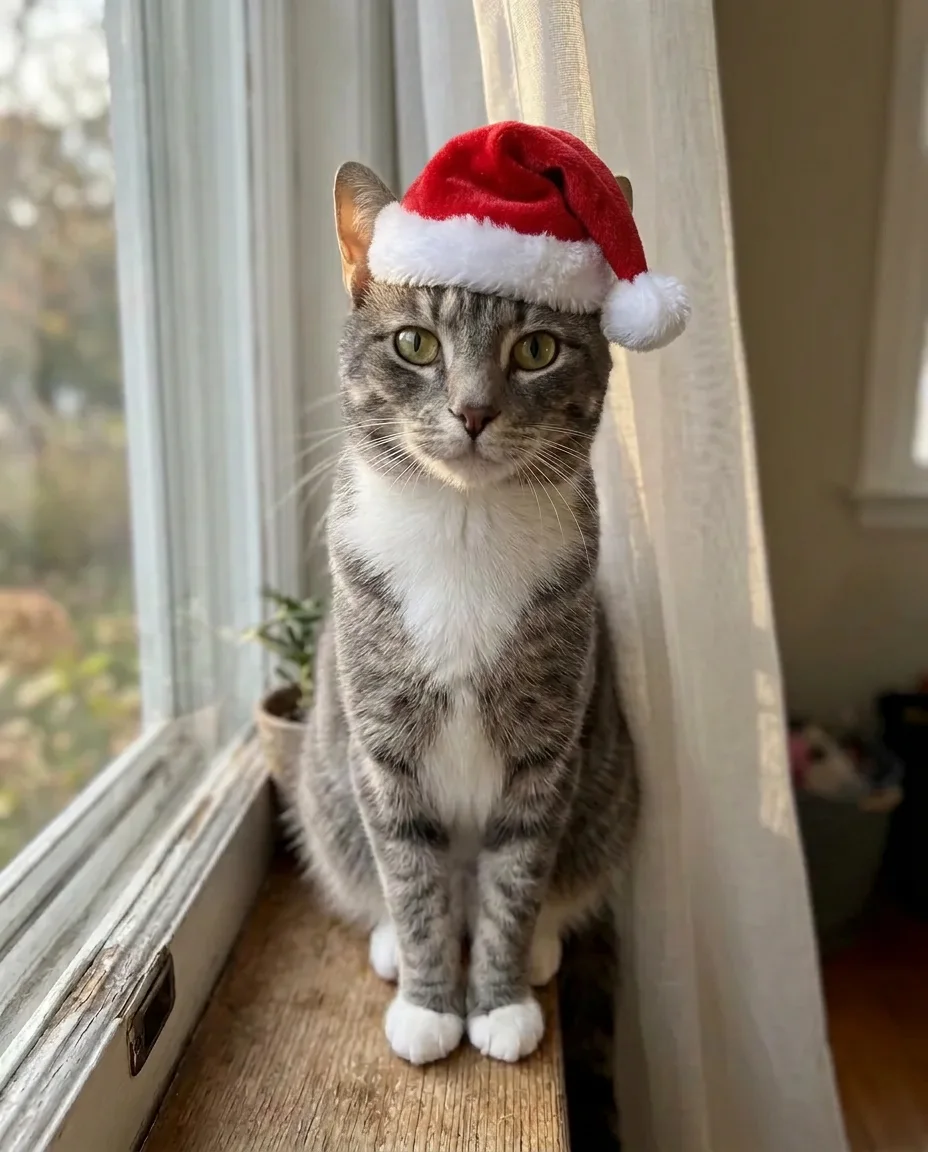
“Add a red Santa hat to the cat in this photo. Keep everything else exactly the same.”
made from a photoUse this recipe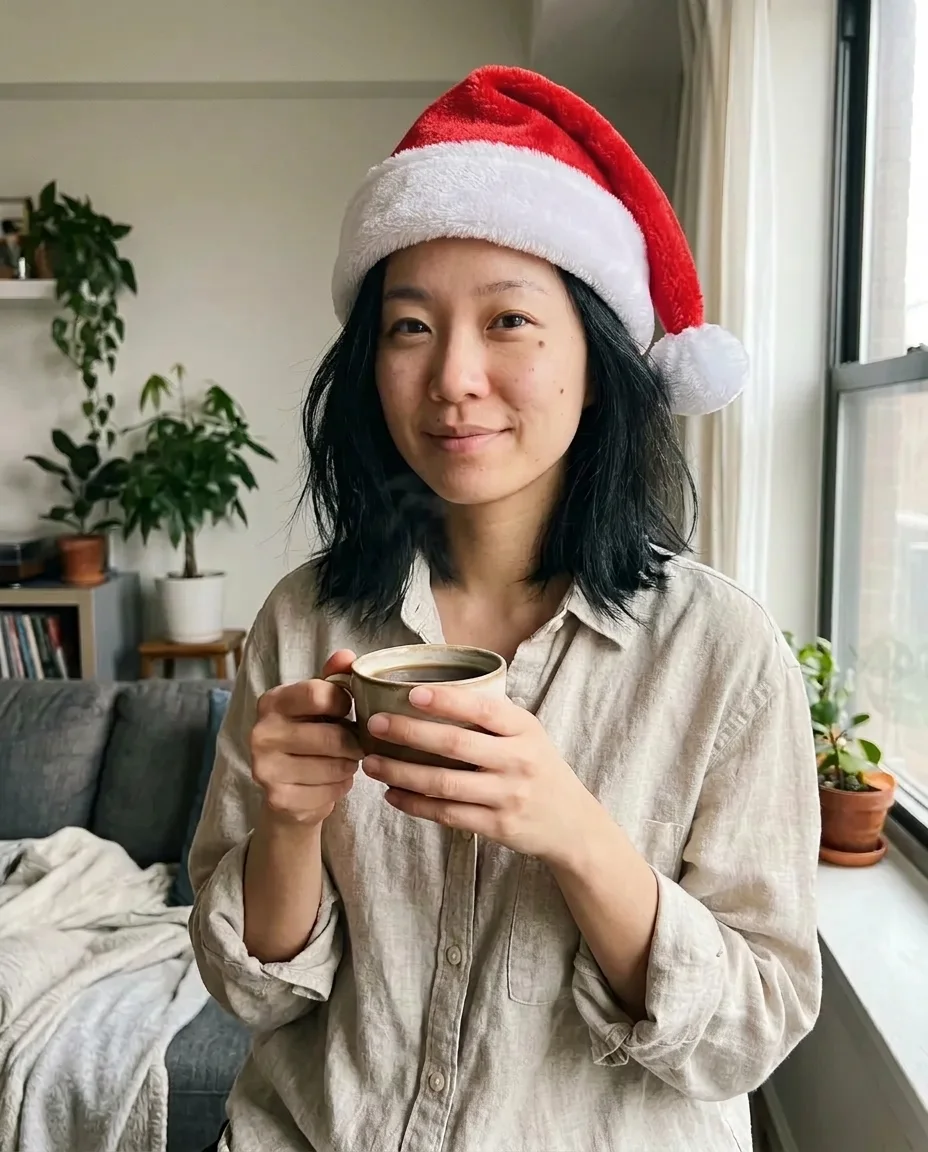
“Add a red Santa hat to the person in this photo. Keep everything else exactly the same.”
made from a photoUse this recipe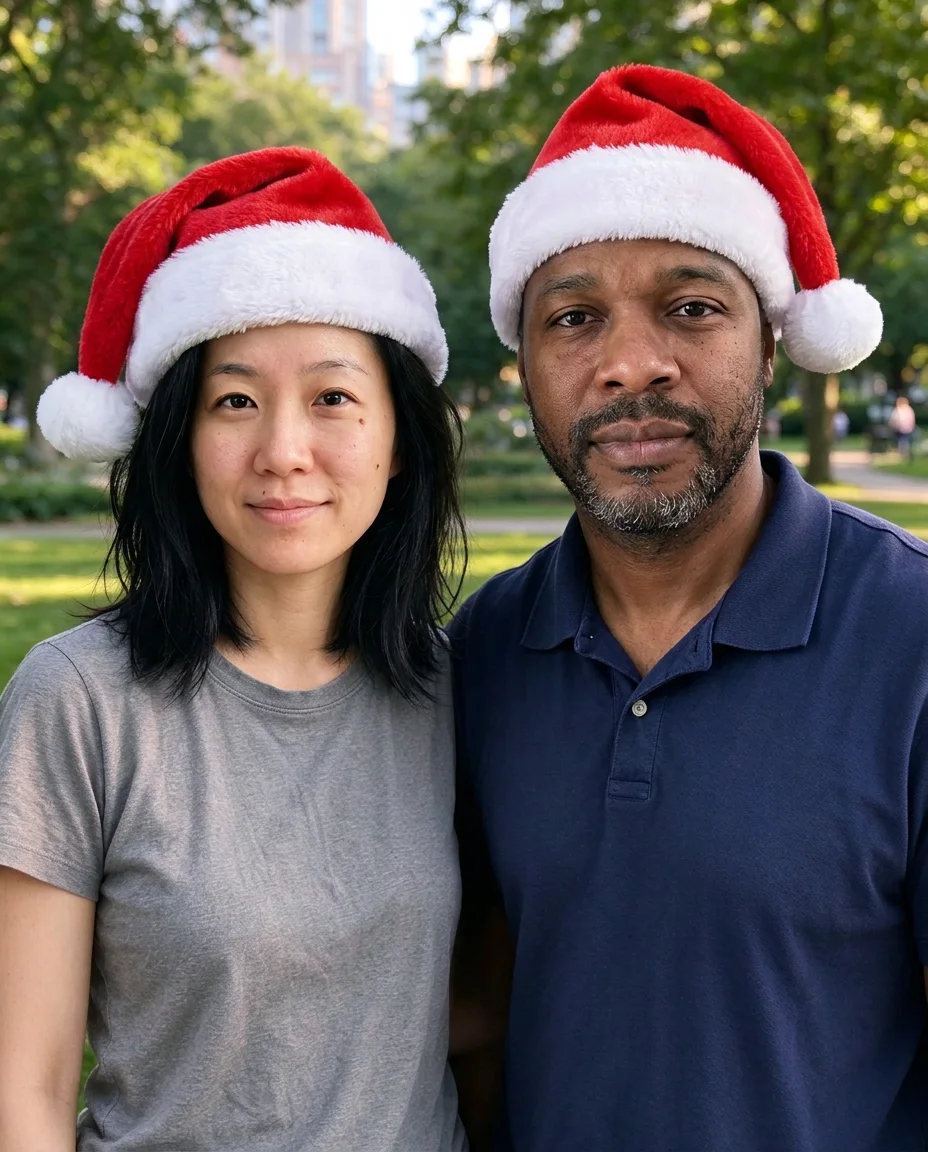
“Add a red Santa hat to each person in this photo. Keep everything else exactly the same.”
made from a photoUse this recipe
“Add a red Santa hat to the person in this photo. Keep everything else exactly the same.”
made from a photoUse this recipe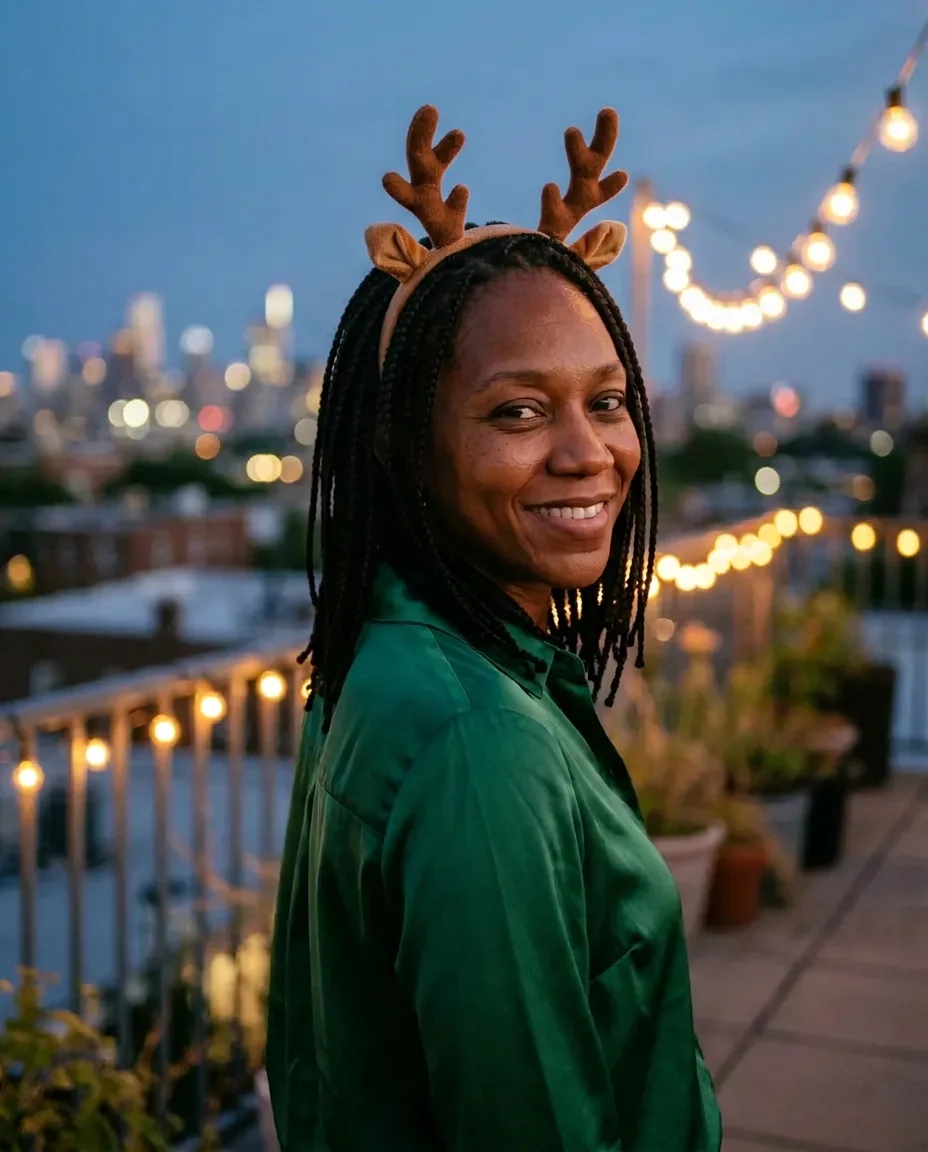
“Add a reindeer antlers headband to the person in this photo. Keep everything else exactly the same.”
made from a photoUse this recipeEvery example was made on this site and is shown as it came out, with nothing retouched. The people and pets in the photos they were made from are AI-generated, not real.
A photo of a person, a dog or a cat, with the top of the head in view. JPG, PNG or WebP, up to 10 MB.
When you add a photo, the shape closest to it is picked for you: 3:4 for most upright phone photos, 4:3 for wide ones. The instruction is already written; change it if you like.
The cost in credits is on the button before you send. Download the original file, with no watermark.
Change a few words of the instruction.
"Add a red Santa hat to the person in this photo." The instruction this page opens with.
Write "the dog" or "the cat" in place of "the person".
"Add a reindeer antlers headband." It sits on top of the hair.
"Add a red Santa hat to each person in this photo." Two people worked when we tried it.
Start from the profile photo you already use, so people still know it is you.
Add the hat to a photo you already love and put it on this year's card.
A sticker editor lays a flat hat over the picture and leaves you to drag it into place. Here the hat is drawn into the photo: it fits the head, sits over the hair and takes the light of the room.
In ten tries of our own with the model the page starts on, on photos of people, dogs and a cat, only the area around the hat changed; the face, the clothes and the background came back as they were. Most of the other models keep the rest of the photo too; the model menu marks the two that repaint the whole photo. The shape closest to your photo is picked when you add it, which is what keeps the rest in place. Pick another shape when you want the picture re-framed.
A dog running across a park and a cat on a windowsill both got a hat that sits on the head as a real one would. The collar, the fur and the grass did not change.
For a whole Christmas portrait of your pet, with a scarf, a tree and warm lights, use the pet portrait page.
AI Pet Portrait GeneratorThis page adds a hat to the photo you have. To be by a fireplace, on a snowy street or in front of the tree, the Christmas photo generator makes a new picture from your photo.
There the result is a new photograph, so the pose, the clothes and the place all change.
AI Christmas Photo GeneratorThe shape is set to match your photo when you add it. Leave it there: it is what keeps the rest of the picture untouched.
A photo with some space over the head gives the hat somewhere to sit.
"The dog", "the cat", "each person": name them in the instruction.
Every attempt is different. If anything besides the hat changed, generate once more.
It is free to try. A new account starts with free credits. No card is needed to sign up. After that, credits come with a plan or a credit pack.
In ten tries of our own with the model the page starts on, only the area around the hat changed. The shape closest to your photo is picked for you when you add it, which keeps the rest in place; pick another shape when you want the picture re-framed.
Yes. Ask for a hat on every person in the photo. We tried photos of two, three, four, six and eight people with the model the page starts on: each person got a hat, and the faces, the clothes and the background stayed as they were.
Yes. We tried two dogs and a cat, and the hat sat naturally on each.
At the standard size an upright photo is about 900 by 1,150 pixels, which is smaller than most phone photos. That is enough for a profile picture or a message. For a print, enlarge the one you like with Upscale first. The file has no watermark.
Yes. Your photos and the pictures made from them stay in your own library, and nobody else can open them unless you share a link. We do not use them to train AI models. A phone photo has its location and other camera details removed before it is sent.
One photo and one sentence. Everything else stays as it was.