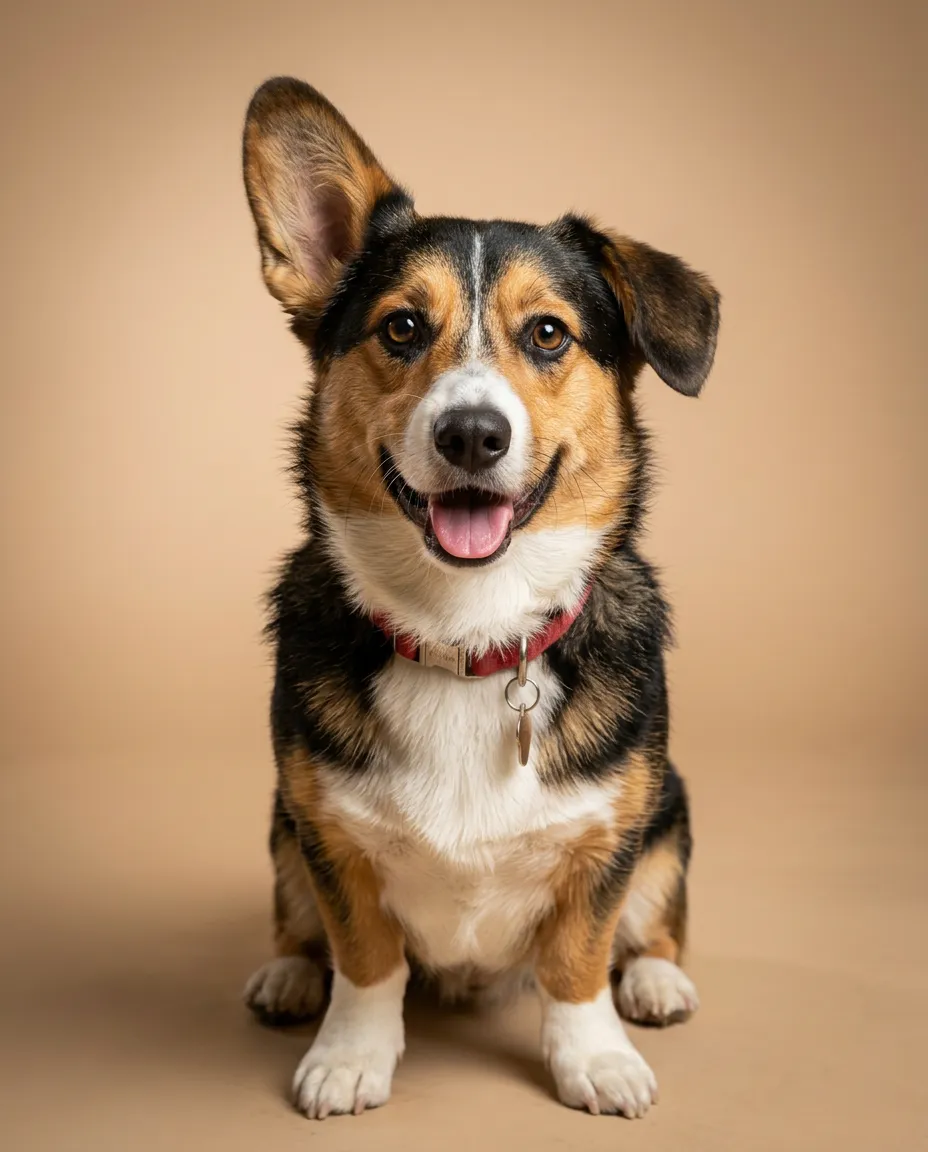
Dog studio portrait
“A studio portrait of this dog, sitting, warm beige backdrop, soft light from the front, alert ears and a happy open mouth, sharp detail in the fur, professional pet photography.”
made from a photoUse this recipeTurn one photo of your dog or cat into a realistic portrait: studio backdrops, seasons and costumes.
One clear photo of each face. JPG, PNG, WebP or iPhone photos.
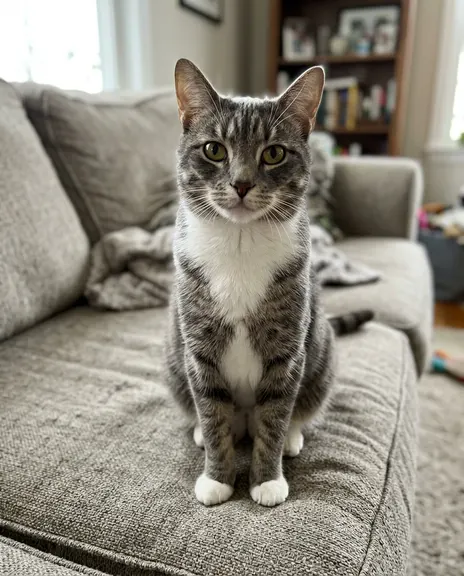
Each style makes one photo. Pick a few and you see the whole plan, and the price, before anything is made.
PicYep's AI pet portrait generator turns one photo of your dog or cat into a portrait: in a studio, at the park, in a costume, at Christmas. Your pet's photo guides its markings, its ears and its coat.
New accounts start with free credits, and no card is needed to sign up. The cost of each photo is shown before you generate, and a request that ends without a photo gets its credits back. Your photos stay private to your account, carry no watermark and are yours to use for personal and commercial work.
Which model works best for this? See our side-by-side test of every model, with all results
These are photographs, not paintings: fur, eyes and light as a camera would catch them.
“A studio portrait of this dog, sitting, warm beige backdrop, soft light from the front, alert ears and a happy open mouth, sharp detail in the fur, professional pet photography.”
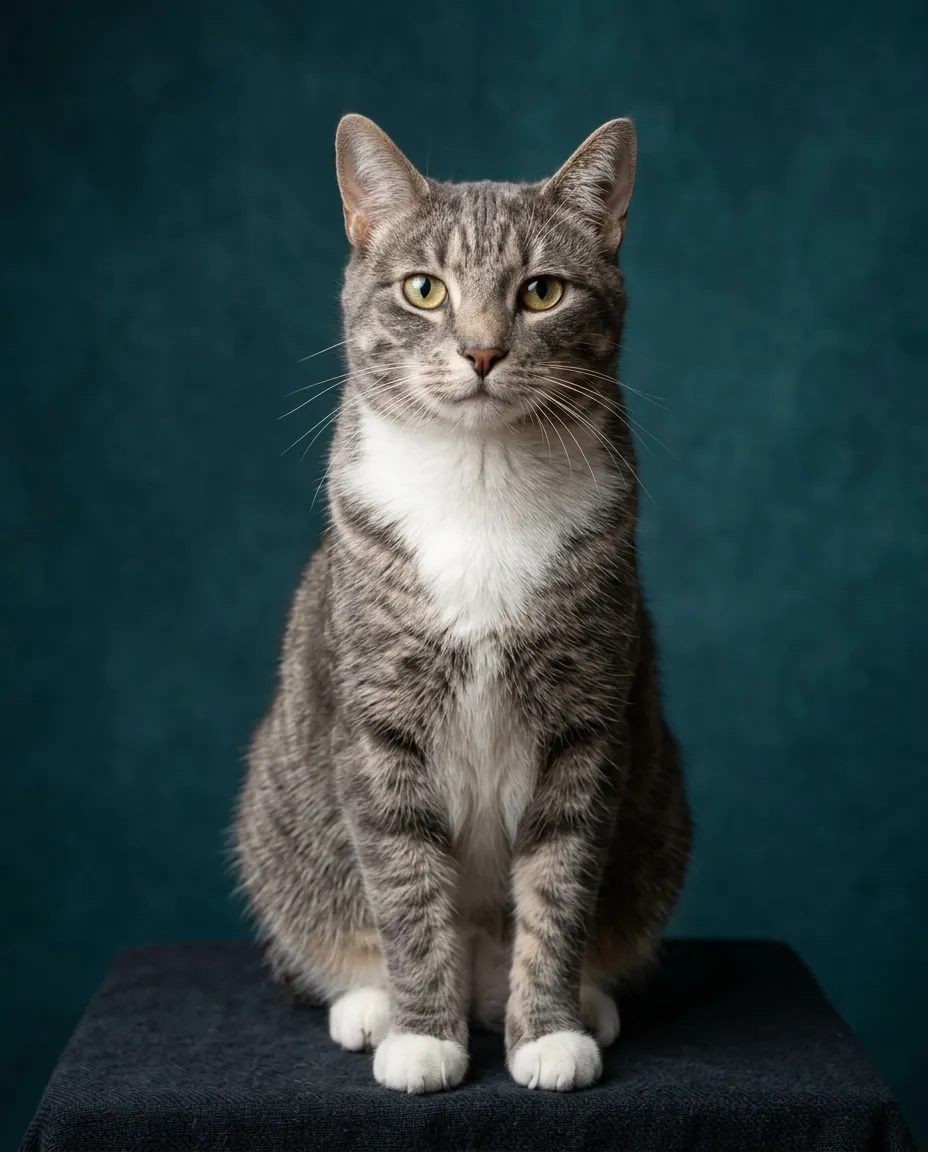
made from a photoUse this recipe“A studio portrait of this cat, sitting upright, deep teal backdrop, soft light from the side, looking at the camera, sharp detail in the fur and whiskers, professional pet photography.”
made from a photoUse this recipe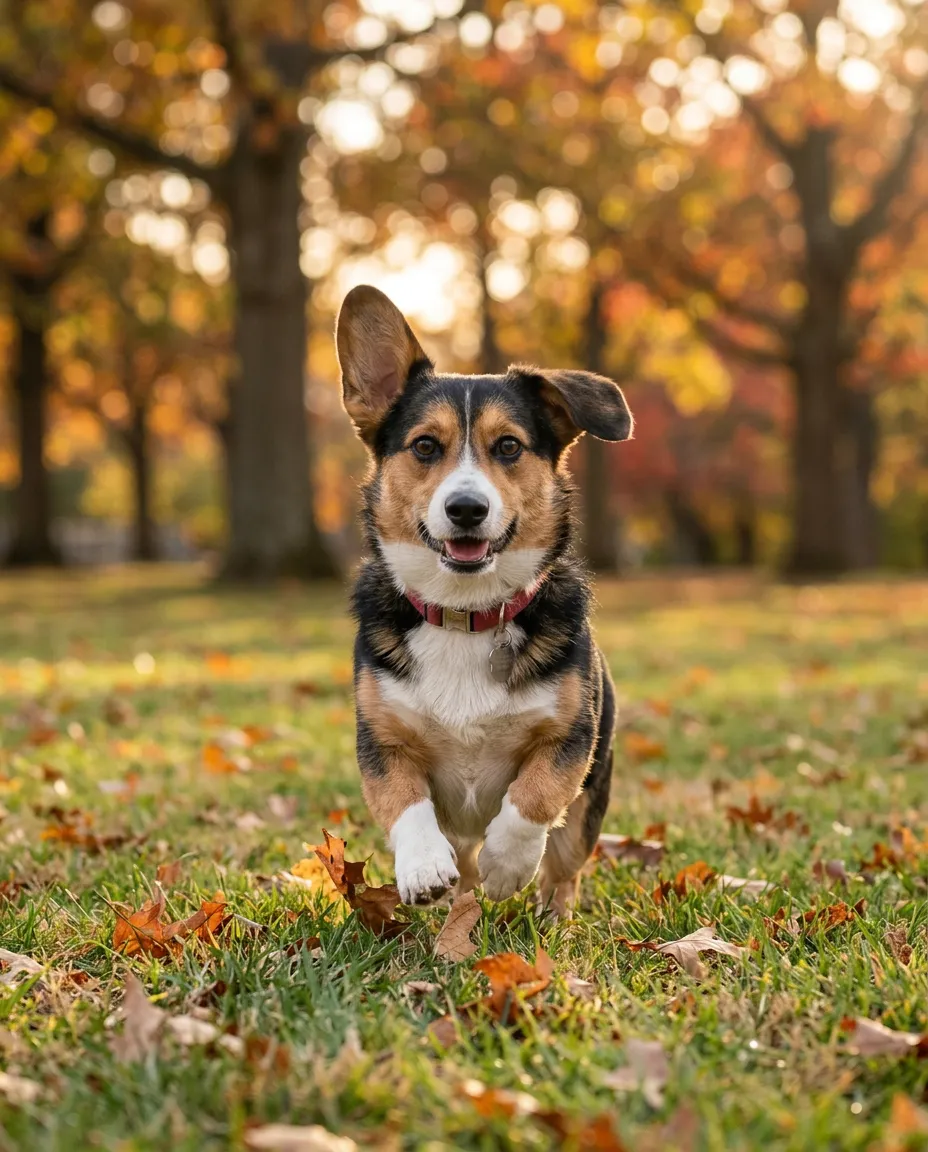
“A photo of this dog running across a park lawn toward the camera, ears flying, autumn trees softly blurred behind, late afternoon sun, sharp detail in the fur, natural colours.”
made from a photoUse this recipe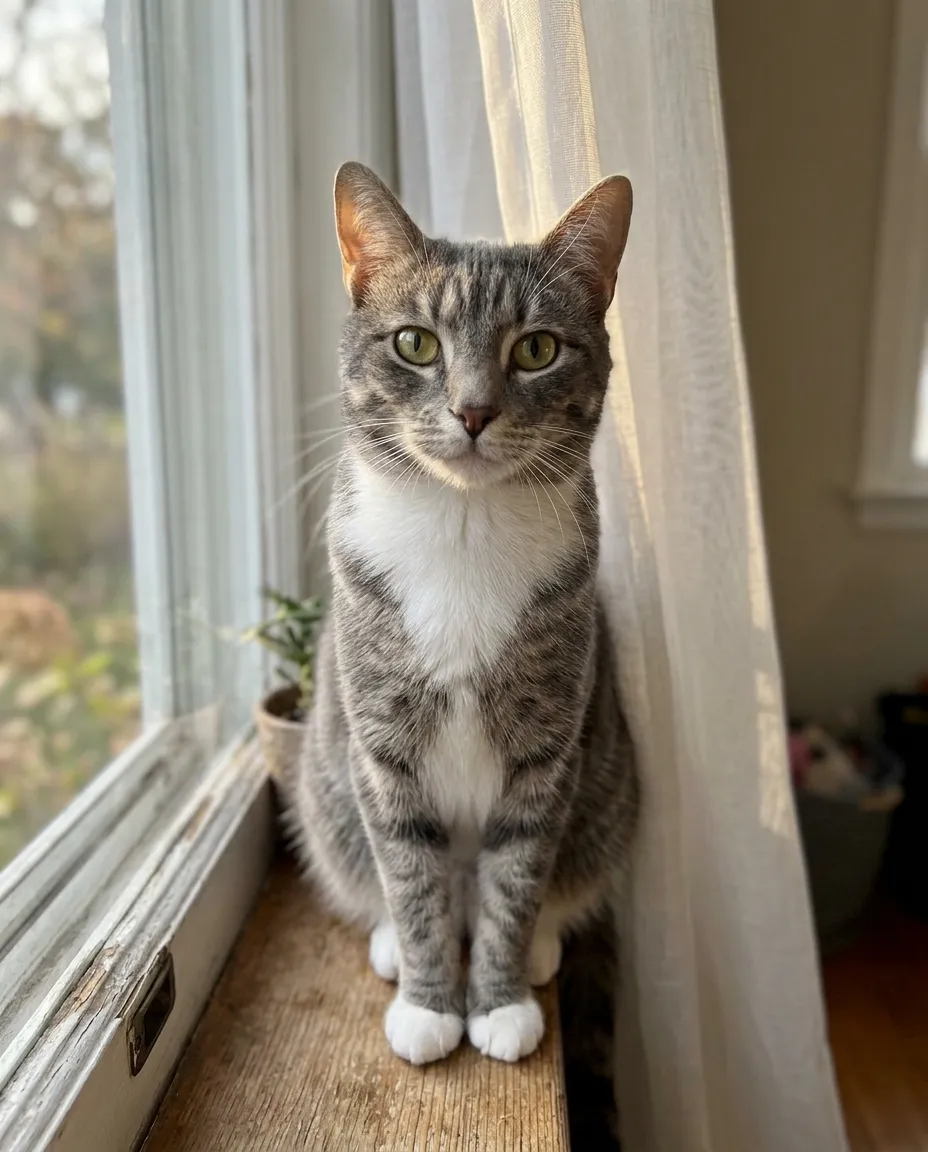
“A portrait of this cat on a windowsill, soft afternoon light, a sheer curtain behind, looking at the camera, sharp detail in the fur and whiskers, natural colours.”
made from a photoUse this recipe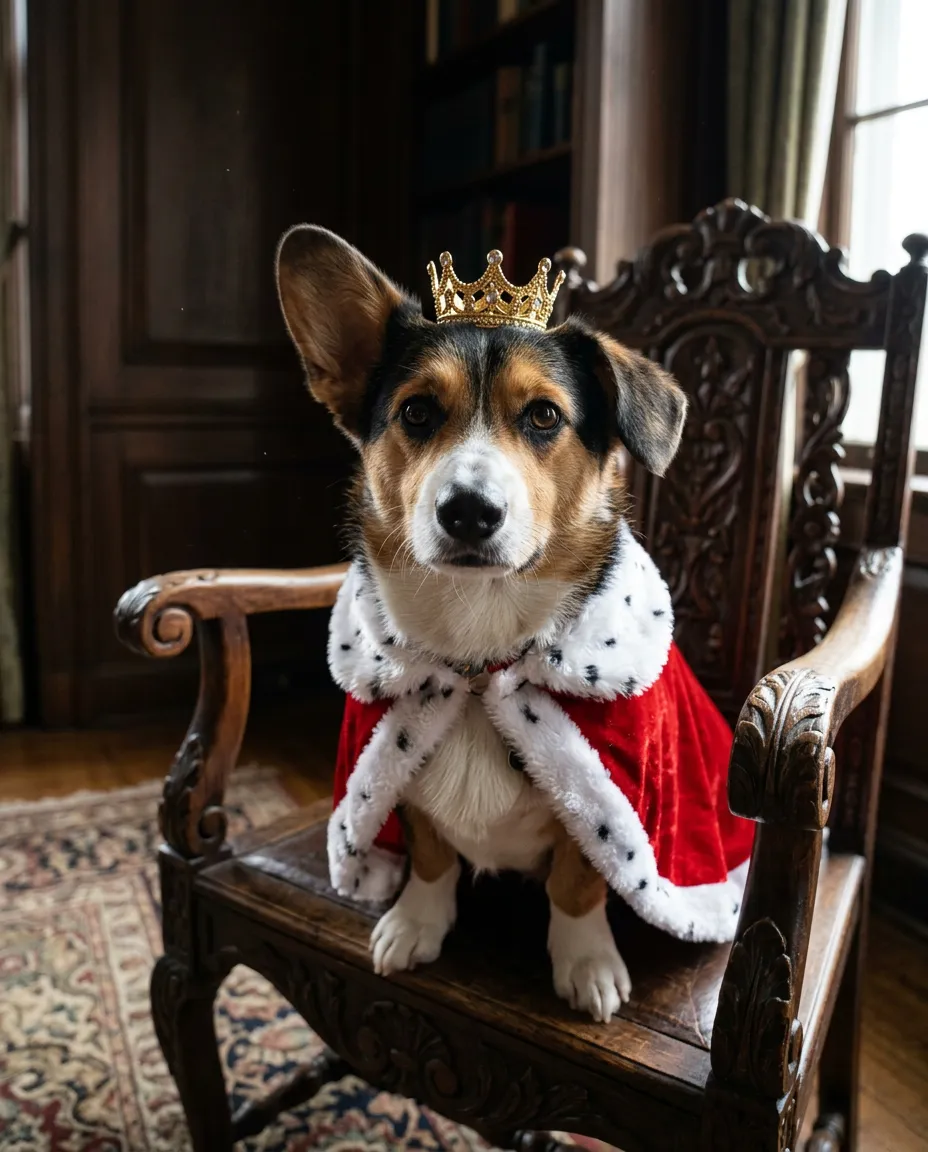
“A realistic photograph of this dog wearing a small red velvet cape with a white fur collar and a gold crown, sitting on a carved wooden chair in a dark panelled room, soft window light, sharp detail in the fur. A photo, not a painting.”
made from a photoUse this recipe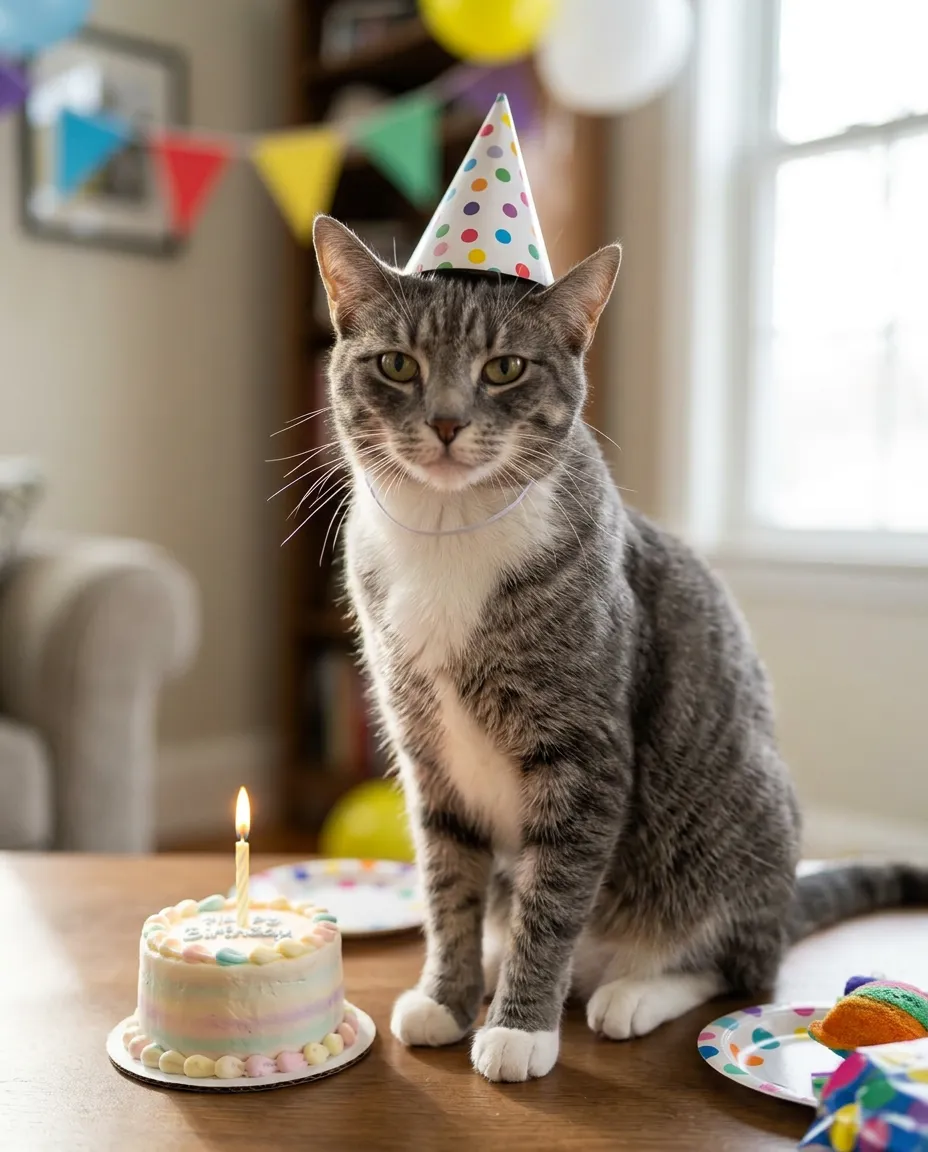
“A birthday photo of this cat sitting beside a small cake with one candle, a paper party hat on its head, colourful bunting softly blurred behind, bright indoor light, sharp detail in the fur.”
made from a photoUse this recipe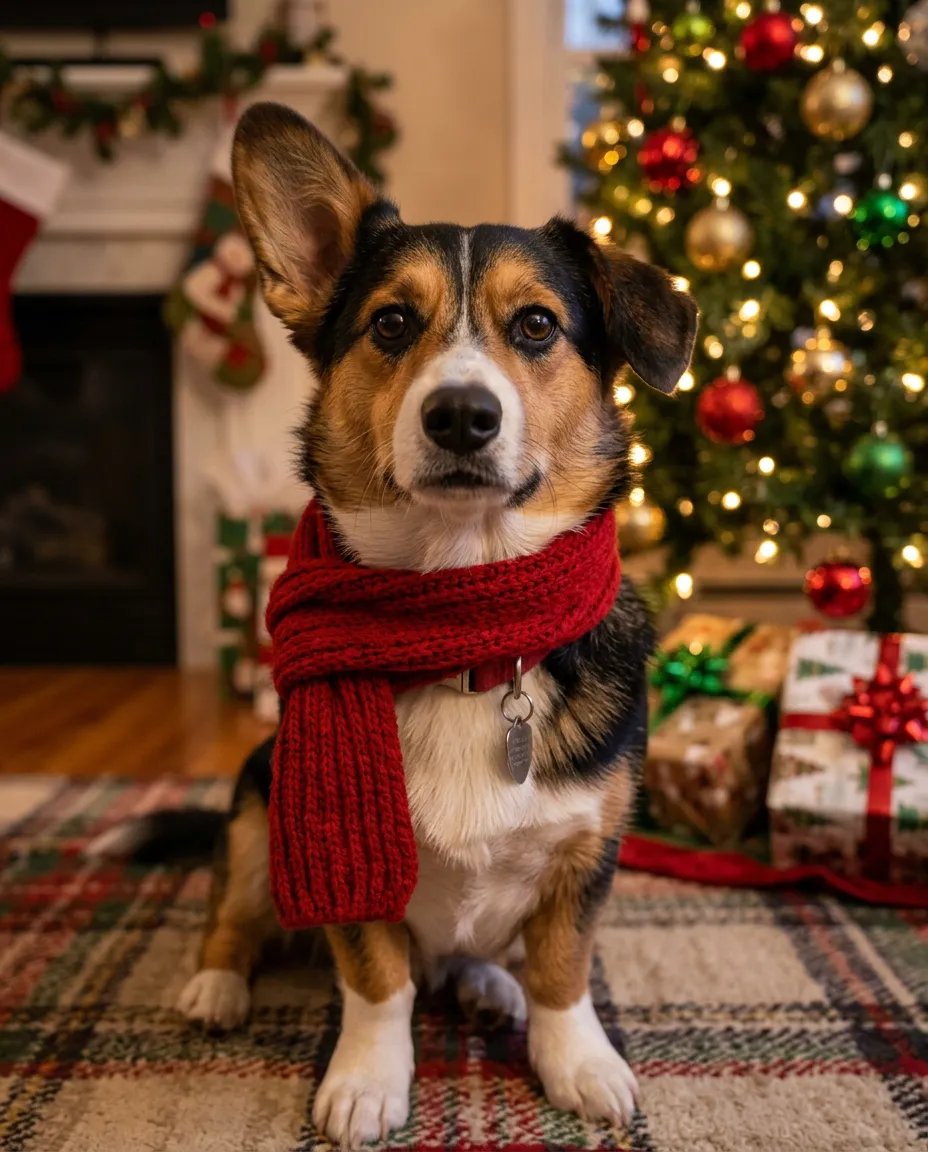
“A Christmas portrait of this dog wearing a red knitted scarf, sitting by a decorated tree with warm lights softly blurred, cosy indoor light, sharp detail in the fur.”
made from a photoUse this recipeEvery example was made on this site and is shown as it came out, with nothing retouched. The people and pets in the photos they were made from are AI-generated, not real.
One clear photo with the face and the markings in view.
Begin with "this dog" or "this cat", then say the pose, the backdrop and the light.
The cost in credits is on the button before you send. Download the original file when you have one you like.
Six portraits that work from a single photo.
Sitting on a plain beige or teal backdrop, in soft light, sharp in every hair.
A red knitted scarf, a decorated tree and warm lights softly blurred behind.
A velvet cape and a small crown on a carved chair. Still a photograph, not an oil painting.
Running across a park lawn in autumn, ears flying, late sun through the trees.
A paper party hat, a small cake with one candle, bunting softly blurred behind.
On a windowsill in soft afternoon light, with a sheer curtain behind.
Both work the same way. In our own tests a dog with a three-colour coat and one floppy ear kept both across studio, park, costume and Christmas scenes, and a grey tabby kept its white chest and paws.
In our own tests a dog and a cat both kept their markings across every scene. A photo in good light, with the whole face in view, gives the model the most to hold on to.
AI Christmas Photo GeneratorTake the photo at your pet's eye level, with your pet looking toward the camera.
Daylight by a window works well. Dark or blurred photos leave the markings to guesswork.
A photo with just your pet in it shows exactly which coat and markings to follow.
To keep the result photographic, add "a photo, not a painting" to the description.
Give the photos from a session a new background, a holiday set or a whole new scene, and deliver or sell the results to your clients. Studios that make many photos a month can get extra credits on top of the ones they buy: tell us roughly how many.
It is free to try. A new account starts with free credits. No card is needed to sign up. After that, credits come with a plan or a credit pack.
Yes. In our own tests a dog and a cat both kept their markings across every scene.
In our own tests, with a dog and a cat, the coat pattern, the ears and the collar carried over each time. Every attempt is a new take, so if one is off, try again.
Yes: a royal portrait with a cape and a crown, as a realistic photograph with real fur and real light. PicYep makes photographs, so it looks like a photo rather than brushwork.
Yes. Add a photo of yourself and a photo of your pet, and describe the scene, saying who is in the first photo and who is in the second. In our own tests a person and a dog shared the picture each time.
One photo of your dog or cat is enough to start.