AI Christmas Photo GeneratorChristmas photos, without the photo shoot.
Christmas photos that look like you, from one photo of each person. Pick one style or several, then turn your favorite into a card.
Your photo
One clear photo of each face. JPG, PNG, WebP or iPhone photos.
Free credits to start. No card needed.Your photos stay private
Plan and price first
Not right? Free redo
Or say it in your own words
Velvet blazer at the fireplace
Made from this photo
Pick a style. Or three.
Each style makes one photo. Pick a few and you see the whole plan, and the price, before anything is made.
Every example was made on PicYep
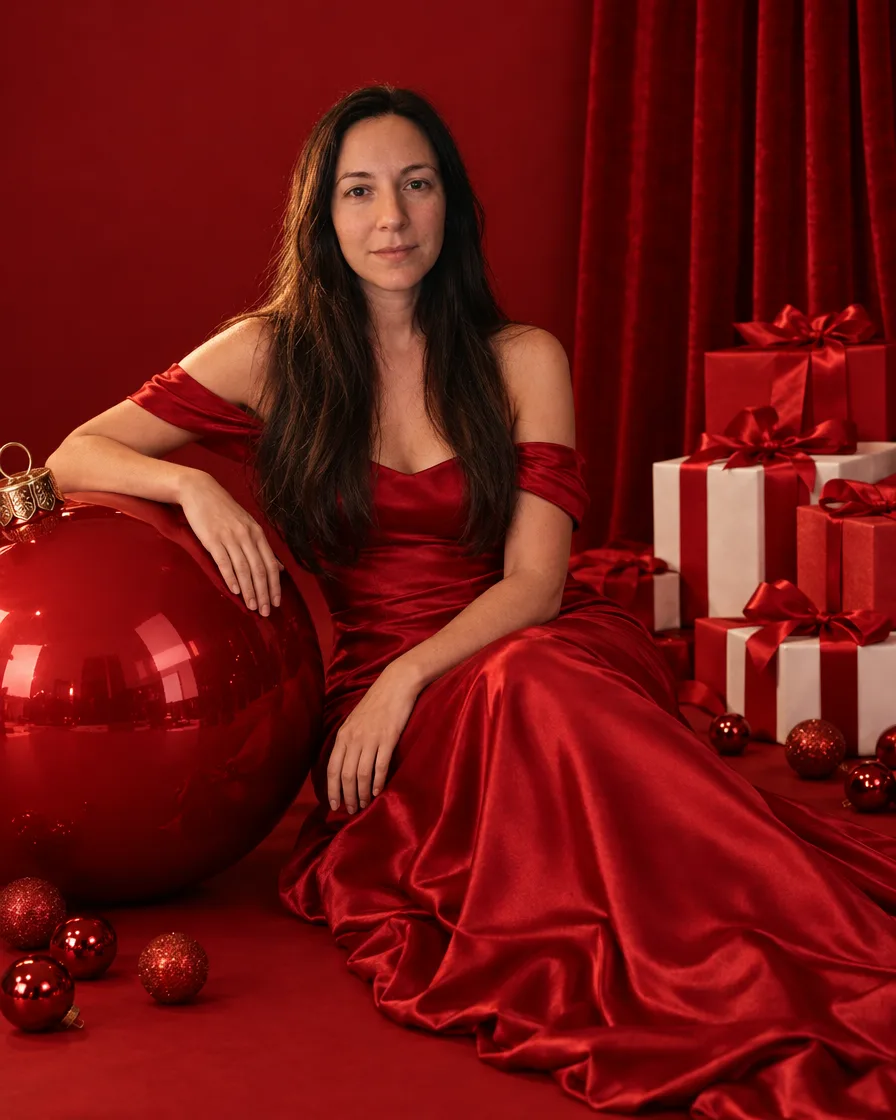
Red studio glam
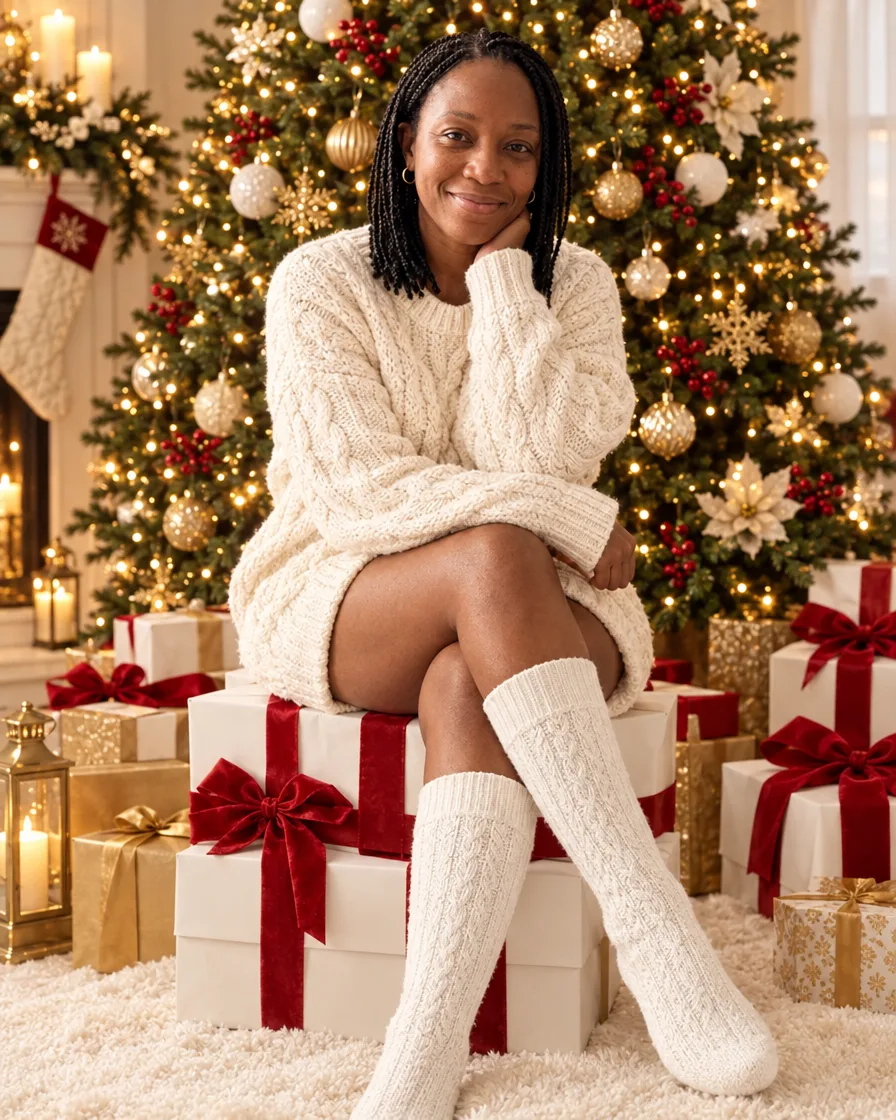
Cream sweater on gift boxes
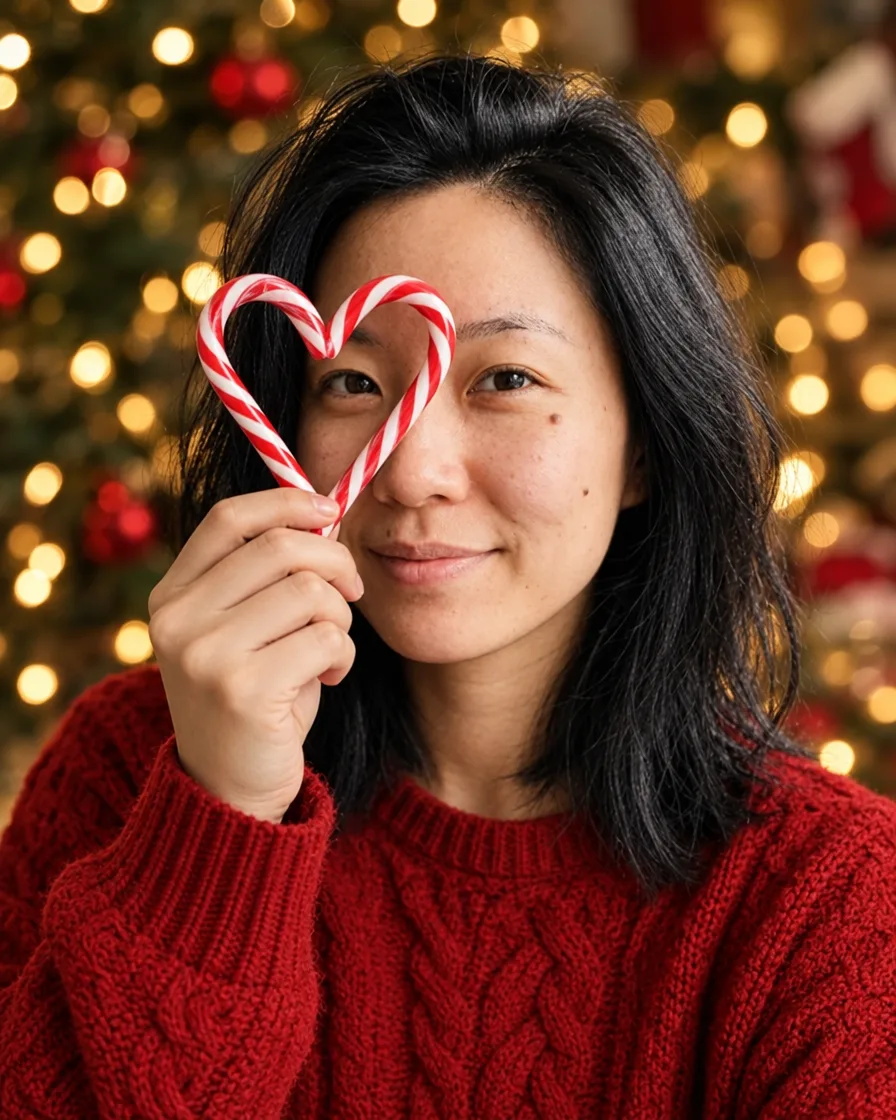
Candy cane heart
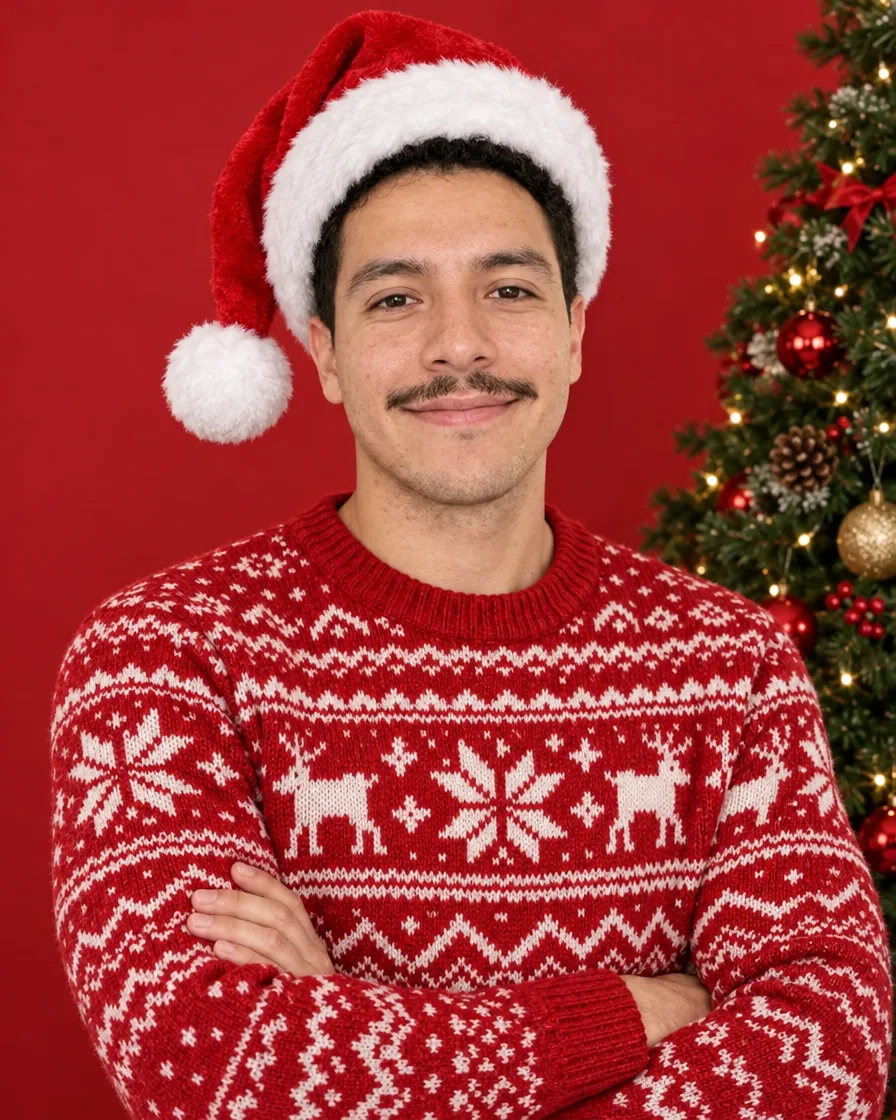
Nordic sweater on red
Candy cane studio
Christmas morning pajamas
Fireside Christmas
Snowy street
Velvet blazer at the fireplace
Santa hat
Ugly Christmas sweater
Tangled in Christmas lights
In short
PicYep's AI Christmas photo generator turns a photo of you, your family or your pet into a Christmas portrait: by the fire, in the snow, in matching family sweaters, with your dog, or with Santa in your own living room. Say who is in the photo, add one photo of each person, up to 16, and pick the styles you want; each style makes one photo.
New accounts start with free credits, and no card is needed to sign up. The cost of each photo is shown before you generate, and a request that ends without a photo gets its credits back. Your photos stay private to your account, carry no watermark and are yours to use for personal and commercial work.
AI Christmas photos that look like you
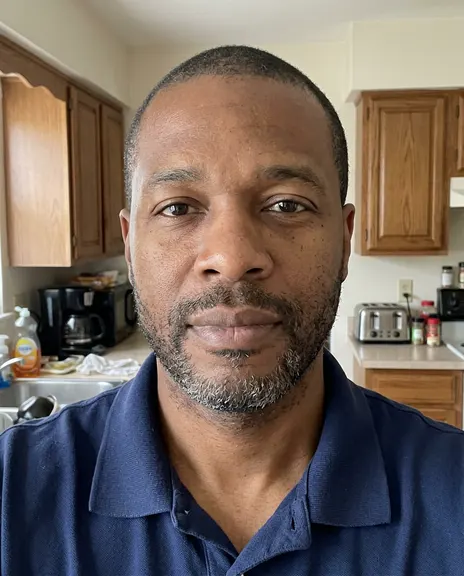
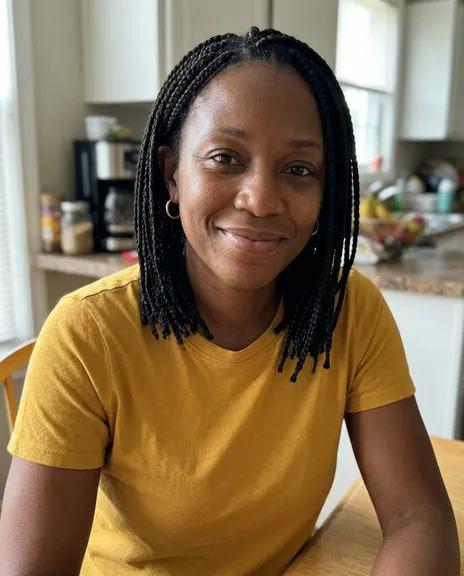
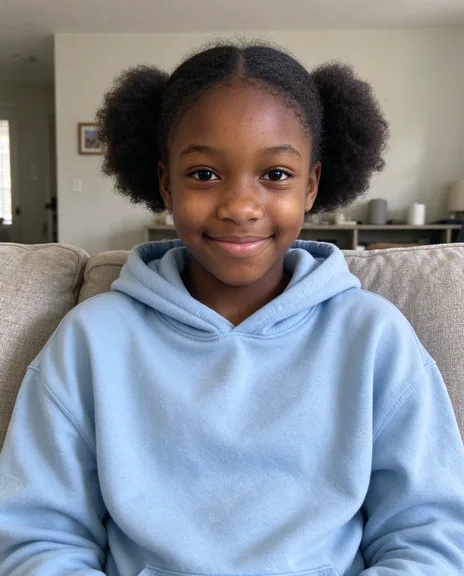
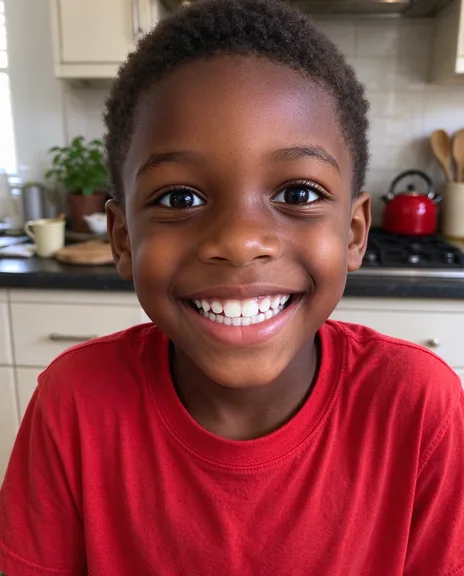
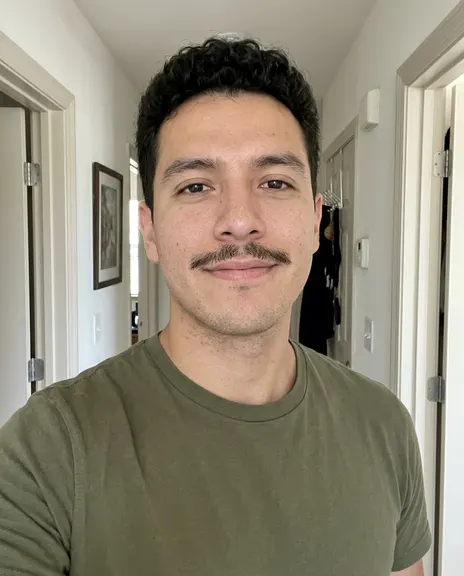
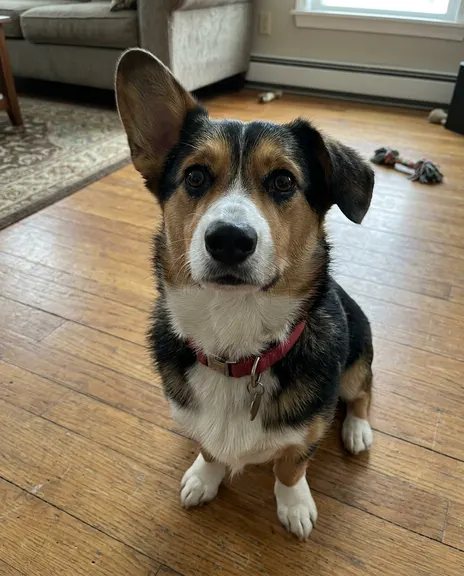
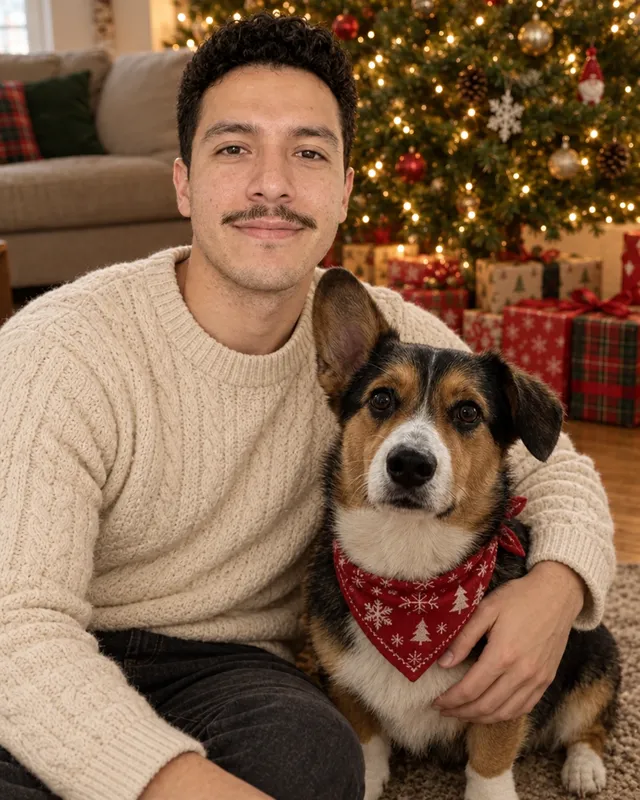
Each photo starts from the photos you add. These were made on this page from the photos beside them, with nothing retouched afterwards.
One photo of him, the velvet blazer style
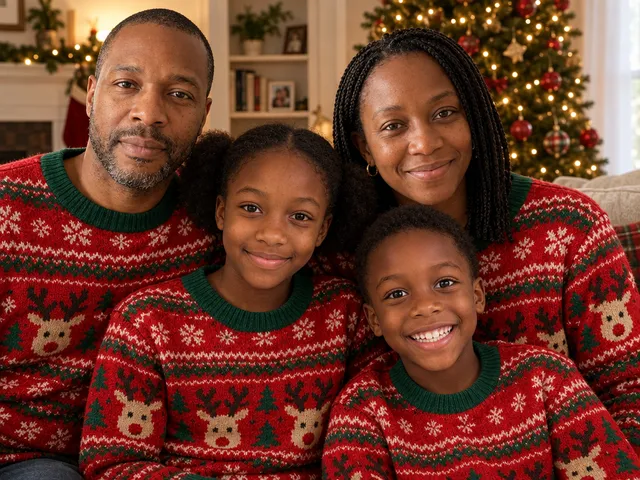
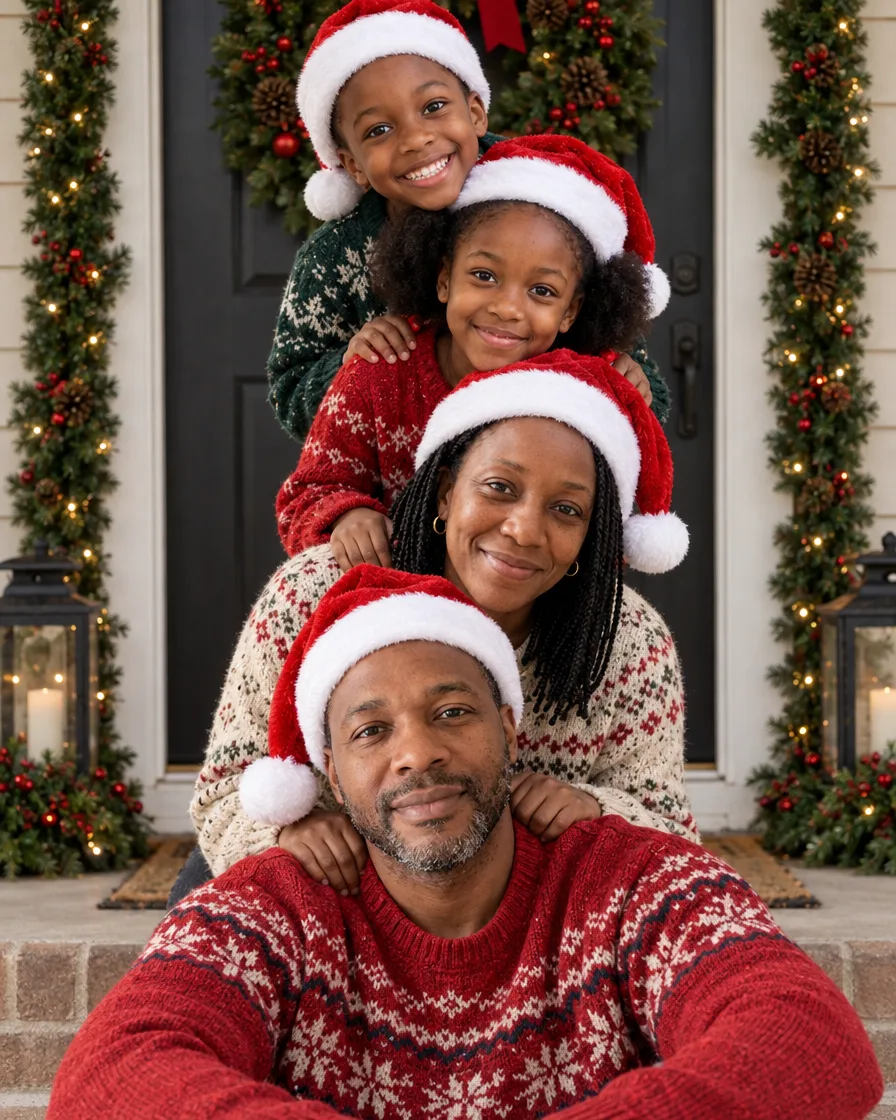
Four photos, one family in matching sweaters
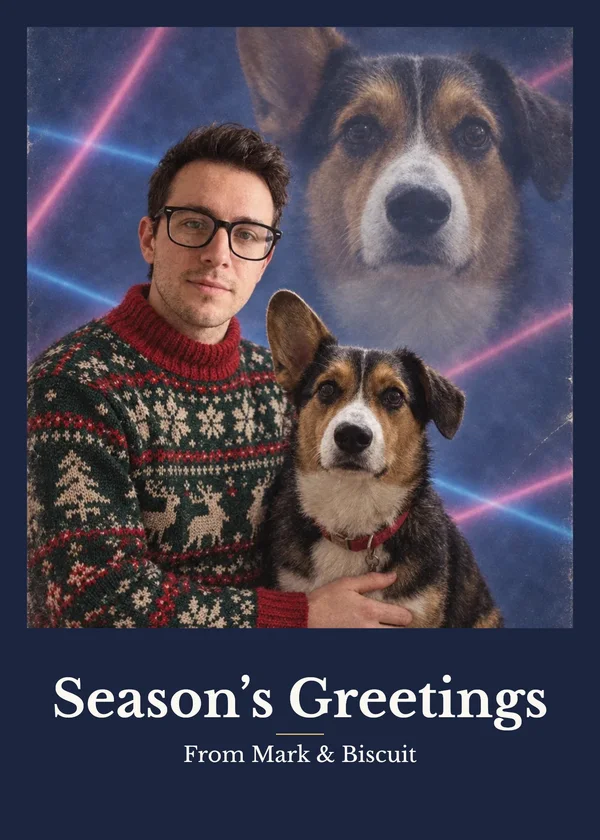
A photo of him and one of his dog
One photo of each person is enough; you don't need a photo of everyone together.
Everyone you add is in the picture, one person from each photo.
Photos of people are made with GPT Image 2.5, one of the models that kept faces closest when we tested eight.
Not right? Mark it and make it again for free, once a day. No watermark, yours to use.
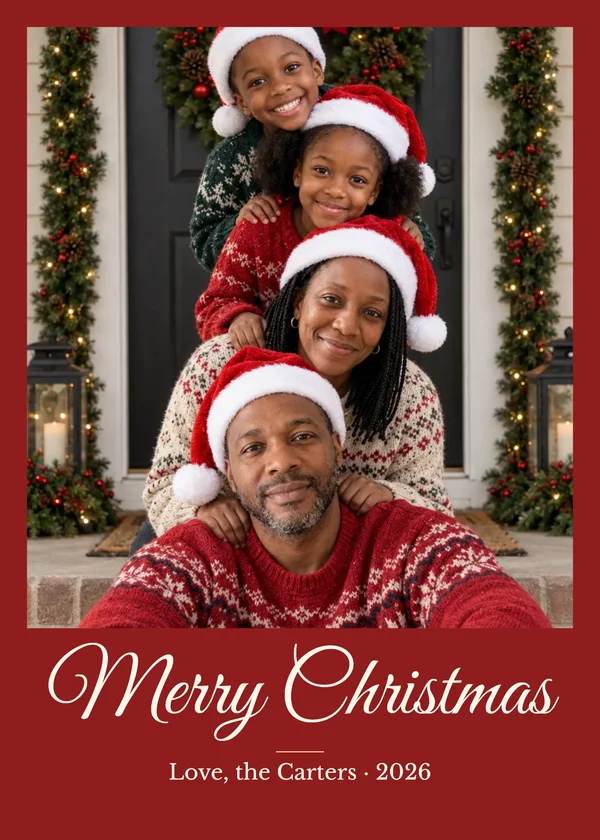
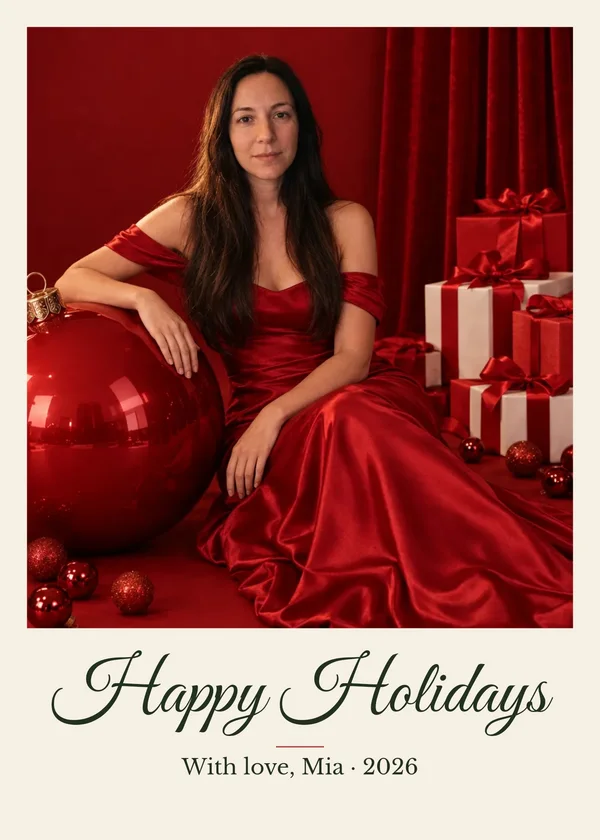
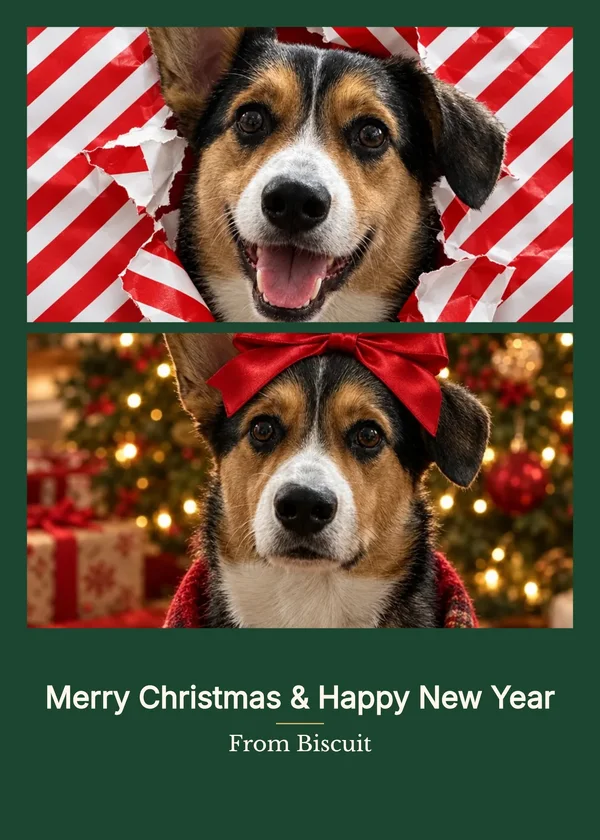
Christmas cards made here
Each photo was made on this site from the styles above, then set as a card with the card maker below: the greeting and names are real type, ready to print at 5 × 7.
Free Christmas card maker
Turn your photo into a Christmas card
Add your greeting and names, pick a layout and download a card sized for printing or sharing. It is free and happens in your browser: the photo you add here is not uploaded.
This is an example photo. Add yours to make your card.
Ready-made set
Eight Christmas photos, each one different
Pick Christmas and PicYep plans eight photos in different styles and places: a card, cozy at home, out in the snow, at the table. Add a photo of yourself or your family, see each photo and its price, and keep the ones you like.
The $8 credit pack makes 4 sets (32 photos), no plan needed.
Each one is shown with the words it was made from and the photos it started with. Pick one and add your own photo.
Red studio glam
“The person in this photo: keep their face, features, skin tone, hair and build exactly as they are, the same person, not a lookalike. A glamorous Christmas studio portrait on an all-red set: a seamless deep red backdrop and a red velvet curtain, a giant glossy red Christmas ornament, stacked red and white gift boxes tied with red satin bows, small red baubles scattered on the floor. She wears an elegant red off-the-shoulder satin gown and sits beside the giant ornament with one hand resting on it, looking at the camera with a soft confident smile. Soft even studio light, editorial holiday photoshoot, full length, realistic skin texture, shot on an 85mm lens, photorealistic.”
“The person in this photo: keep their face, features, skin tone, hair and build exactly as they are, the same person, not a lookalike. A cozy Christmas portrait: they wear an oversized chunky cream cable-knit sweater and white knit knee socks and sit on a stack of white gift boxes tied with big red bows, in front of a tall Christmas tree with gold and white ornaments and warm white lights. Cream, gold and red palette, soft warm light, gentle smile at the camera, full length, realistic skin texture, photorealistic.”
“The person in this photo: keep their face, features, skin tone, hair and build exactly as they are, the same person, not a lookalike. A playful Christmas close-up portrait: they hold two red-and-white striped candy canes together to make a heart shape in front of one eye, looking through it with a playful smile, wearing a red cable-knit sweater, Christmas tree lights softly blurred into warm bokeh behind, shallow depth of field, realistic skin texture, shot on an 85mm lens, photorealistic.”
“The person in this photo: keep their face, features, skin tone, hair and build exactly as they are, the same person, not a lookalike. A cheerful Christmas studio portrait: he wears a red and white Nordic fair-isle Christmas sweater and a Santa hat, arms crossed, big genuine smile at the camera, a plain red studio backdrop with the edge of a decorated Christmas tree at one side, bright even studio light, waist-up, realistic skin texture, photorealistic.”
“A family Christmas photo of exactly the people in the reference photos: one person from each photo, no one added and no one left out. Keep each person's face, features, skin tone, hair, build and age exactly as in their own photo, the same people, not lookalikes. A playful family Christmas card photo at a front door decorated with a big wreath and garlands: the family is stacked in a column, the father sitting on the doorstep, the mother kneeling behind him, the children stacked above leaning in, every head one above the last, everyone in Santa hats and cozy knit sweaters, laughing at the camera, soft daylight, realistic skin texture, photorealistic.”
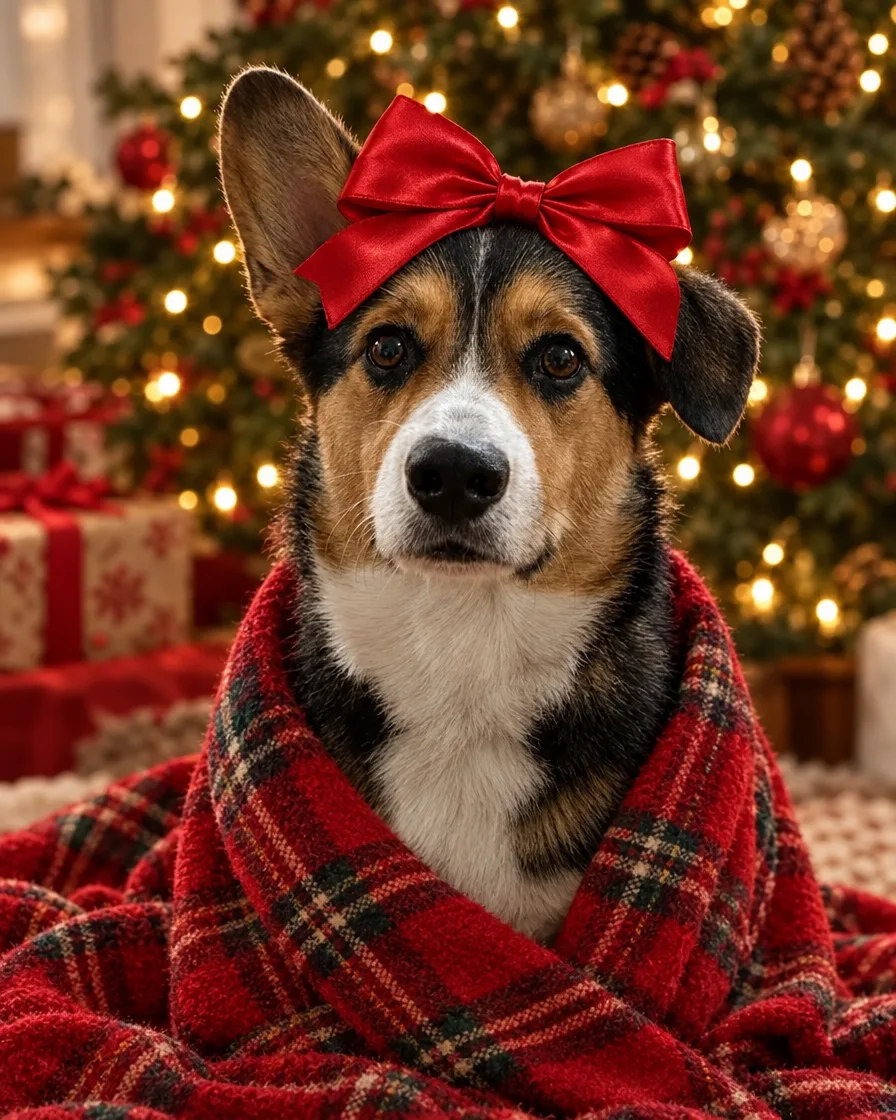
“The dog in this photo: keep its breed, coat colors, markings, ears and face exactly as they are, the same dog. A Christmas portrait of the dog with a big red satin bow on its head, wrapped in a red plaid blanket, sitting in front of a Christmas tree and looking at the camera, warm tree lights softly blurred behind, sharp detail in the fur, photorealistic.”
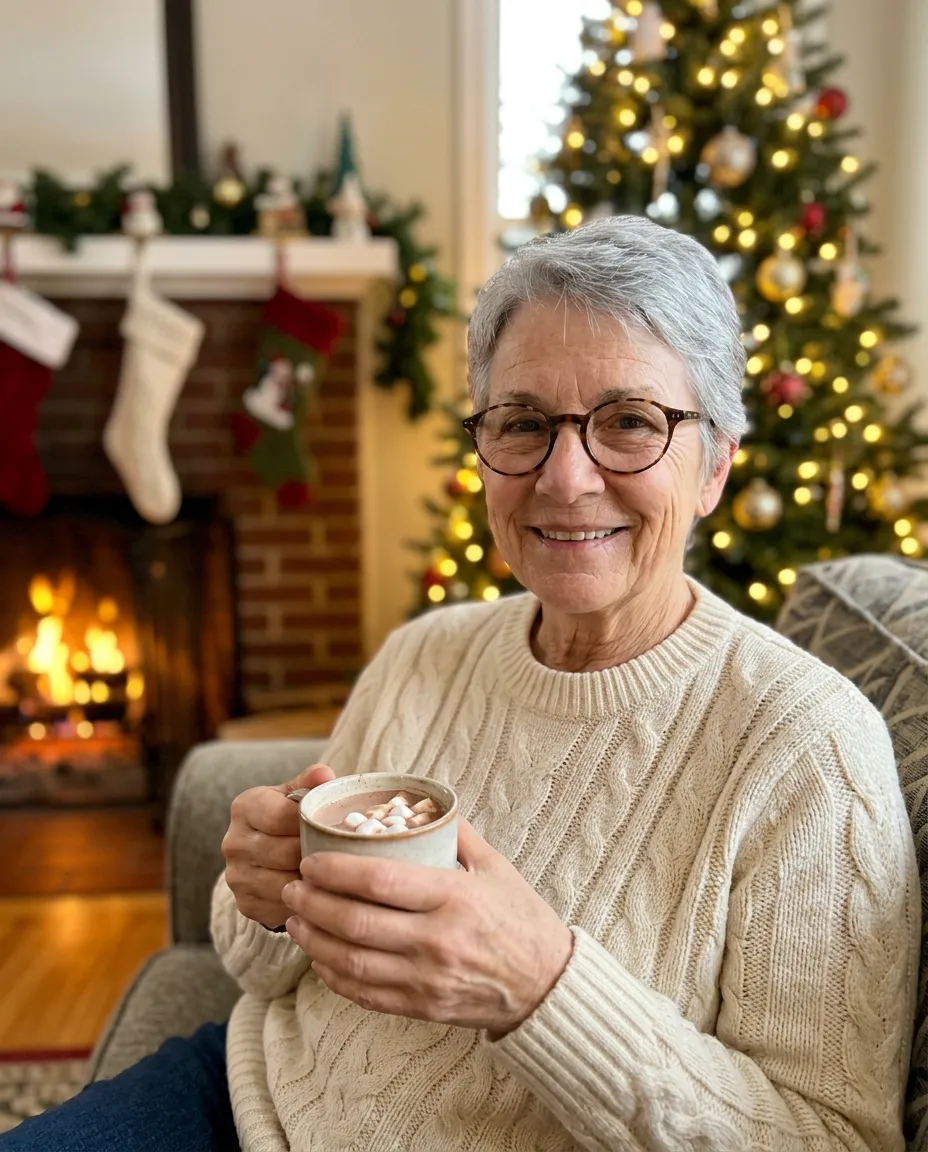
“A Christmas portrait by the fireplace, cream cable-knit sweater, a mug of cocoa, stockings on the mantel and a lit tree softly blurred behind, warm firelight, cosy smile, realistic skin texture.”
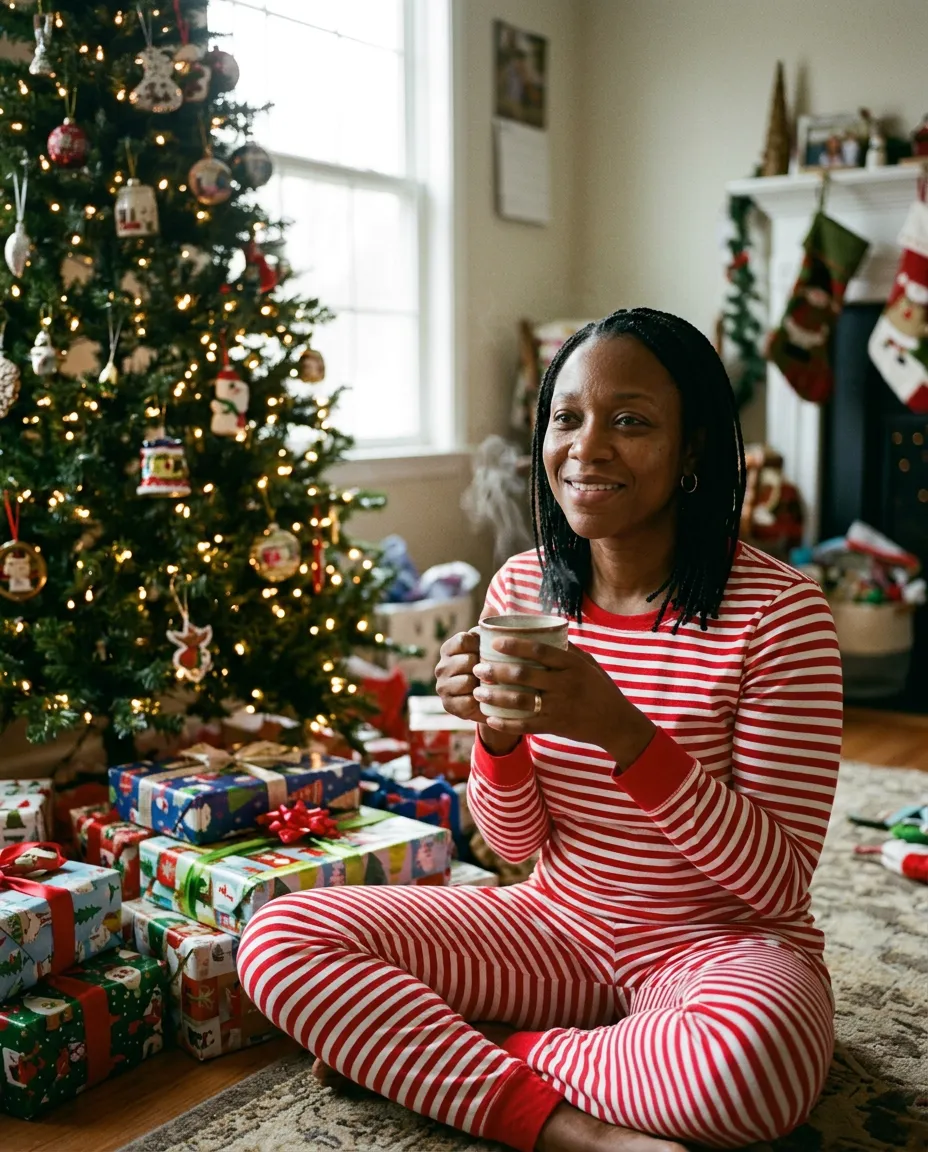
“A Christmas morning photo in red and white striped pajamas, sitting on the floor beside the tree with wrapped presents, a mug in hand, soft morning light, relaxed happy smile, realistic skin texture.”
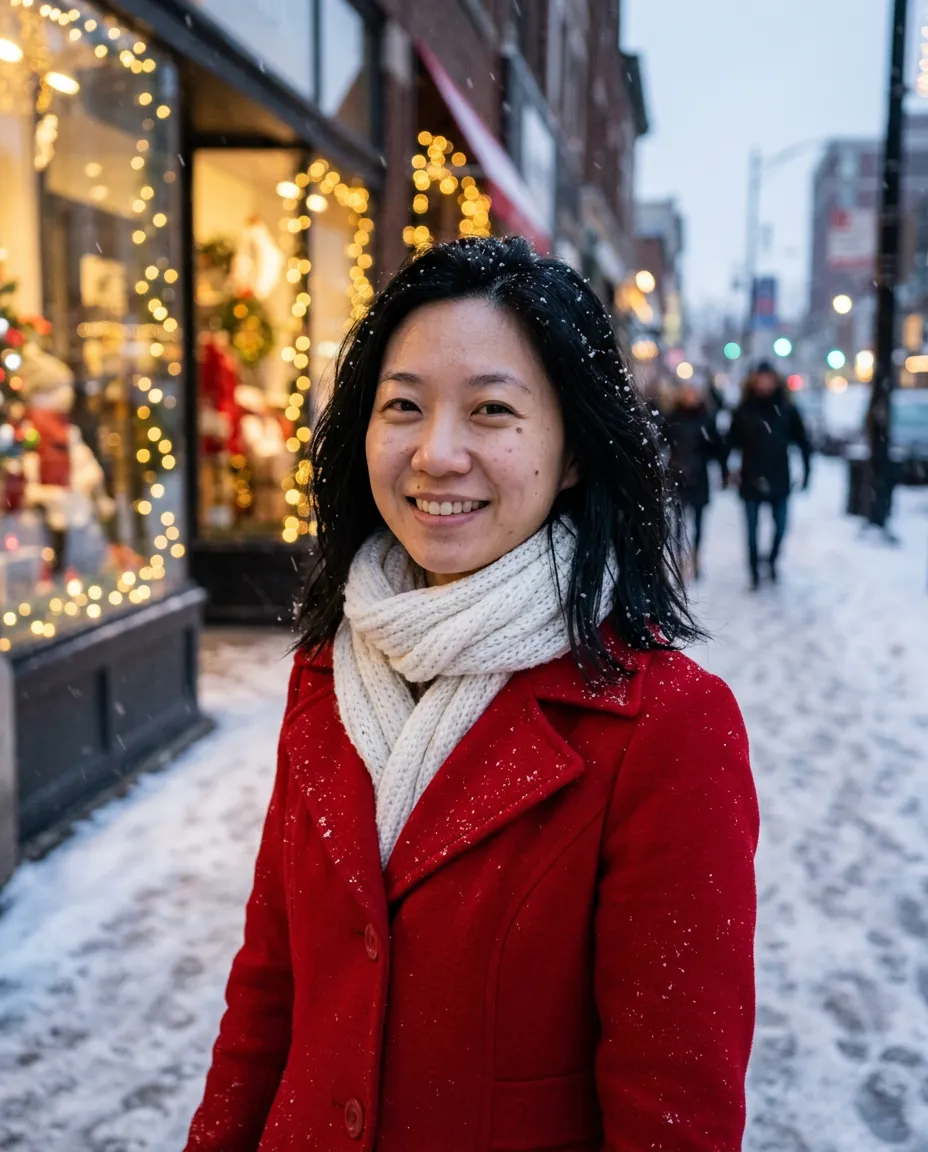
“A winter holiday portrait on a snowy street at dusk, red wool coat and a white knit scarf, shop windows with fairy lights behind, snow falling, bright smile, realistic skin texture.”
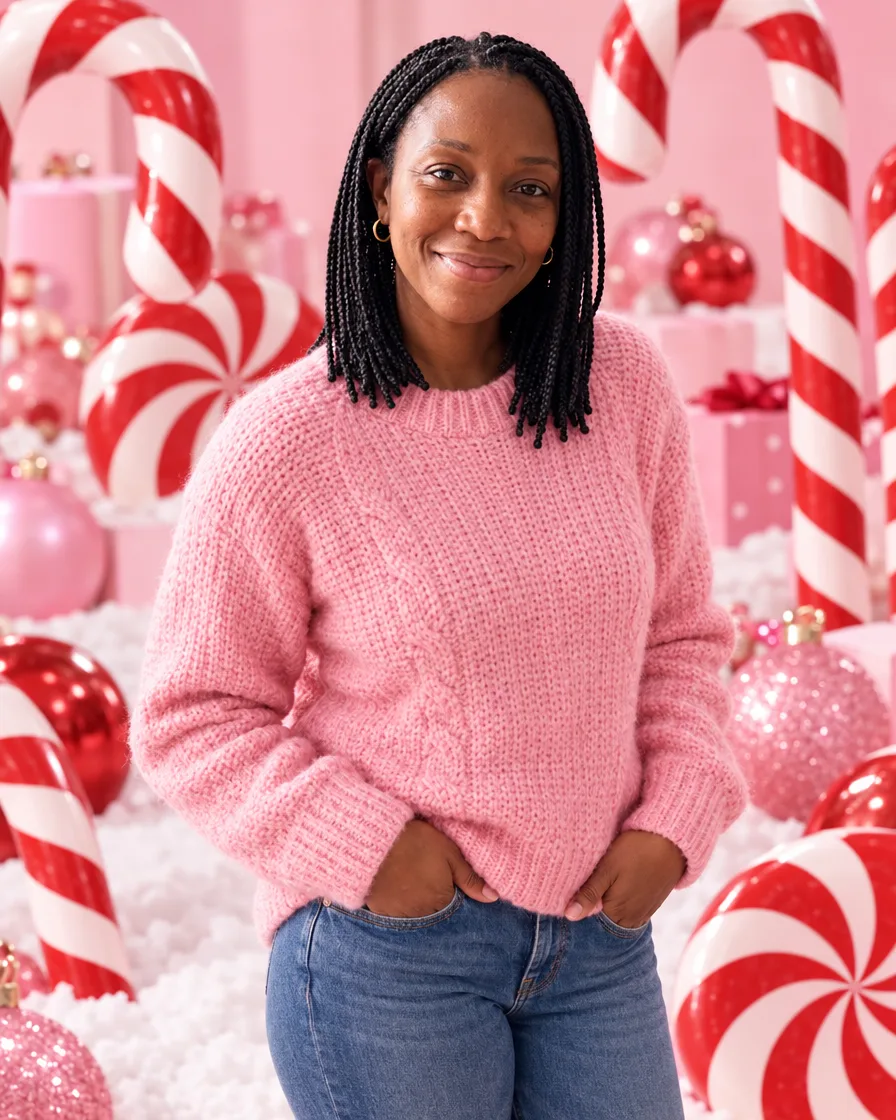
“The person in this photo: keep their face, features, skin tone, hair and build exactly as they are, the same person, not a lookalike. A playful candy-cane Christmas studio portrait: they stand in a whimsical pastel pink set surrounded by giant red-and-white candy canes, oversized peppermint swirl candies and pink and red ornaments, a little fake snow on the floor, they wear a cozy pink knit sweater and smile at the camera, bright cheerful even lighting, three-quarter length, realistic skin texture, shot on a 55mm lens, photorealistic.”
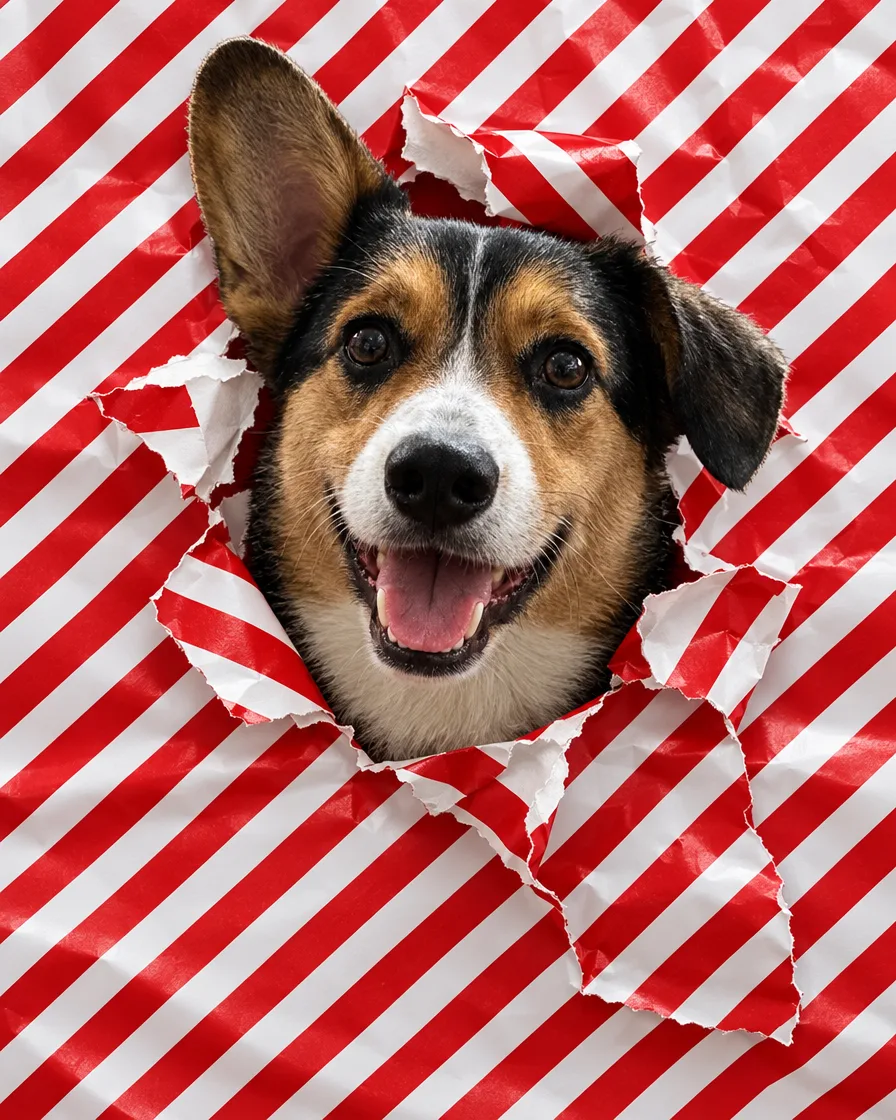
“The dog in this photo: keep its breed, coat colors, markings, ears and face exactly as they are, the same dog. A funny Christmas photo of the dog poking its head through a torn hole in red-and-white striped wrapping paper that covers the whole frame like a wall, happy open-mouth expression, bits of torn paper around the hole, bright even light, sharp detail in the fur, photorealistic.”
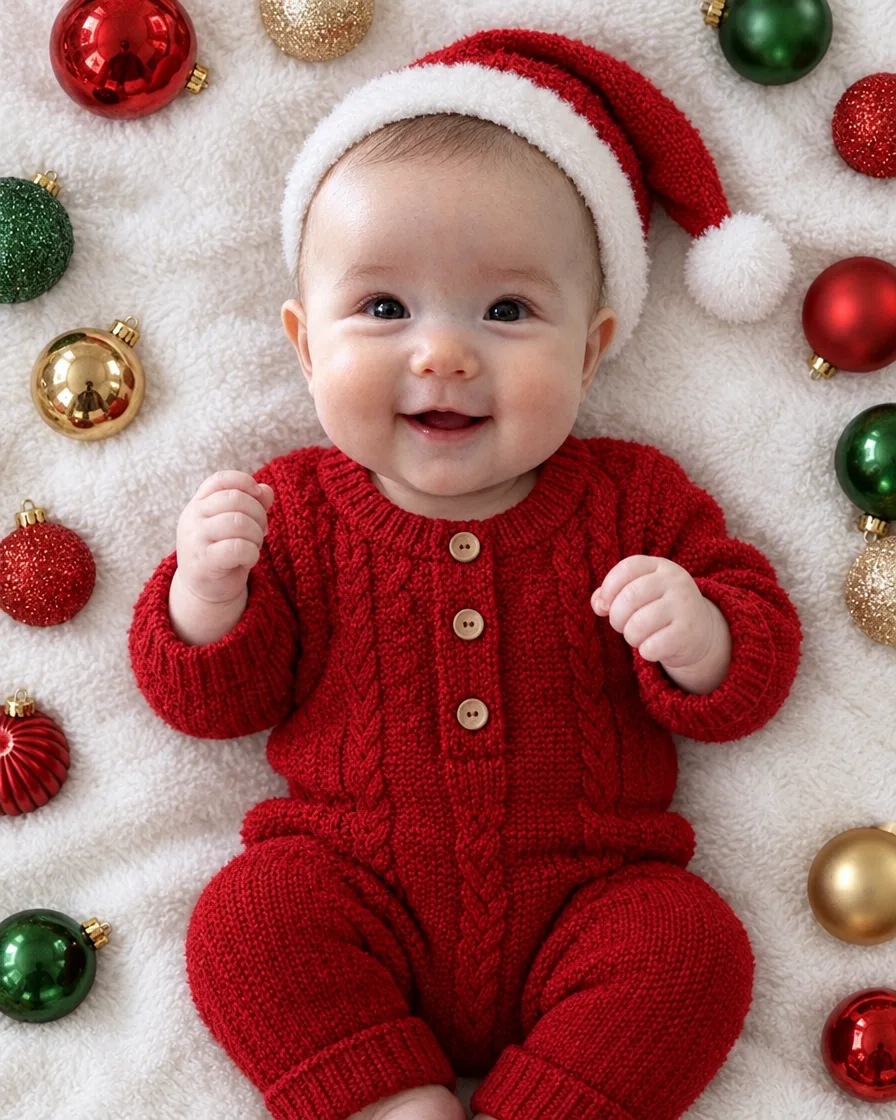
“The baby in this photo: keep the baby's face, features, skin tone and hair exactly as they are, the same baby. A baby's first Christmas photo: the baby lies on its back on a soft white blanket surrounded by red, green and gold Christmas baubles, wearing a red knit outfit and a tiny Santa hat, looking up and smiling, top-down view, soft natural light, realistic skin texture, photorealistic.”
Every example was made on this site and is shown as it came out, with nothing retouched. The people and pets in the photos they were made from are AI-generated, not real.
How to do the AI Christmas photo trend
01
Say who's in the photo
Just you, the two of you, the whole family, your pet, or you and your pet. Then add one photo of each. A phone photo is turned the right way up and its location is removed before it is sent.
02
Pick one style or several
Each style is a tested description, so there is no prompt to write. Pick up to eight and get one photo in each, or say what you want in your own words.
03
Check the price, generate, make a card
The cost in credits is on the button before you send. Download the original file, or make it into a Christmas card with your greeting.
Christmas photo ideas
The Christmas photos people are making this year, each with a style to start from.
Santa caught on your security camera
An AI Santa photo for the kids: add a photo of your living room and get a black-and-white night-vision frame, timestamp and all, of Santa leaving presents under your tree.
An all-red set: a red velvet curtain, a giant red ornament, stacked gift boxes and a red off-the-shoulder gown. The holiday photoshoot look, from a selfie.
Make the photo, then use the card maker on this page: choose a layout, type your greeting and names, and download a 5 × 7 or 4 × 6 card at 300 dpi as a JPG or a PDF, or a square or story for sharing.
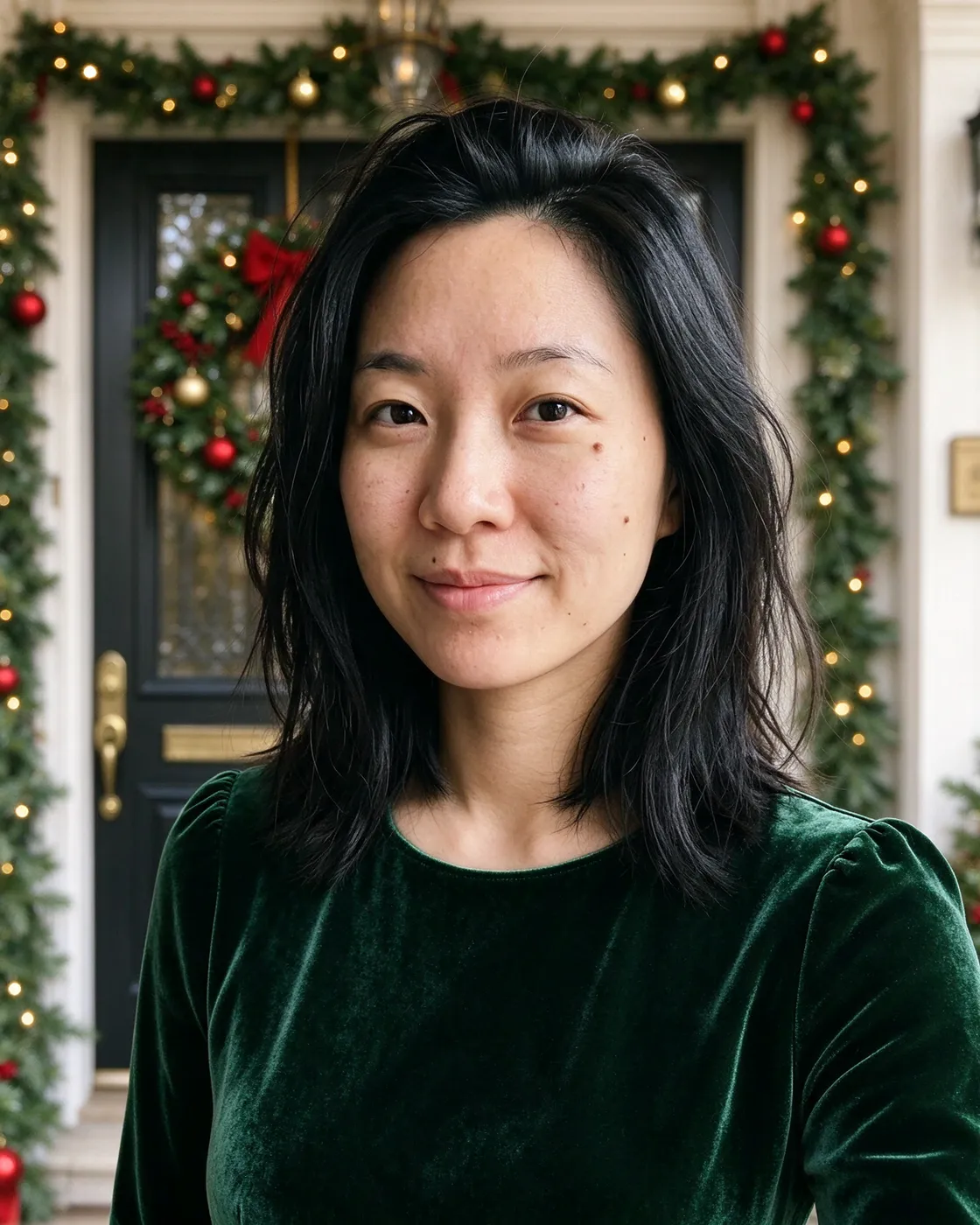
The greeting is set as real lettering, not drawn by the AI, so it comes out exactly as you typed it. Keep the background simple, a front door with a wreath or a wall of lights, and enlarge a photo with Upscale before printing it big.
Pick “Family, one photo each” and add a photo of each person, up to 16: everyone appears together in one picture, in matching sweaters, in Christmas pajamas or at the tree farm. No one needs to be in the same place, and you don't need a photo of the whole family.
A family photo you already have works too: pick “Change a photo of home” to bring Santa into your living room, or add the photo to the studio and describe the Christmas scene.
Pick “Me and my pet” and add a photo of yourself and one of your pet: the two of you by the tree, your dog in a red bandana. Or pick “My pet” for a portrait of your dog or cat alone.
In our own tests a dog and a cat kept their markings and ears from one scene to the next.
Photographers running holiday mini sessions, and businesses making holiday cards for staff or customers, can get extra credits on top of the ones they buy: tell us roughly how many photos.
Each person's own photo guides how they look: face, hair, glasses, build. PicYep makes photos of people with GPT Image 2.5, one of the models that kept faces closest when we tested eight, and the examples on this page show the photos they were made from. A sharp, front-facing photo gives the closest match. If one isn't right, mark it and make it again for free, once a day. In our check of eight people of different ages and skin tones, and of families of four and six, every face matched its own photo and every skin tone stayed as it was.
How do I do the AI Christmas photo trend without writing a prompt?
Say who is in the photo, add a photo of each person and tap the styles you want. Each style is a tested description, so there is nothing to write. Pick up to eight and you get one photo in each. To change something, say it in your own words below the styles.
Can I use my own photo?
Yes. Your photo is the starting point: PicYep keeps the person in it and builds the Christmas scene around them. You can also change a photo you already have, such as bringing Santa into a photo of your living room or putting a Santa hat on a selfie.
Is the AI Christmas photo generator free? Do I need an app?
It is free to try. A new account starts with free credits. No card is needed to sign up. It works in your browser on a phone or a computer, with no app to download. After the free credits, credits come with a plan or a credit pack.
Can I make a family Christmas photo when we can't all be together?
Yes. Add one photo of each person, up to 16, taken anywhere and at any time, and pick a family style. Everyone appears together in one picture, and no one needs a photo of the whole family.
Can I add someone who has passed away to a family Christmas photo?
Yes. Add a photo of each person you want in the picture, including an older photo of the person you miss, and describe the scene: everyone by the tree, at the table, on the sofa. Each person's photo guides how they look. A clear, front-facing photo works best; an old print photographed in daylight is fine.
Can I add “Merry Christmas” and our names?
Yes. In the card maker, type any greeting and who it is from, and pick the lettering and paper color. The words are set on the card as real text, so they come out exactly as you typed them. Making the card is free and uses no credits.
What size should I print a Christmas card at?
5 × 7 inches is the usual size for a Christmas card, and 4 × 6 works too. The card maker on this page saves both at 300 dpi, as a JPG or a PDF of the exact card size, for home printing or a print shop. For a sharp printed card, enlarge the photo with Upscale first; the card maker says when a photo is too small.
What happens to my photos?
PicYep does not train AI models on your photos and does not sell them. Full-size photos and the photos you upload are kept in private storage with no public address, and you can delete them at any time. In Settings you can have uploaded photos deleted automatically once the photo is made.
What if I don't like the result?
Mark the photo as not right and make it again for free, once a day: the same request, one photo, no credits. A request that ends without a photo gets its credits back. You can also change one thing in a photo, such as the outfit or the background, without starting over.
Your photos are not used to train AI models. Originals are kept in private storage, and you can delete them at any time. Privacy policy