Photographs with texture
Film grain, motion blur, soft focus and imperfect light: pictures that look shot rather than rendered.
Make images with Krea's model: Krea 2 Large for photographs with real texture, Krea 2 Medium for illustration, anime and painting. PicYep is an independent studio that runs the model through a hosted API; it is not affiliated with Krea.
Krea 2 is the image model Krea released in May 2026, its first trained from scratch, made to break the polished "AI look". It comes in two versions: Large, for photorealism and raw, textured looks, and Medium, smaller, faster and steady with illustration. On PicYep both run in the browser: write a prompt, pick one of eight aspect ratios, and get a 1K image for 30 credits on Large or 15 on Medium.
New accounts start with free credits, and no card is needed to sign up. The cost of each photo is shown before you generate, and a request that ends without a photo gets its credits back. Your photos stay private to your account, carry no watermark and are yours to use for personal and commercial work.
From a camera-real photo to a flat anime cel, with the look you name.
Film grain, motion blur, soft focus and imperfect light: pictures that look shot rather than rendered.
Cel animation, ink, watercolor, oil and flat vector styles, named in the prompt.
Short words set in the picture: put them in quotation marks and describe the lettering.
Written the way Krea's prompting guide recommends: the subject, the camera or medium, the light and the texture. Use one as it is, or change the subject.
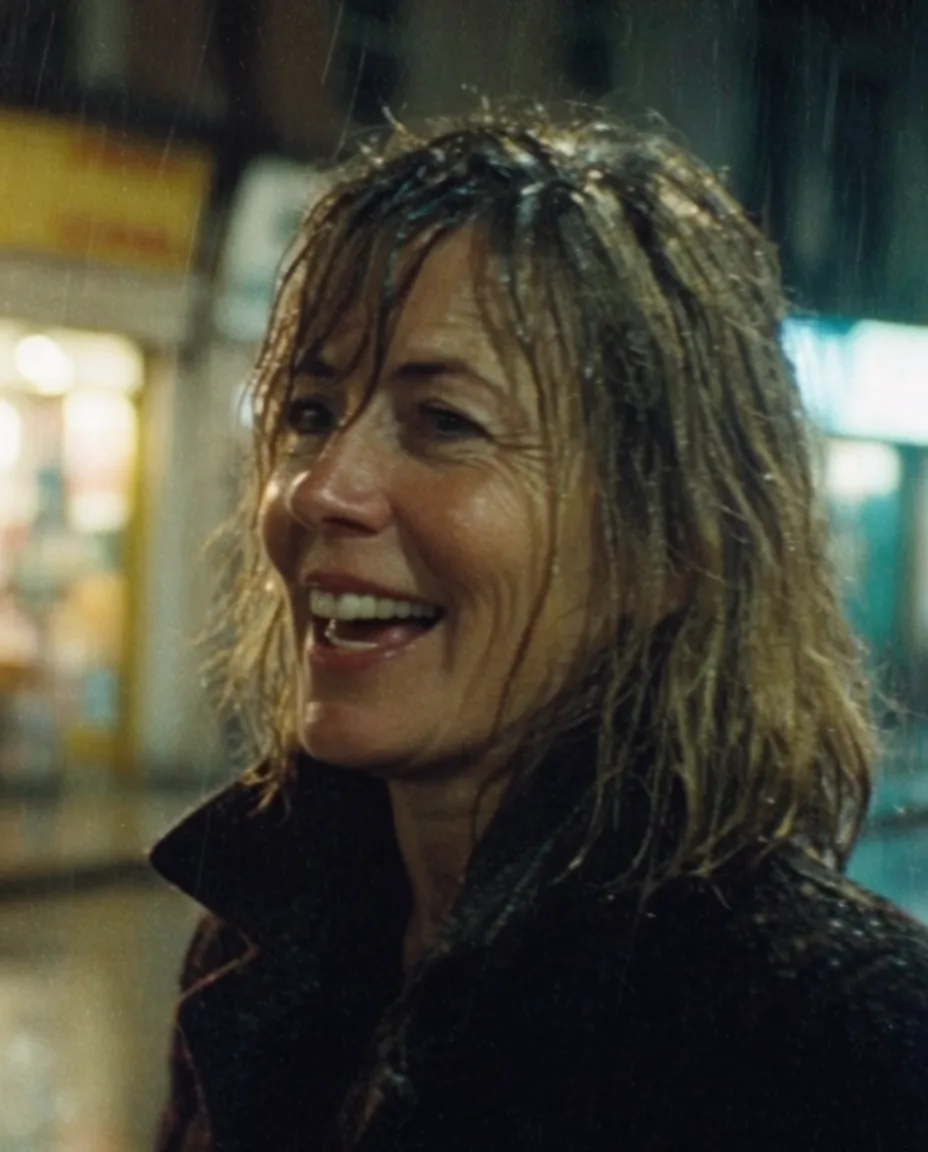
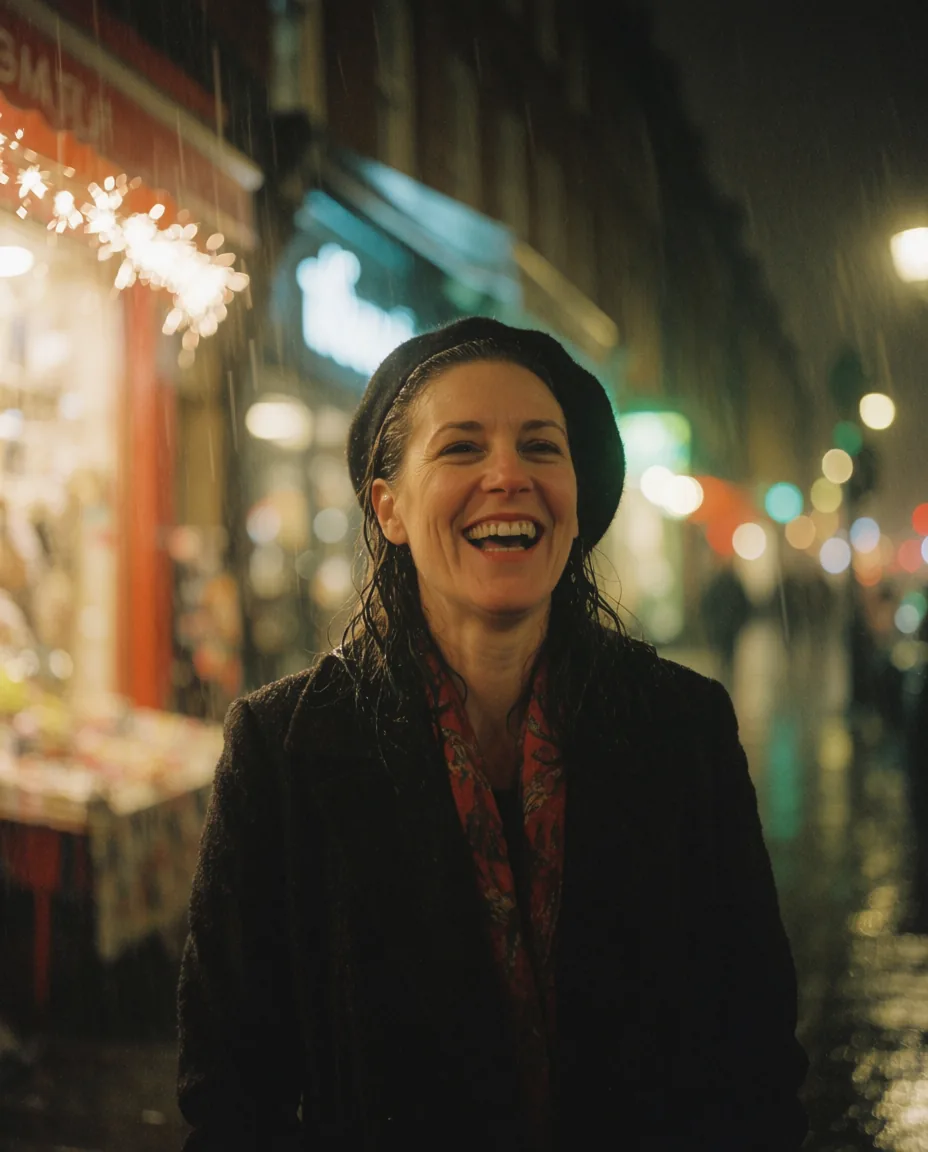
“A candid portrait of a woman in her forties laughing on a rainy city street at night, wet hair, dark wool coat, neon shop signs blurred behind her, shot on 35mm film, visible grain, slight motion blur, low dynamic range, warm and teal color cast”
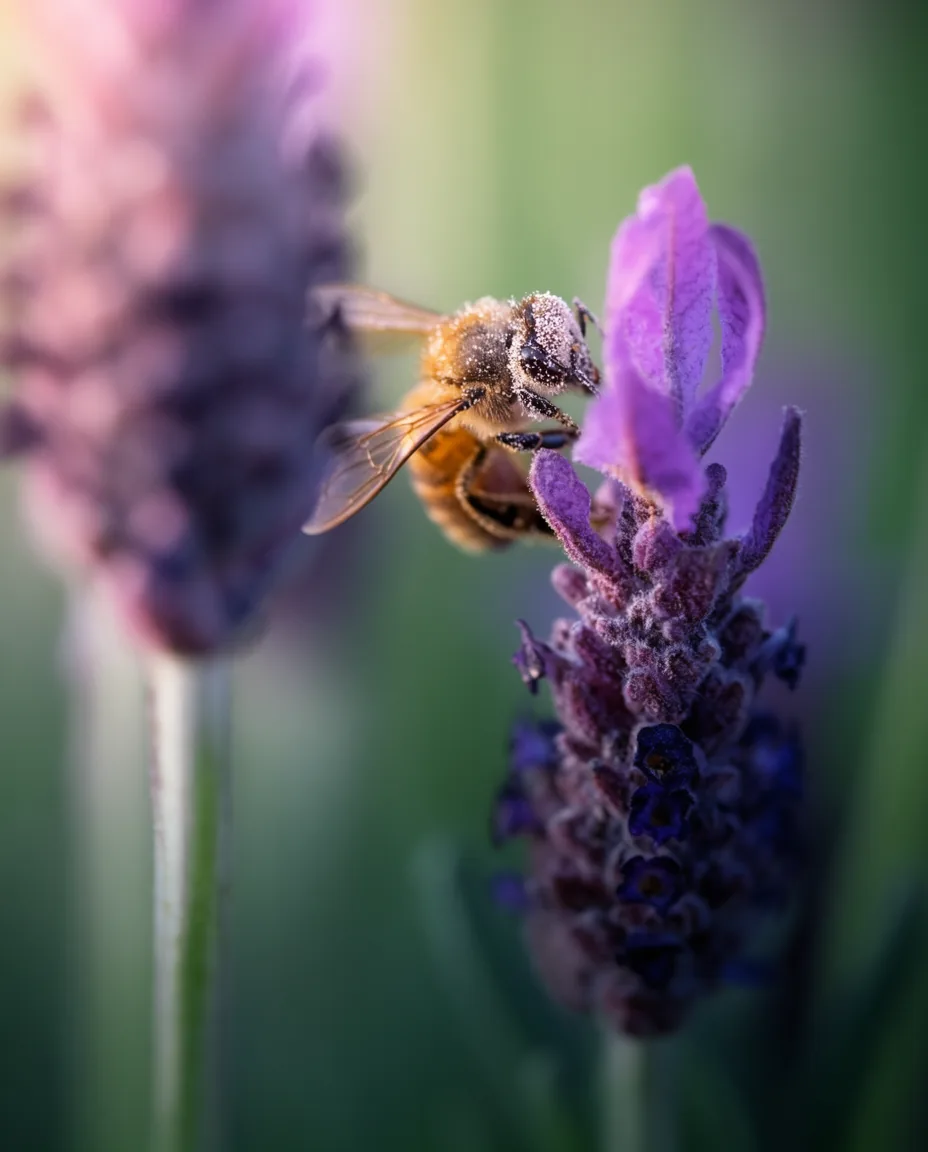
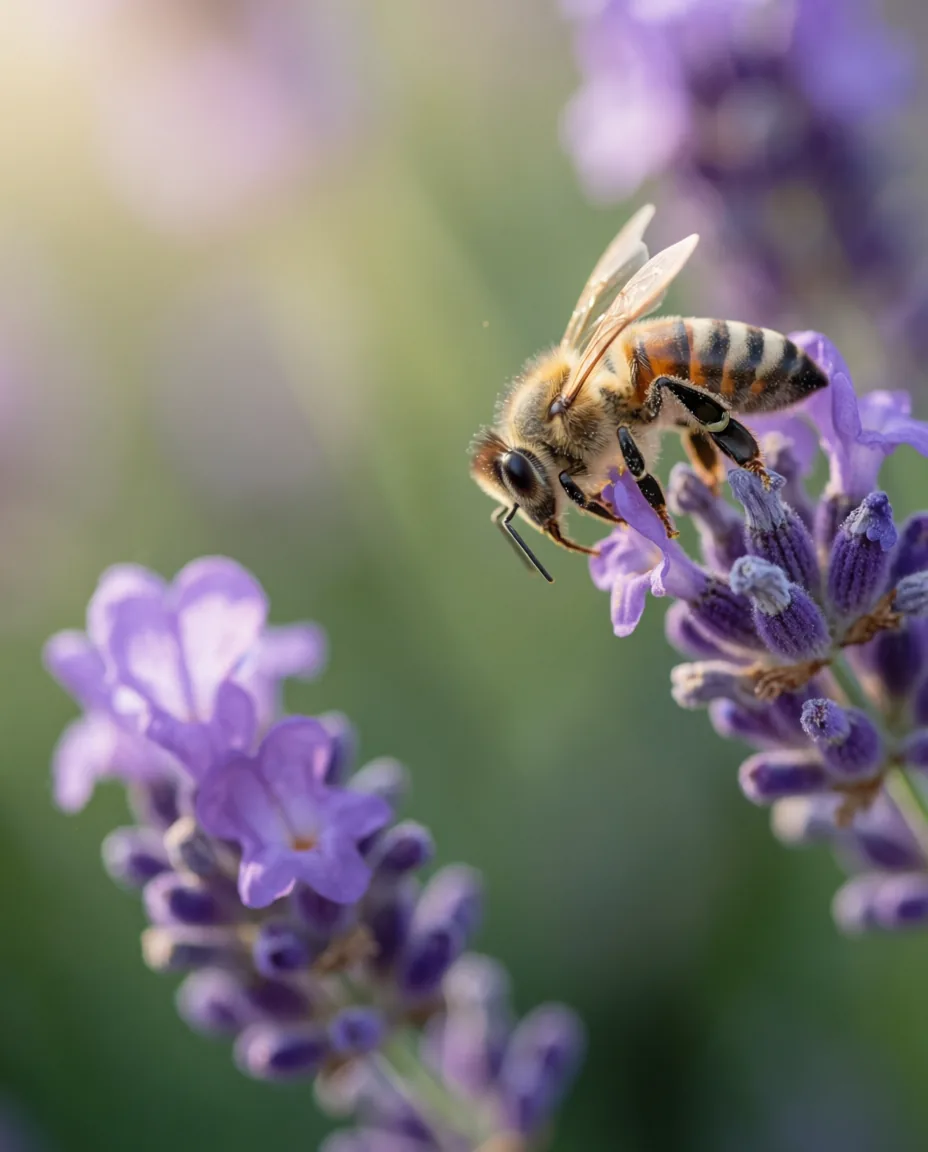
Use this prompt“Macro photograph of a honeybee dusted with pollen on a purple lavender flower, extremely shallow depth of field, soft morning backlight, creamy green bokeh, fine detail on the wings and fur”
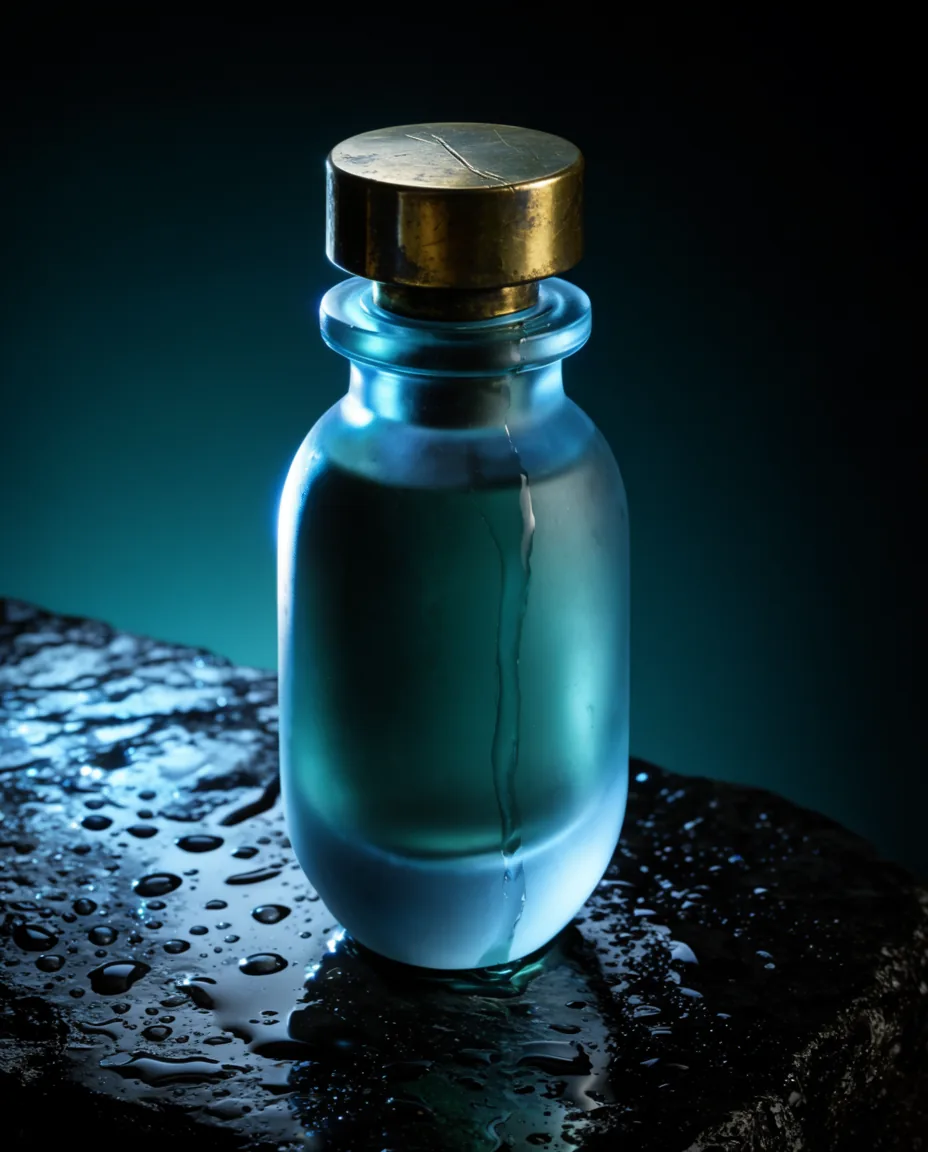
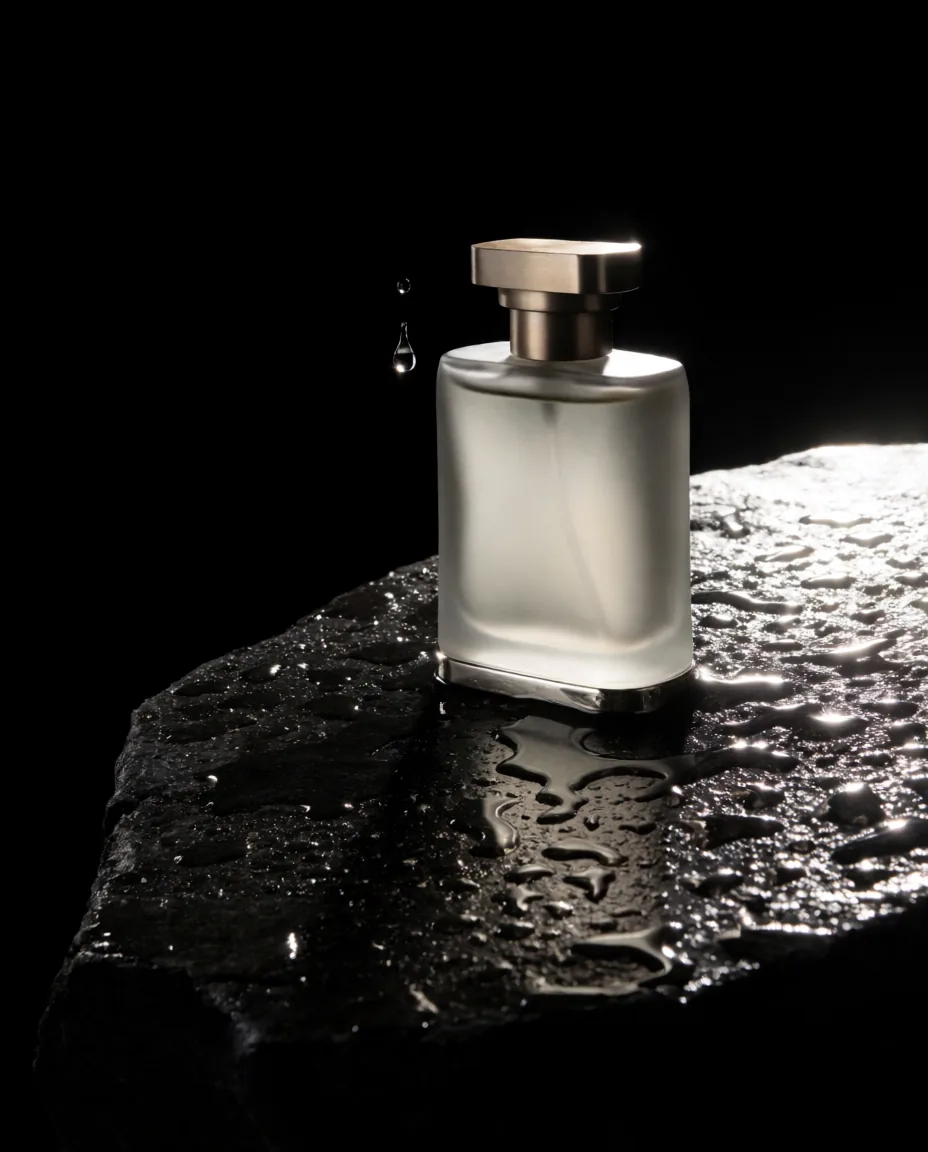
Use this prompt“Studio product photo of a frosted glass perfume bottle with a brass cap standing on wet black stone, a single drop of water running down the glass, hard rim light from behind, deep shadows, minimal luxury composition”
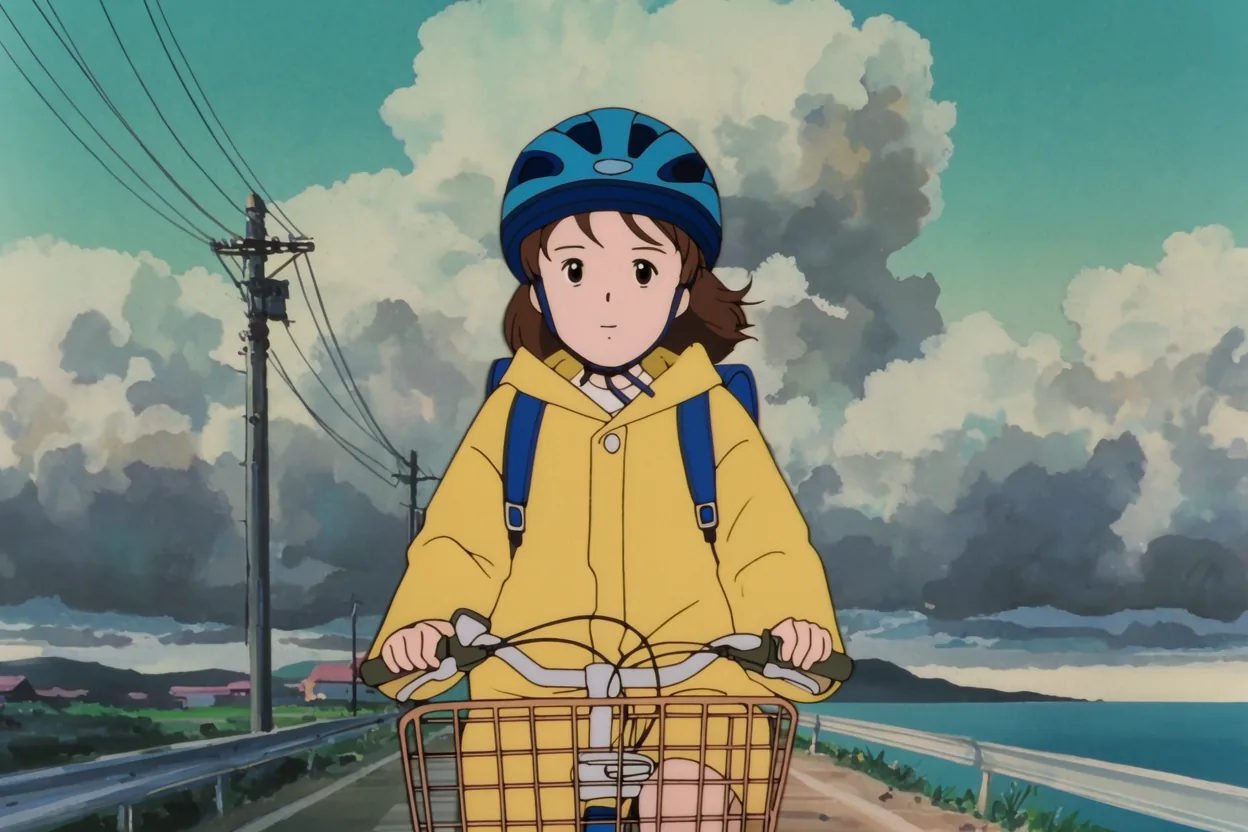
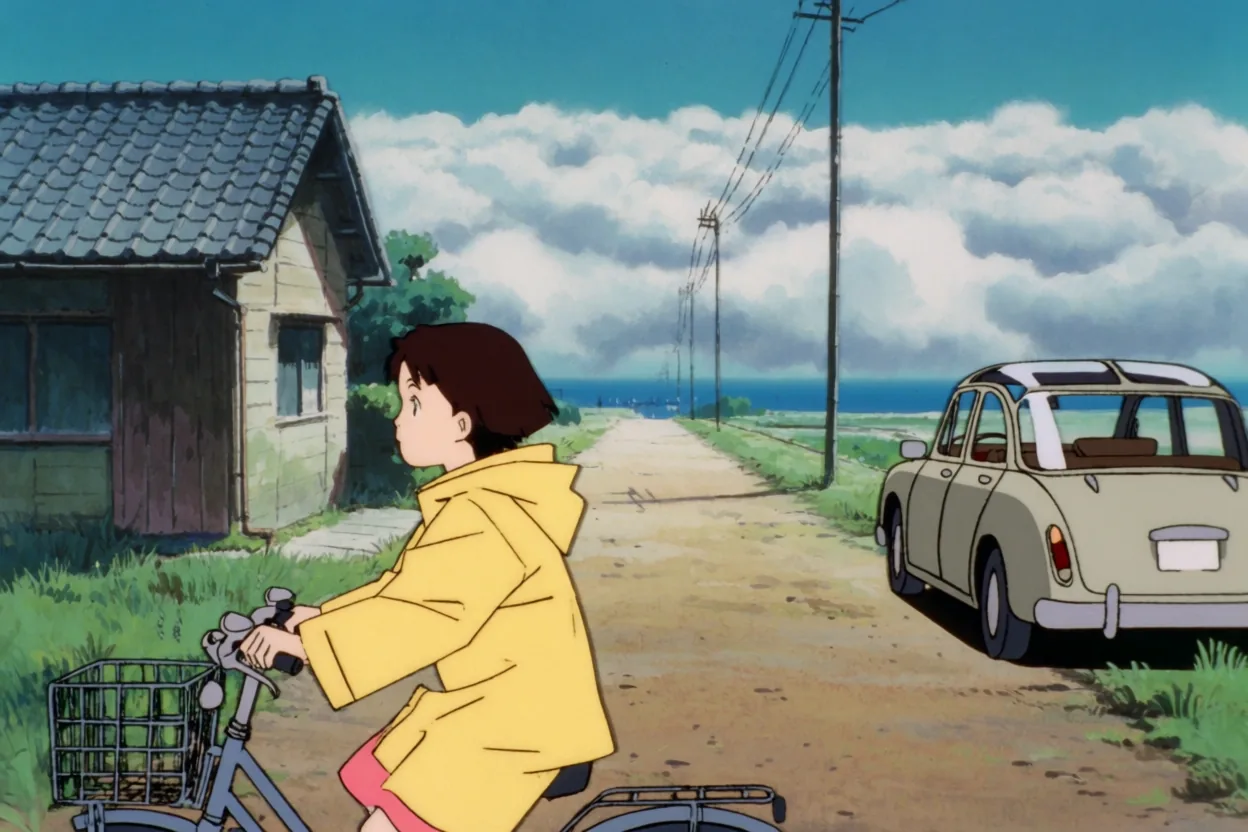
Use this prompt“1990s anime cel illustration of a girl in a yellow raincoat riding a bicycle along a seaside road, towering cumulus clouds, telephone poles and power lines, flat shading, soft muted colors, wide shot”
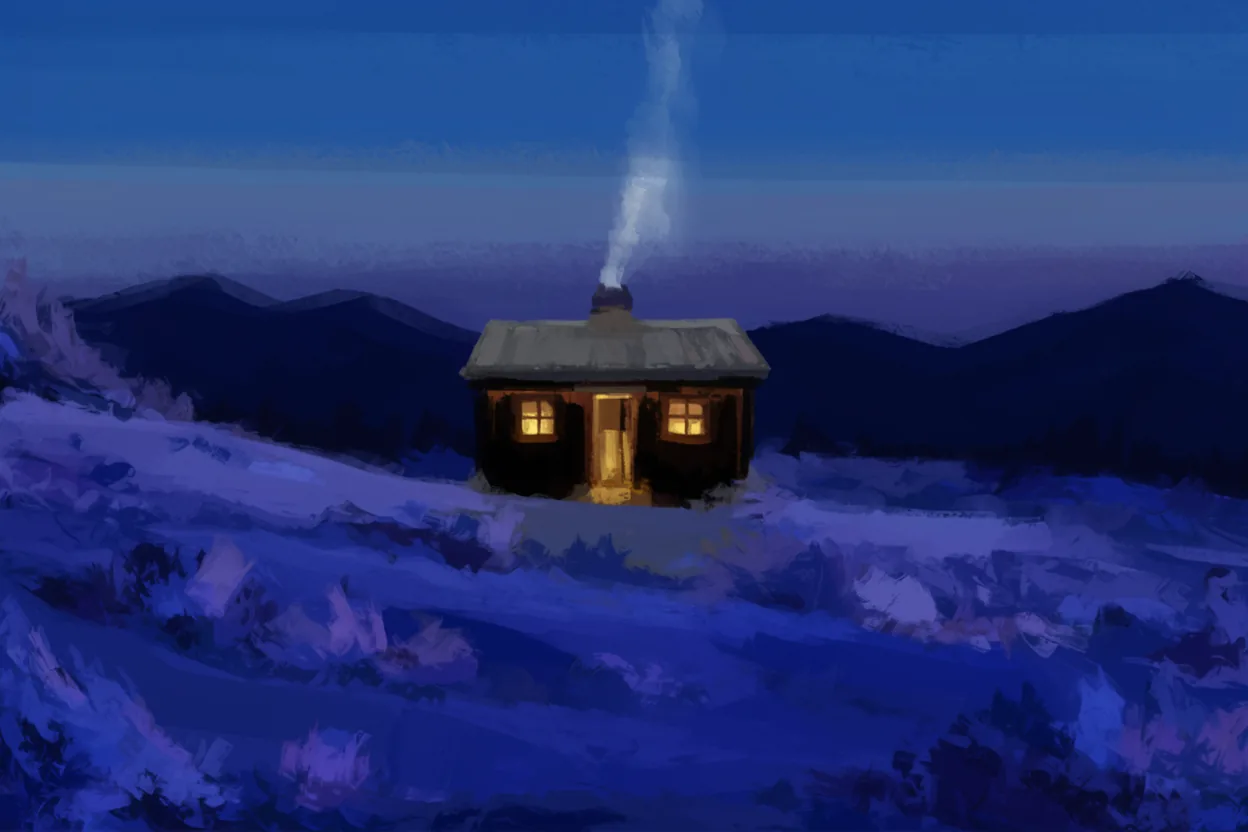
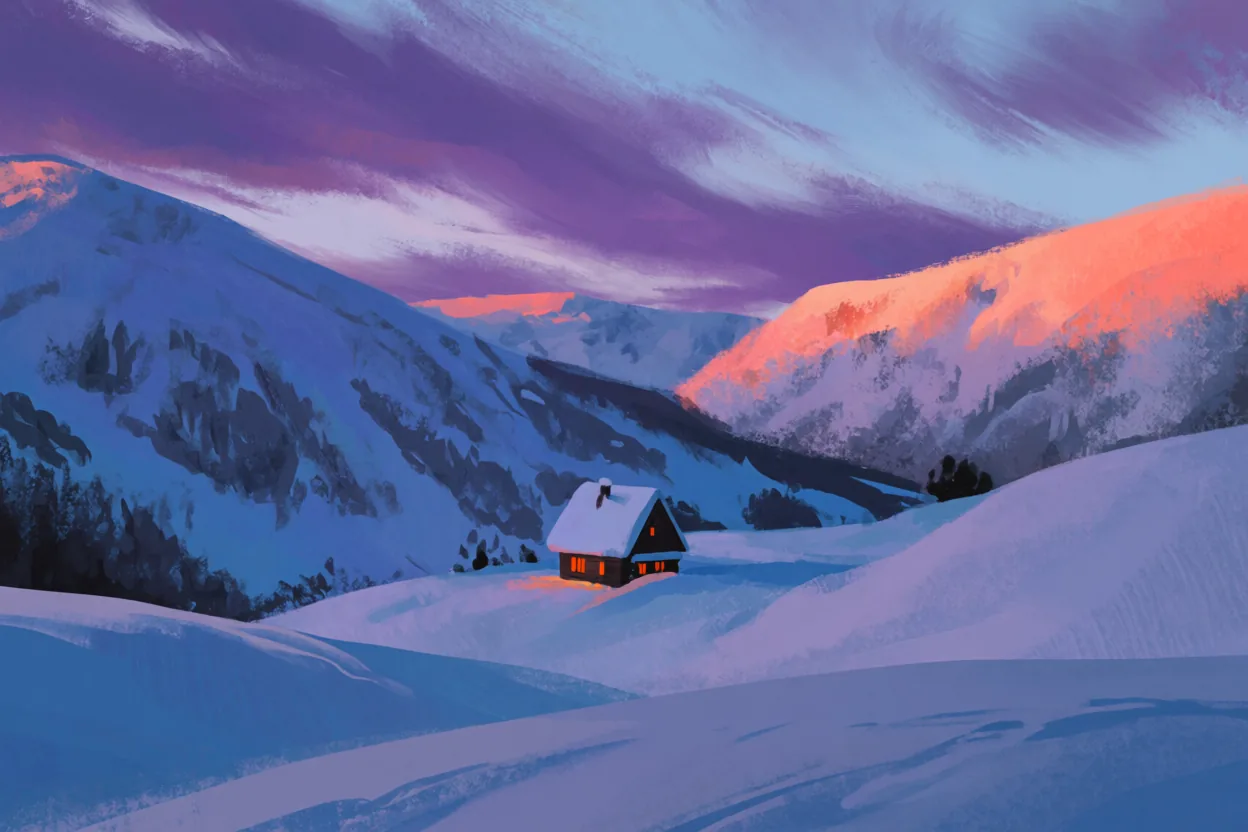
Use this prompt“Painterly landscape of a lone cabin in a snowy valley at dusk, thick visible brushstrokes, warm window light against deep blue shadows, flattened perspective, rich color contrast”
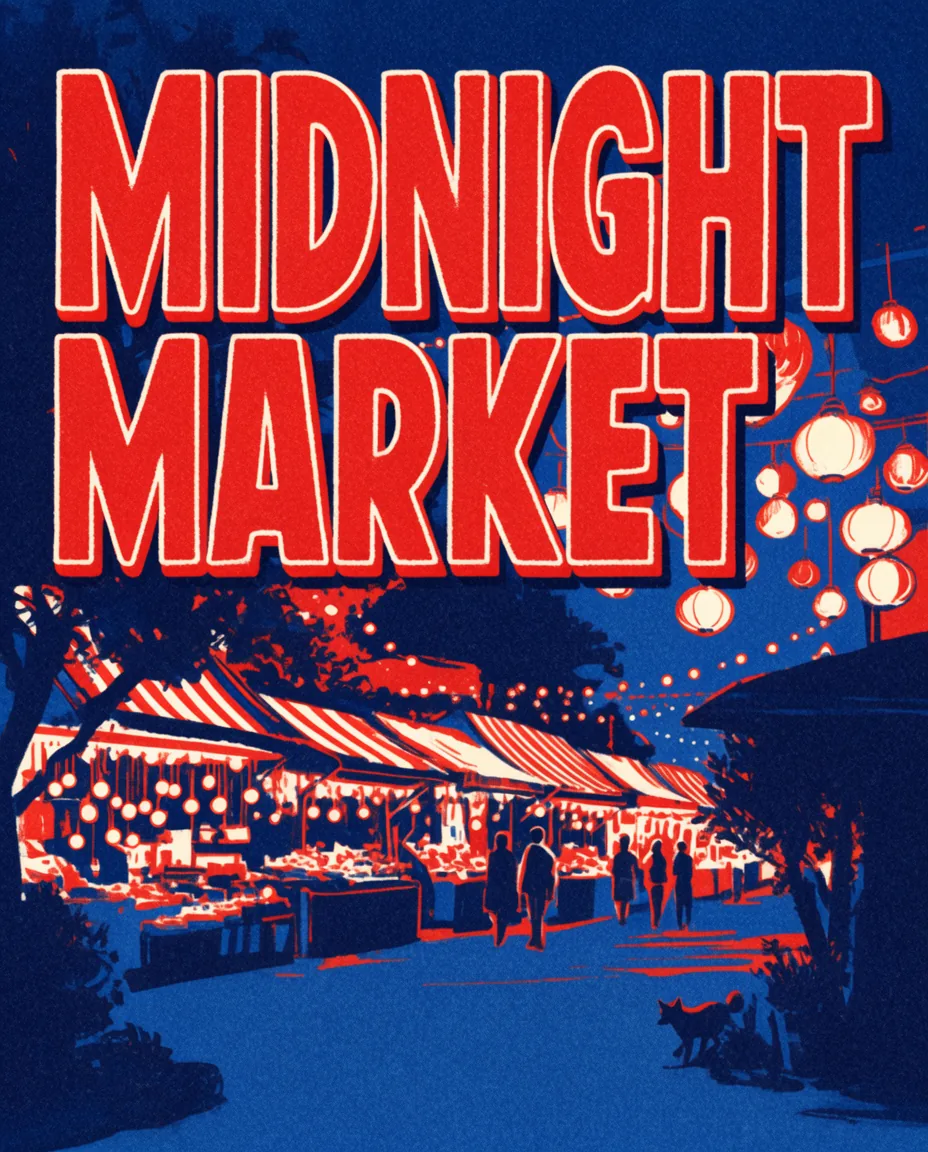
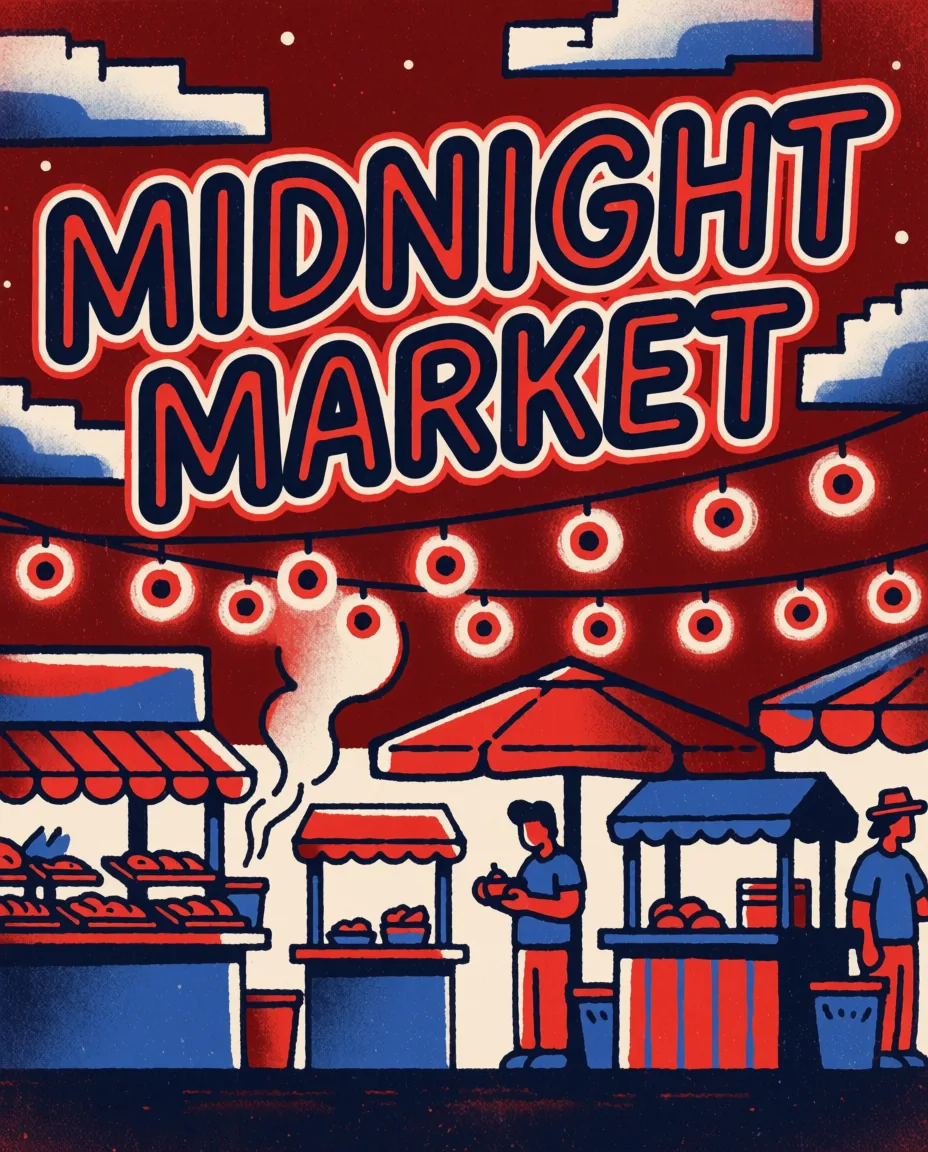
Use this prompt“Bold poster with the words "MIDNIGHT MARKET" in chunky retro lettering above a night food market strung with lights, risograph print texture, limited palette of red, navy and cream”
Use this promptEach prompt above, made once on Krea 2 Large and once on Krea 2 Medium at 1K, shown as it came out with nothing retouched.
“A candid portrait of a woman in her forties laughing on a rainy city street at night, wet hair, dark wool coat, neon shop signs blurred behind her, shot on 35mm film, visible grain, slight motion blur, low dynamic range, warm and teal color cast”
“Macro photograph of a honeybee dusted with pollen on a purple lavender flower, extremely shallow depth of field, soft morning backlight, creamy green bokeh, fine detail on the wings and fur”
“Studio product photo of a frosted glass perfume bottle with a brass cap standing on wet black stone, a single drop of water running down the glass, hard rim light from behind, deep shadows, minimal luxury composition”
“1990s anime cel illustration of a girl in a yellow raincoat riding a bicycle along a seaside road, towering cumulus clouds, telephone poles and power lines, flat shading, soft muted colors, wide shot”
“Painterly landscape of a lone cabin in a snowy valley at dusk, thick visible brushstrokes, warm window light against deep blue shadows, flattened perspective, rich color contrast”
“Bold poster with the words "MIDNIGHT MARKET" in chunky retro lettering above a night food market strung with lights, risograph print texture, limited palette of red, navy and cream”
Write it in plain sentences: who or what, where, the camera or the art style, the light and the colors.
Krea 2 Large is chosen. For illustration, or to try ideas for half the credits, pick Krea 2 Medium in the model menu. Then choose the shape.
The cost in credits is on the button before you generate. Keep the images you like and download the originals.
What each choice under the prompt does when a Krea 2 model is chosen.
| Setting | Details |
|---|---|
| Prompt | Up to 4,000 characters of plain description. Longer, detailed prompts work best; words to appear in the picture go in quotation marks. |
| Version | Krea 2 Large or Krea 2 Medium, in the model menu. |
| Aspect ratio | 1:1, 4:3, 3:2, 16:9, 21:9, 4:5, 2:3 or 9:16. 21:9 is made at Krea's own wide 2.35:1. |
| Resolution | 1K, about 1 megapixel, the size Krea makes Krea 2 images at. |
| Images per request | One. Generate again for another take; each is a new picture. |
| Cost | 30 credits an image on Krea 2 Large, 15 on Krea 2 Medium, shown on the button before you generate. A request that ends without an image gets its credits back. |
The versions of Krea 2 side by side, with the earlier FLUX.1 Krea. Large and Medium run on PicYep, so you can give both the same prompt.
| Model | Size | Open weights | Arena Elo | Best at | 1K image here |
|---|---|---|---|---|---|
| Krea 2 Large | Over twice Medium | No, Krea's API | 1034 | Photorealism and raw looks: grain, motion blur, low dynamic range | 30 credits |
| Krea 2 Medium | Smaller, faster | No, Krea's API | 1012 | Steady illustration, anime and painting, at half the price of Large | 15 credits |
| Krea 2 Turbo | 12B, 8 steps | Yes, Krea 2 Community License | — | An image in seconds, for exploring prompts; runs on your own GPU | — |
| FLUX.1 Krea [dev] | 12B, on FLUX.1 | Yes, non-commercial | 878 | Krea's 2025 model with Black Forest Labs: the first to drop the waxy AI look | — |
Arena Elo: the Artificial Analysis text-to-image arena on October 19, 2026, where people pick the better of two images; Krea 2 Turbo, as open weights, is not ranked there. Krea 2 Turbo and FLUX.1 Krea do not run on PicYep. Prices here are live.
Krea describes Large as more than twice the size of Medium, with softer post-training that leaves it rawer and more textured: choose it for photographs, for grain and motion blur, and for expressive styles. Medium is smaller, faster and more consistent, and does illustration, anime and painting well at half the credits.
A good way to work: try ideas on Medium, then make the one you like on Large. Krea 3, released in October 2026, is Krea's new default for fast generation and editing; Krea 2 remains its model for style and aesthetics.
Partly. In June 2026 Krea released the weights of Krea 2 Raw, the undistilled base for fine-tuning and LoRA training, and Krea 2 Turbo, an 8-step version for fast images: a 12-billion-parameter diffusion transformer with a Qwen3-VL text encoder. Krea 2 Large and Medium are offered through Krea's API.
On PicYep you use Large and Medium through that API, with nothing to download and no graphics card: it works on a phone, a tablet or a computer, and your images are kept in your account.
The open weights come under the Krea 2 Community License: commercial use is free for companies with less than $1 million in annual revenue, and users own their outputs. Larger companies need an enterprise license from Krea.
The images you make on PicYep are yours to use for personal and commercial work, with no watermark.
Krea 2 reads plain language. A longer, detailed description gives a more exact picture.
"Shot on 35mm film, visible grain", "ink illustration", "thick oil brushstrokes": the look follows the words.
For a word mark or a title, put the exact words in quotation marks and describe the lettering.
A photograph: Large. A drawing, anime or painting: Medium. Not sure: try both with the same words.
It is free to try on PicYep: a new account starts with free credits, and no card is needed to sign up. After that an image costs 30 credits on Krea 2 Large and 15 on Krea 2 Medium.
Large is more than twice the size of Medium and is Krea's choice for photorealism and raw, textured looks; it scores higher in the Artificial Analysis arena (1034 against 1012). Medium is faster, steadier and half the price, and suits illustration, anime and painting.
The weights of Krea 2 Raw and Krea 2 Turbo are on Hugging Face under the Krea 2 Community License, with the inference code under Apache 2.0. Krea 2 Large and Medium are available through Krea's API, which PicYep uses.
No. FLUX.1 Krea [dev], from 2025, was built on Black Forest Labs' FLUX.1. Krea 2 is a new model that Krea trained from scratch.
Krea 2 makes new pictures from words. To change a photo you already have, add it to the generator and pick FLUX 3 Klein, Nano Banana or GPT Image in the model menu.
No. PicYep is an independent AI image generator that runs Krea 2 through a hosted API, alongside other models such as FLUX, Nano Banana and GPT Image.
Write a prompt or use one of the examples — Krea 2 Large is already selected.
PicYep is an independent product. It is not affiliated with, endorsed by or officially connected to Black Forest Labs, Google or any other model maker named on this page. Model names belong to their owners.