AI Group Photo GeneratorEveryone in the picture, from their own photos.
Add a photo of each person, up to 16 photos, and describe the scene. Everyone comes back together in one photo.
Person 1
Person 2
Person 3
One clear photo of each face. JPG, PNG, WebP or iPhone photos.
Free credits to start. No card needed.Your photos stay private
Plan and price first
Not right? Free redo
Or say it in your own words
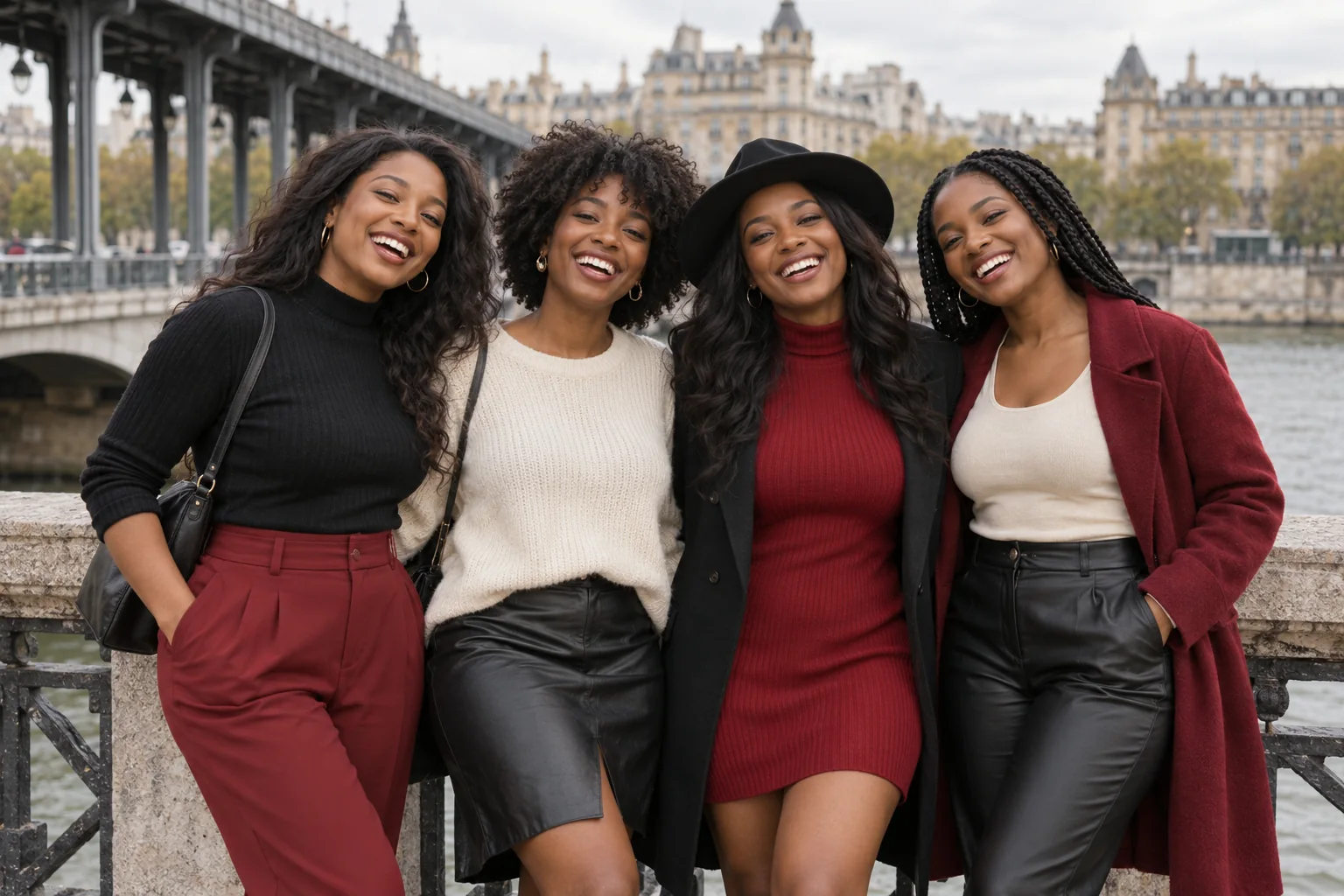
A laugh on the bridge · Style inspiration · preview imagery
Pick a style. Or three.
Each style makes one photo. Pick a few and you see the whole plan, and the price, before anything is made.
Style inspiration · preview imagery
Friends by the pier
A laugh on the bridge
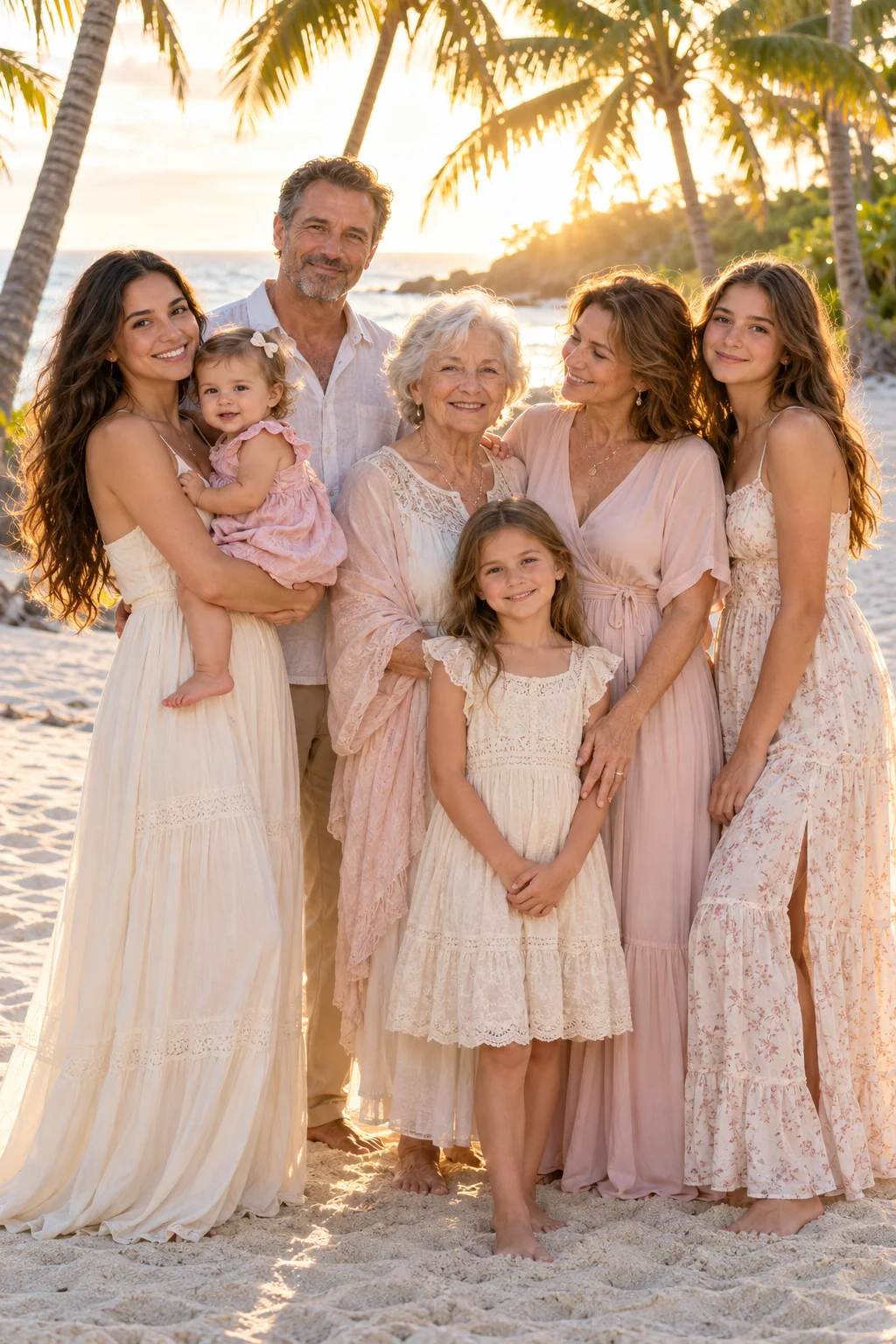
Palm-lined reunion
Colorful street stroll
Gelato with friends
Friends at colorful doorways
The pink-wall lineup
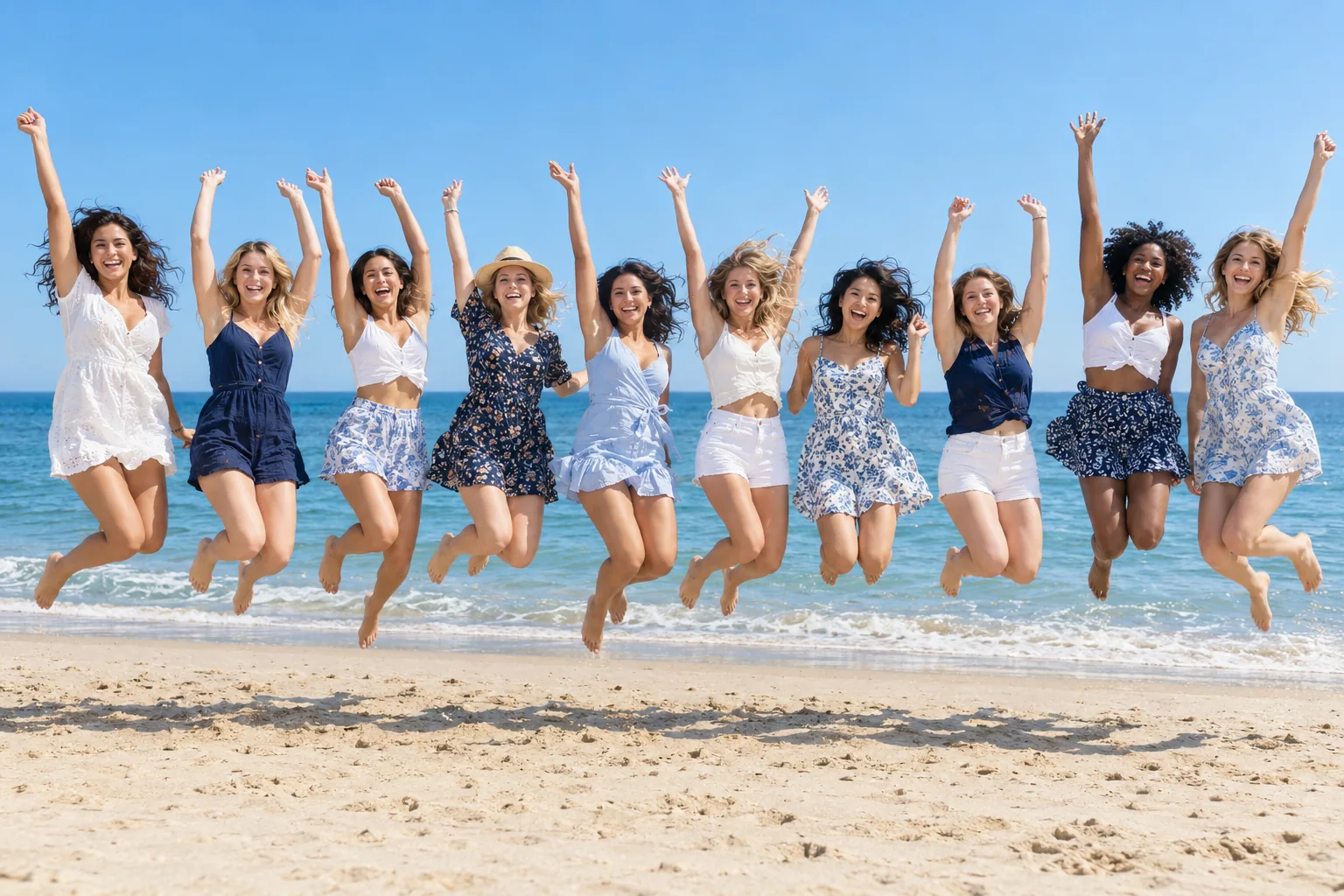
The whole crew jumps
The groom and his friends
Canal trip with friends
Golden-hour friends
Family game at the kitchen counter
In short
PicYep's AI group photo generator puts people from separate photos together in one realistic photo, from up to 16 photos, one of each person. Add one photo of each person, say who is who by the order you add them, and describe the place. With six people or more, you check a numbered list of who is in the photo before it is made, and the finished photo is checked against that list, with a fix for anyone missing. You can also start from a group photo you already have and ask for a new scene. Each person's photo guides how they look.
New accounts start with free credits, and no card is needed to sign up. The cost of each photo is shown before you generate, and a request that ends without a photo gets its credits back. Your photos stay private to your account, carry no watermark and are yours to use for personal and commercial work.
AI-generated style previews. Choose a look to create a photo with your own images.
A laugh on the bridge
“Create a 3:2 realistic group photograph using the four people from the four photos, preserving each person's own face and apparent age. Stand shoulder to shoulder beside a stone-and-metal river bridge railing, leaning lightly toward friends and laughing. Each face is fully visible at a slightly different height. Coordinated black, deep red and cream casual city outfits, one simple brimmed hat. Knee-up horizontal photograph with an iron viaduct receding from the left and classic city buildings behind. Soft overcast light, natural skin texture, relaxed travel editorial photography. Include exactly the supplied people without adding, omitting, duplicating or blending anyone. Do not reproduce logos, readable text or watermarks.”
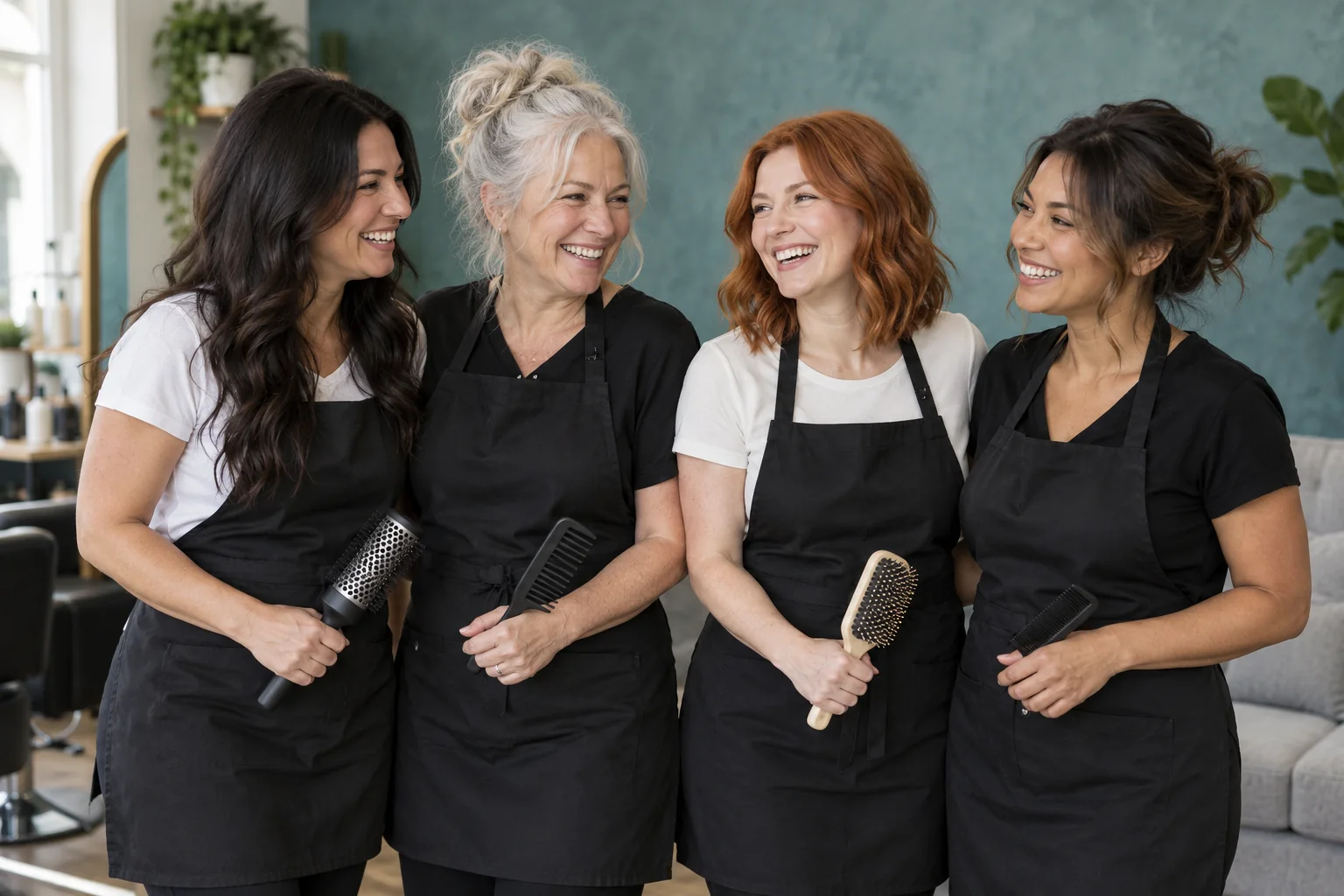
“Create a 3:2 realistic group photograph using the four people from the four photos, preserving each person's own face and apparent age. Stand close in a bright contemporary salon, laughing with colleagues between appointments. Wear simple black work aprons over white or black shirts. Each person may hold one ordinary comb or hairbrush at waist level, with clearly separate natural hands. Half-length horizontal composition, all faces visible, a muted teal textured wall and light-gray sofa behind, soft window light, candid professional brand photography. No logos or readable text. Include exactly the supplied people without adding, omitting, duplicating or blending anyone. Do not reproduce logos, readable text or watermarks.”
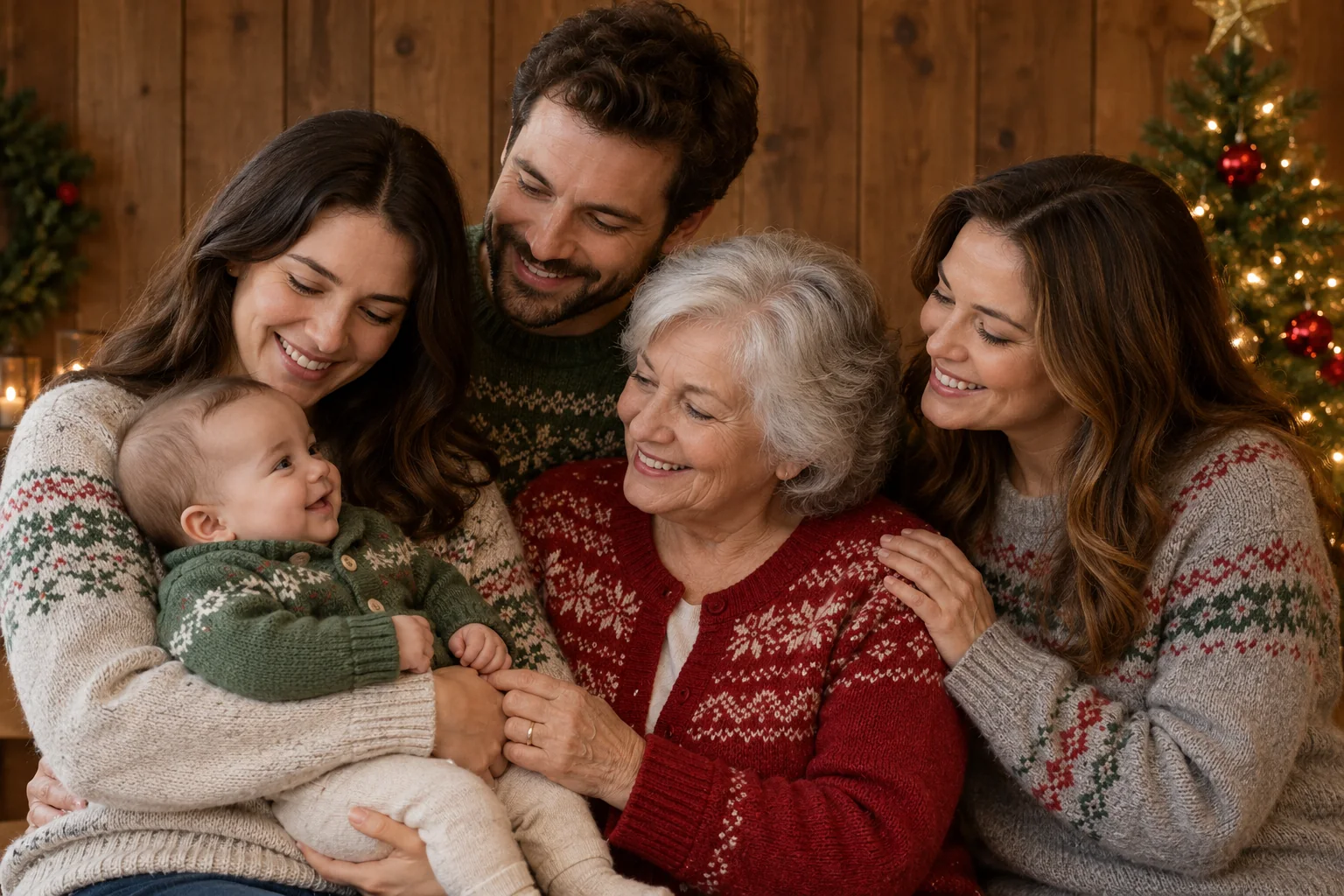
“Create a 3:2 realistic group photograph using the five people from the five photos, preserving each person's own face and apparent age. Gather closely in a cozy holiday portrait with a wood-paneled backdrop and a small decorated Christmas tree on the right. Arrange the adults in a shallow staggered group, with an older adult at the front center and a baby securely held to the left. Everyone turns toward the baby with warm expressions while keeping each facial profile clear. Wear soft gray, green and red winter knitwear with simple generic patterns. Horizontal waist-up portrait, soft even indoor light, warm muted colors, believable natural hands, no logos or lettering. Include exactly the supplied people without adding, omitting, duplicating or blending anyone. No watermark.”
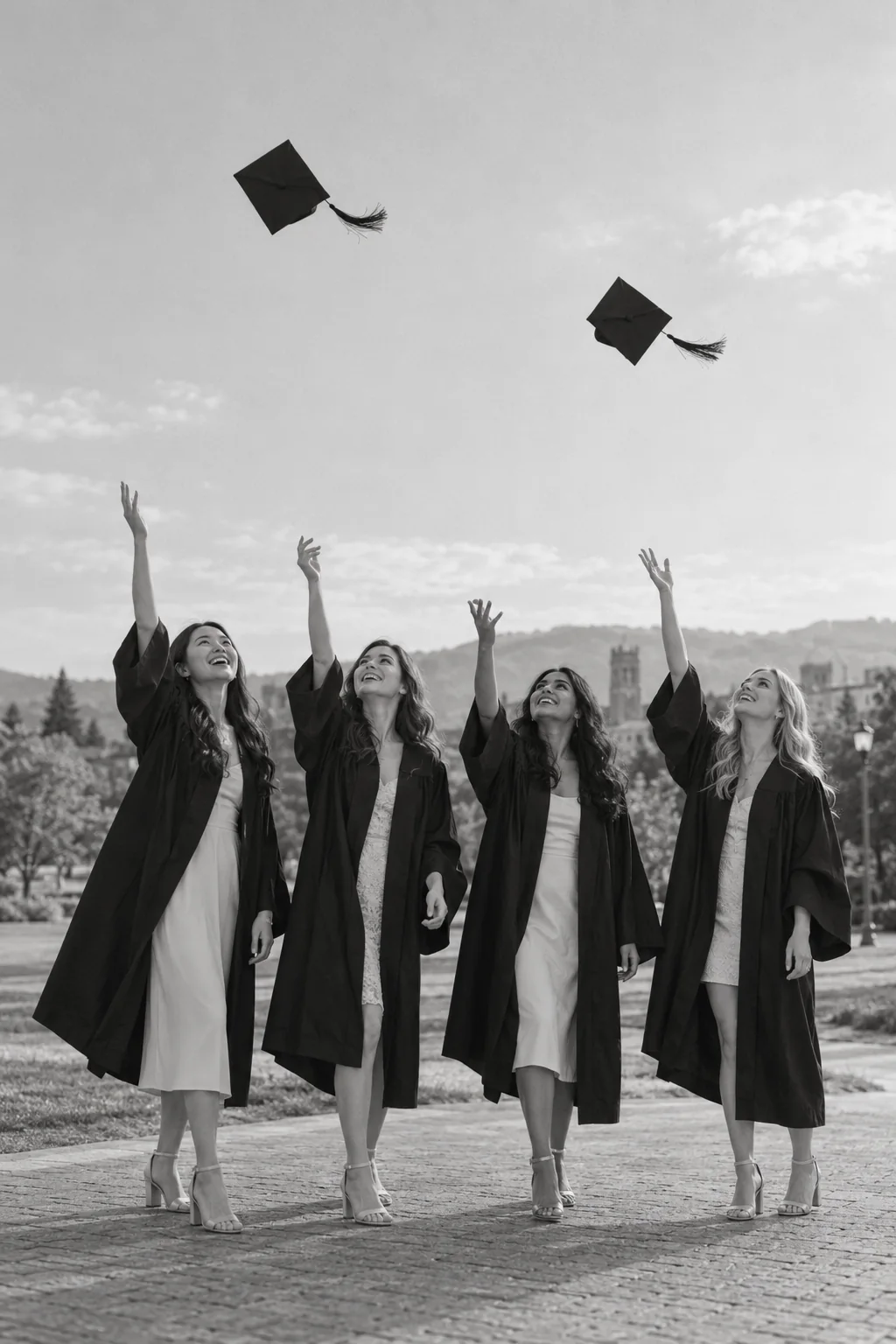
“Create a 2:3 realistic group photograph using the four people from the four photos, preserving each person's own face and apparent age. Stand together on an open campus path during a graduation celebration, smiling and looking upward as one or two graduation caps rise above the group. Each person wears a simple dark graduation gown over light formal clothes. Keep faces visible from a gentle three-quarter angle, natural separate raised hands and both feet on the ground. Full-length vertical black-and-white photograph with generous clear sky above, simple distant landscape, soft documentary light and delicate grain. No lettering or school logos. Include exactly the supplied people without adding, omitting, duplicating or blending anyone. Do not reproduce logos, readable text or watermarks.”
“Create a 2:3 realistic group photograph using the seven people from the seven photos, preserving each person's own face and apparent age. Stand together in a close staggered family cluster on pale beach sand, with the youngest child safely held by an adult at the left and the school-age child standing in front. Keep all faces visible and at distinct heights; some family members look warmly at each other, others toward the camera. Wear flowing cream, pale pink and soft neutral summer clothes. Full-length vertical composition, tall palm trees above and warm backlight through the leaves. Retain visible facial detail with soft fill light and realistic highlights, not washed-out faces. Include exactly the supplied people without adding, omitting, duplicating or blending anyone. No watermark.”
“Create a 3:2 realistic group photograph using the ten people from the ten photos, preserving each person's own face and apparent age. Create a wide beach photograph of the friends jumping together in a single long row. Everyone is visible once, separated by small gaps, with knees naturally bent and arms joyfully raised at varied angles; keep hands and legs distinct. Use different casual summer outfits in white, navy, pale blue and small floral patterns. All faces smiling and unobscured, clear sky and calm blue sea behind, sandy foreground with believable individual shadows. Bright natural daylight, crisp real-photo motion, horizontal panoramic feel within the 3:2 frame. Include exactly the supplied people without adding, omitting, duplicating or blending anyone. No watermark.”
AI-generated style previews. Choose a look to create a photo with your own images.
How to make an AI group photo
01
Add a photo of each person
One clear photo of each person, up to 16 photos. JPG, PNG or WebP, up to 10 MB each. Or add a group photo you already have.
02
Describe the scene
Say where everyone is and what they are doing: around a dinner table, in the office, on a picnic. Name people by the order of the photos when it matters who stands where.
03
Generate and download
The cost in credits is on the button before you send. Every attempt is a new take: download the original file of the one you like.
Group photo ideas
Six scenes for friends, family and teams.
Dinner with friends
Around a long table on a patio, string lights overhead, glasses raised.
Holiday party
In front of the Christmas tree with mugs of cocoa, warm lights behind.
Team photo
Smart-casual clothes in a bright office, everyone facing the camera.
Picnic in the park
On a blanket in the summer sun, a basket of food, everyone laughing.
Hiking trip
On a mountain trail with backpacks, peaks behind, bright daylight.
Everyone, at last
Someone could not be there on the day? Add their photo along with a photo of each of the others and describe the place.
Family and holiday photos
Add a photo of each family member and describe the scene: by the tree, on the sofa, in matching pajamas. Everyone is drawn into the same room under the same light.
For Christmas scenes and cards, the Christmas photo generator has ideas made for the season.
Each photo should show one person, clearly. Then it is plain who is who.
02
Similar photos work best
Photos with similar light and a similar distance from the camera give the most even group.
03
Give a big group room
For five people or more, a wider shape such as 4:3 or 16:9 gives everyone space; for eight or more, choose 2K as well.
04
Make a few takes
Every attempt is different. Make two or three and keep the best one.
Group photos for teams and events
Teams, clubs and event organizers who need many group photos, and photographers who make them for clients, can get extra credits on top of the ones they buy: tell us roughly how many.
It is free to try. A new account starts with free credits. No card is needed to sign up. After that, credits come with a plan or a credit pack.
How many people can be in one photo?
Up to 16 photos, one of each person, as many as the model you pick reads. With six people or more, you check a numbered list before the photo is made, and the photo is checked against it afterwards. You can also start from a group photo you already have.
Can I put people from different photos in one picture?
Yes. Add one photo of each person and describe the scene. Everyone is drawn into one new photo, in the same place and under the same light.
Will everyone look like themselves?
Each person's photo guides how they look: the face, the hair, the build. Sharp photos that face the camera give the closest match. Every attempt is a new take, so if one is not right, try again or switch model.
Are our photos private?
Yes. Your photos and the pictures made from them stay in your own library, and nobody else can open them unless you share a link. We do not use them to train AI models. A phone photo has its location and other camera details removed before it is sent.