KI-Gruppenfoto-GeneratorAlle auf einem Bild, aus ihren eigenen Fotos.
Füge von jeder Person ein Foto hinzu, bis zu 16 Fotos, und beschreibe die Szene. Alle sind zusammen auf einem Foto.
Person 1
Person 2
Person 3
Ein klares Foto pro Gesicht. JPG, PNG, WebP oder iPhone-Fotos.
Gratis-Credits zum Start. Keine Karte nötig.Deine Fotos bleiben privat
Erst Plan und Preis
Passt nicht? Kostenlos neu
Oder sag es mit eigenen Worten
Lachen auf der Brücke · Stil-Inspiration · Vorschaubild
Wähl einen Stil. Oder drei.
Jeder Stil macht ein Foto. Wähl mehrere und du siehst den ganzen Plan und den Preis, bevor etwas entsteht.
Stil-Inspiration · Vorschaubild
Freunde am Pier
Lachen auf der Brücke
Wiedersehen unter Palmen
Spaziergang durch bunte Straßen
Eis mit Freunden
Freunde vor bunten Türen
Freunde vor der pinken Wand
Alle springen gemeinsam
Der Bräutigam und seine Freunde
Mit Freunden am Kanal
Freunde im Abendlicht
Familienspiel am Küchentisch
Kurz gesagt
Der KI-Gruppenfoto-Generator von PicYep bringt Menschen aus getrennten Fotos auf ein realistisches Foto, aus bis zu 16 Fotos, einem von jeder Person. Füge von jeder Person ein Foto hinzu, sag über die Reihenfolge, wer wer ist, und beschreibe den Ort. Ab sechs Personen prüfst du vorher eine nummerierte Liste, wer auf dem Foto ist, und das fertige Foto wird mit dieser Liste verglichen, mit einer Korrektur für alle, die fehlen. Du kannst auch mit einem Gruppenfoto starten, das du schon hast, und dir eine neue Szene wünschen. Wie jede Person aussieht, gibt ihr eigenes Foto vor.
Ein neues Konto startet mit kostenlosen Credits, und für die Registrierung brauchst du keine Karte. Was ein Foto kostet, siehst du, bevor du es erstellst, und eine Anfrage, die ohne Foto endet, bekommt ihre Credits zurück. Deine Fotos bleiben privat in deinem Konto, haben kein Wasserzeichen und gehören dir für private und gewerbliche Zwecke.
Beispiele für KI-Gruppenfotos
KI-generierte Stilvorschauen. Wähle einen Stil und erstelle ein Foto mit deinen eigenen Bildern.
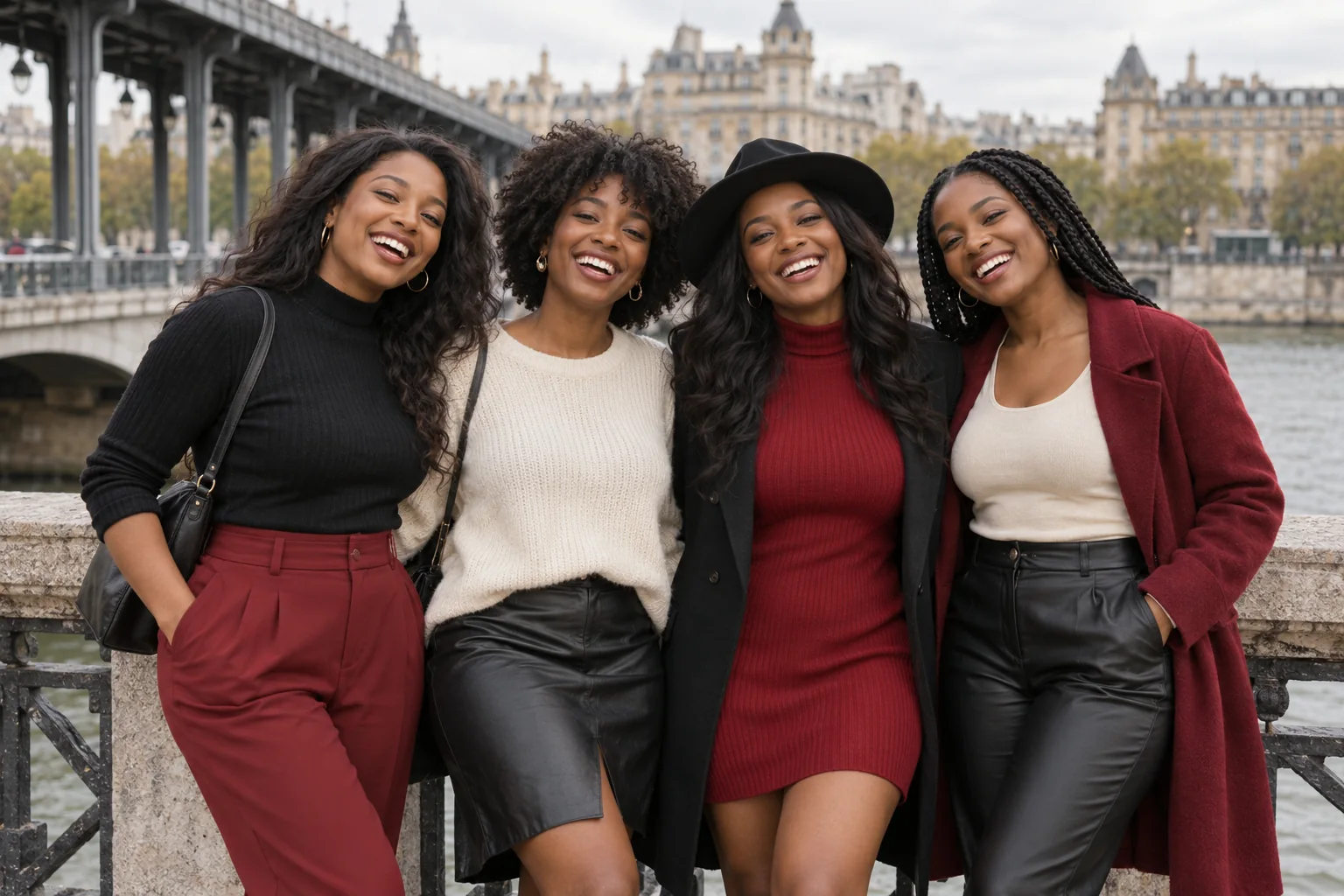
Lachen auf der Brücke
“Create a 3:2 realistic group photograph using the four people from the four photos, preserving each person's own face and apparent age. Stand shoulder to shoulder beside a stone-and-metal river bridge railing, leaning lightly toward friends and laughing. Each face is fully visible at a slightly different height. Coordinated black, deep red and cream casual city outfits, one simple brimmed hat. Knee-up horizontal photograph with an iron viaduct receding from the left and classic city buildings behind. Soft overcast light, natural skin texture, relaxed travel editorial photography. Include exactly the supplied people without adding, omitting, duplicating or blending anyone. Do not reproduce logos, readable text or watermarks.”
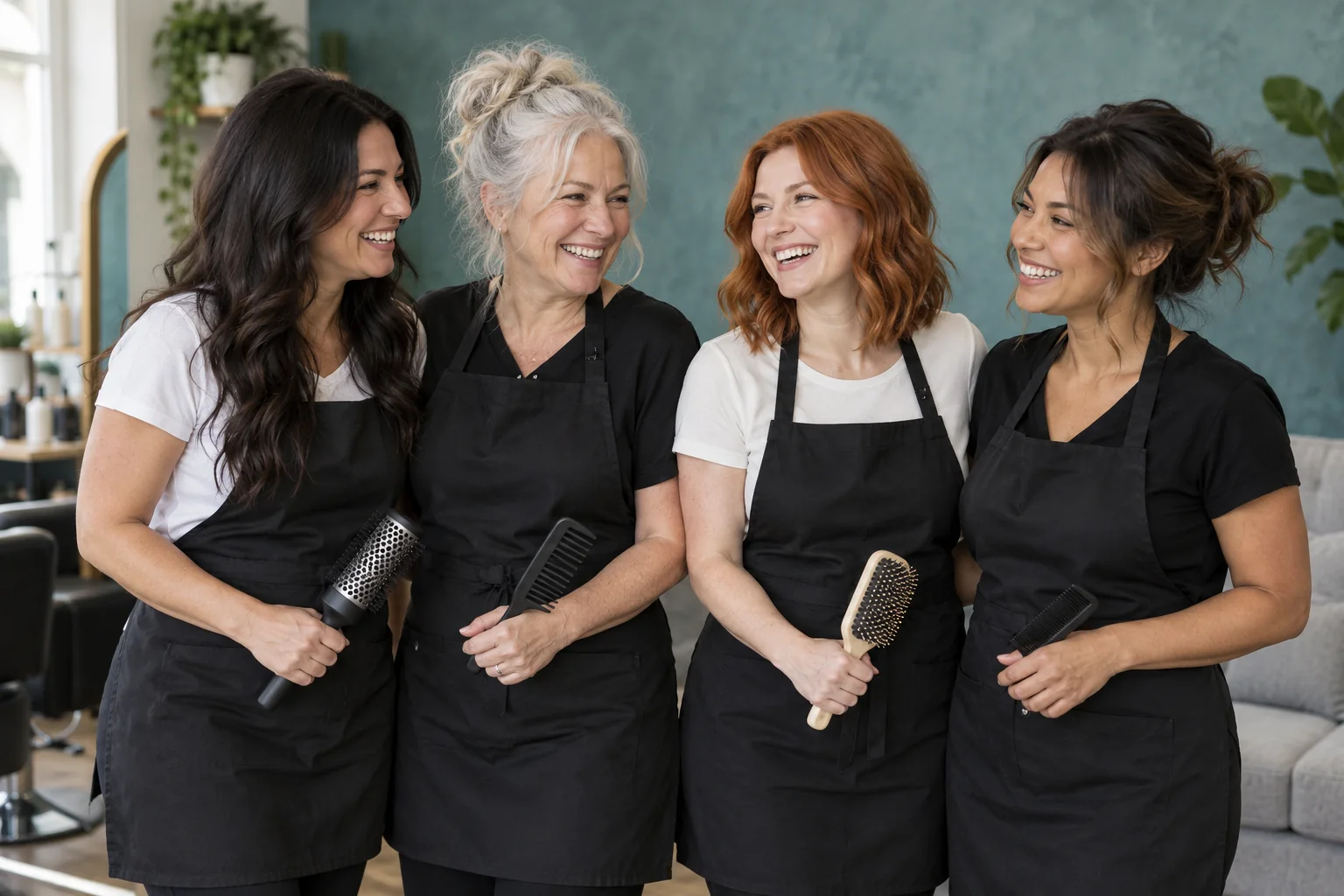
“Create a 3:2 realistic group photograph using the four people from the four photos, preserving each person's own face and apparent age. Stand close in a bright contemporary salon, laughing with colleagues between appointments. Wear simple black work aprons over white or black shirts. Each person may hold one ordinary comb or hairbrush at waist level, with clearly separate natural hands. Half-length horizontal composition, all faces visible, a muted teal textured wall and light-gray sofa behind, soft window light, candid professional brand photography. No logos or readable text. Include exactly the supplied people without adding, omitting, duplicating or blending anyone. Do not reproduce logos, readable text or watermarks.”
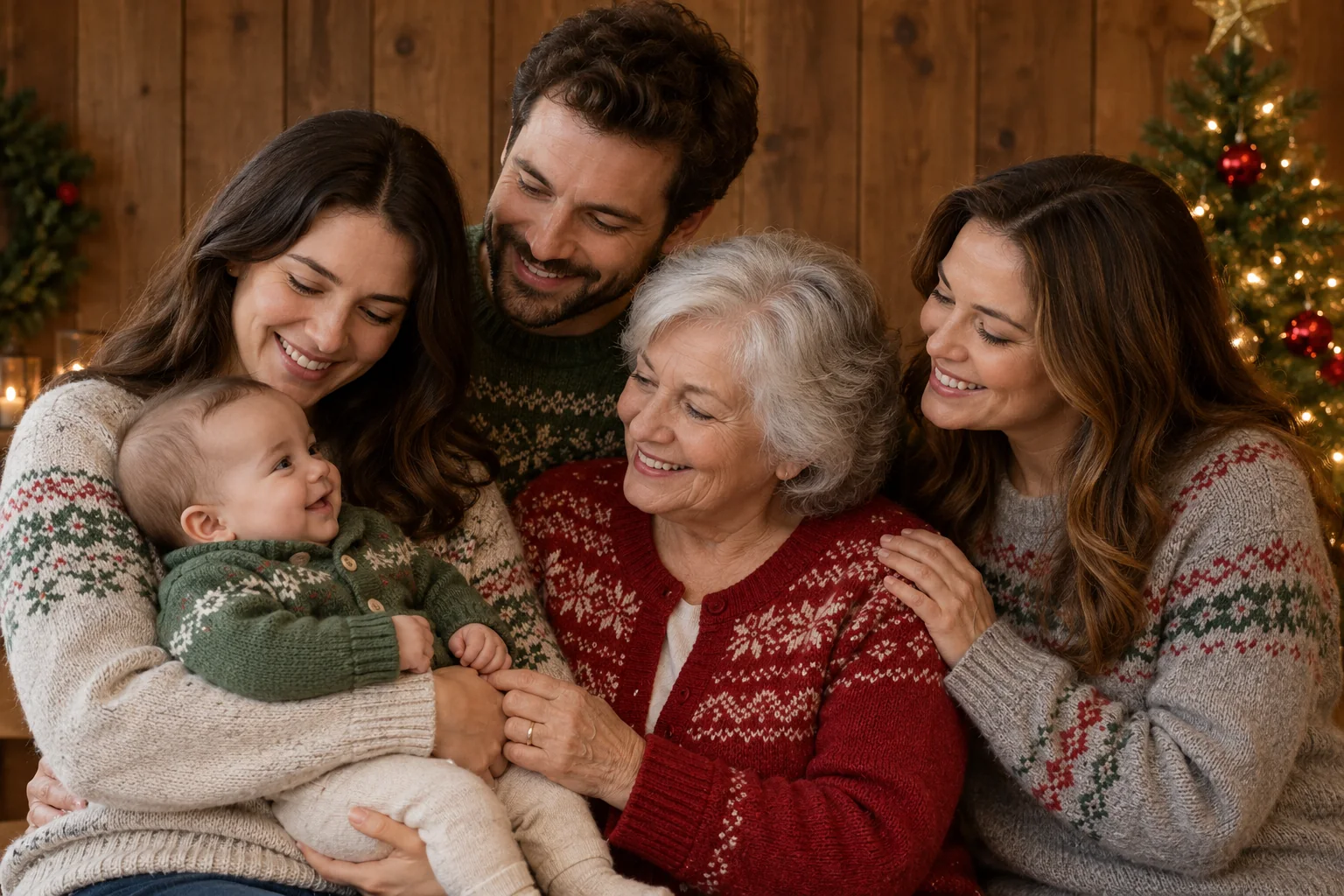
“Create a 3:2 realistic group photograph using the five people from the five photos, preserving each person's own face and apparent age. Gather closely in a cozy holiday portrait with a wood-paneled backdrop and a small decorated Christmas tree on the right. Arrange the adults in a shallow staggered group, with an older adult at the front center and a baby securely held to the left. Everyone turns toward the baby with warm expressions while keeping each facial profile clear. Wear soft gray, green and red winter knitwear with simple generic patterns. Horizontal waist-up portrait, soft even indoor light, warm muted colors, believable natural hands, no logos or lettering. Include exactly the supplied people without adding, omitting, duplicating or blending anyone. No watermark.”
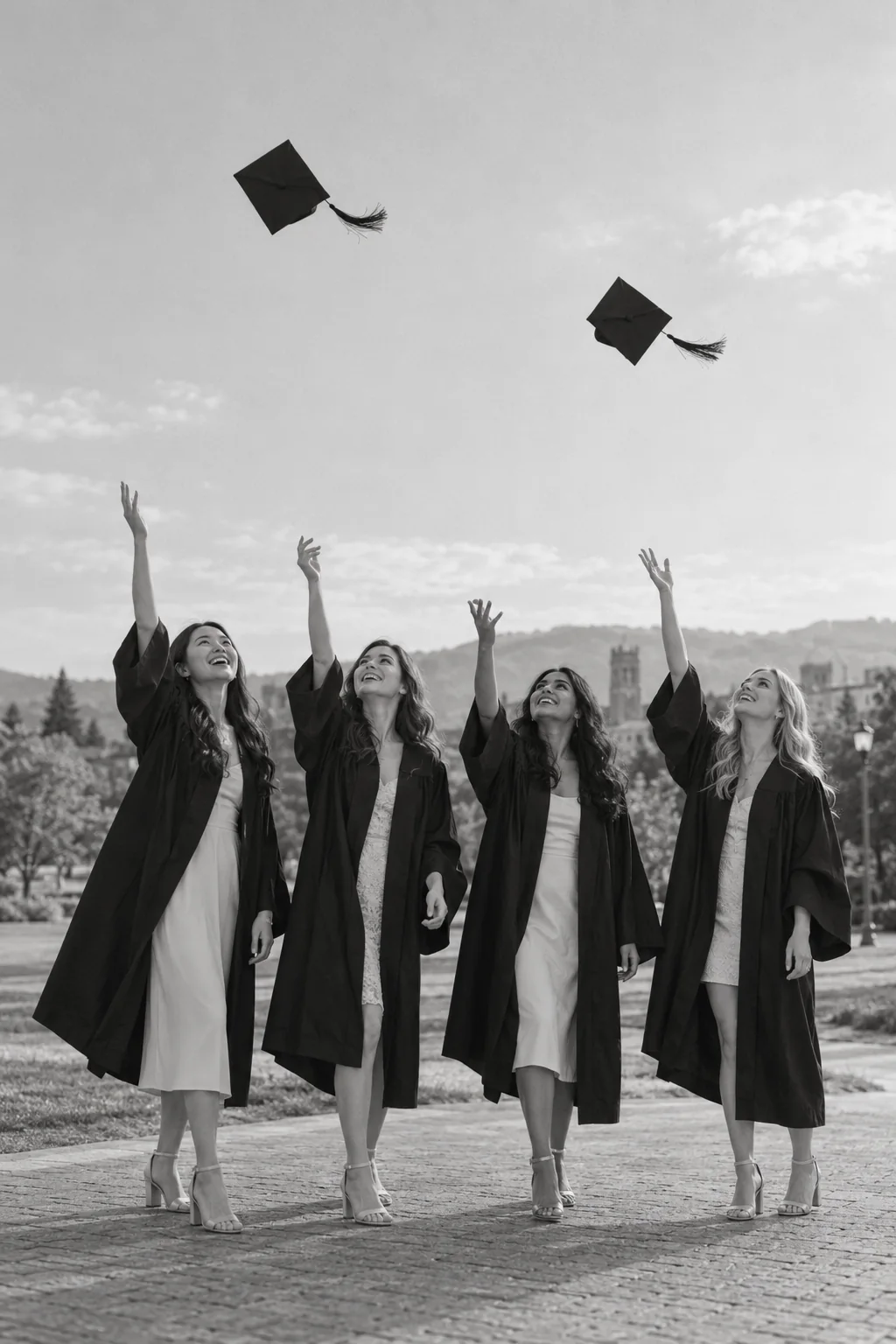
“Create a 2:3 realistic group photograph using the four people from the four photos, preserving each person's own face and apparent age. Stand together on an open campus path during a graduation celebration, smiling and looking upward as one or two graduation caps rise above the group. Each person wears a simple dark graduation gown over light formal clothes. Keep faces visible from a gentle three-quarter angle, natural separate raised hands and both feet on the ground. Full-length vertical black-and-white photograph with generous clear sky above, simple distant landscape, soft documentary light and delicate grain. No lettering or school logos. Include exactly the supplied people without adding, omitting, duplicating or blending anyone. Do not reproduce logos, readable text or watermarks.”
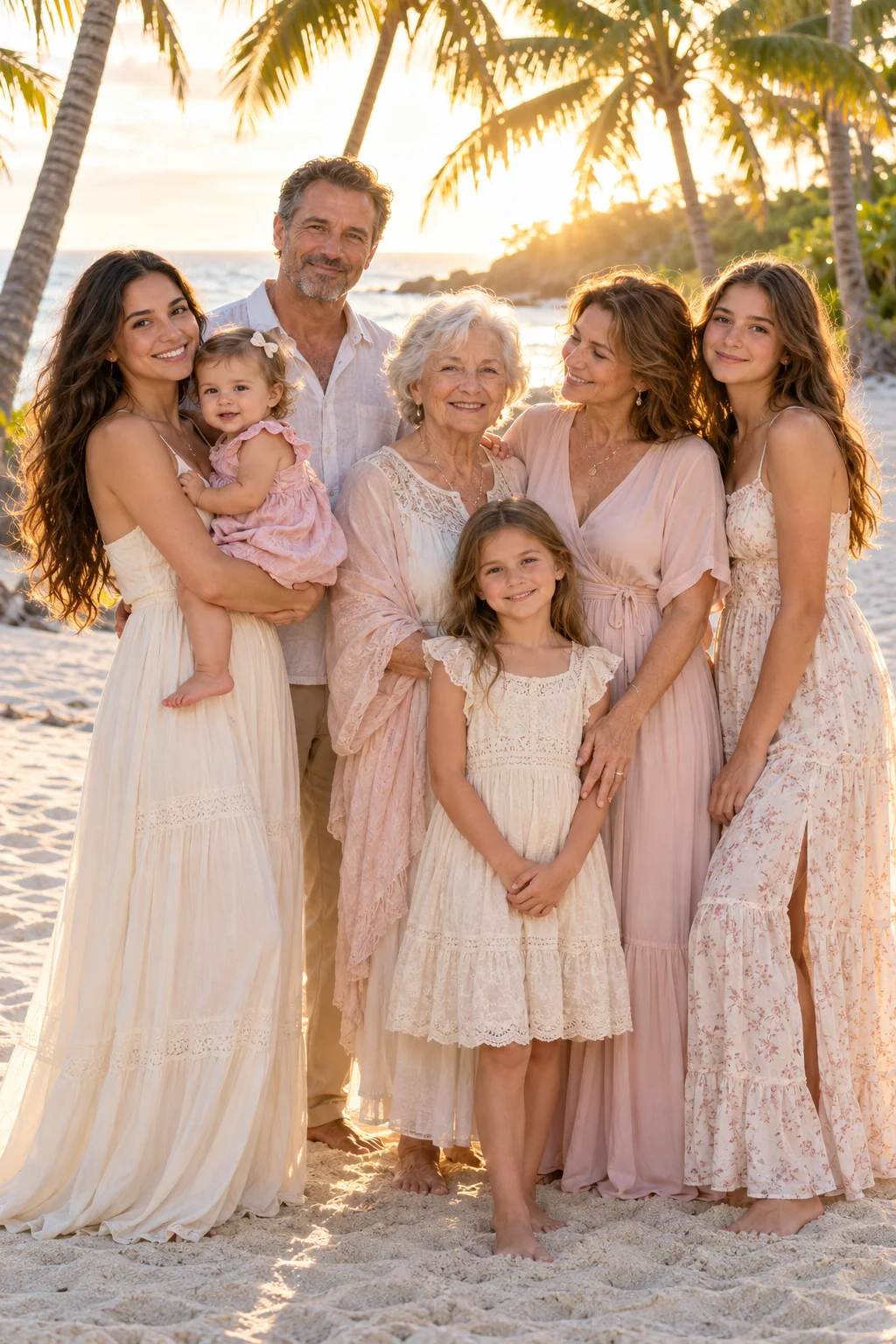
“Create a 2:3 realistic group photograph using the seven people from the seven photos, preserving each person's own face and apparent age. Stand together in a close staggered family cluster on pale beach sand, with the youngest child safely held by an adult at the left and the school-age child standing in front. Keep all faces visible and at distinct heights; some family members look warmly at each other, others toward the camera. Wear flowing cream, pale pink and soft neutral summer clothes. Full-length vertical composition, tall palm trees above and warm backlight through the leaves. Retain visible facial detail with soft fill light and realistic highlights, not washed-out faces. Include exactly the supplied people without adding, omitting, duplicating or blending anyone. No watermark.”
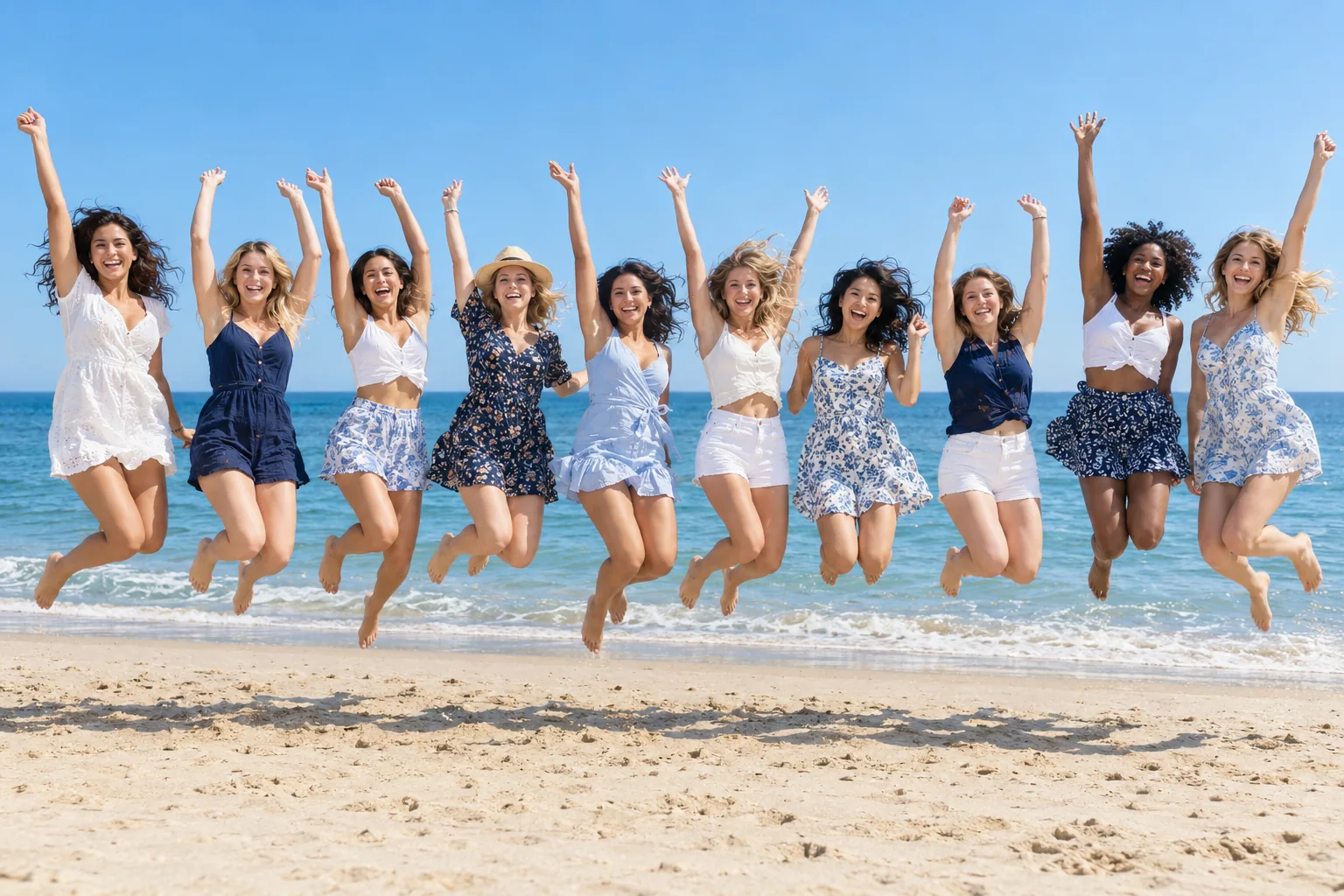
“Create a 3:2 realistic group photograph using the ten people from the ten photos, preserving each person's own face and apparent age. Create a wide beach photograph of the friends jumping together in a single long row. Everyone is visible once, separated by small gaps, with knees naturally bent and arms joyfully raised at varied angles; keep hands and legs distinct. Use different casual summer outfits in white, navy, pale blue and small floral patterns. All faces smiling and unobscured, clear sky and calm blue sea behind, sandy foreground with believable individual shadows. Bright natural daylight, crisp real-photo motion, horizontal panoramic feel within the 3:2 frame. Include exactly the supplied people without adding, omitting, duplicating or blending anyone. No watermark.”
KI-generierte Stilvorschauen. Wähle einen Stil und erstelle ein Foto mit deinen eigenen Bildern.
So erstellst du ein KI-Gruppenfoto
01
Von jeder Person ein Foto hinzufügen
Ein klares Foto von jeder Person, bis zu 16 Fotos. JPG, PNG oder WebP, jedes bis 10 MB. Oder füge ein Gruppenfoto hinzu, das du schon hast.
02
Die Szene beschreiben
Sag, wo alle sind und was sie tun: am Esstisch, im Büro, beim Picknick. Nenne Personen über die Reihenfolge der Fotos, wenn es darauf ankommt, wer wo steht.
03
Erstellen und herunterladen
Was es in Credits kostet, steht auf dem Button, bevor du sendest. Jeder Versuch ist eine neue Aufnahme: Lade die Originaldatei von der herunter, die dir gefällt.
Ideen für Gruppenfotos
Sechs Szenen für Freunde, Familie und Teams.
Abendessen mit Freunden
An einem langen Tisch auf der Terrasse, Lichterketten darüber, die Gläser erhoben.
Weihnachtsfeier
Vor dem Weihnachtsbaum mit Tassen voll Kakao, warmes Licht im Hintergrund.
Teamfoto
Smart-casual in einem hellen Büro, alle mit Blick in die Kamera.
Picknick im Park
Auf einer Decke in der Sommersonne, ein Korb voller Essen, alle lachen.
Wanderausflug
Mit Rucksäcken auf einem Bergweg, Gipfel im Hintergrund, helles Tageslicht.
Endlich alle zusammen
Jemand konnte an dem Tag nicht dabei sein? Füge sein Foto zusammen mit einem Foto von jeder anderen Person hinzu und beschreibe den Ort.
Familien- und Feiertagsfotos
Füge von jedem Familienmitglied ein Foto hinzu und beschreibe die Szene: am Baum, auf dem Sofa, im gleichen Pyjama. Alle werden in denselben Raum und ins selbe Licht gezeichnet.
Für Weihnachtsszenen und Karten hat der Weihnachtsfoto-Generator Ideen für die Jahreszeit.
Jedes Foto sollte eine Person klar zeigen. Dann ist eindeutig, wer wer ist.
02
Ähnliche Fotos wirken am besten
Fotos mit ähnlichem Licht und ähnlichem Abstand zur Kamera ergeben die stimmigste Gruppe.
03
Einer großen Gruppe Platz geben
Ab fünf Personen gibt ein breiteres Format wie 4:3 oder 16:9 allen Raum; ab acht wähle zusätzlich 2K.
04
Mach ein paar Versuche
Jeder Versuch ist anders. Erstell zwei oder drei und behalte das beste.
Gruppenfotos für Teams und Events
Teams, Vereine und Veranstalter, die viele Gruppenfotos brauchen, und Fotografen, die sie für Kunden machen, bekommen zusätzlich zu den gekauften Credits extra Credits: Schreib uns einfach, wie viele es etwa sind.
Du kannst es kostenlos testen. Ein neues Konto startet mit kostenlosen Credits. Für die Registrierung brauchst du keine Karte. Danach gibt es Credits mit einem Abo oder einem Credit-Paket.
Wie viele Personen passen auf ein Foto?
Bis zu 16 Fotos, eines von jeder Person, so viele, wie das gewählte Modell liest. Ab sechs Personen prüfst du vorher eine nummerierte Liste, und das Foto wird danach mit ihr verglichen. Du kannst auch mit einem Gruppenfoto starten, das du schon hast.
Kann ich Menschen aus verschiedenen Fotos auf ein Bild bringen?
Ja. Füge von jeder Person ein Foto hinzu und beschreibe die Szene. Alle werden auf ein neues Foto gezeichnet, am selben Ort und im selben Licht.
Sieht jeder aus wie er selbst?
Das Foto jeder Person gibt die Richtung vor: das Gesicht, die Haare, die Statur. Scharfe Fotos mit Blick in die Kamera kommen am nächsten heran. Jeder Versuch ist eine neue Aufnahme – wenn einer nicht passt, versuche es noch einmal oder wechsle das Modell.
Bleiben unsere Fotos privat?
Ja. Eure Fotos und die daraus erstellten Bilder bleiben in deiner eigenen Fotobibliothek, und niemand sonst kann sie öffnen, außer du teilst einen Link. Wir verwenden sie nicht, um KI-Modelle zu trainieren. Bei einem Handyfoto werden Standort und andere Kameradaten entfernt, bevor es gesendet wird.