01
Change one part, keep the rest
Add a photo and say what to change: a color, a material, an object. The rest of the picture stays as it was, so you can keep editing the same picture round after round.
このプロンプトを使う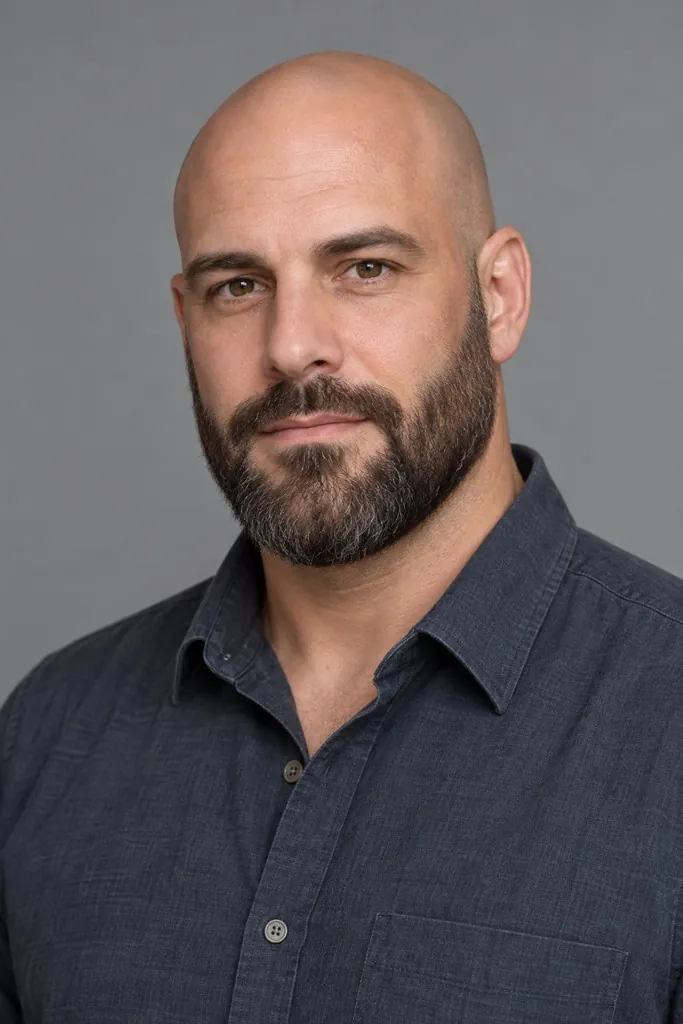
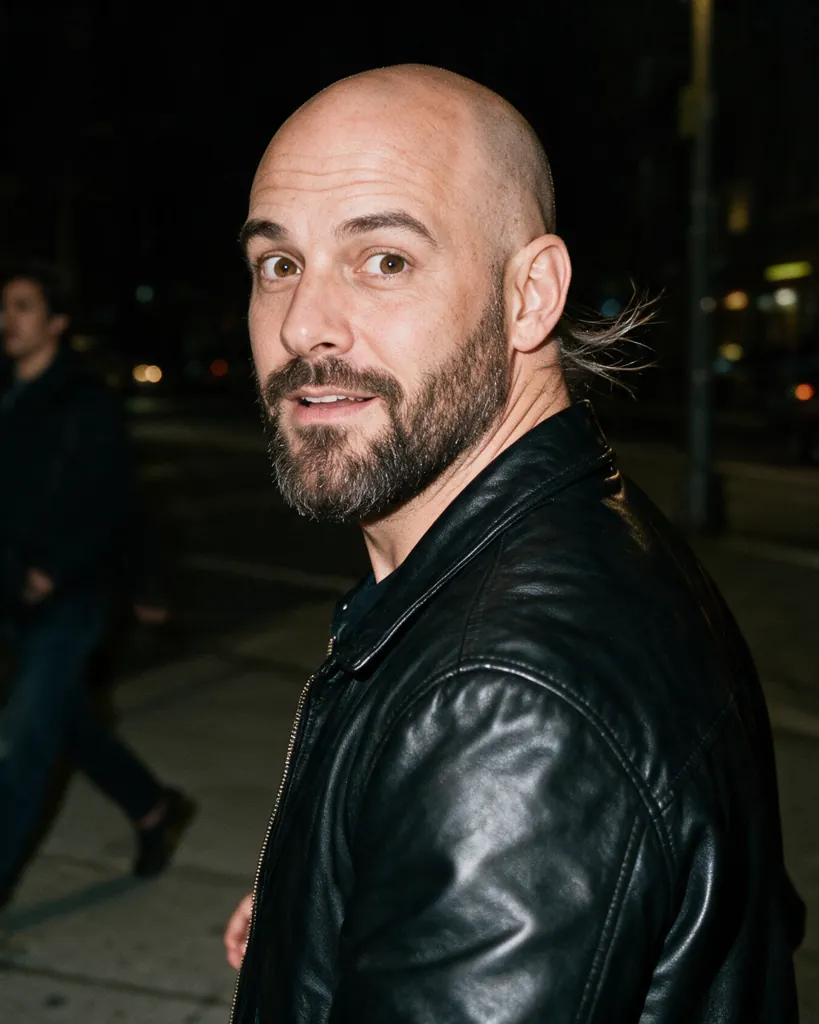 元の写真生成後
Make and edit pictures with ByteDance's Seedream 5.5: write what you want, or add photos and say what to change. PicYep is an independent studio that runs the model through Volcengine's API; it is not affiliated with ByteDance.
What ByteDance and the first API documentation say Seedream 5.5 adds. Each point links to where it is said.
Change what you ask for, again and again, while everything you did not touch stays the same down to the pixel: furniture added to a room, a watch face updated, a look refined.
出典:ByteDance SeedStickers, cut-outs, lettering and characters come out on fully or partly transparent backgrounds, each on its own layer, ready to drop into a design.
出典:ByteDance SeedMore natural light, finer materials and more refined skin texture, so a picture looks photographed rather than made.
出典:ByteDance SeedA base picture plus up to 99 transparent layers, against up to 16 on Seedream 5.0 Pro. Text layers come back with their words read, so the copy can be changed or translated.
出典:Morphic, from the API documentationCustom sizes up to about 8.3 megapixels, shapes from 1:16 to 16:1, and transparent output from a prompt or from up to 10 photos.
出典:Morphic, from the API documentationExamples show small print in Russian, Thai, Japanese and Filipino as well as Chinese and English, and an editing demo that runs to 85 rounds.
出典:APIXO, from the official examplesここにある画像はすべて PicYep で Seedream 5.5 が生成したものです。プロンプトを使って自分の画像を作れます。
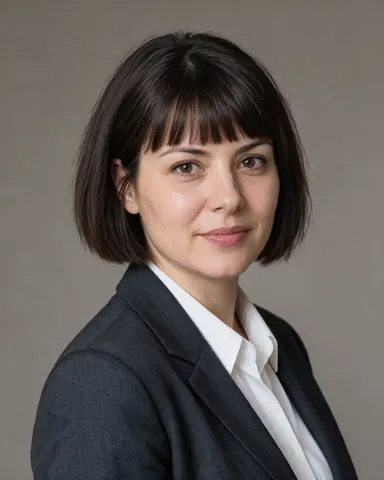
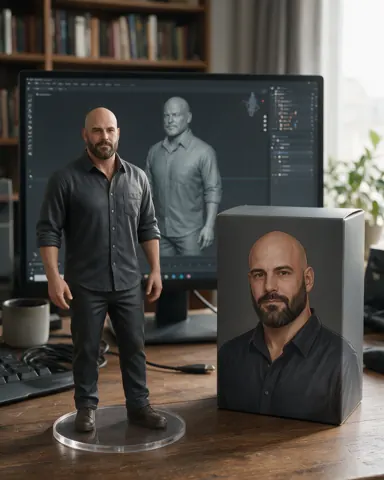
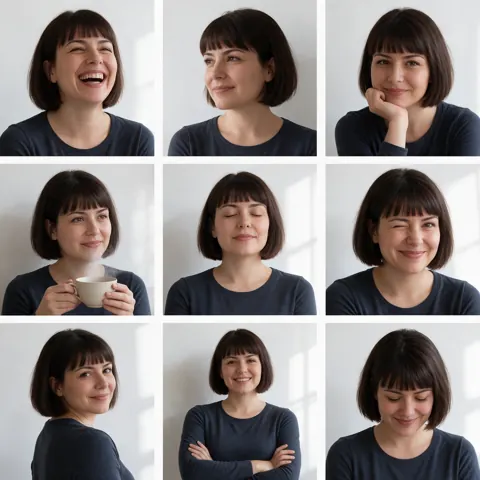
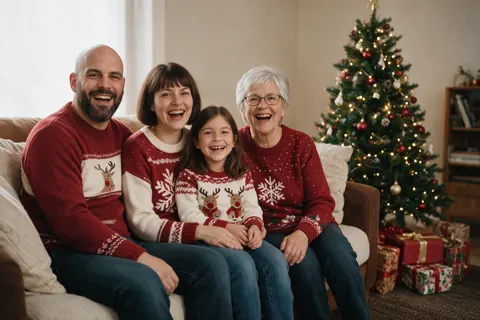
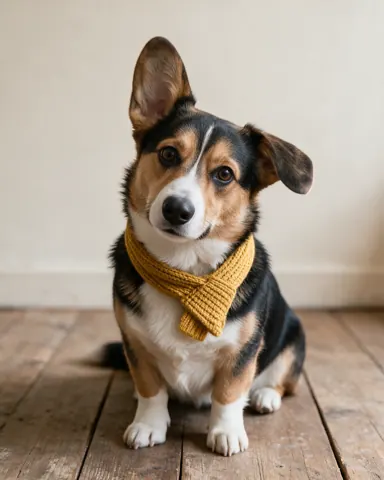
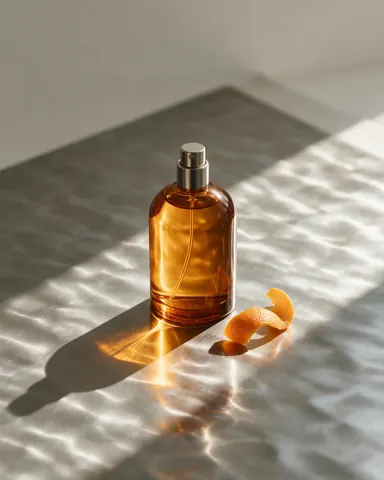
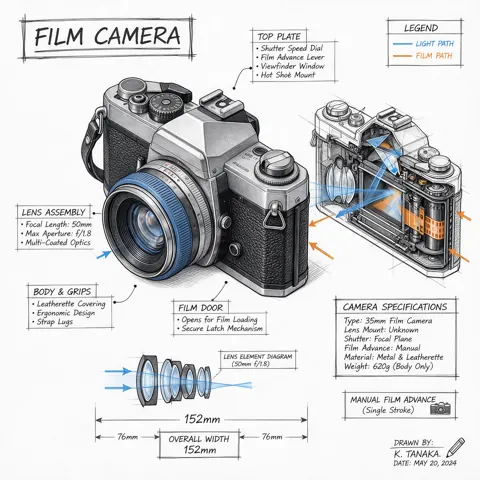
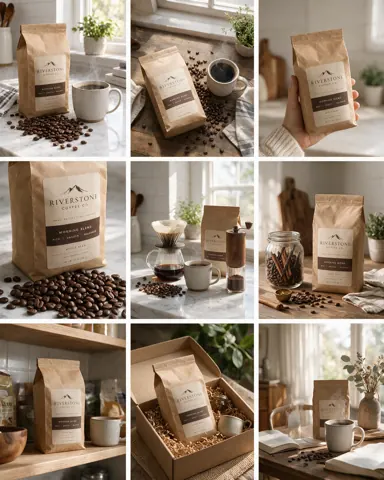
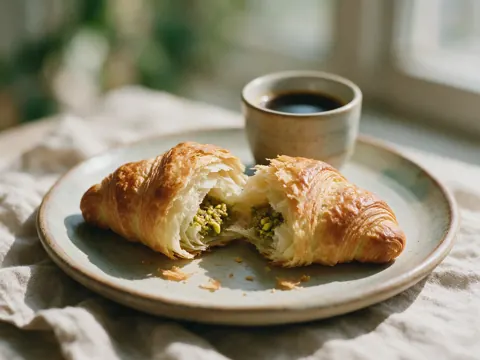
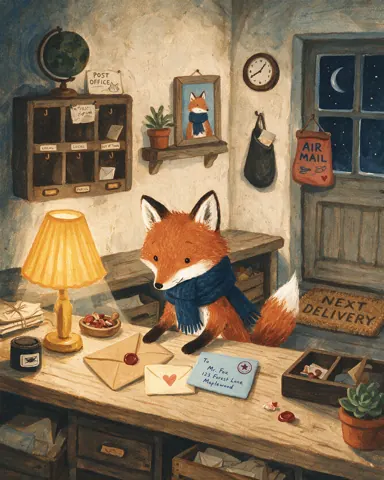
Seedream 5.5 is the newest image model in ByteDance's Seedream family, after Seedream 5.0 Pro. It makes pictures from a prompt and edits the photos you give it, and ByteDance names three advances: edits over many rounds that leave everything else untouched, transparent and semi-transparent backgrounds made directly, and more lifelike light, materials and skin. On PicYep it runs in the browser: write a prompt, add photos if you want, pick a shape and a size, and the price shows on the button before you generate.
新規登録すると無料クレジットが付き、カードは不要です。1枚ごとの消費量は生成前に表示され、写真ができずに終わったリクエストはクレジットが戻ります。写真はあなたのアカウント内で非公開、透かしなしで、個人利用にも商用利用にも使えます。
What the model is best at, and what to ask it for.
Add a photo and say what to change: a color, a material, an object. The rest of the picture stays as it was, so you can keep editing the same picture round after round.
このプロンプトを使う元の写真生成後Natural skin, faces and proportions, and light that falls the way it would in a real room, for portraits, try-ons and product shots.
このプロンプトを使う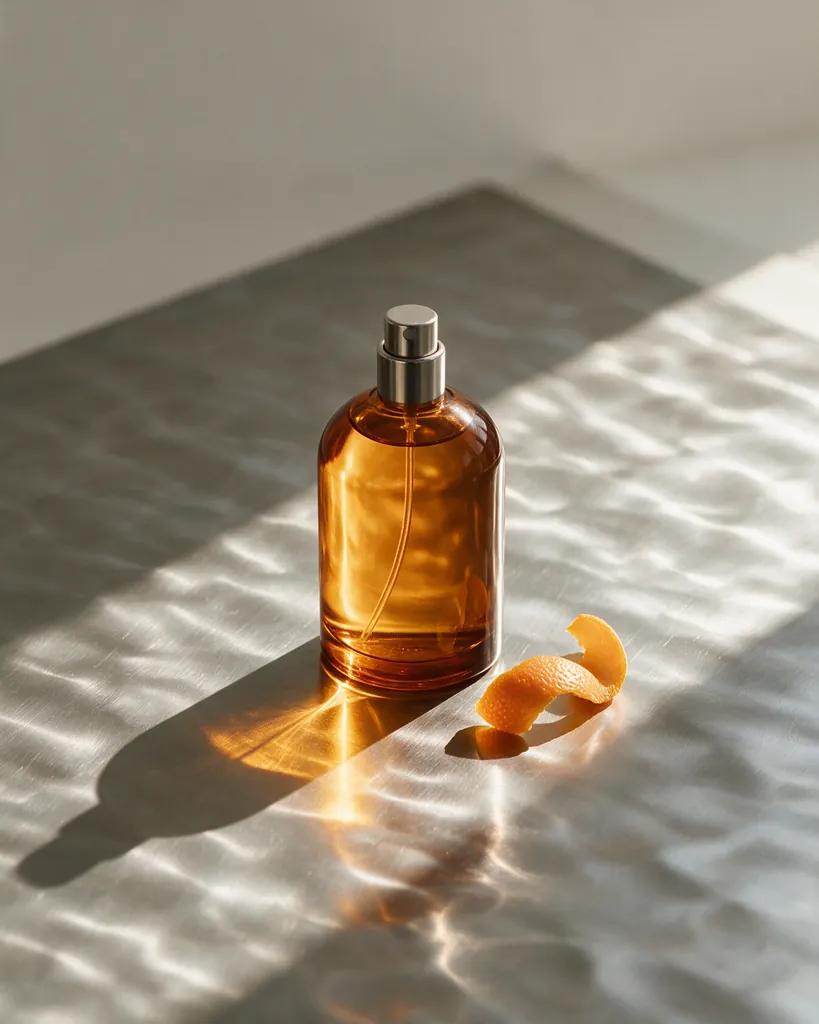
Stickers, cut-outs, lettering and characters on transparent backgrounds, each on its own layer, ready for a design.
このプロンプトを使う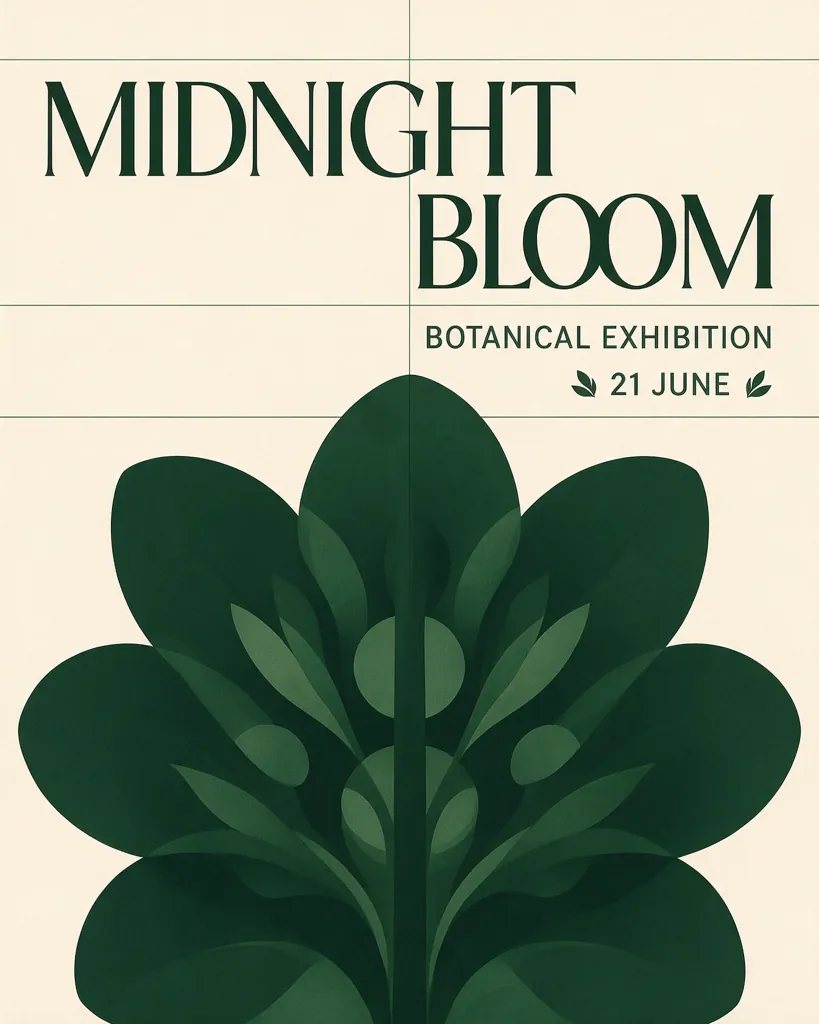
X で Seedream 5.5 について特に「いいね」の多い投稿を読みました(2026年11月8日 時点)。よく挙がる点を私たちの言葉でまとめ、元の投稿へのリンクを付けています。
Seedream 5.5 was previewed splitting dense posters, slides and motion templates into up to 100 layers, filling in what lay behind each piece it lifts out.
Given the same prompt, a tester found Seedream 5.5 closer to real photography, where GPT Image 2.5 leaned toward a social-media selfie.
An early tester set Seedream 5.5 beside Nano Banana Pro and GPT Image 2.6 Sunburst on the same prompts, singling out its detail.
In a game-style street scene, even the small sign in the background came out readable.
「スタジオ証明写真」のプロンプトをそのまま各モデルに送り、1 枚ずつ生成しました。画像をタップするとそのモデルを開きます。
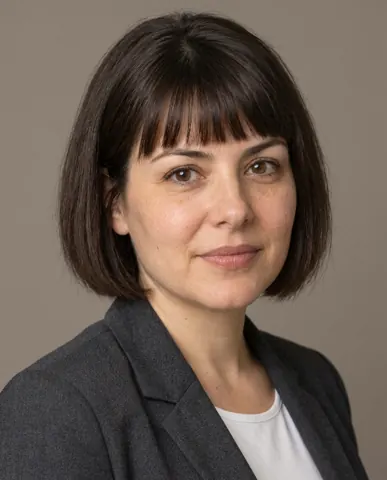
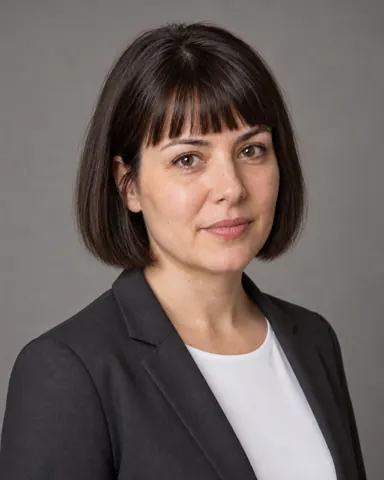
PicYep ではモデルをすぐに切り替えられます。次の用途には別のモデルが向いています。
Ready prompts written the way the model reads best. Open one and it goes straight into the generator.
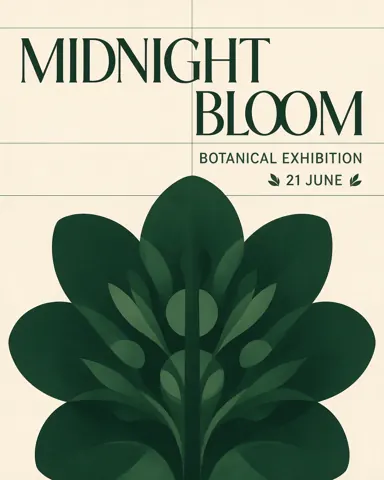
A concert poster for a jazz night, deep blue background, a saxophone player lit from the side, the title "BLUE HOUR" in large cream letters at the top, and "Friday 9 PM · The Velvet Room · Free entry" in small type at the bottom
このプロンプトを使うA ceramic coffee mug in matte sage green on a walnut kitchen counter, morning sun through a window on the left, soft shadows, a linen towel and a few coffee beans beside it, photographed at eye level
このプロンプトを使うA portrait of a woman in her thirties by a window on a cloudy afternoon, soft daylight on one side of her face, natural skin texture, a grey knit sweater, shallow depth of field, 85mm lens
このプロンプトを使うA clean infographic titled "How to brew pour-over coffee" with five numbered steps, a simple line drawing for each step, warm beige background, dark brown text, readable small captions under every drawing
このプロンプトを使うChange the jacket to dark red leather and keep everything else in the photo exactly the same: the face, the pose, the background and the light
このプロンプトを使うA label for a jar of honey, kraft paper with a hand-drawn bee, the words "Wildflower Honey" in English and "野花蜂蜜" in Chinese, and "Net wt 250 g" in small print at the bottom
このプロンプトを使うDescribe the picture in plain sentences, or add photos and say what to change or how to bring them together.
Square, portrait or landscape, at 1K or 2K. With a photo added, the picture can keep its shape.
See the price on the button, generate, then change one more thing on the result until it is right.
What you can set when Seedream 5.5 is picked in the generator.
| 設定 | 内容 |
|---|---|
| Prompt | Plain sentences. Words to appear in the picture go in quotation marks. |
| Reference photos | Photos to edit or to go by. Say what each one is for; each one adds a little to the price. |
| Aspect ratio | From 9:16 portrait to 21:9 wide, or the shape of your first photo. |
| Size | 1K for trying ideas, 2K for the final picture. |
| Model | Seedream 5.5 in the model menu. Seedream 5.0 Pro is still there to compare. |
| Price | Shown on the button before you generate. Credits come back if a picture is not made. |
Four models that make and edit pictures, side by side. All four run on PicYep, so you can give them the same prompt.
| モデル | Maker | Reference photos | Sizes here | Best at | ここでの1K画像 |
|---|---|---|---|---|---|
| Seedream 5.5 | ByteDance | Up to 10 | 1K, 2K | Edits that keep the rest; transparent layers | 6クレジット |
| Seedream 5.0 Pro | ByteDance | Up to 10 | 1K, 2K | A natural, photographic look | 20クレジット |
| Nano Banana Pro | Up to 14 | 1K, 2K, 4K | Following long, detailed instructions | 54クレジット | |
| GPT Image 2 | OpenAI | Up to 16 | 1K, or your own width and height | Layouts, diagrams and text | 24クレジット |
Reference photos: the most each model reads on PicYep. Prices here are live.
Seedream 5.5 follows Seedream 5.0 Pro, which ByteDance opened on Volcengine in July 2026. Both make pictures from a prompt and edit the photos you give them; 5.5 is the one to choose when you edit a picture in several rounds or need small text to be exact.
Seedream 5.0 Pro stays on PicYep, so you can give both the same prompt and keep the one you like.
Ask for one change at a time and say what must stay the same. The next change goes on the result.
Words that must appear in the picture go in quotation marks, with where they go and how big.
"The mug from the first photo, on the counter from the second": naming each photo keeps them from being mixed up.
Settle the idea at 1K, then make the picture you keep at 2K.
It is free to try on PicYep: a new account starts with free credits, and no card is needed to sign up. After that each picture costs credits, shown on the button before you generate.
ByteDance names three advances: edits over many rounds that keep untouched areas pixel for pixel, transparent and semi-transparent backgrounds made directly, and more lifelike light, materials and skin. The first API documentation adds splitting a picture into up to 100 layers, against 16 on 5.0 Pro, and transparent output from both prompts and photos.
Yes. Add a photo and say what to change, or add several and say how to bring them together, such as a product from one photo in the room of another.
1K or 2K, in shapes from 9:16 portrait to 21:9 wide. With a photo added, the picture can keep that photo’s shape.
ByteDance's Seed team, which also makes Seedream 5.0 Pro and the Seedance video models. It is offered to developers through Volcengine.
No. PicYep is an independent AI image generator that runs Seedream 5.5 through Volcengine’s API, alongside other models such as Nano Banana, GPT Image and FLUX.
Yes. ByteDance says it makes fully and partly transparent backgrounds directly, such as stickers, cut-outs, lettering and characters, each on its own layer, from a prompt or from a photo.
Up to 100: a base picture and up to 99 transparent layers, against up to 16 on Seedream 5.0 Pro, according to the first API documentation. Text layers come back with their words, so the copy can be edited or translated.
Write a prompt or use one of the examples. Seedream 5.5 is already selected.
PicYepは独立したサービスです。Black Forest Labs、Google、およびこのページに記載されているその他のモデル開発元とは、提携・承認・公式な関係はありません。モデル名はそれぞれの所有者に帰属します。