



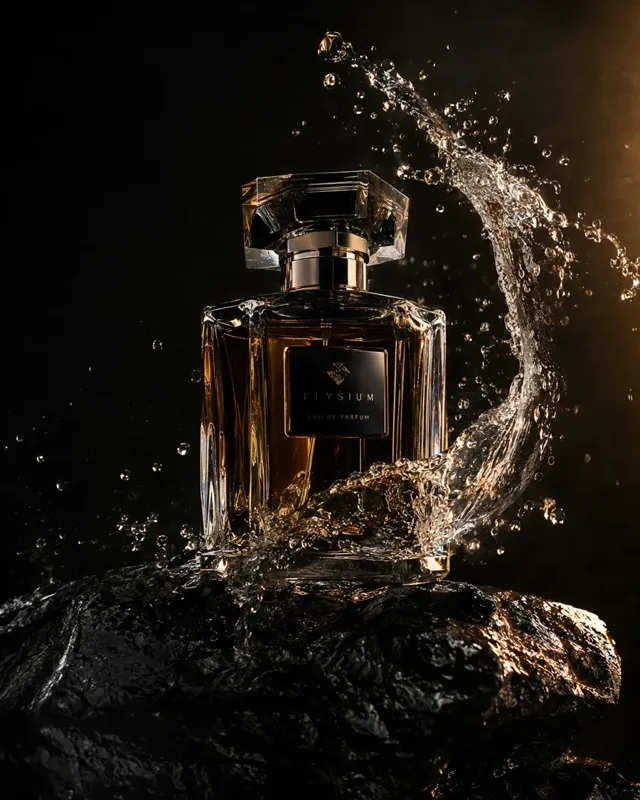
Studio product shots from a sentence
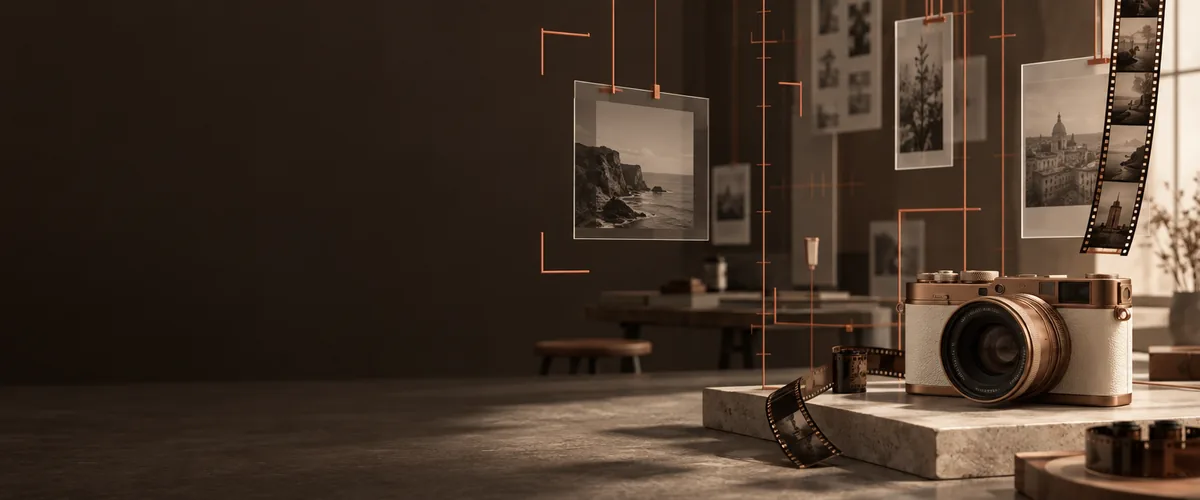
Perfume on wet stone, sneakers in coloured smoke, skincare on sand. Describe the set and the light, and the product is shot for you.
Popular searches

PicYepAI Image Generator
Text to image · Photo to image
Product shots, posters, rooms and portraits from a sentence or your own photo — with the newest image models in one place.
New accounts get free credits to try it.
From an idea to a finished picture: write it, pick the model and the camera, and make it — all on one page.
Start creatingPerfume on wet stone, sneakers in coloured smoke, skincare on sand. Describe the set and the light, and the product is shot for you.
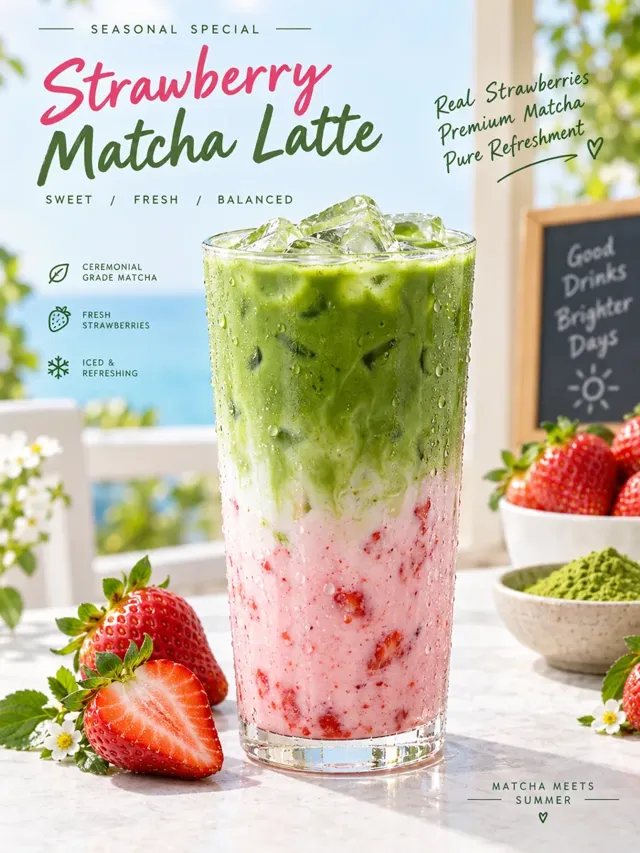
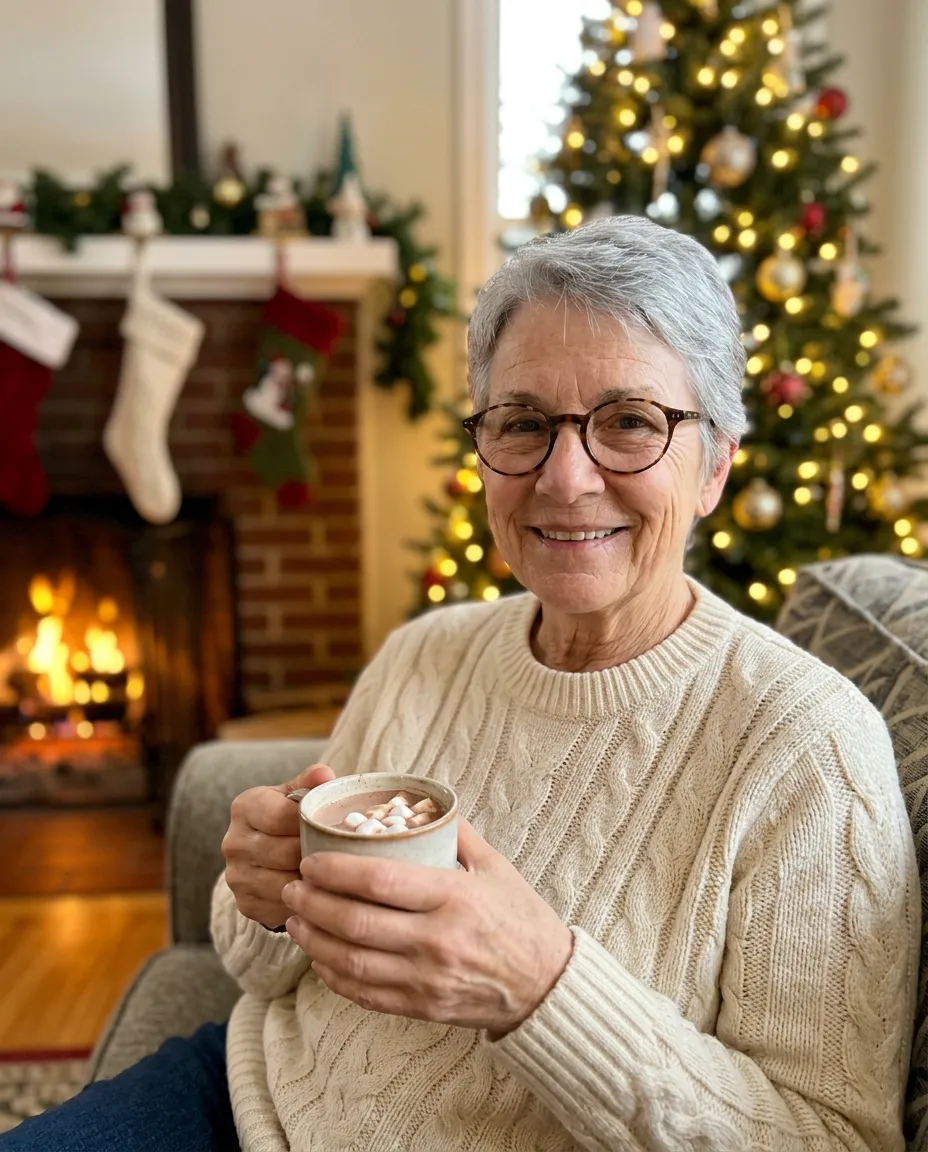
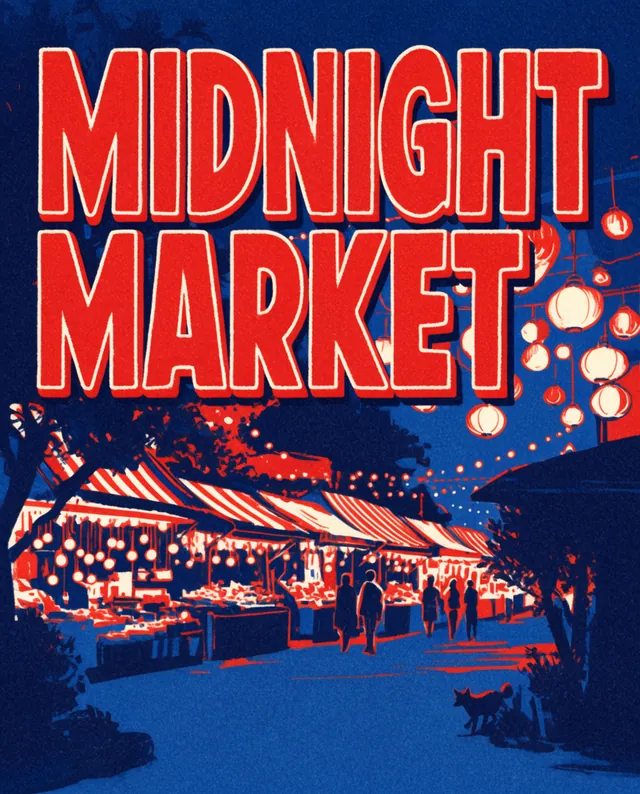
Seasonal drink posters, menus and covers come with their headline set in the picture, ready to post.

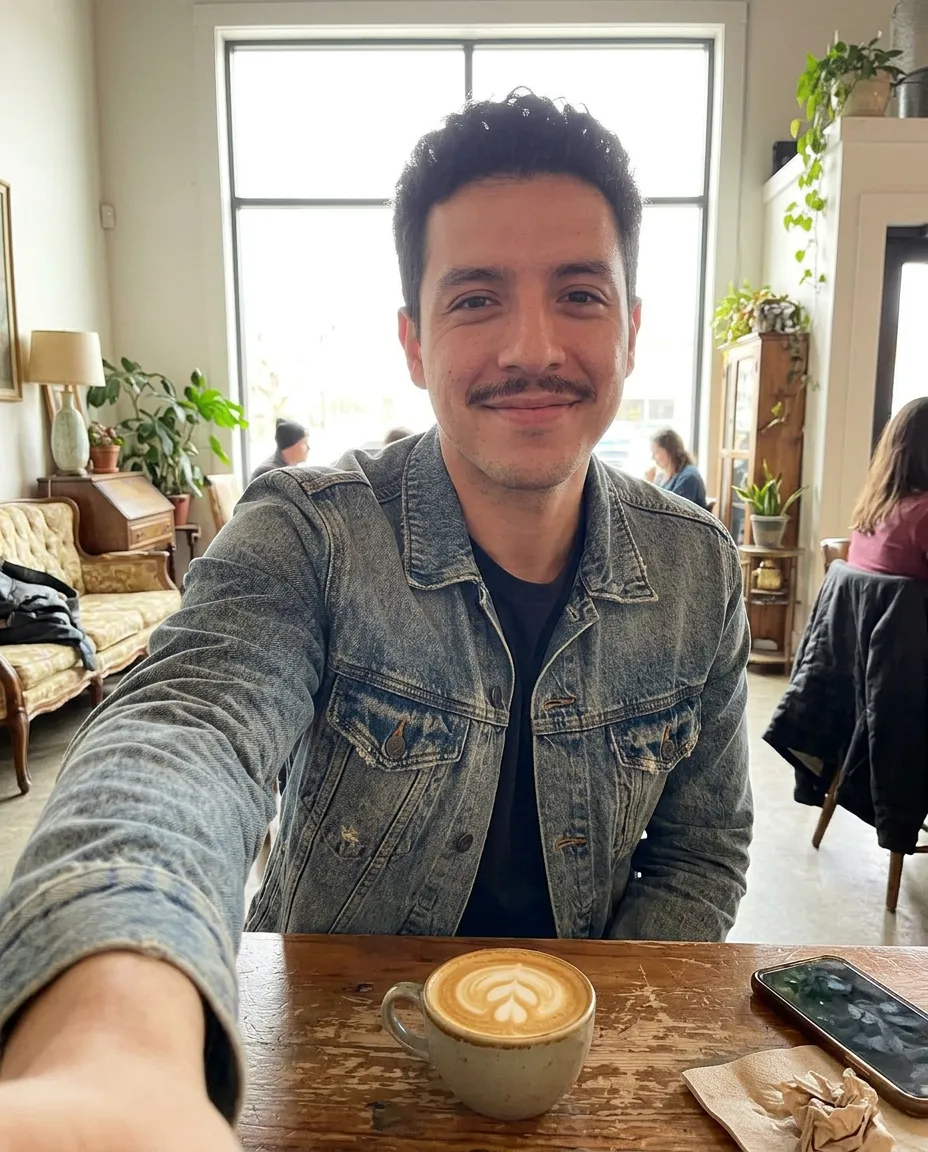
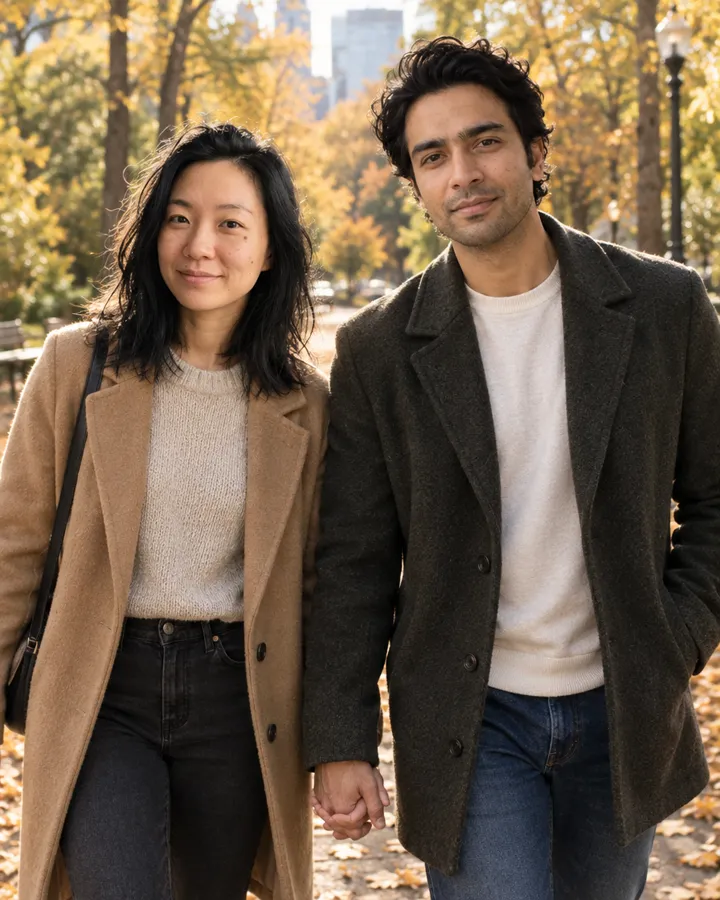
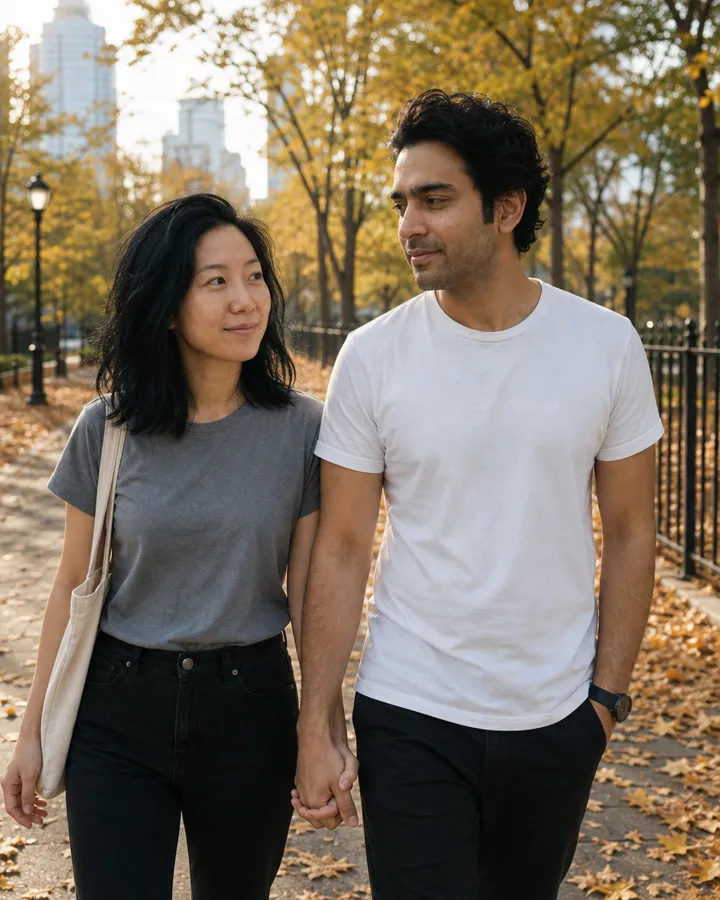
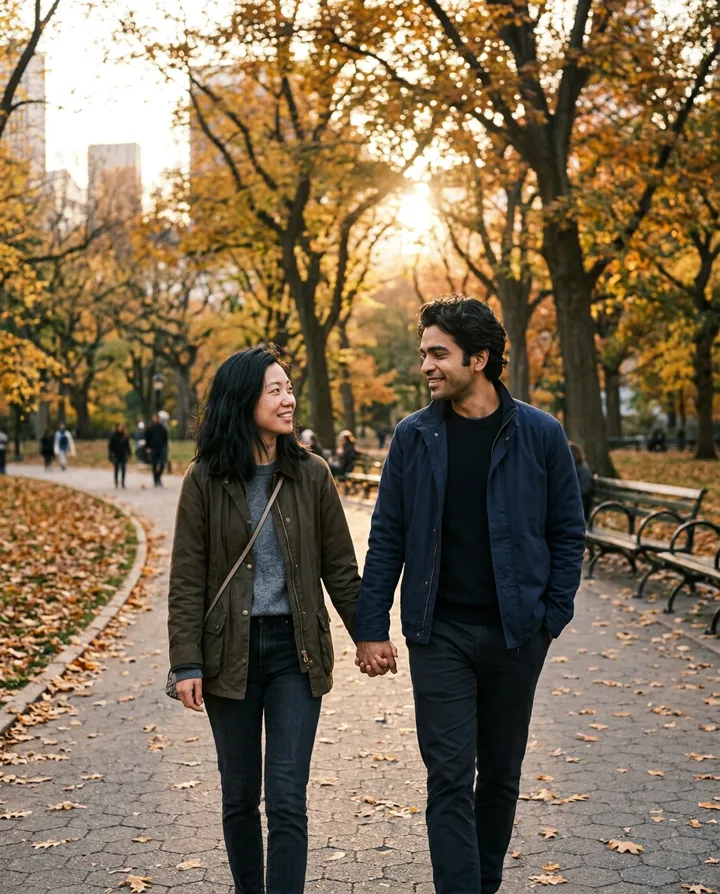
Add up to 16 reference photos — a face, a product, a room — and the picture is made from them, not from a stranger.
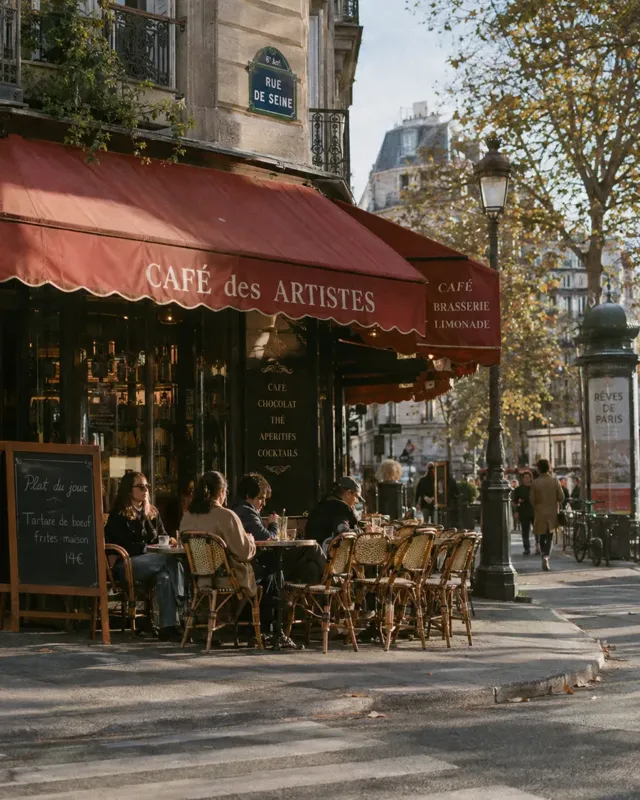
Choose the lens, aperture, light, colour, grain and framing, or apply a preset such as Film portrait or Direct flash in one tap.
GPT Image 2.5, Nano Banana, Seedream, FLUX, Krea and MOSS on the same page. Switch on the model card and compare.
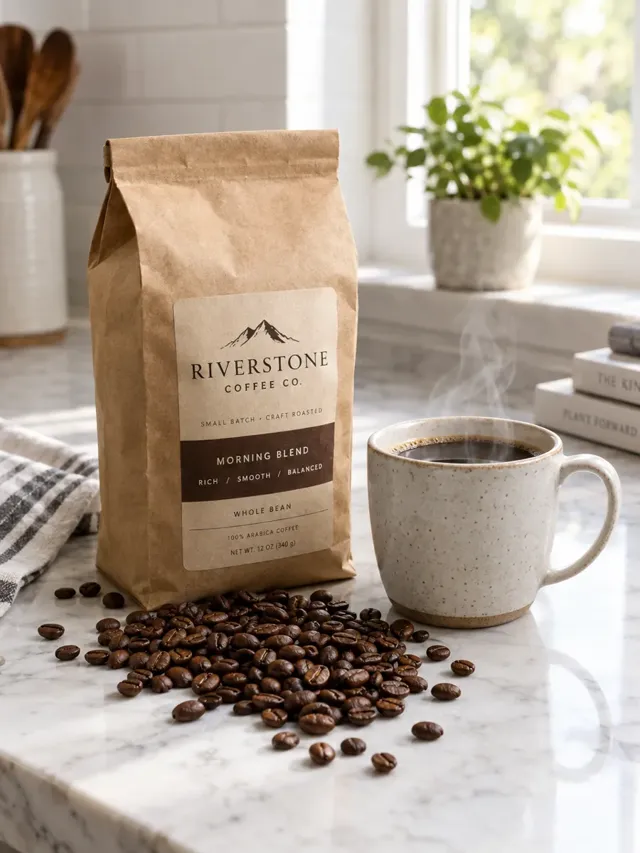
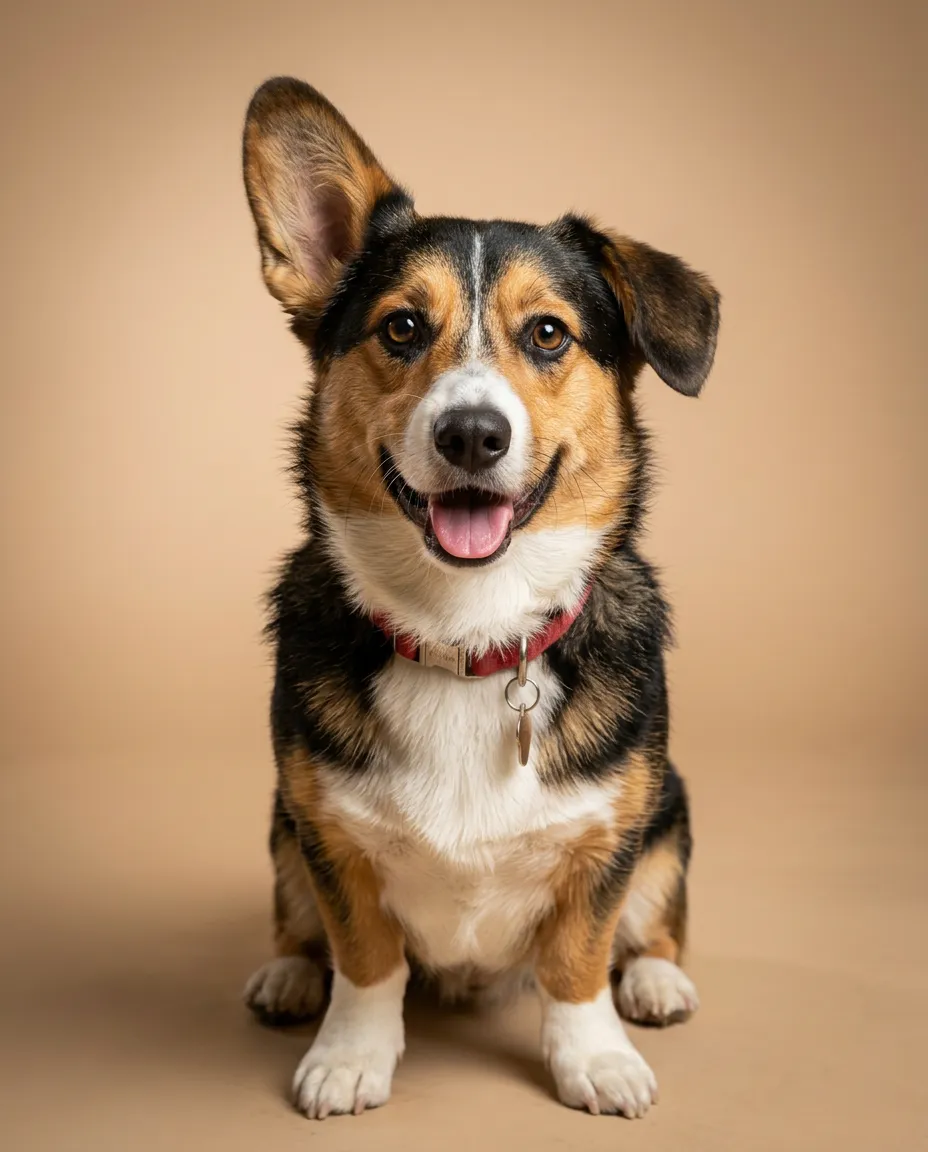
Keep your products, people, pets and places as assets, then write @ and its name to bring it into any new picture.
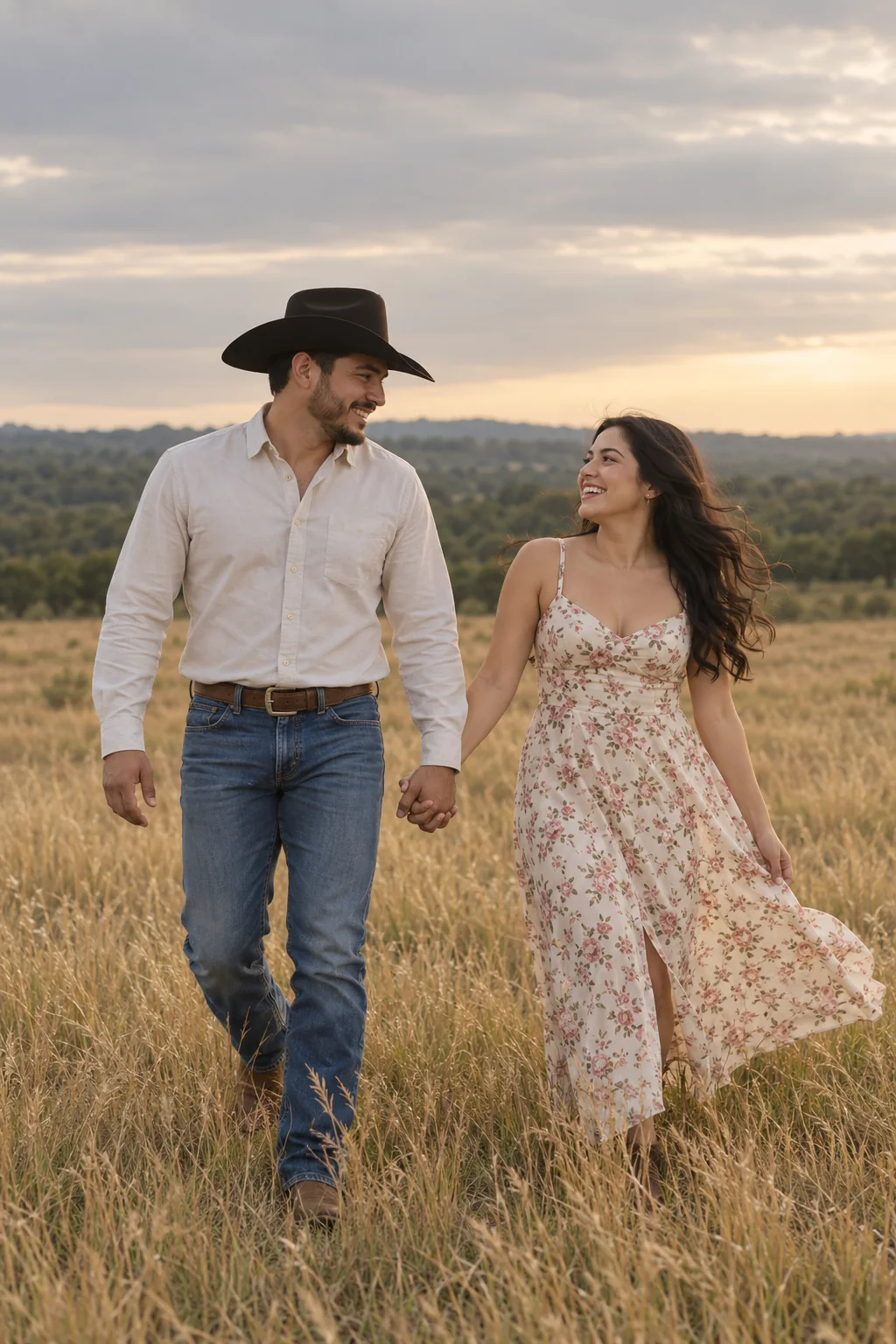
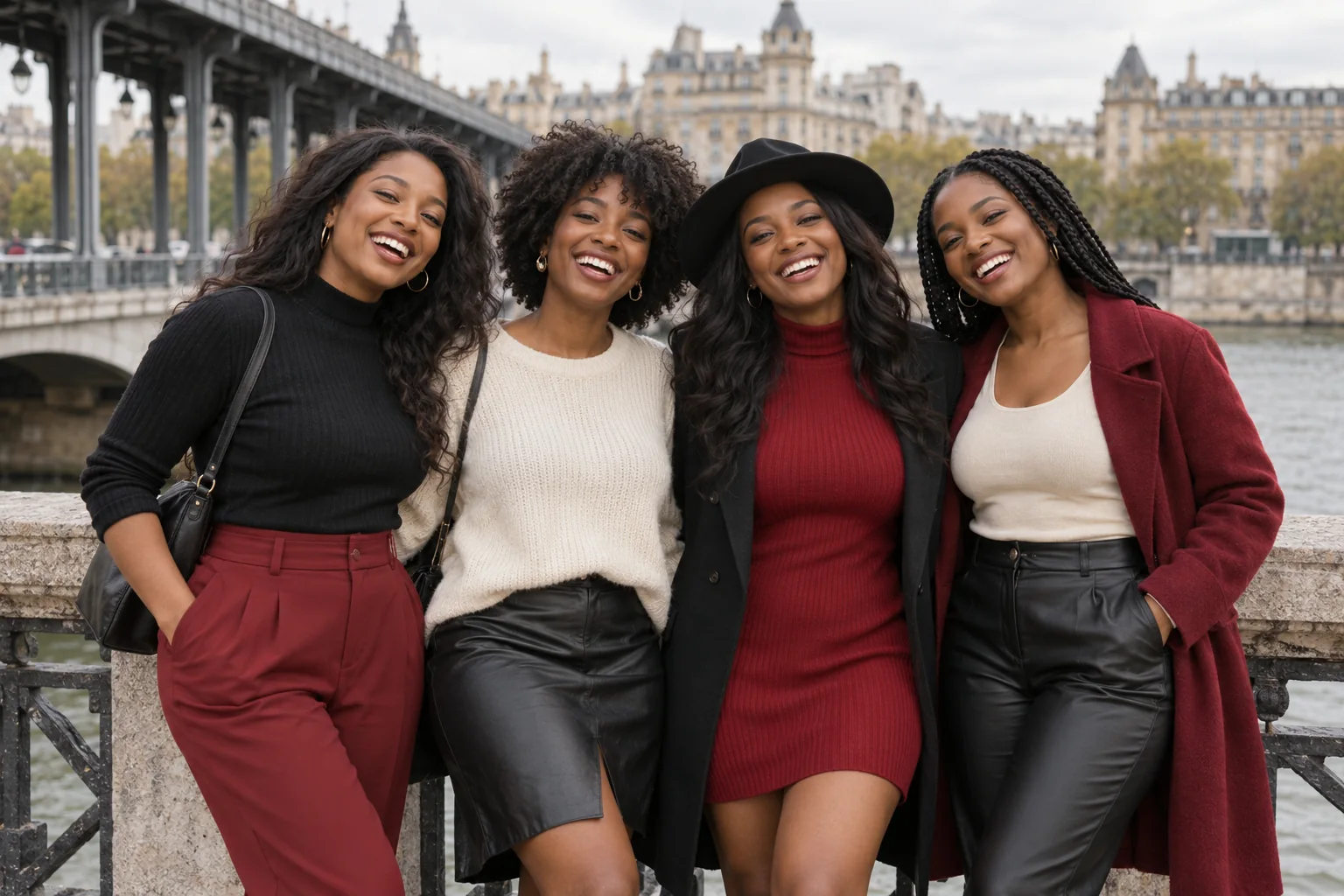
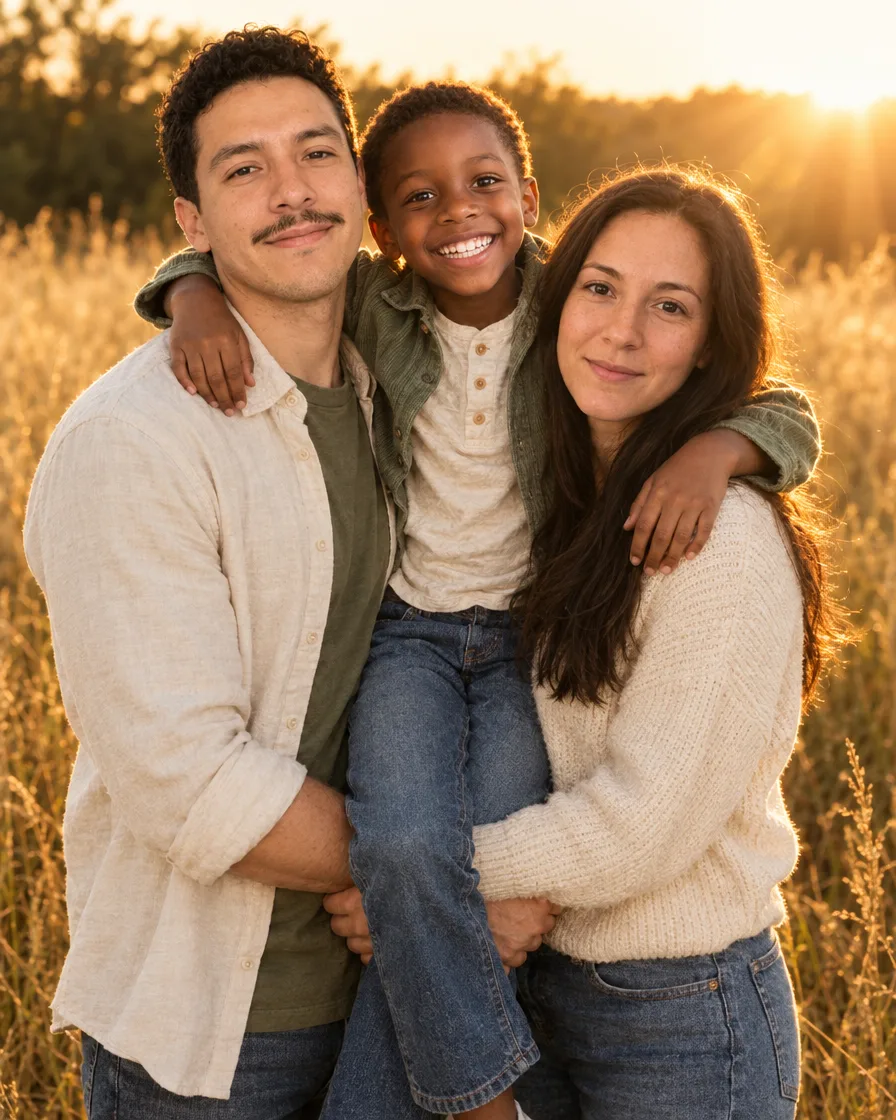
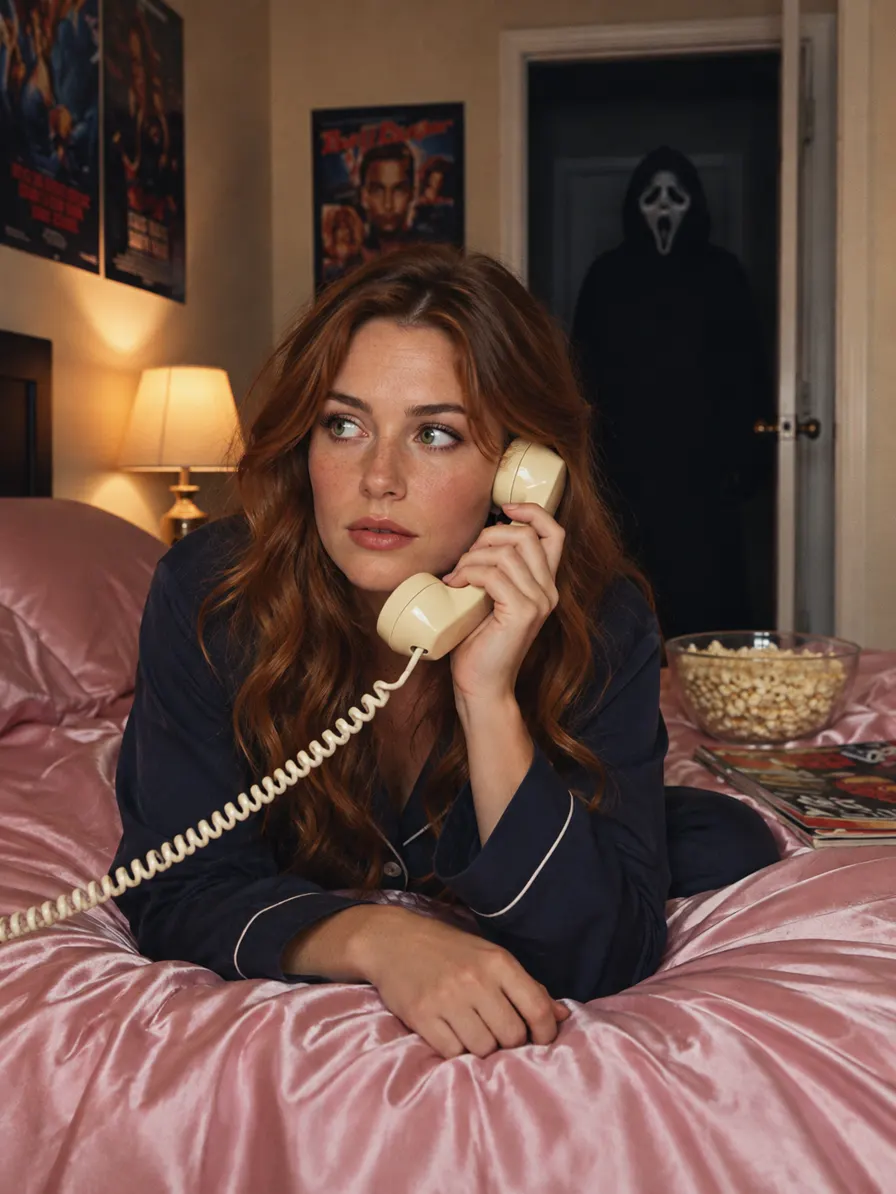
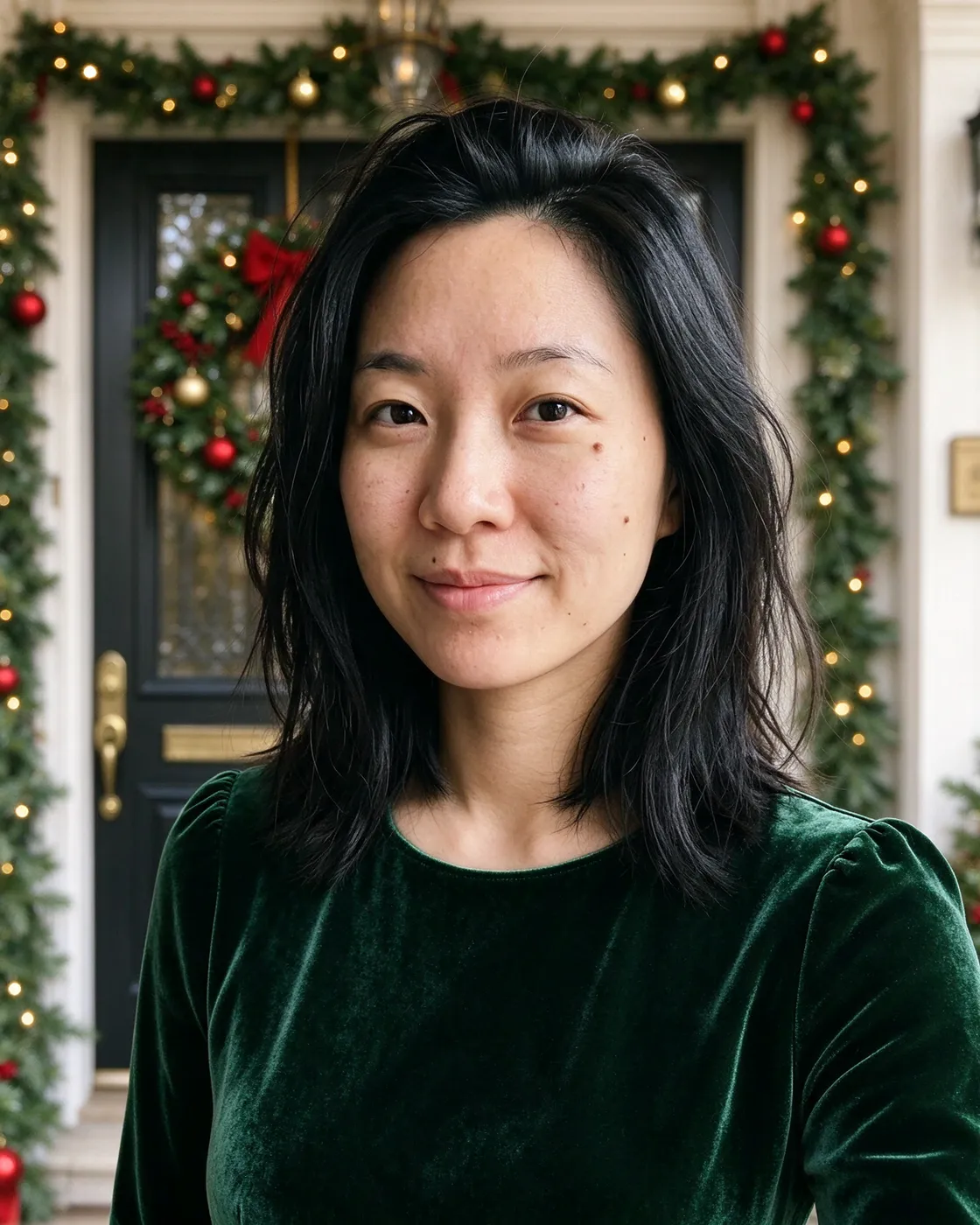
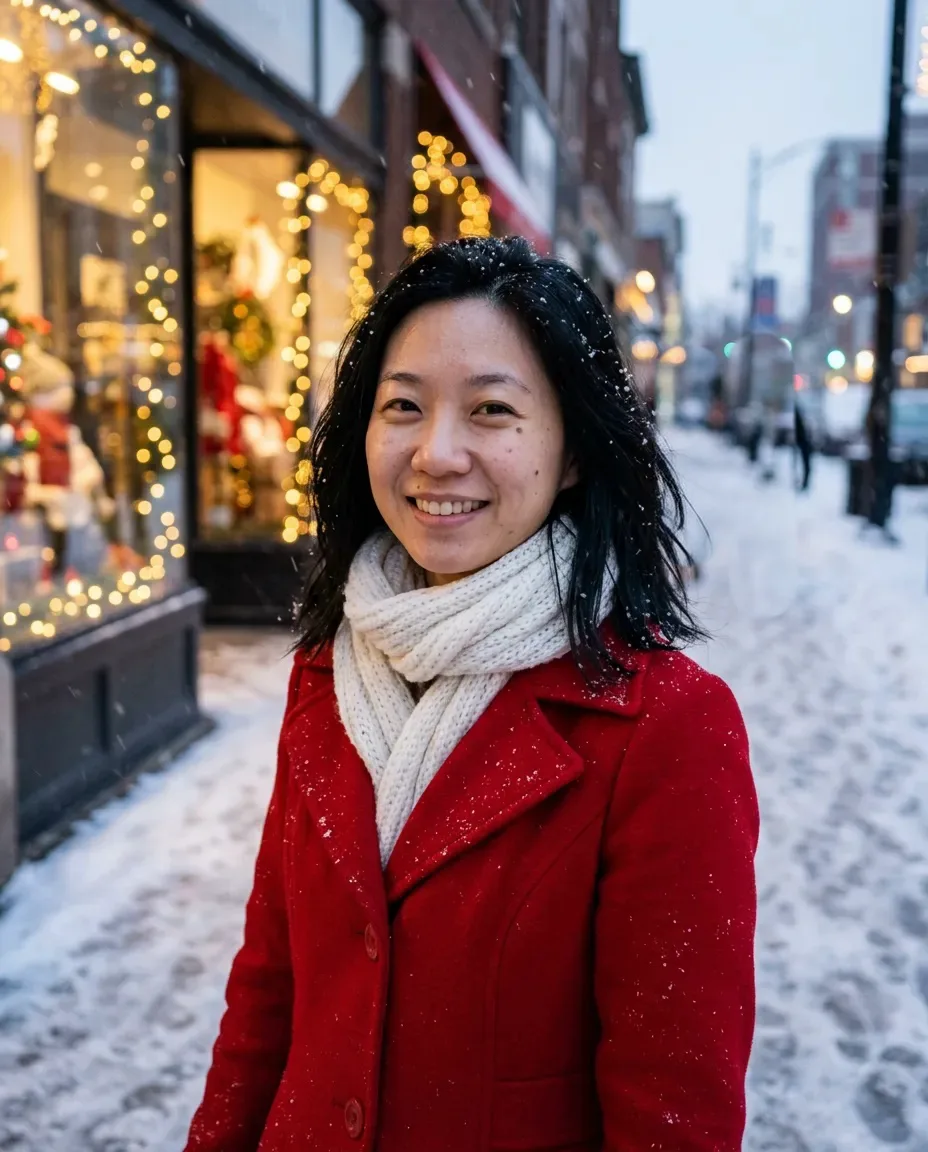
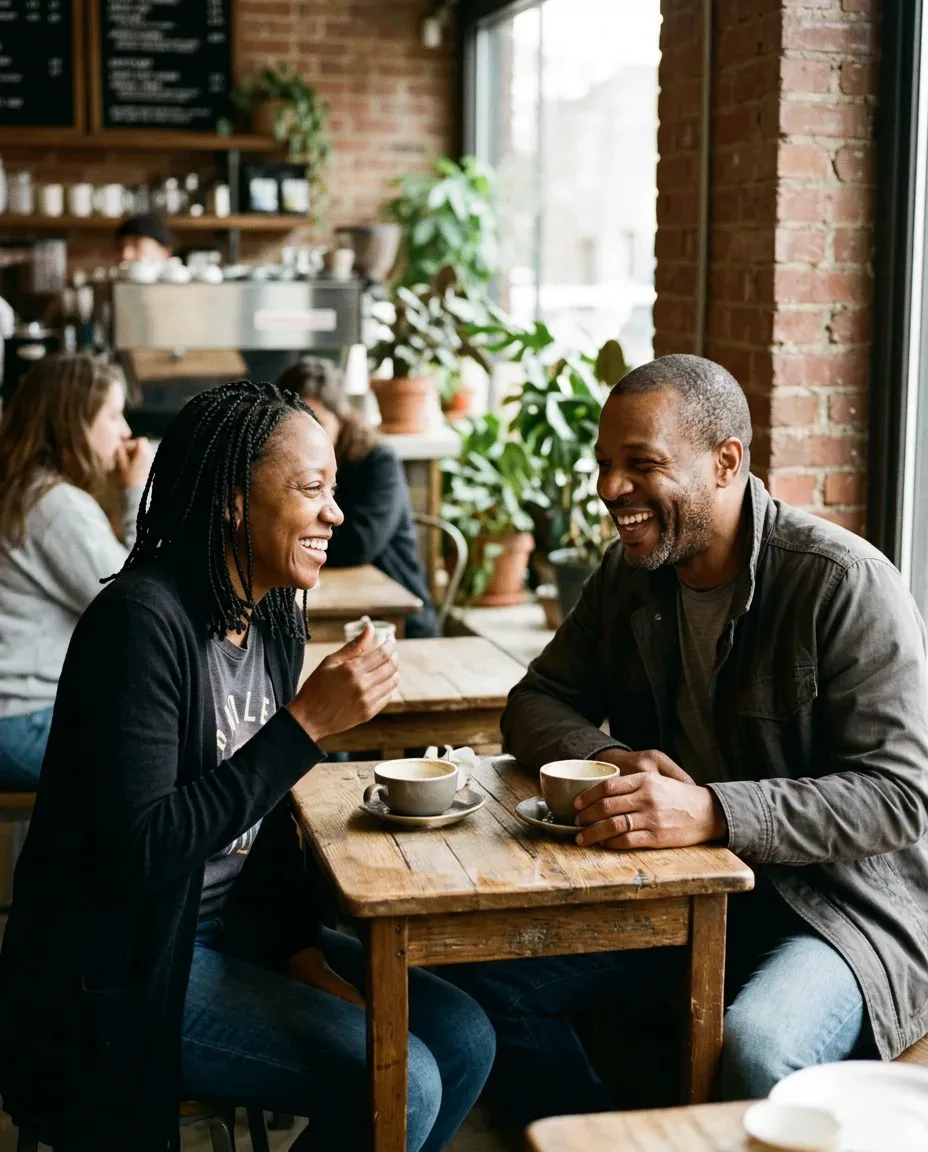
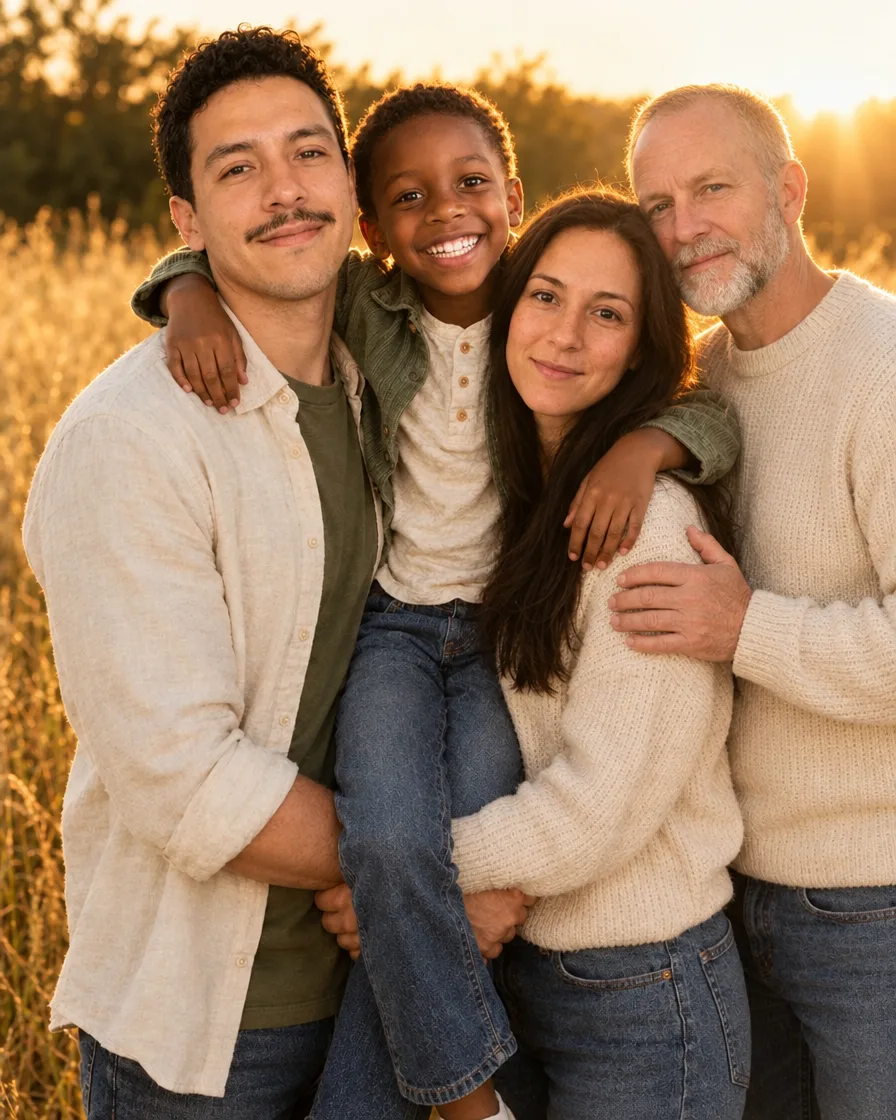
Each picture was made with PicYep from the words shown. Tap one to open it in the workbench with the same prompt and settings.
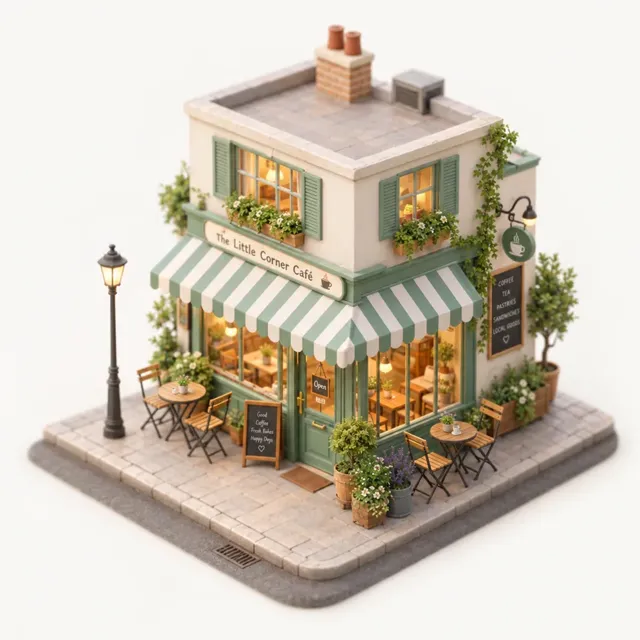 Tiny isometric caféA 45-degree isometric miniature 3D model of a tiny corner café with a striped awning, potted plants, small chairs and warm windows, soft pastel colours, tilt-shift look, clean light backgroundGPT Image 2.5 FlareMake this
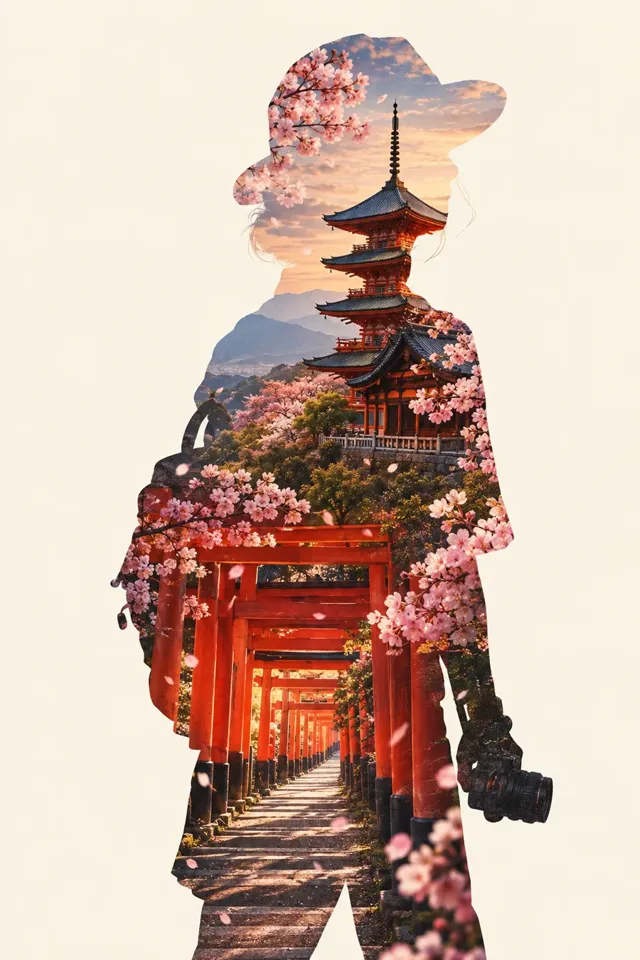 Double-exposure KyotoDouble-exposure travel poster: the silhouette of a traveler filled with a Kyoto temple, red torii gates and cherry blossoms, cream background, elegant minimal poster design, no textGPT Image 2.5 FlareMake this
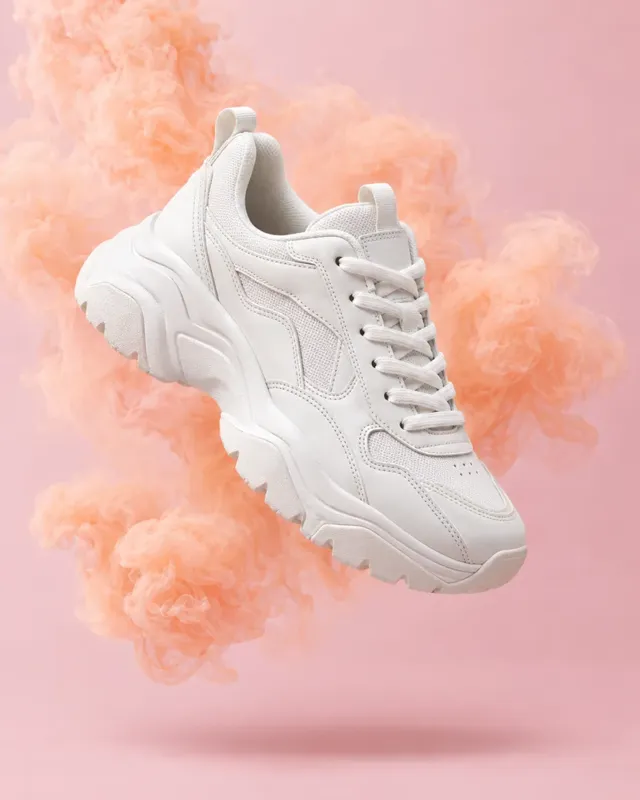 Floating sneakerA white chunky sneaker floating in mid-air in front of a soft pastel pink backdrop, swirls of peach-coloured smoke around it, studio product photography, crisp stitching detail, soft shadow belowGPT Image 2.5 FlareMake this
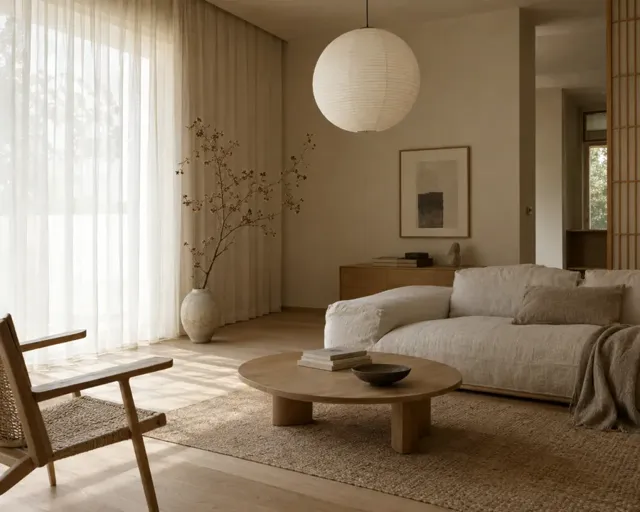 Japandi living roomA Japandi living room with light oak floors, a low linen sofa, a round paper lamp, a ceramic vase with a dried branch, soft daylight through sheer curtains, calm interior photographyGPT Image 2.5 FlareMake this
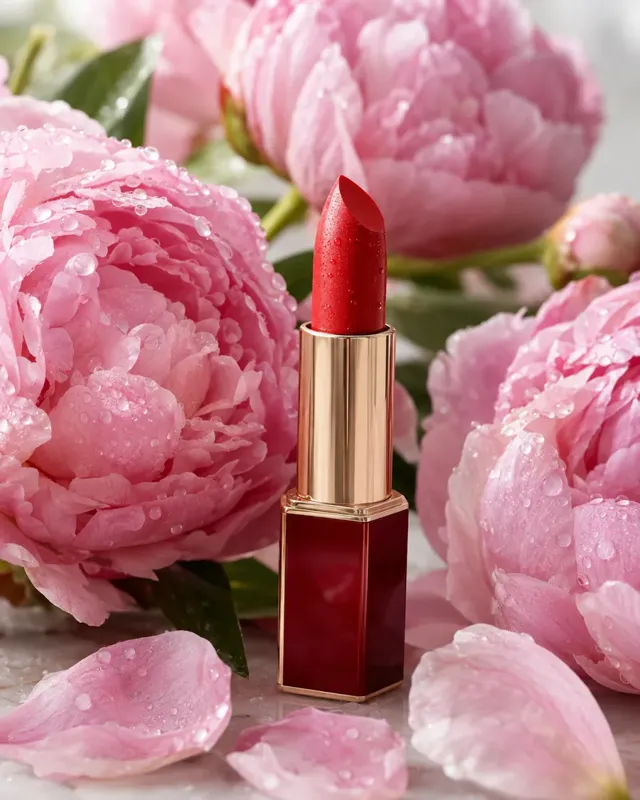 Lipstick and peoniesA red lipstick standing upright among fresh pink peonies, tiny water droplets on the petals, soft daylight, beauty product photography, shallow depth of fieldGPT Image 2.5 FlareMake this
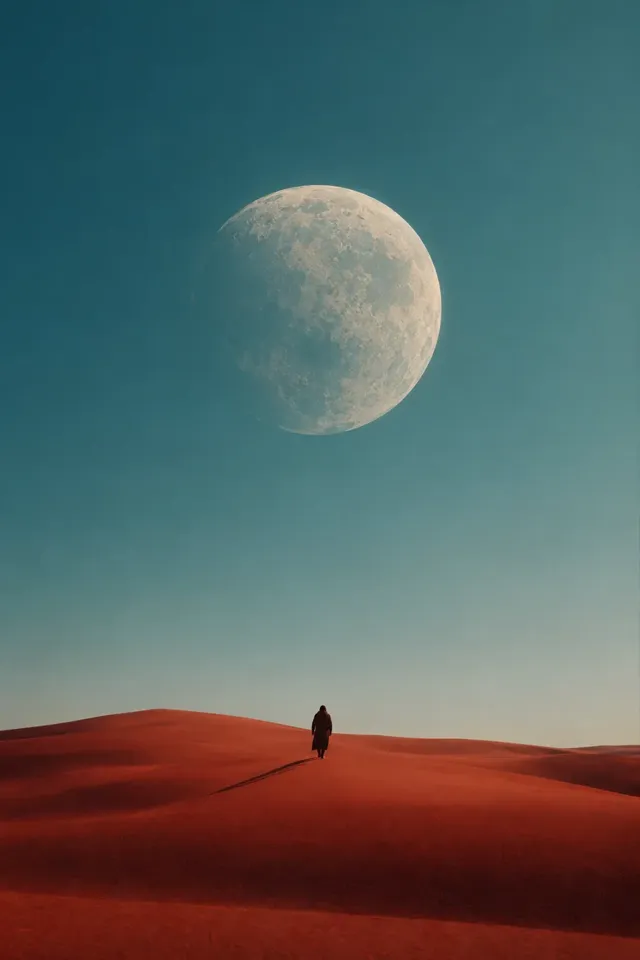 Desert under a giant moonMinimalist cinematic poster: a lone figure walking across red sand dunes under an enormous pale moon, long shadow, vast empty sky, film still composition, no textGPT Image 2.5 FlareMake this
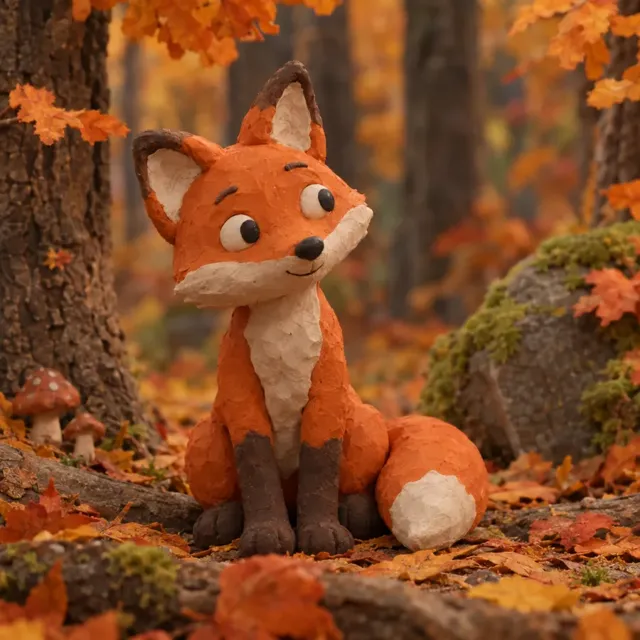 Clay fox in autumnA cute claymation fox character sitting in an autumn forest with orange leaves, handmade clay texture with visible fingerprints, soft studio light, stop-motion film lookGPT Image 2.5 FlareMake this
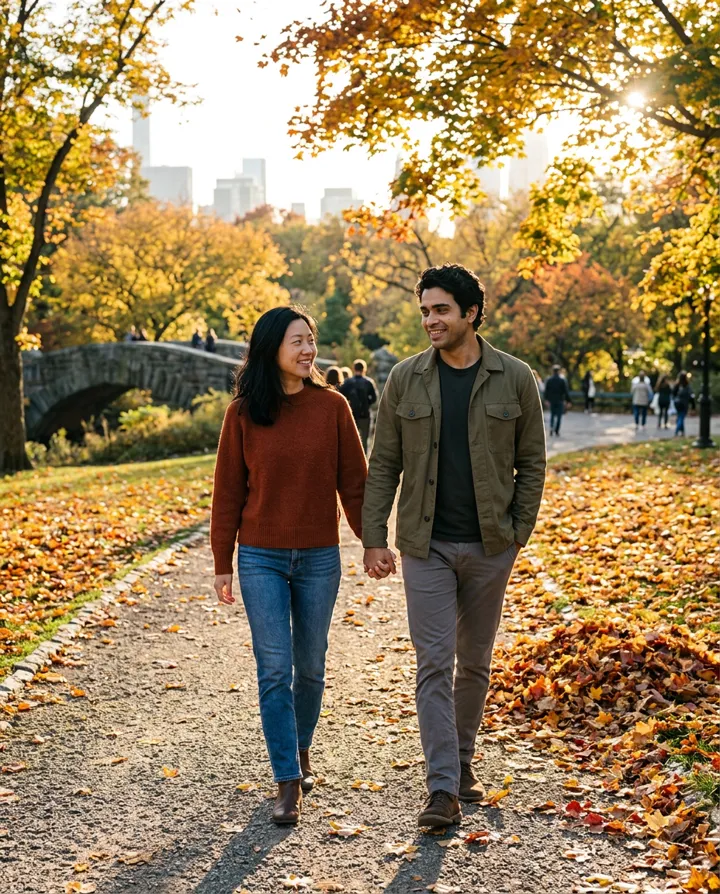
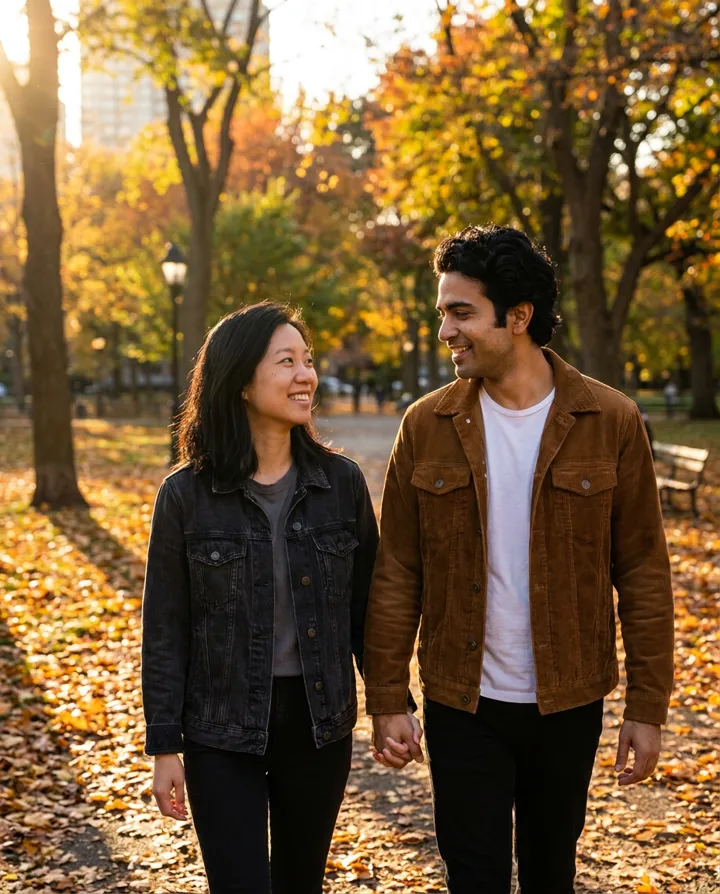
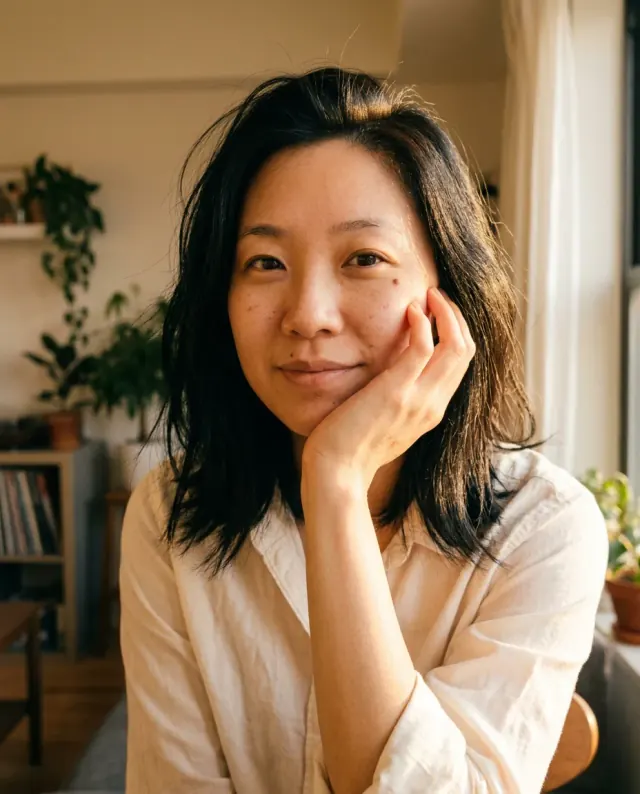 Golden hourA warm sunlit portrait, ivory cotton shirt, face resting gently on one hand, golden afternoon light, peach tones, candid expression, natural skin texture.Nano Banana 2.1Make this
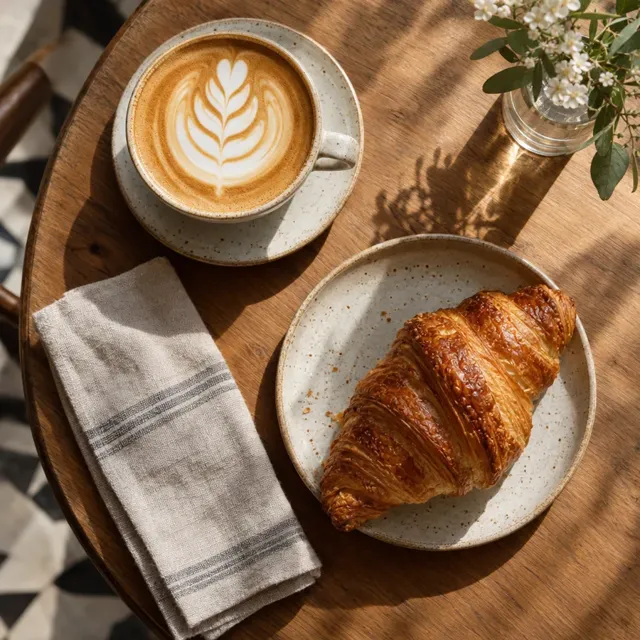 Café table from aboveOverhead view of a café table: a latte with rosetta latte art, a golden croissant on a ceramic plate, a folded linen napkin, morning sunlight and soft shadows, warm cozy food photographyGPT Image 2.5 FlareMake this
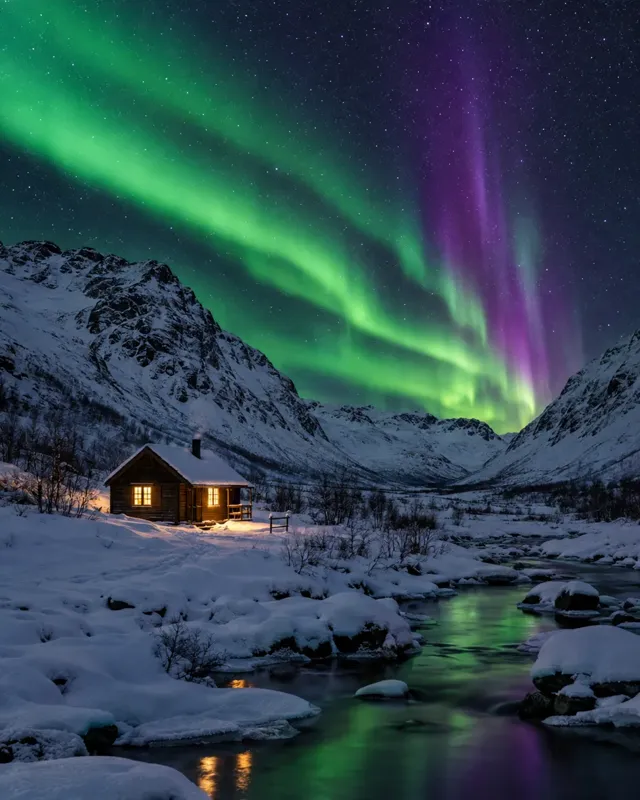 Cabin under the auroraA small wooden cabin with glowing windows in a snowy valley under green and violet northern lights, starry sky, long-exposure night landscape photographyGPT Image 2.5 FlareMake this
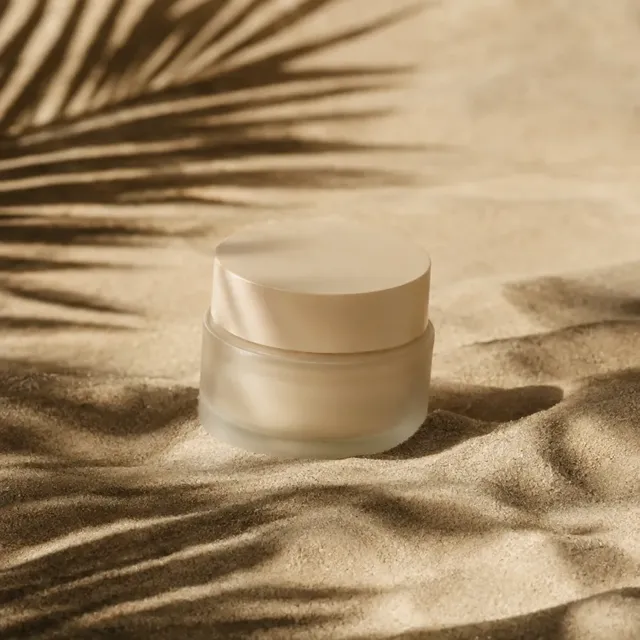 Skincare on sandFrosted glass skincare jar resting on rippled beige sand, hard afternoon sunlight casting palm-leaf shadows across the scene, minimal warm beige palette, editorial product photographyGPT Image 2.5 FlareMake this
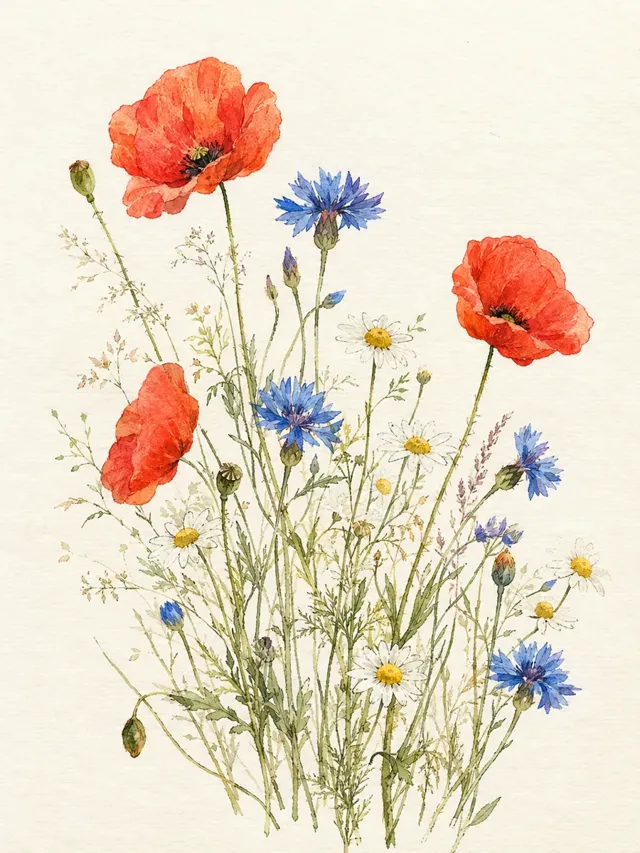 Watercolour wildflowersWatercolour botanical illustration of wildflowers, poppies, cornflowers and chamomile, delicate washes on textured cream paper, airy composition, fine ink detailsGPT Image 2.5 FlareMake thisE-commerce productsStudio-grade product shots and lifestyle scenes without a studio.Social mediaScroll-stopping posts in every shape a platform asks for.
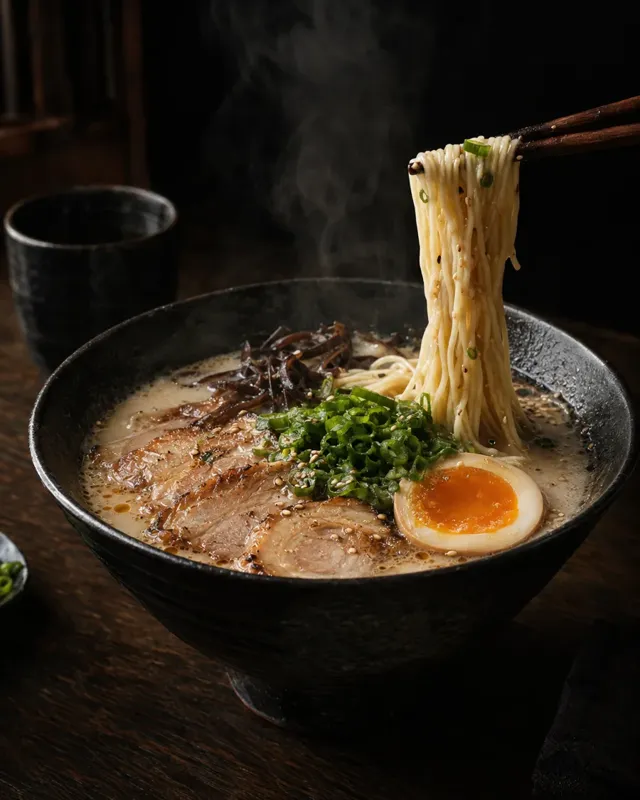 Food and drinkMenus, drink posters and dishes that look as good as they taste.Rooms and interiorsCalm living rooms, cosy corners and tiny isometric shops.Travel postersDouble exposures, film-still landscapes and city posters.
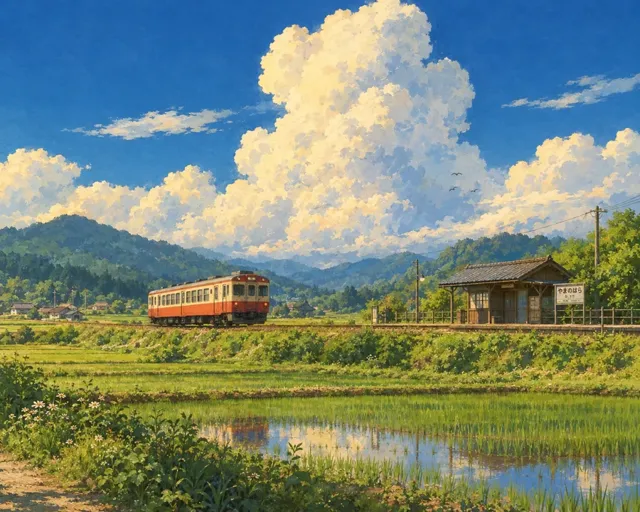 Illustration and artHand-painted scenes, clay characters and watercolour botanicals.
The questions people ask before their first picture.
New accounts get free credits to try it. After that, credit packs and plans start from a few dollars, and each image shows its price before you make it.
GPT Image 2.5, Nano Banana 2.1, Seedream 5.0, FLUX 3, Krea 2 and MOSS Image, switched from the model card in the workbench.
Yes. Add up to 16 reference photos to a request, or call a saved asset — a person, a pet, a product or a place — with @.
Advanced settings set the lens, aperture, light, colour, grain and framing, and offer presets such as Film portrait, Studio editorial and Direct flash. You can save your own presets too.
Product shots, food and drink posters, interiors, travel posters, landscapes, illustrations, portraits and holiday cards — anything you can describe.