Skip to the pagePicYep
Pricing

PicYep changelog · developed in public

The Darkroom Log

Every change to PicYep, hung up to dry. Big updates are prints you can turn over; small ones are frames on the contact strip, to look at closer under the loupe.

ROLL 01 · SINCE 26 10 0933 FRAMES13 PRINTS · 14 DAYS SHOT
Big update · a printSmall update · a frame
'26 10 26Monday
Make your photos right where you pick the style
Print 13· big update

Make your photos right where you pick the style

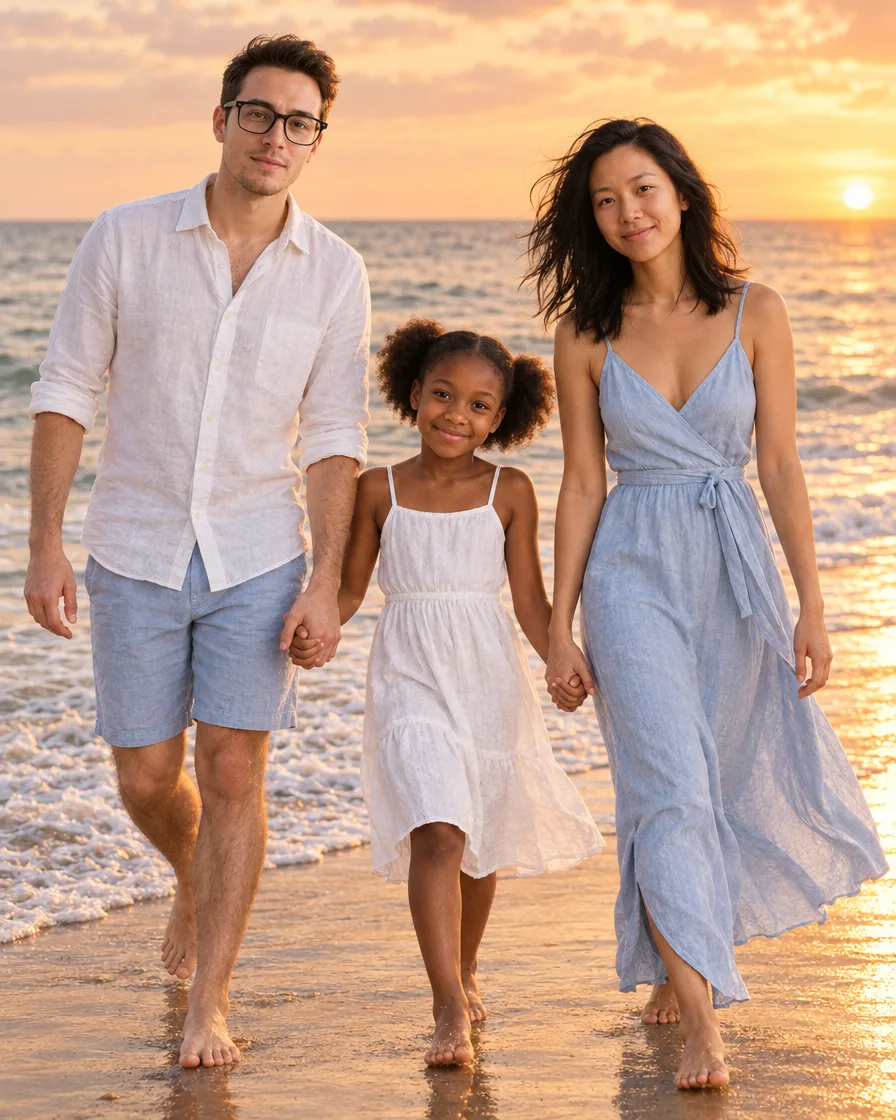
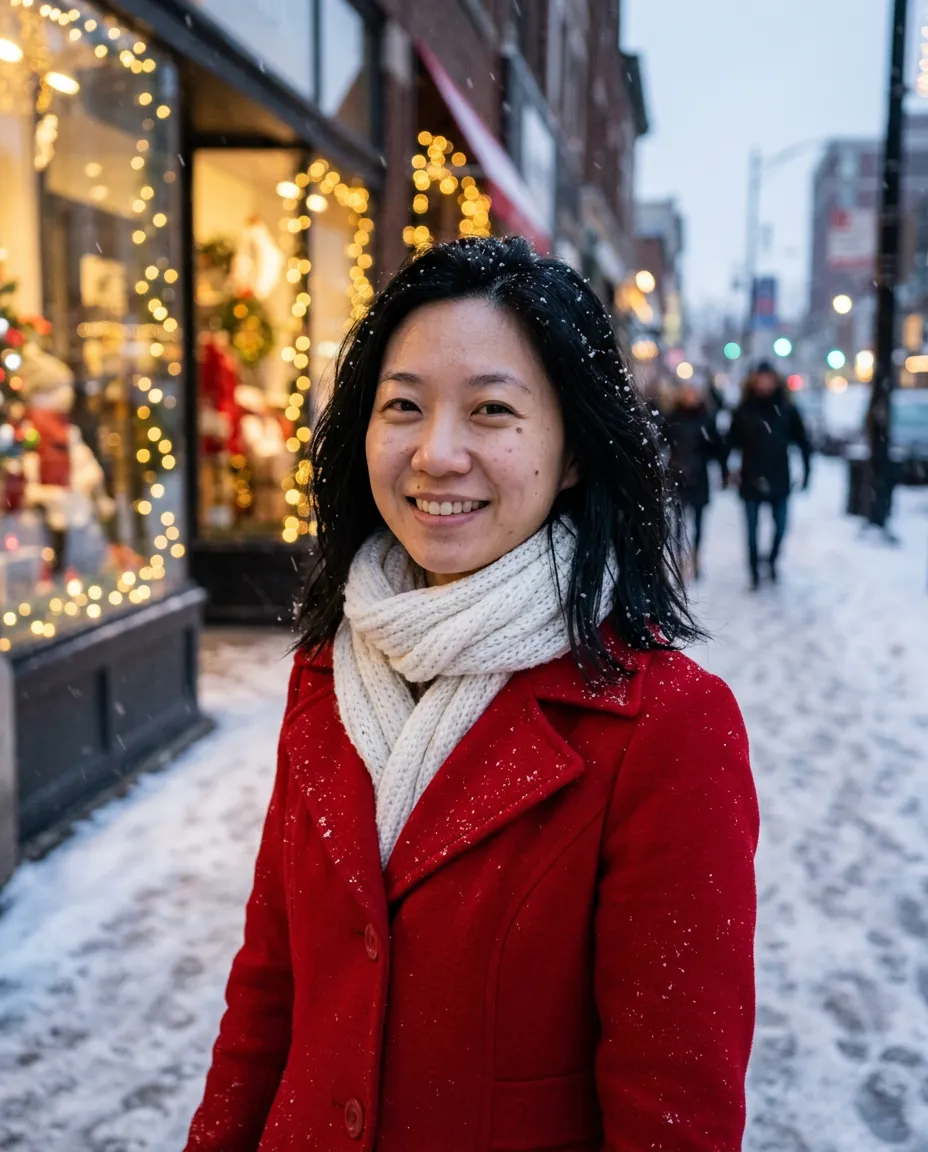
The headshot, profile picture, selfie, couple, group, family, pet and Christmas pages make your photos on the page itself.

  • Pick several styles and get a photo in each
  • The button shows the full price before you start
  • Choose GPT Image 2.5 quality, from Low to Max
Creating
Bring your own background, outfit or hairstyle
Print 12· big update

Bring your own background, outfit or hairstyle

Upload a photo of a place, a piece of clothing or a haircut, and PicYep puts you there, dresses you in it or styles you with it.

  • Edit up to 20 photos the same way, then download them all as one ZIP
  • Team headshots: everyone in the same looks, one photo each
Editing
'26 10 25Sunday
A price page that says what you get
Print 11· big update

A price page that says what you get

Four plans side by side, monthly or yearly, and a small pack to try things out.

  • One price per credit across every model
  • All five GPT Image 2.5 quality tiers
  • A 70-credit pack for $1.99
Plans & credits
See the plans
'26 10 24Saturday
Photos and video, one studio
Print 10· big update

Photos and video, one studio

Turn a photo into a clip without leaving the studio. Veo 3.1 Fast is the default, with more video models to choose from.

  • Start a clip from any of your photos
  • Every model priced before you start
Video
Make a clip
'26 10 23Friday
Photo editing, with the part you choose
Print 09· big update

Photo editing, with the part you choose

Editing models that change only what you mark, and photos at the exact size you set.

  • Mark a region and change only that
  • Set your own width and height, with the shape locked
Editing
Expand a photo
'26 10 22Thursday
A new home, and prices in your currency
Print 08· big update

A new home, and prices in your currency

The home page is a photo and video studio now, and prices show in euros, pounds, and Canadian and Australian dollars.

  • Stuck? Ask a person, right from the Assistant
Site & languages
'26 10 20Tuesday
A library of photo prompts you can use on yourself
Print 07· big update

A library of photo prompts you can use on yourself

Copy a tested prompt, or use it on your own photo in one tap. Christmas has a shelf of its own.

  • Every prompt shown with the photo it made
Creating
Browse the prompts
'26 10 19Monday
An Assistant that shows its plan first
Print 06· big update

An Assistant that shows its plan first

Tell it what you want; it shows the plan, the model and the price, then makes it and suggests what to try next.

  • Past conversations at your side
  • Saved people you can use again
  • 47 new couple looks
Creating
Open the studio
'26 10 18Sunday
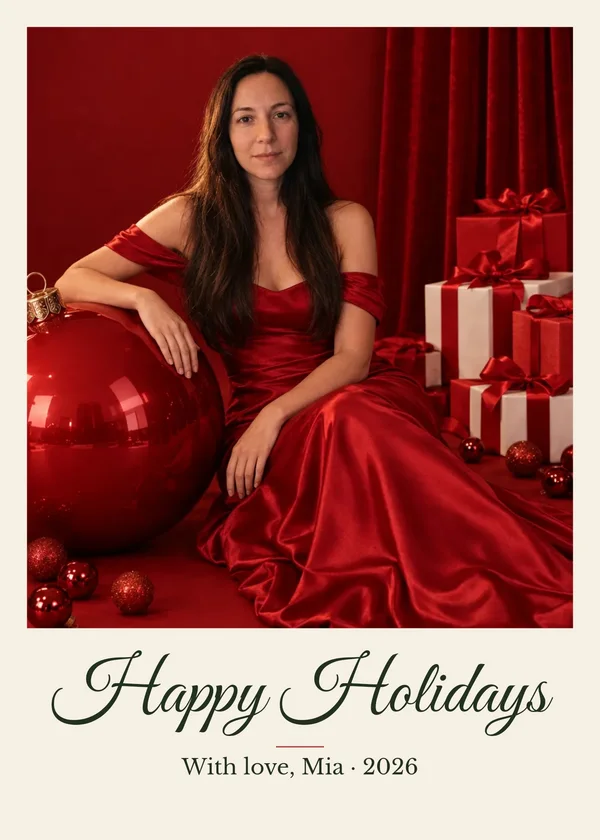
Christmas cards from your own photo
Print 05· big update

Christmas cards from your own photo

Pick a design, add your photo and your words, and download a card to send or print.

Creating
Make a card
'26 10 16Friday
Dark mode, following your device
Print 04· big update

Dark mode, following your device

The whole site switches with your device’s light or dark setting, or by your own choice in the header.

Site & languages
'26 10 15Thursday
'26 10 14Wednesday
PicYep speaks German
Print 03· big update

PicYep speaks German

A German PicYep at /de, with pages written for people searching in German.

Site & languages
'26 10 13Tuesday
'26 10 11Sunday
Plans and credit packs go on sale
Print 02· big update

Plans and credit packs go on sale

Buy a plan or a pack of credits and make more photos on more models.

Plans & credits
Try it
'26 10 09Friday
Frame one: PicYep is born
Print 01· big update

Frame one: PicYep is born

A photo-first AI photo generator: your photo goes in, a new photo of you comes out.

Creating
Try it

Next on the roll

Frames we have loaded but not exposed yet. Hover or tap to peek.

FRAME 14 · LOADINGYour favourites, in one place
FRAME 15 · LOADINGProduct photos for your shop
FRAME 16 · LOADINGSomething for the holidays

Want something on the next roll? Tell us with Feedback at the top of the page.