Upload your photo
A JPG, PNG or WebP from your phone or computer. You can also send it from your phone with a QR code.
Image editing
Upload your photo, paint over the object, and get the same photo without it. Everything you do not paint stays exactly as it was.
Your photos stay privateUpload a photo and choose a model. Your result, comparison and download will appear here.
Drag the line to compare. Each was made on PicYep from the photo on the left.
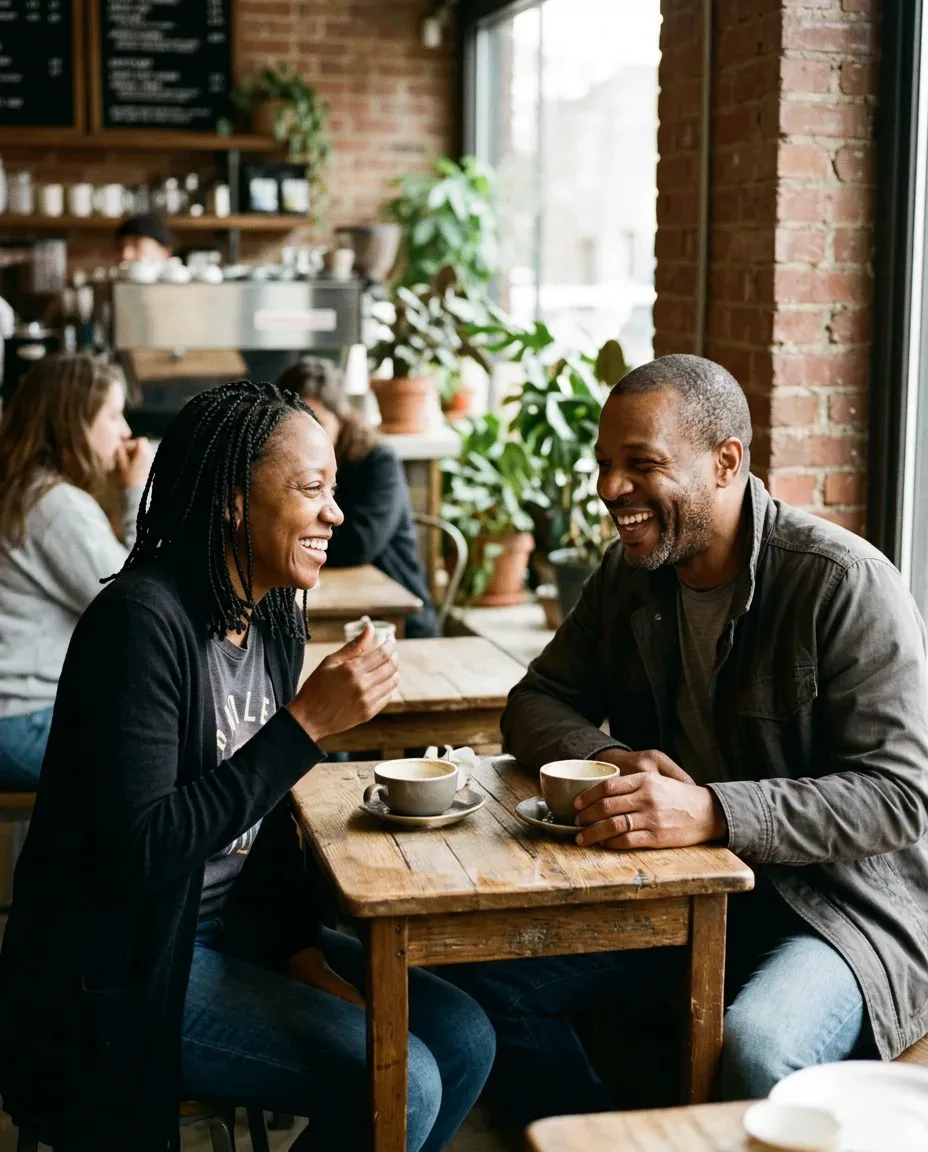
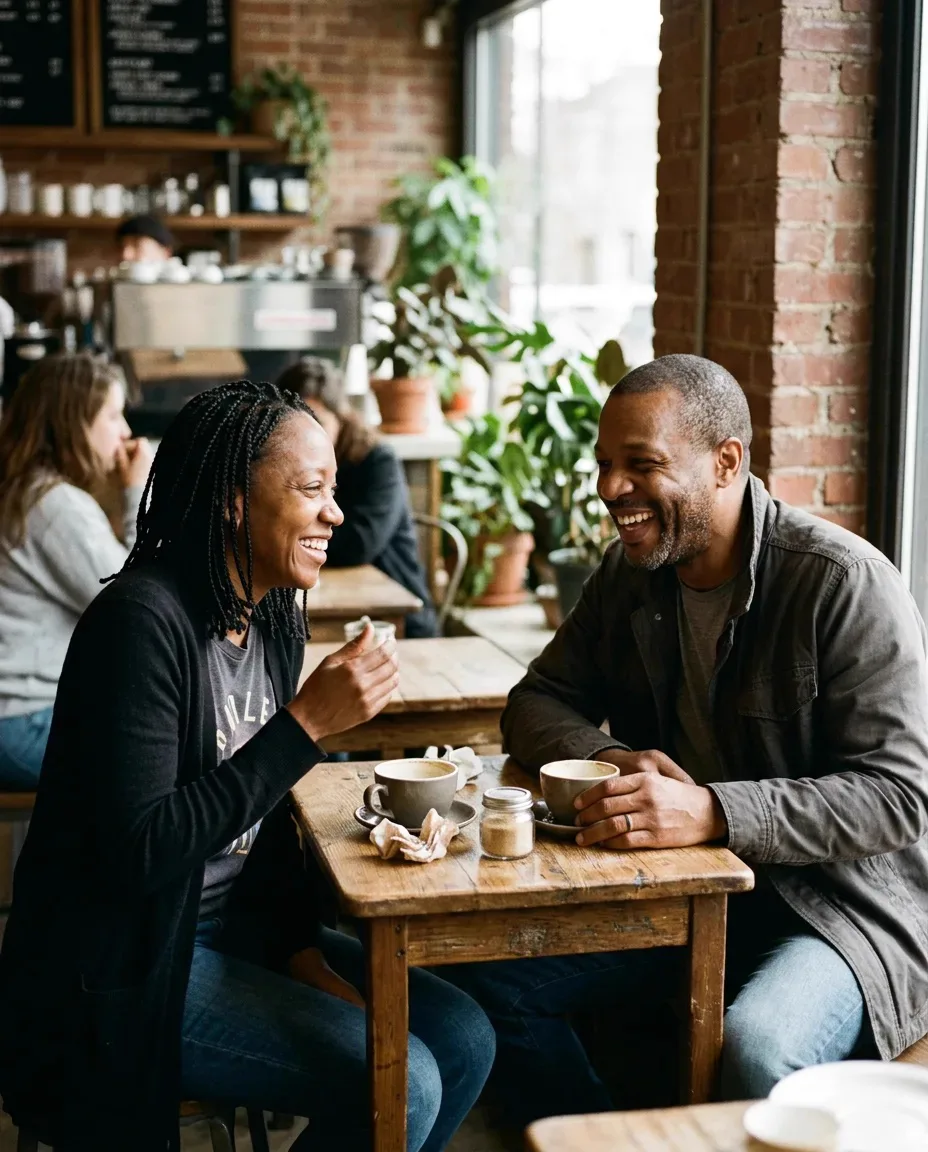
A JPG, PNG or WebP from your phone or computer. You can also send it from your phone with a QR code.
Brush over the whole thing, with its shadow and reflection. Zoom in for thin wires and edges.
The area is filled with what would be behind it, and the photo is saved to My photos as well.
The things people most often take out of a photo.
Clear the sky above a landscape, a house or a street.
Cups, cables, bags and toys that crept into the shot.
A sign, a date stamp or writing you do not want in the picture.
Things in front of a building or a view that spoil the photo.
A scratch, a label or a stray hair on a product you sell.
A lamp growing out of someone’s head, or a mess behind them.
Many erasers redraw the whole picture, so details and colours shift a little everywhere. PicYep takes the new pixels only from the area you painted and puts the rest of your photo back on top, pixel for pixel.
So faces, text you keep and fine details stay exactly as they were.
A cable or a spot is filled in almost invisibly. A large object in front of a busy background works best when you can see the background around it.
For a person, use the page made for removing people.
Go slightly past the edges, so no outline is left behind.
A shadow or a reflection left behind gives the object away.
For many things spread over the photo, remove a few, then continue from the result.
A sharp photo gives the fill more detail to match.
Upload the photo, paint over the object with its shadow, and press the button. The painted area is filled with what would be behind it, and you can download the result.
No. Everything outside what you painted is copied back from your photo, pixel for pixel. Only the painted area is new.
The price in credits is on the button before you start. If the photo does not come out, the credits go back to your account automatically.
The size of your photo, up to 4.5 megapixels (about 2600 × 1700). A larger photo comes back at that size. There is no watermark.
You can paint over text, signs and date stamps on your own photos. Only remove marks from photos you have the right to edit.
Yes, including HEIC photos from an iPhone. On a computer you can also send a photo from your phone by scanning a QR code.
Only you. Your photo and the result are kept private in your account, and you can delete them at any time.
Your photos are not used to train AI models. Originals are kept in private storage, and you can delete them at any time. Privacy policy
Paint over what should not be there, and keep everything else as it was.