

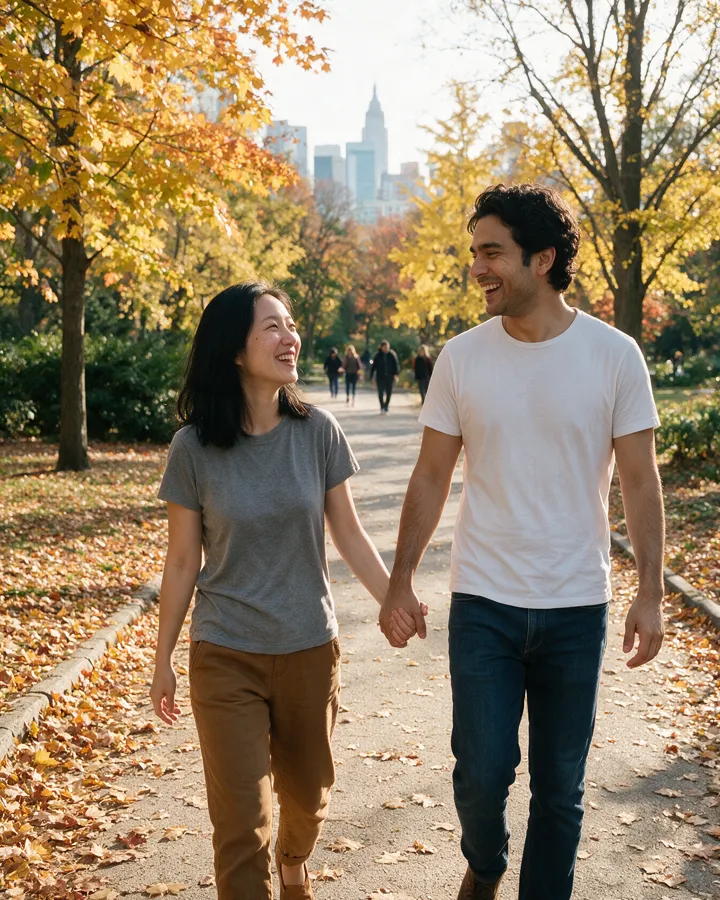
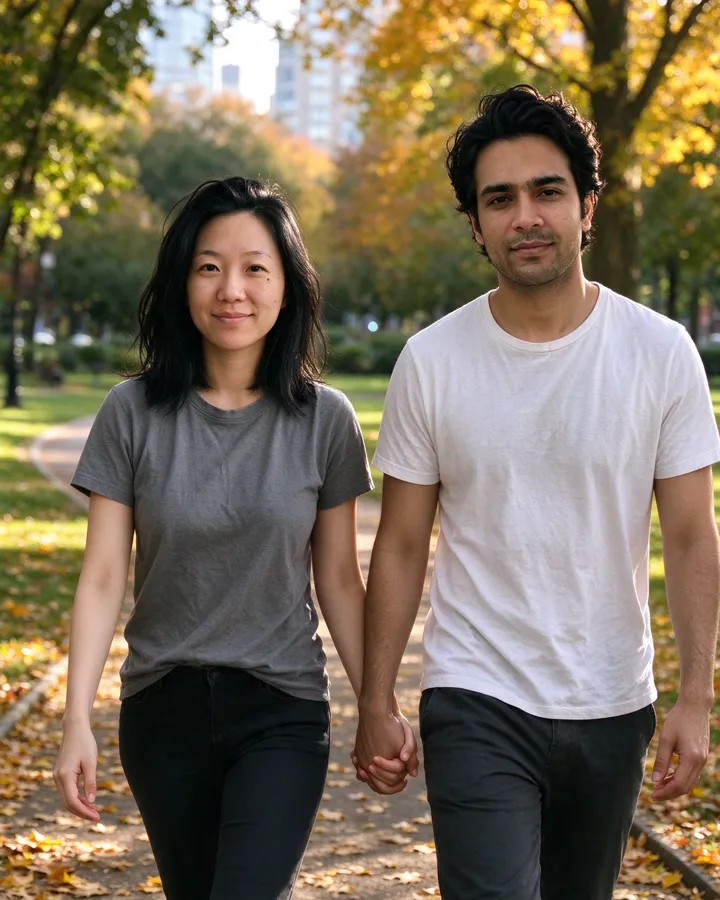
Camera movement and settings for AI video
Set how the camera moves, how people act and what you hear, and keep the mixes you like as presets. They are used in the video studio straight away.
All 49 camera movement and cinematic prompts
Every option above, with what it does and the words it adds to your prompt. Pick them above to use them here, or copy the words into any video model.
Style
Sets what kind of footage it looks like.
| Option | What it does | Prompt words |
|---|---|---|
| Cinematic | Photorealistic movie footage, with no 3D or game look. | Style: photorealistic cinema footage, high detail; no 3D render, no game-engine look. |
| Documentary | Unstaged and observed, like real life caught on camera. | Style: documentary footage, observational and unstaged. |
| Commercial | Polished, clean and bright; ads and products. | Style: polished commercial footage, clean and bright. |
| Phone vlog | A casual phone video for social posts. | Style: casual phone video, like a personal vlog. |
| 35mm film | Shot on film, with organic texture. | Style: shot on 35mm motion-picture film, organic texture. |
Camera movement
Sets how the camera moves. One movement per clip keeps the picture steady.
| Option | What it does | Prompt words |
|---|---|---|
| Locked off | The camera stays still and the people move. The steadiest choice. | Camera movement: static, locked-off shot; the camera does not move. |
| Push in | Moves slowly closer to draw attention to a face or detail. | Camera movement: one slow push in toward the subject. |
| Pull out | Moves slowly back to reveal the place; good for endings. | Camera movement: one slow pull out that reveals the surroundings. |
| Pan | Turns across the scene to show the space. | Camera movement: one slow pan across the scene. |
| Orbit | Circles the subject; people and products from every side. | Camera movement: the camera slowly orbits around the subject. |
| Follow | Moves along with the person as they walk. | Camera movement: the camera follows the subject as they move. |
| Crane up | Rises slowly; open and grand. | Camera movement: the camera rises slowly, a crane up. |
| Handheld | A slight natural shake; real and close. | Camera movement: handheld, with a slight natural shake. |
| Aerial | A drone view over the scene; big openings. | Camera movement: aerial drone shot moving slowly over the scene. |
Lens
Sets the lens: how wide the view is and how soft the background.
| Option | What it does | Prompt words |
|---|---|---|
| Cinema lens | A cinema lens with natural motion blur. | Lens: physical cinema lens, 180° shutter motion blur. |
| 24mm wide | A wide view with more of the place. | Lens: 24mm wide-angle cinema lens, the surroundings in view. |
| 50mm natural | As the eye sees; an honest perspective. | Lens: 50mm lens, natural perspective as the eye sees it. |
| 85mm telephoto | The background soft and pulled close; portraits. | Lens: 85mm telephoto lens, shallow depth of field, the background soft. |
| Phone camera | Looks filmed on a phone. | Lens: a modern smartphone camera, its wide lens. |
Light
Sets where the light comes from and how hard it is. It changes the mood the most.
| Option | What it does | Prompt words |
|---|---|---|
| Natural backlight | Soft light from behind with a little haze; the cinematic base. | Light: natural light only, soft backlight with light atmospheric haze; light from the sky and windows. |
| Golden hour | Low warm sun and long shadows; the evening glow. | Light: low golden-hour sun from the side, warm glow and long soft shadows. |
| Studio | Clean, even light like a studio; products and talking heads. | Light: studio softbox key light with a gentle fill, clean even shadows. |
| Overcast | Cloudy-day light with no hard shadows; calm and even. | Light: overcast daylight, soft and shadowless. |
| Neon night | Colored city lights at night. | Light: night city light from colored neon signs. |
| Low-key | One small light in the dark; dramatic, deep shadows. | Light: one small light source in a dark room, deep shadows, low-key. |
Color
Sets the color grade of the clip.
| Option | What it does | Prompt words |
|---|---|---|
| 60·30·10 balance | One main tone, one second tone and one small accent. | Color: 60:30:10, one dominant tone, one secondary, one small accent. |
| Warm film | Warm film tones with creamy highlights. | Color: warm film tones, creamy highlights. |
| Cool tones | Cool blue-green tones; calm and clean. | Color: cool blue-green tones, calm and clean. |
| Black and white | Black and white with rich grays. | Color: black and white with rich gray tones. |
| Muted | Soft, low-saturation colors; quiet and modern. | Color: muted, low-saturation colors, soft contrast. |
| Vivid | Strong saturated colors and contrast; bold. | Color: vivid saturated colors with strong contrast. |
Skin
Keeps real skin texture from frame to frame.
| Option | What it does | Prompt words |
|---|---|---|
| Real skin | Real pores and marks, with no smoothing. | Skin: real skin texture with visible pores; the person's own moles, freckles and lines kept, no smoothing. |
Physics
Gives things real weight, so movement and falls look true.
| Option | What it does | Prompt words |
|---|---|---|
| Real weight | Gravity and inertia respected; nothing floats. | Physics: gravity and inertia respected, everything has real weight; correct contact shadows; nothing floats. |
Acting
Sets how people move. Small, slow movements keep faces the most like themselves.
| Option | What it does | Prompt words |
|---|---|---|
| Natural | Believable: small pauses, a steady gaze, visible breathing. | Acting: natural and believable, small pauses before reactions, a steady eye-line, visible breathing. |
| Small and slow | Small, slow movements only; faces stay the most like themselves. | Acting: small, slow, continuous movements only; no sudden or large motions. |
| Lively | Bigger gestures and expressions; energetic. | Acting: lively and expressive, with clear gestures. |
Composition
Sets how the shot is framed.
| Option | What it does | Prompt words |
|---|---|---|
| Rule of thirds | Balanced framing, with everyone already moving from the first frame. | Composition: rule of thirds; everyone already moving from the first frame. |
| Centered | The subject in the middle, symmetrical. | Composition: the subject centered in a symmetrical frame. |
| Close-up | The face fills the frame. | Composition: close-up on the face. |
| Medium shot | From the waist up. | Composition: medium shot, from the waist up. |
| Wide shot | The person small in a big place. | Composition: wide shot, the subject small in the setting. |
Continuity
Keeps the same face, clothes and place for the whole clip.
| Option | What it does | Prompt words |
|---|---|---|
| Same throughout | The same face, clothes, props and place from start to end. | Continuity: people, clothes, props and place stay the same throughout; no change of face. |
Frame rate
Sets the pace of time: cinematic, real, slowed down or sped up.
| Option | What it does | Prompt words |
|---|---|---|
| 24fps cinema | Smooth cinematic motion. | Technical: 24fps cinematic motion, smooth, no jitter. |
| Real time | Motion at real speed. | Technical: real-time motion, smooth, no jitter. |
| Slow motion | Slowed down to make small moments big. | Technical: slow motion. |
| Time-lapse | Time passes quickly; clouds, crowds, cities. | Technical: time-lapse, time passing quickly. |
Audio
Sets what you hear in the clip.
| Option | What it does | Prompt words |
|---|---|---|
| Scene sounds only | Only the sounds of the place; no music, no subtitles. | Audio: natural sounds of the scene only; no music, no subtitles. |
| Sounds and soft music | The sounds of the place with soft music. | Audio: natural sounds of the scene with soft background music; no subtitles. |
| Spoken words only | Only the words you wrote for people to say. | Audio: only the spoken words written above, with quiet room sound; no music, no subtitles. |
How to use them
- Choose one camera movement first, then the look and the acting. Leave a setting off to let the model decide.
- Name the mix and save it as a preset, or copy its link to share it.
- Press "Make a video with these". The settings go with every clip you make until you turn them off.
More to try: AI video generator · Photo camera
Questions
How do I describe camera movement in an AI video prompt?
Name one movement per clip in plain words, such as one slow push in toward the subject. The movement options above are written that way, and you can copy them.
Which settings are left out when the clip starts from a photo?
Style, lens, light, color and composition, because the photo already sets them. Sound is used only when the clip has sound.
Can I save my own settings and add my own options?
Yes. Save up to 20 presets, add up to 8 options of your own to any setting, and add up to 6 settings of your own. Signed in, they are kept with your account; signed out, in this browser.
Does it cost anything?
Choosing settings and saving presets is free. Making a video uses credits, the same as without camera settings; prices are on the pricing page.