
PicYepAI photo editor
In your browser, no app
AI Photo Editor: Edit a Photo with Words
Pick one photo and say in a sentence what to change. Swap the background, erase things, upscale it, add a person and more.
Try it with free credits. The price is shown before each edit.
What you can change with AI
Besides a sentence, you can start from a page made for one job.
- Change the backgroundPut the photo in another place or setting.Open
- Remove the backgroundCut out the subject and keep it on a transparent background.Open
- Erase what you do not wantPaint over a thing or a person that got in the frame and it is gone.Open
- Add a personPut another person in the photo so they are in one picture together.Open
- UpscaleEnlarge the photo and make the fine details sharper.Open
- Extend the pictureCarry the scene on past the edges of the photo.Open
- Change the lightChange the direction and mood of the light.Open
- Retouch skin, hair and clothesSmooth skin, or try another hairstyle or outfit.Open
Edits made on PicYep
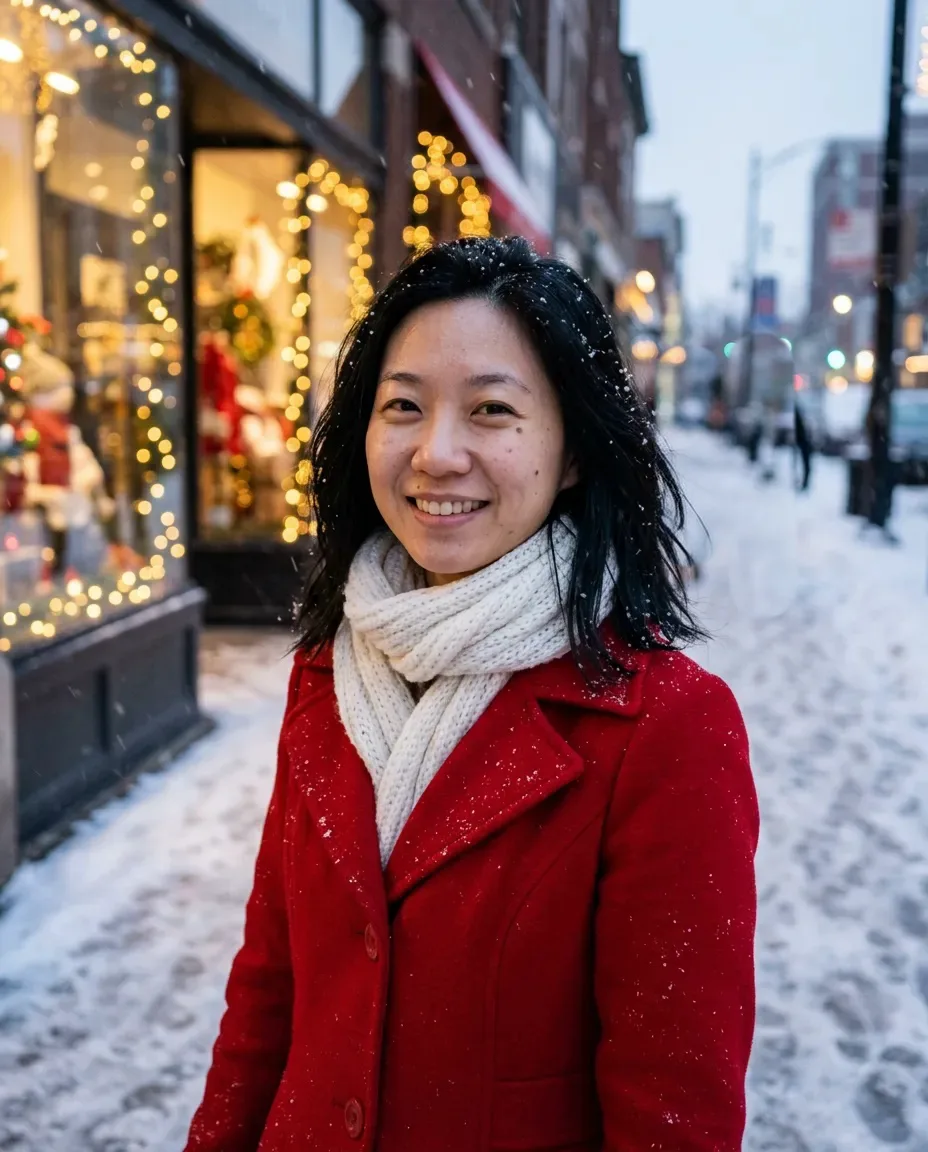
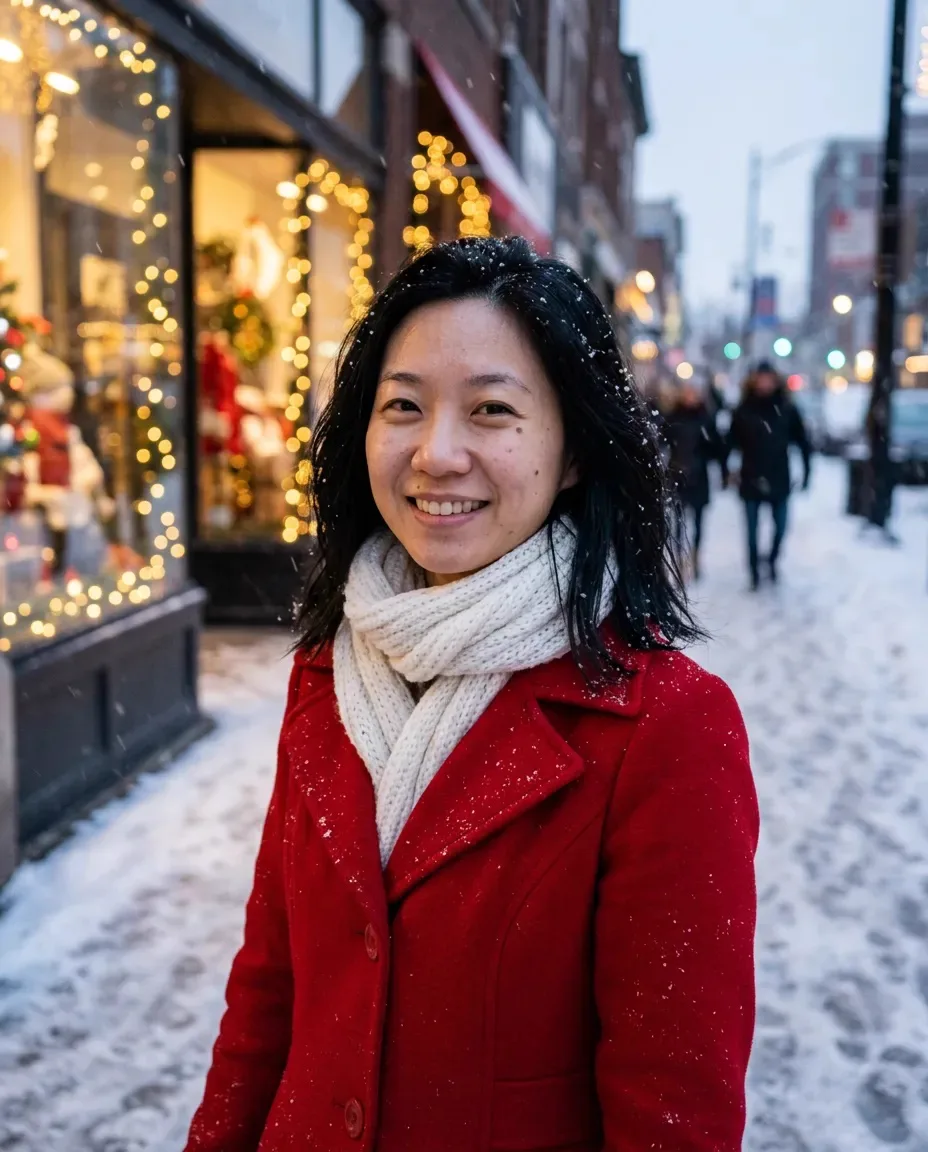
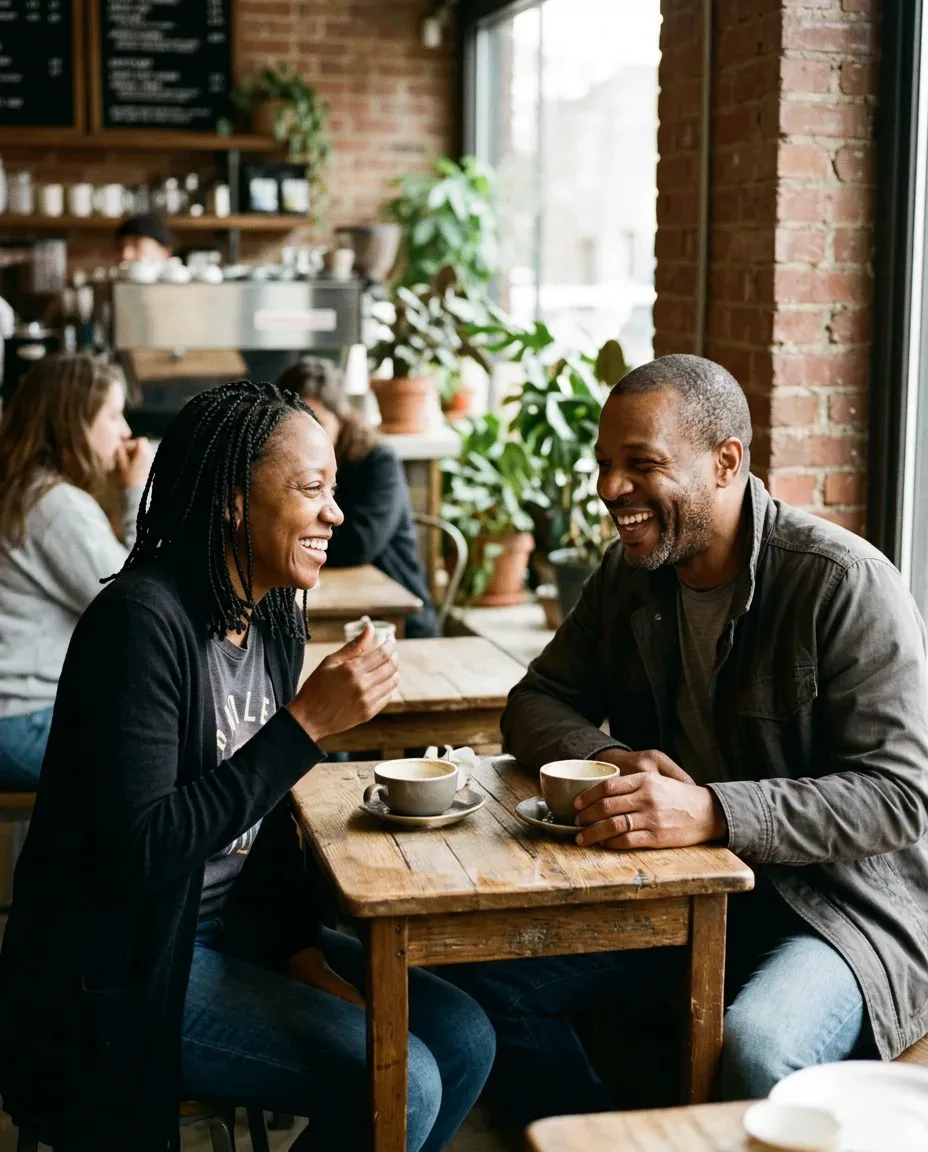
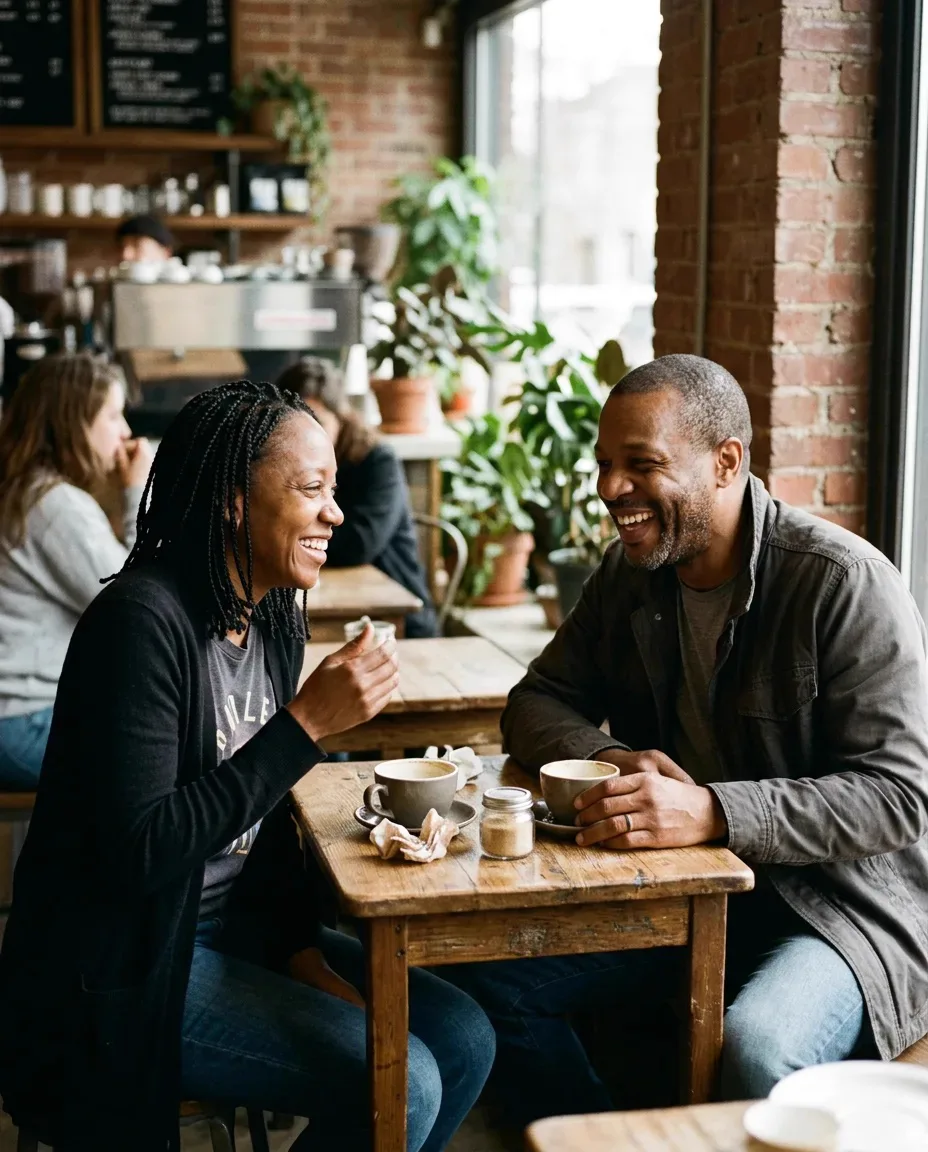
Real edits made on the site. Drag the slider to compare with the original.



Three steps
- 01Choose a photo
Upload the photo you want to edit. Photos from your phone work too.
- 02Say what to change
Write it the way you would say it: "make the background a sunset". No special commands.
- 03Check it and save
See the price, run the edit, compare it with the original and save.
Questions
What people ask before they edit a photo with AI.
Is the AI photo editor free?
New accounts get free credits to try it, and no card is needed. After that there are credit packs and plans from a few dollars, and each edit shows its price before you run it.
Do I need to install an app?
No. It runs in the browser on a computer, a phone or a tablet.
Can I edit photos taken on my phone?
Yes. JPEG, PNG and WebP work, and so does the iPhone HEIC format. A photo that is too large is converted to a size that is easy to work with.
Can I change only part of a photo?
Yes. Say which part to change, or paint over what you want gone. What you did not mention is kept as it is as far as possible.
Will editing change the face or the mood of the photo?
If you ask for one change, the rest is kept as far as possible. You can compare the result with the original, and try again if you do not like it.
Are my edited photos public?
No. Your photos are saved to your own library only.
What can I change?
Change or remove the background, erase things and people, add a person, upscale, extend the picture, change the light, and change hair, clothes and skin.
Can I use an edited image commercially?
The image is yours to use and has no watermark. Check the permission of the people in it and the rights to the original photo yourself.