Image editing
AI Image Expander: Extend a Picture Beyond Its Edges
Upload a photo and the AI paints in the rest of the scene to a new shape, such as 16:9 or 9:16. The original stays whole in the middle.
Your photos stay private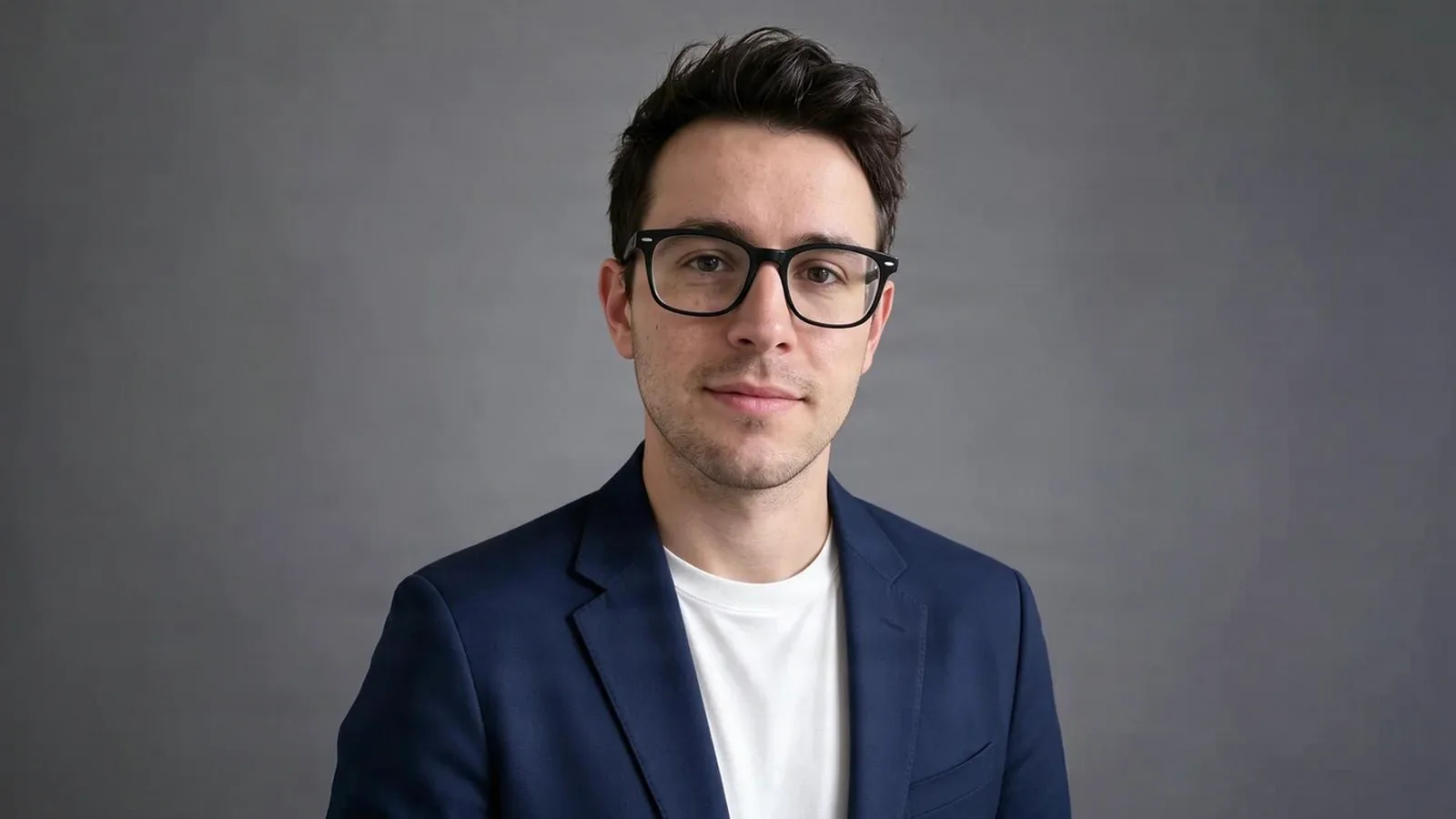

Example from this site. The model used is shown alongside.
What extending a picture is for
More picture around your photo, for these and more.
- Portrait to landscapeTurn a vertical photo into a wide one for a banner, a header or a video cover.
- Stories, reels and shortsExtend a photo to 9:16 so it fills a phone screen.
- Room for textAdd sky, floor or wall around the subject for a title, a price or a crop.
- Square for a profile or a shopExtend a photo to 1:1 without cutting anything off.
An extension made on PicYep
A real result from the site, extended to a wider shape.
Three steps
- 01Choose a photo
Upload the photo you want to extend.
- 02Choose a shape
Pick 1:1, 4:5, 9:16, 3:2 or 16:9.
- 03Check the price and save
The extended picture is saved to your library as its own photo.
Questions
What people ask before they extend a picture with AI.
Is the AI image expander free?
New accounts get free credits to try it, and no card is needed. After that there are credit packs and plans from a few dollars, and the price is shown before you start.
Do I need an account?
Yes. You create an account to keep your credits and your photos. Signing up is quick and needs no payment card.
Which shapes can I choose?
Square (1:1), 4:5, vertical 9:16, 3:2 and wide 16:9.
Does the original photo change?
No. The original stays whole in the middle, and only the area around it is painted in. The result is saved as a photo of its own.
Which file formats work?
JPEG, PNG and WebP, and the iPhone HEIC format.
Are my photos public?
No. Your photos and the extended pictures are saved to your own library only.